프로젝트 일정과 주요 단계를 한눈에 보여주는 타임라인 템플릿 AI 프롬프트입니다.
2026.07.17
「타임라인 템플릿」 원하는 대로 직접 만들어보세요「타임라인 템플릿」 직접 만들어보세요
대화로 요청만 하면 최적화된 이미지·영상을 만들어줘요

매일 무료 100크레딧으로 바로 시작
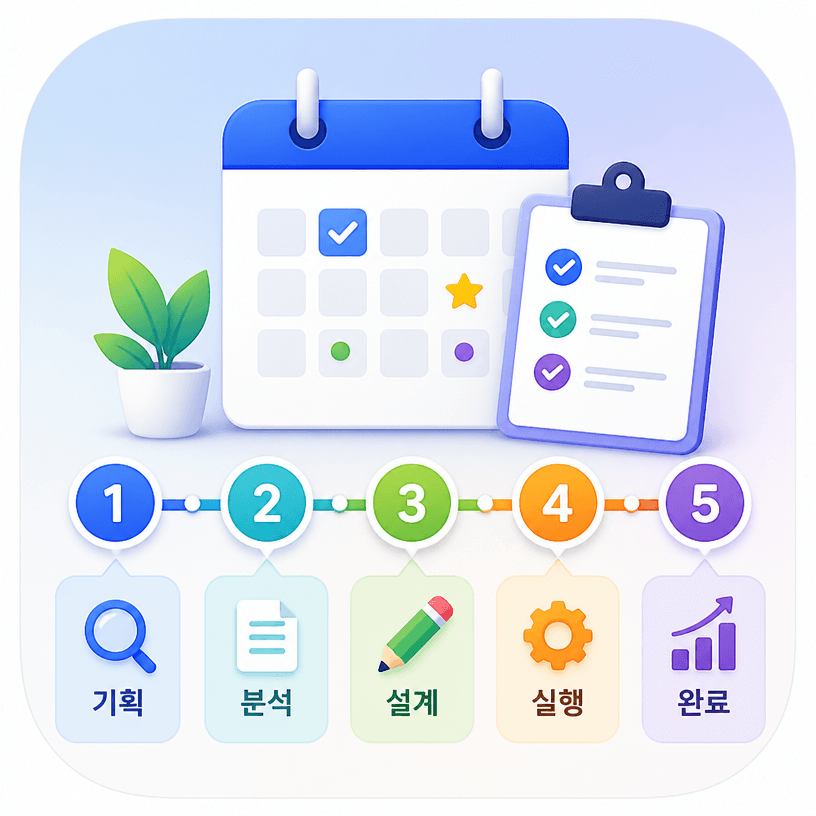
타임라인 템플릿 AI 프롬프트는 프로젝트의 시작부터 완료까지 이어지는 주요 단계와 날짜를 시각적으로 정리하는 이미지 프롬프트입니다. 다섯 개 안팎의 연결된 단계, 마일스톤, 일정 아이콘, 짧은 설명 영역을 하나의 읽기 쉬운 레이아웃으로 구성할 수 있습니다. 기획서에 넣을 일정표를 만들거나 업무 진행 상황을 공유할 때, 빈 캔버스에서 직접 배치하지 않고도 전체 구조를 빠르게 확인할 수 있습니다. 이미지 생성 모델에 목적과 단계 수, 색상 분위기, 가로세로 비율을 함께 알려주면 발표 자료나 콘텐츠용 시안을 만들기 좋습니다.
신제품 출시 일정, 캠페인 진행표, 서비스 개발 로드맵, 행사 준비 순서, 학습 계획처럼 시간의 흐름이 중요한 주제에 활용할 수 있습니다. 한 장짜리 인포그래픽으로 만들면 팀 미팅에서 진행률을 설명하기 쉽고, 소셜 콘텐츠용으로 변형하면 복잡한 계획을 짧은 시간 안에 전달할 수 있습니다. 단계마다 아이콘을 붙이면 텍스트가 많지 않아도 의미를 구분할 수 있으며, 브랜드 색상을 지정하면 기존 문서와 시각적 통일감도 유지됩니다.
먼저 단계 수와 순서를 명확히 적고, 각 단계의 핵심 단어를 짧게 정리하세요. 예를 들어 조사, 기획, 제작, 검수, 공개처럼 동작 중심의 표현을 사용하면 구조가 분명해집니다. 날짜를 실제로 넣을지 비워둘지도 지정하고, 카드형 노드인지 하나의 선형 흐름인지 선택하는 것이 좋습니다. 썸네일에서도 흐름이 보이도록 여백을 충분히 두고, 작은 글자 대신 색상과 아이콘으로 우선순위를 표현하면 안정적인 시안을 얻을 수 있습니다.
AI가 생성한 이미지의 날짜와 문구는 실제 문서에 바로 사용하기 전에 반드시 검토해야 합니다. 정확한 일정 공유가 목적이라면 생성 결과를 구조 참고용으로 활용하고, 최종 숫자와 텍스트는 편집 도구에서 다시 입력하는 방식이 안전합니다. 배경과 선의 대비, 단계 간 간격, 모바일에서의 가독성도 함께 확인하면 업무용과 홍보용 모두에 쓰기 좋은 타임라인을 완성할 수 있습니다.



