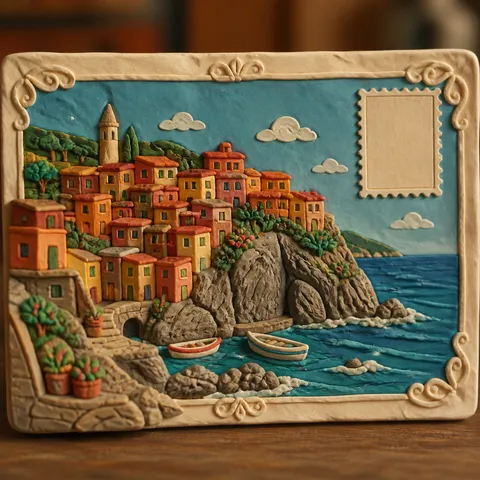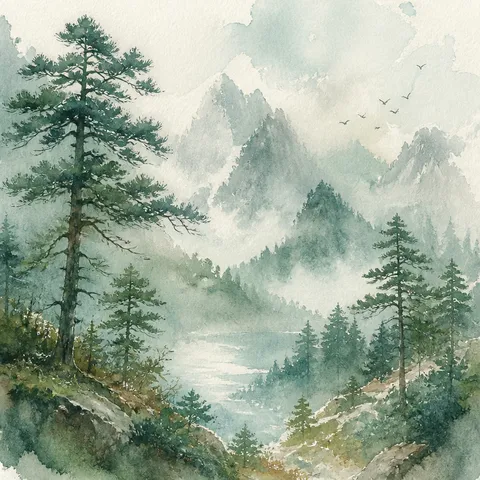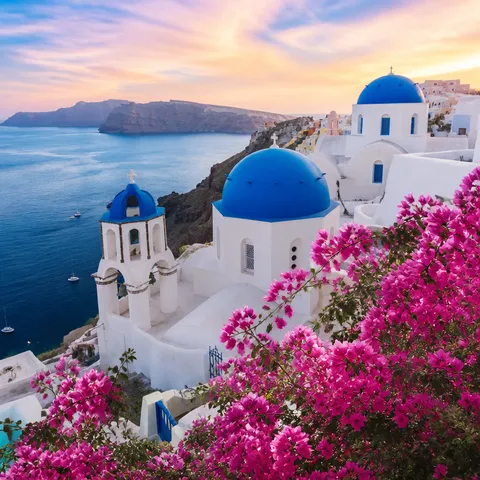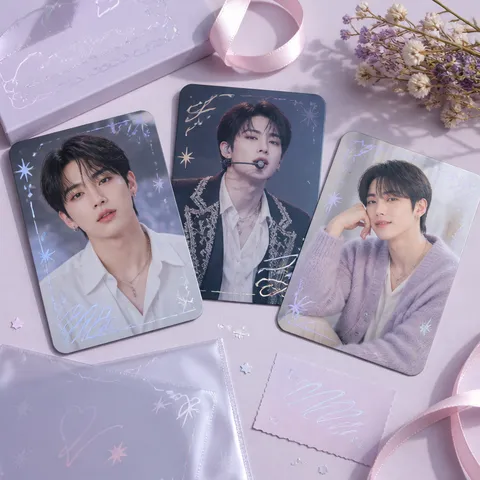
엽서 디자인
엽서 이미지 제작에 바로 활용할 수 있는 AI 프롬프트와 구도, 조명, 디테일 작성 팁을 확인하세요.
2026.07.16
「엽서 디자인」 원하는 대로 직접 만들어보세요「엽서 디자인」 직접 만들어보세요
대화로 요청만 하면 최적화된 이미지·영상을 만들어줘요

매일 무료 100크레딧으로 바로 시작
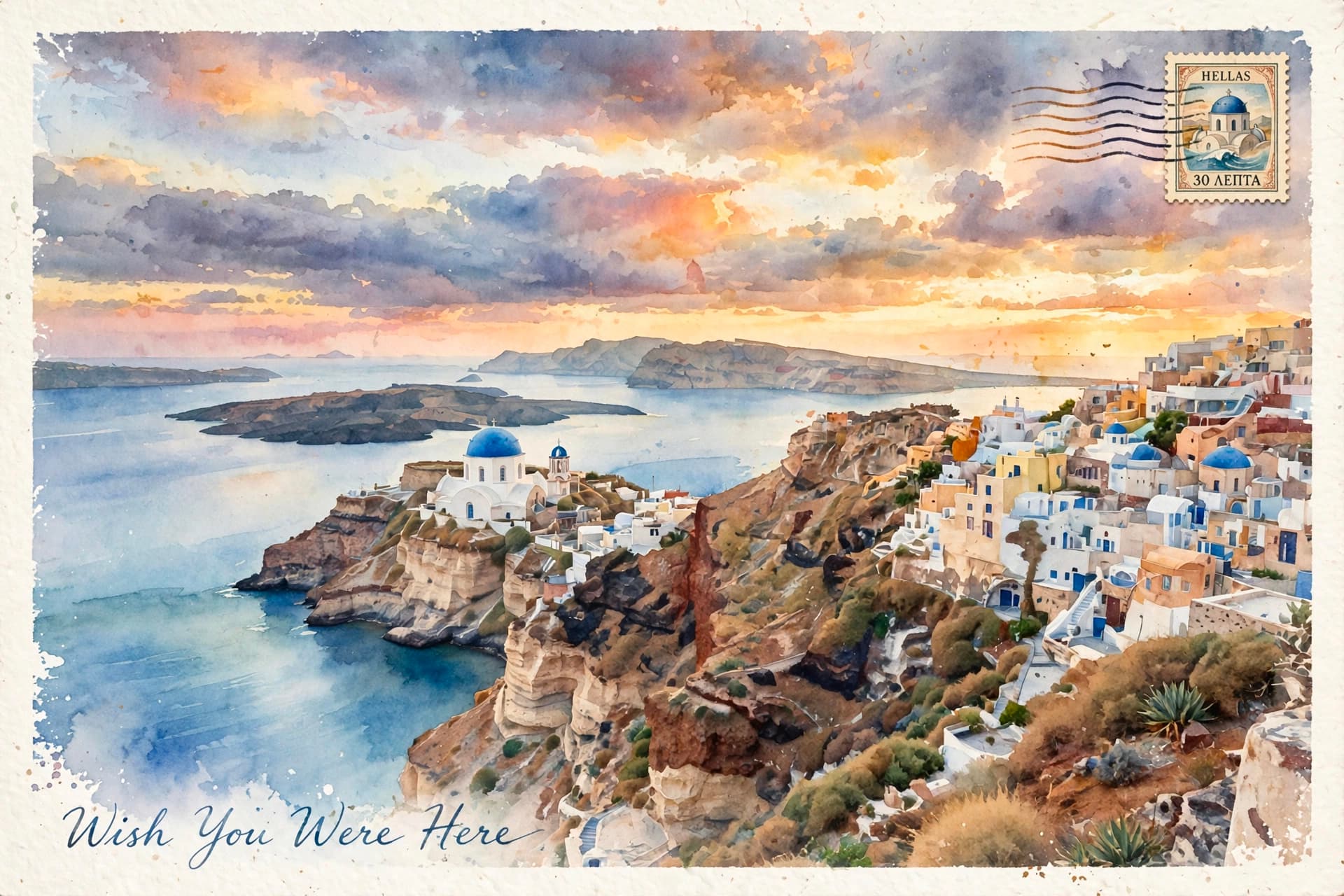
수채화 여행 엽서
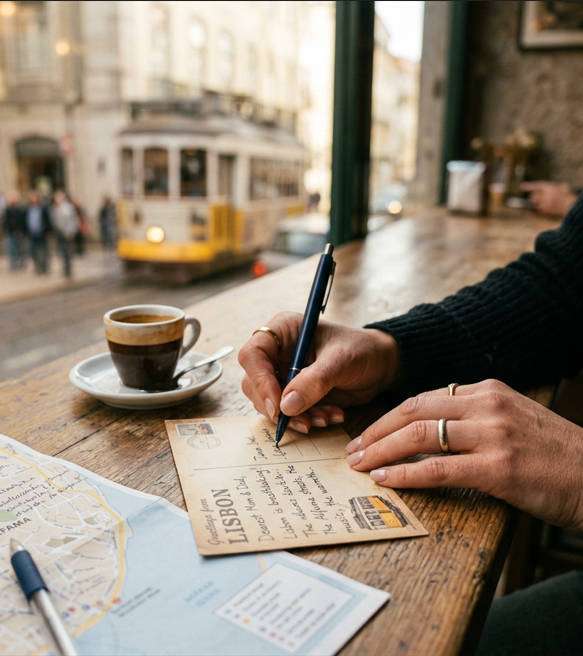
엽서와 손 디테일
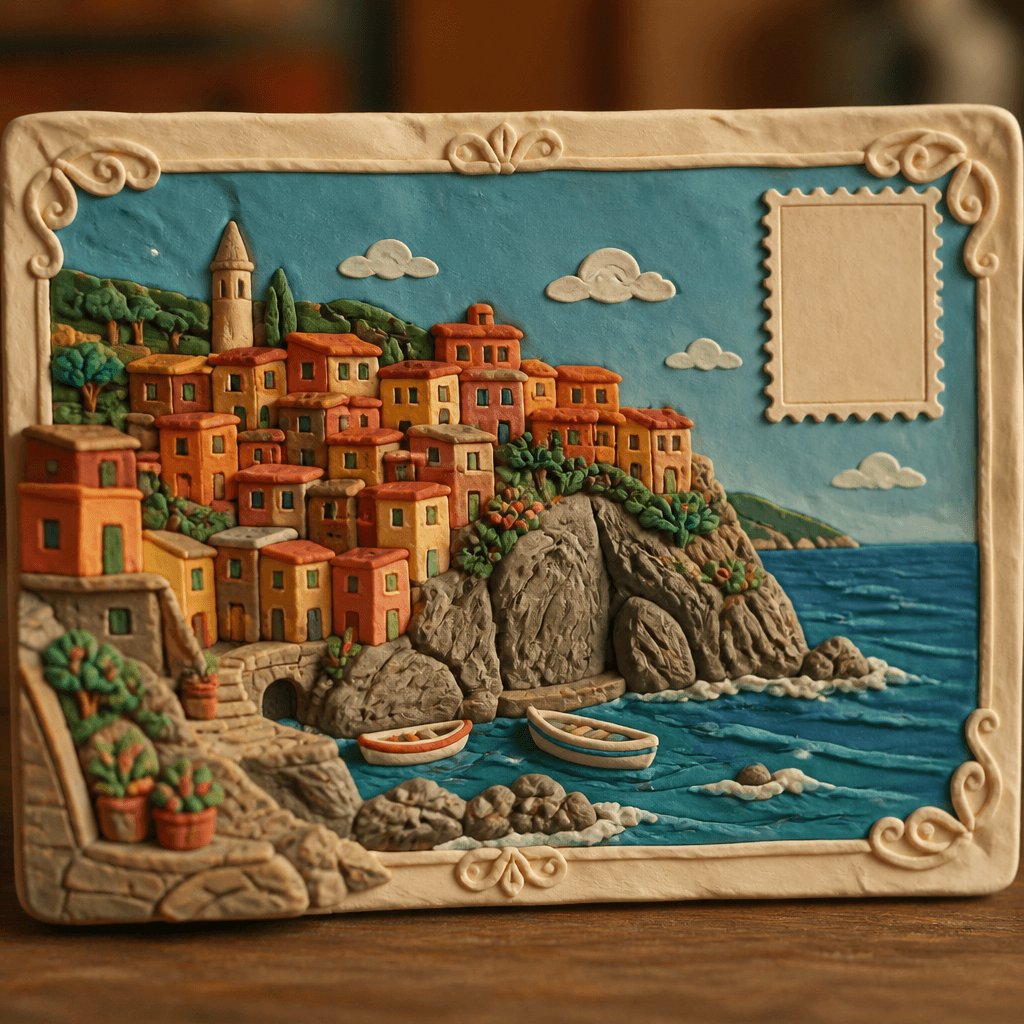
엽서 디자인
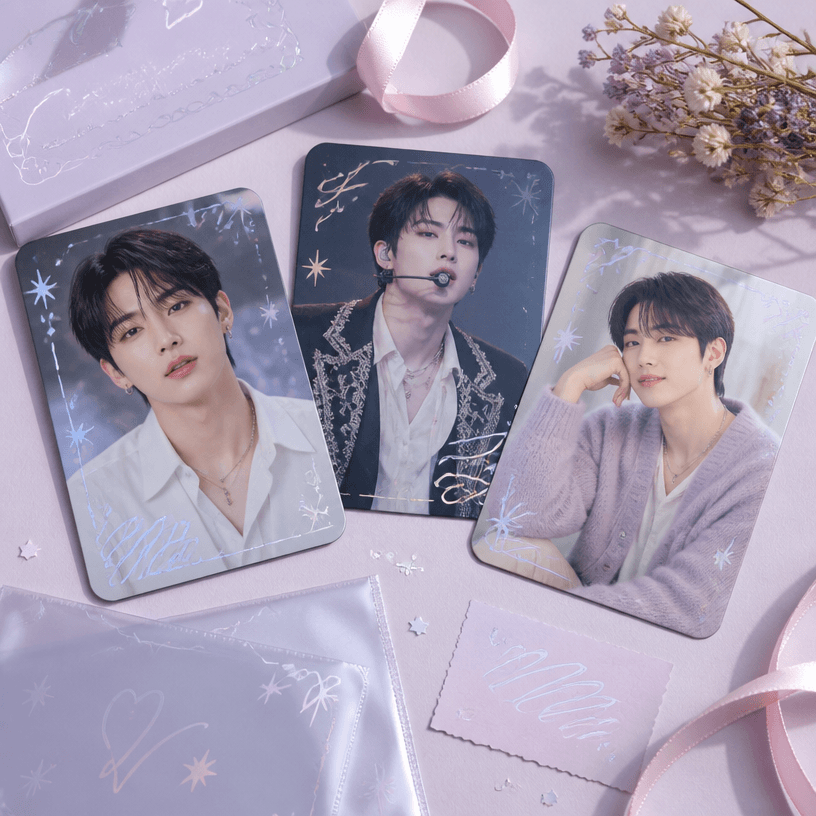
아이돌 우편엽서
엽서 AI 프롬프트란?
엽서 AI 프롬프트는 짧은 메시지와 이미지를 조화롭게 담은 엽서 디자인을 만들기 위한 구체적인 지시문입니다. 단순히 주제 이름만 입력하는 대신 앞면 이미지·메시지 여백·주소 영역·인쇄 질감·비율처럼 화면에서 확인할 수 있는 요소를 지정하면 결과의 방향이 또렷해집니다. 사용 목적과 화면 비율, 시점, 배경까지 함께 적으면 여러 시안을 생성해도 핵심 특징을 안정적으로 유지할 수 있습니다.
주요 활용 장면
- 쇼핑몰과 예약 페이지의 대표 이미지 제작
- SNS 카드뉴스와 짧은 영상의 첫 장면 구성
- 블로그 후기와 가이드 글의 설명용 비주얼 제작
- 제안서와 무드보드에서 스타일 방향 비교
- 동일한 주제로 구도와 색상 변형 시안 탐색
이 태그가 유용한 이유
엽서 이미지는 작은 디테일과 전체 구도가 동시에 설득력 있어야 합니다. 프롬프트에 재료, 색 배합, 표면 질감, 카메라 거리와 조명을 나누어 적으면 수정할 지점을 빠르게 찾을 수 있습니다. 같은 지시문에서 한두 요소만 바꿔 비교하면 원하는 스타일을 고르기 쉽고, 브랜드나 채널에 필요한 일관된 결과도 확보할 수 있습니다. 실제 인쇄나 게시를 염두에 둔다면 글자가 들어갈 여백과 최종 크롭 비율도 미리 지정하세요.
관련 프롬프트 더 보기
- anniversary-card 프롬프트
- wedding-card 프롬프트
- event-invitation 프롬프트
- photo-zone-backdrop 프롬프트
- oil-painting-style 프롬프트
프롬프트 구성 팁
- 핵심 피사체의 형태와 반드시 보여야 할 특징을 첫 문장에 씁니다.
- 앞면 이미지·메시지 여백·주소 영역·인쇄 질감·비율 중 중요한 요소를 우선순위대로 추가합니다.
- 정면, 탑뷰, 45도 시점처럼 카메라 위치와 렌즈 느낌을 지정합니다.
- 부드러운 창가 빛, 확산광, 따뜻한 실내광처럼 조명과 색온도를 명시합니다.
- 세로형은 숏폼, 정사각형은 상품 카드, 가로형은 배너처럼 용도에 맞는 비율을 선택합니다.
마지막으로 불필요한 문자, 워터마크, 왜곡된 손이나 반복 오브젝트처럼 피하고 싶은 요소를 제외 조건에 적으세요. 첫 결과에서 피사체 크기와 배경 복잡도를 확인하고 한 항목씩 조정하면 엽서의 특징을 살리면서도 실제 활용에 적합한 이미지를 완성할 수 있습니다.
자주 묻는 질문
프롬프트 텍스트는 무료로 복사할 수 있습니다. 이미지 생성은 크레딧이 소모됩니다.
네, 캐럿에서 생성한 이미지는 상업적 용도로 자유롭게 사용할 수 있습니다.
네, 색상, 조명, 구도 등의 키워드를 변경하여 커스터마이징할 수 있습니다.
GPT Image 2 모델을 기본으로 사용합니다.
1024x1024 이상의 해상도로 생성됩니다.
한 번에 1장씩 생성되며, 여러 장이 필요하면 각각 실행하세요.
명시하지 않는 한 텍스트는 생성되지 않습니다.