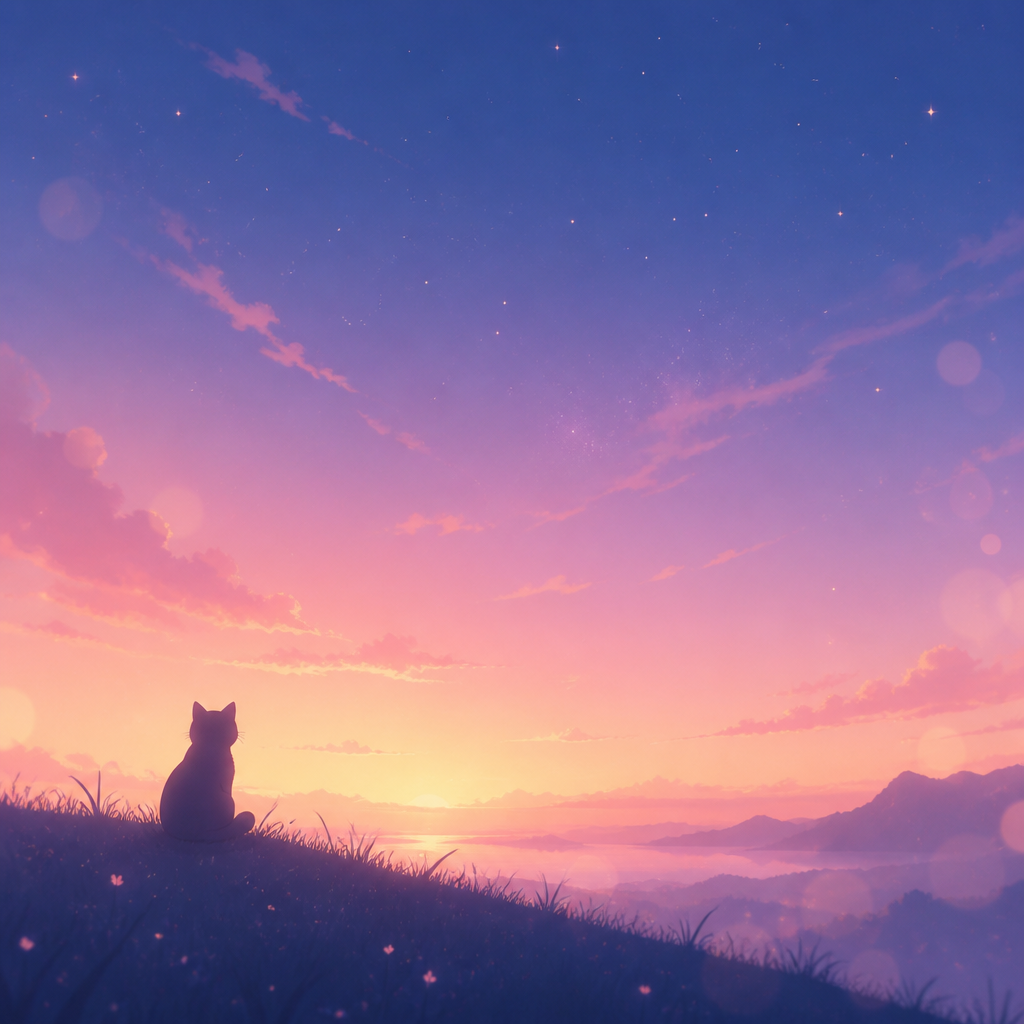
Background Scene
Generate high-quality backgrounds for any project. From cinematic landscapes to professional studio sets, create the perfect backdrop with AI.
2026.07.08
Make “Background Scene” exactly the way you wantCreate your own “Background Scene”
Just ask in plain language — Carat generates optimized images and videos for you.

Start now with 100 free credits daily
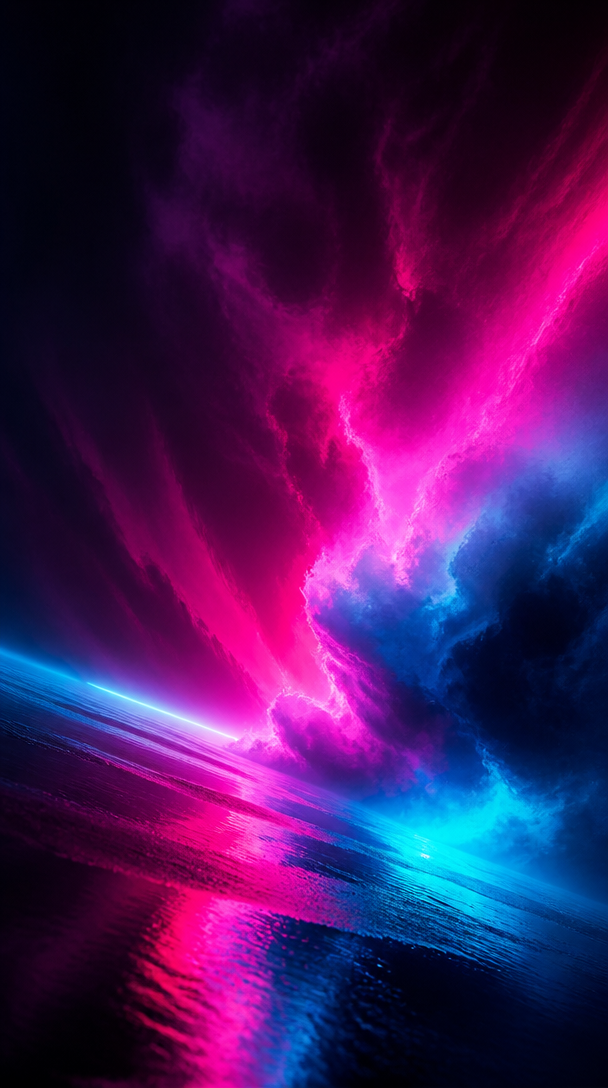
그라데이션 배경

무지개 배경

줌 화상회의 배경
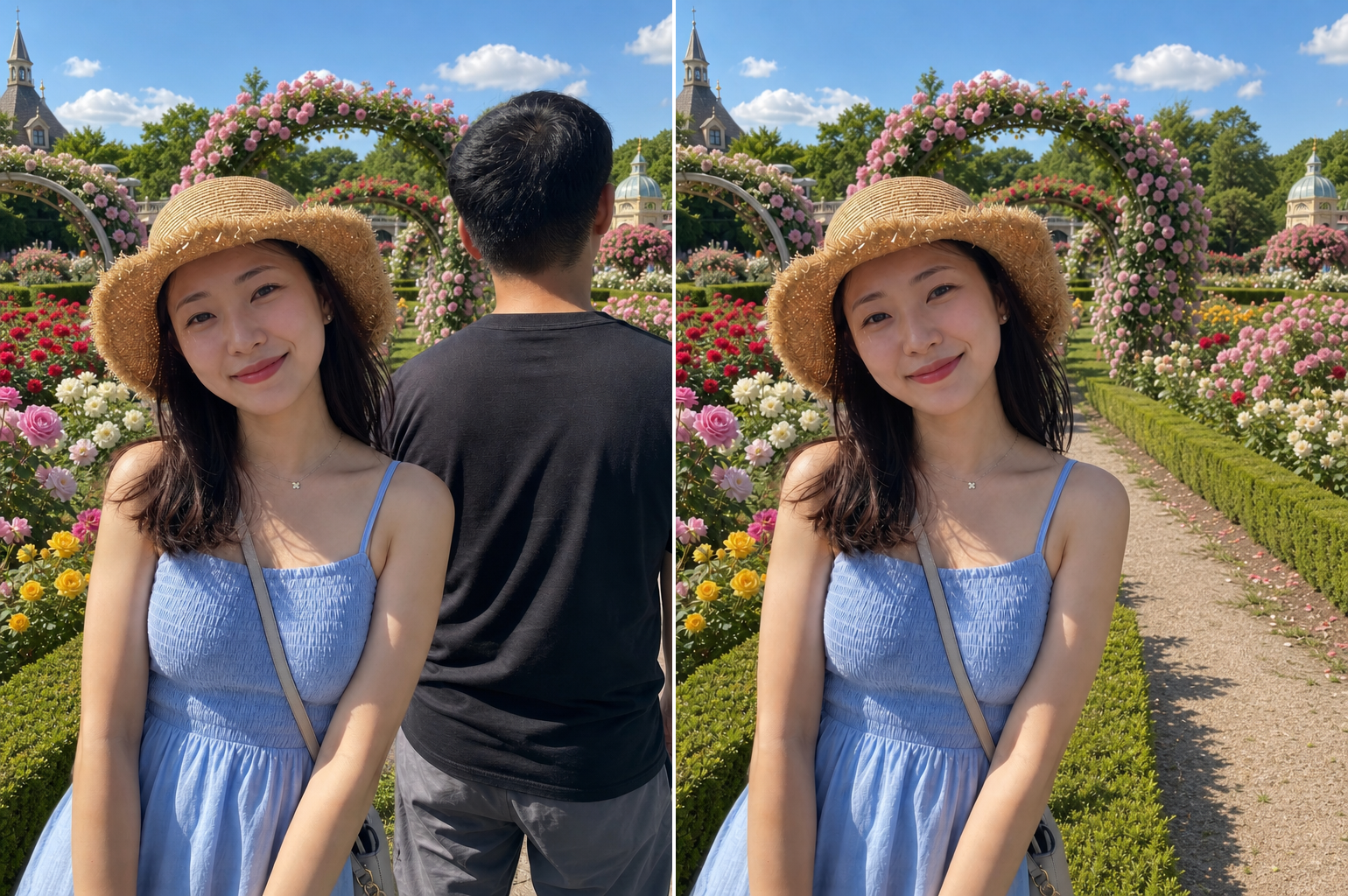
Background People Removal
Pink Bob Qipao Portrait
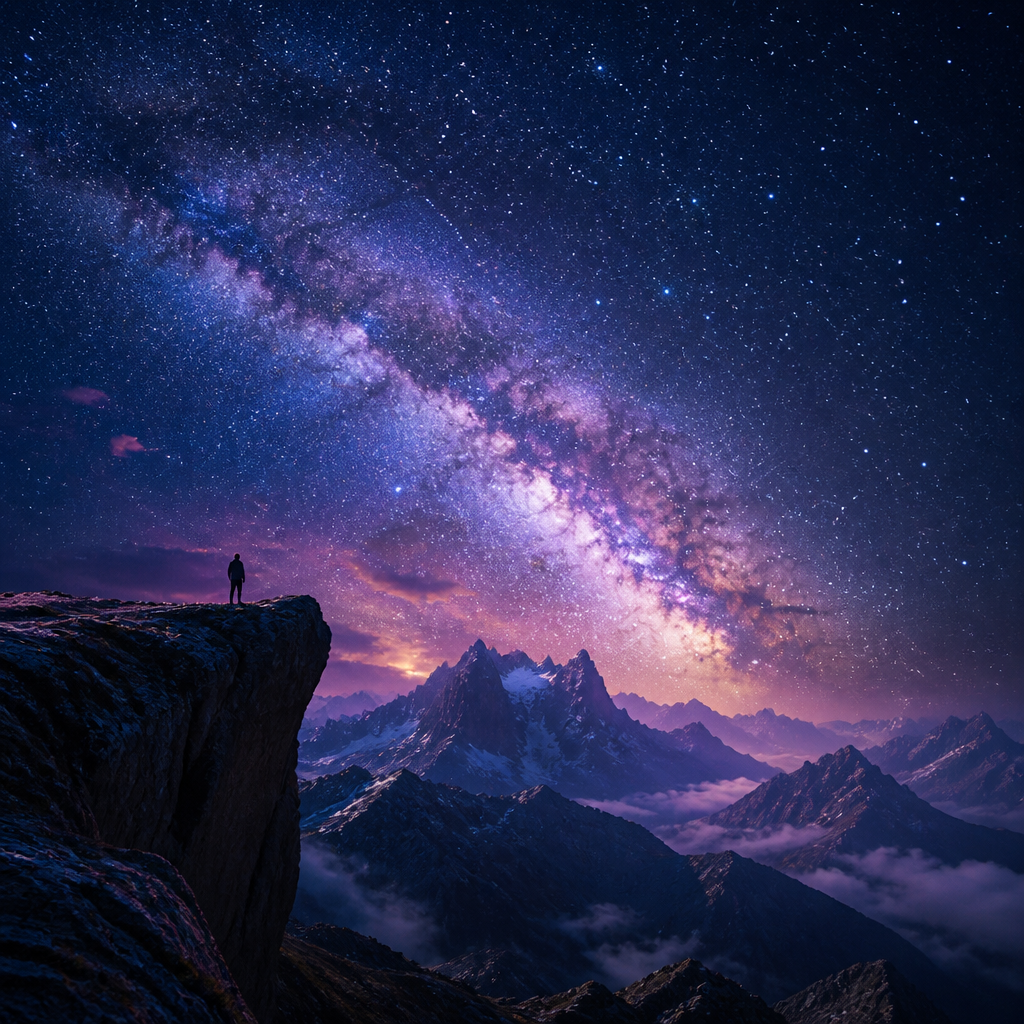
밤하늘 배경
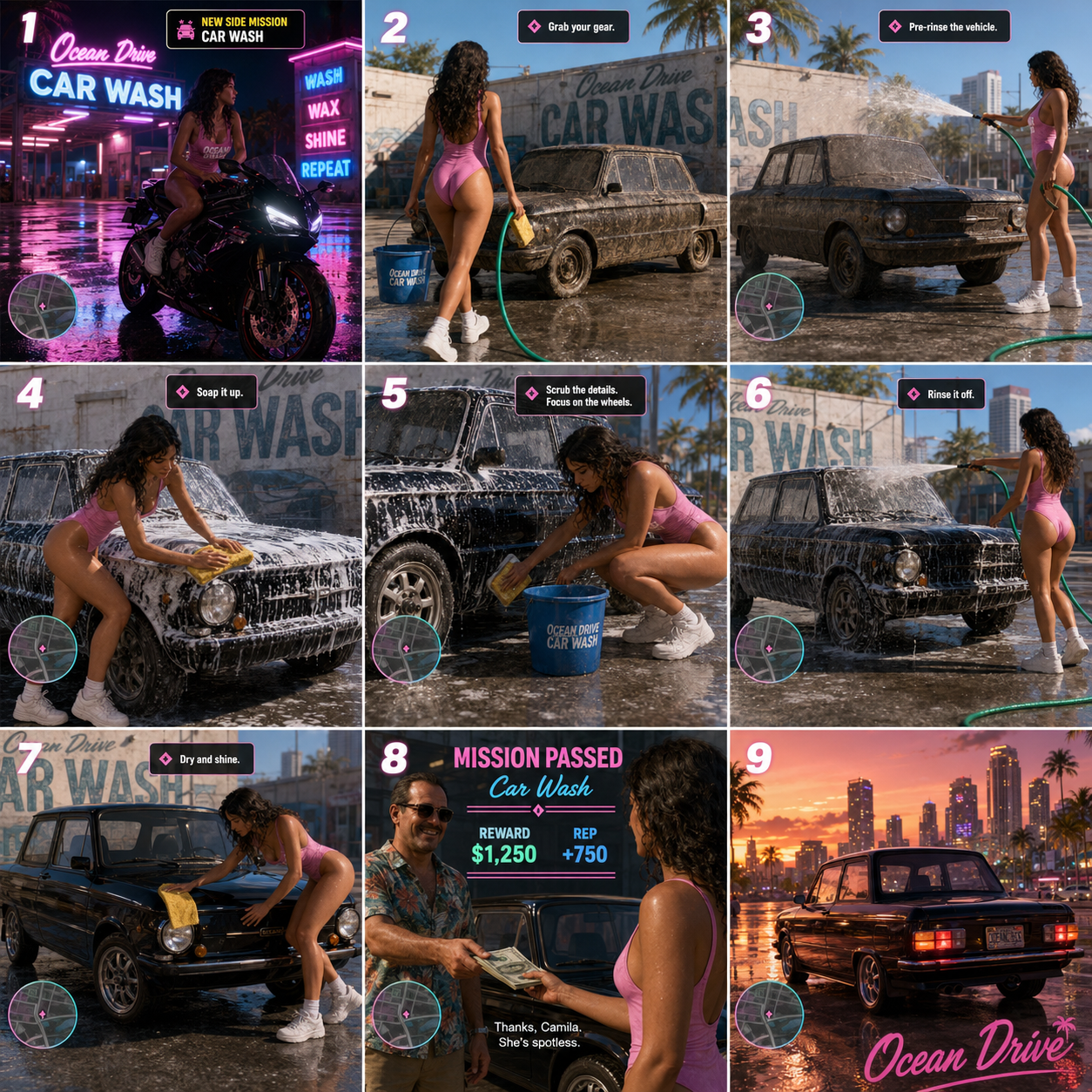
Design a premium app icon presentation board for a children's mobile g…
Sunglasses Octopus Business Photo
Red-Eyed Anime Face Close-up

졸업식 기념 사진 배경
Eyes in Editing Interface Close-up

Vintage Flash Indoor Portrait
The Importance of Scenography in Visual Art
A background is never just a filler; it is the stage upon which your visual narrative unfolds. Whether for photography, digital art, or product design, the background sets the mood, establishes the context, and directs the viewer's attention. With AI image generation, you are no longer limited by physical locations or expensive set constructions. You can transport your subjects to an ethereal forest, a futuristic Mars colony, or a sun-drenched Mediterranean villa with just a few well-crafted sentences. At Carat, we understand that a high-quality background is the foundation of any professional image. By mastering the art of background prompting, you can create cohesive and immersive environments that enhance the value and impact of your primary subjects, making your creative work truly stand out in a crowded digital landscape.
Categorizing Backgrounds for Specific Needs
Different projects demand different environmental aesthetics. For product photography, 'minimalist podiums' or 'clean architectural alcoves' with 'subtle stone textures' are ideal for focusing attention on the item. If you're working on character concept art, an 'intricate fantasy castle interior' or a 'gritty cyberpunk alleyway' can provide the necessary backstory and world-building elements. For corporate or educational presentations, a 'modern airy office' or a 'sophisticated library with warm wood tones' conveys professionalism and intellect. Understanding the psychological effect of different spaces-such as the calm of a 'misty mountain lake' versus the energy of a 'bustling Tokyo-inspired neon street'-allows you to choose the perfect backdrop for your specific message. Categorizing your needs helps in narrowing down the vast possibilities of AI into a functional and effective visual strategy.
Mastering Light, Atmosphere, and Perspective
What makes an AI-generated background feel real is the interplay of light and shadow. When writing prompts, move beyond static descriptions and focus on the 'atmosphere'. Use phrases like 'volumetric lighting with visible dust motes', 'dramatic golden hour rays piercing through clouds', or 'cool moonlight reflecting off a damp pavement'. These descriptions add life and movement to the scene. Perspective is another powerful tool; a 'low-angle wide-view' can make a landscape look epic and vast, while a 'top-down flat-lay' is perfect for social media content. Mentioning the 'camera lens' such as a '35mm wide lens' or an '85mm portrait lens' helps the AI understand the intended distortion and depth of the space. By controlling these technical aspects, you create a background that has a professional 'photographed' look rather than a flat 'generated' feel.
Seasonal and Temporal Customization
One of the most powerful features of AI is the ability to instantly transform a scene's season and time of day. You can take a basic 'beach house' prompt and turn it into a 'cosy autumn retreat' by adding keywords like 'fallen orange leaves', 'overcast sky', and 'soft sweater-weather lighting'. Likewise, a 'cityscape' can be rendered as a 'bright morning metropolis' or a 'moody midnight urban sprawl'. Temporal details like 'pre-dawn blue hour', 'high noon with harsh shadows', or 'twilight with glowing street lamps' completely redefine the emotional tone of the background. This flexibility allows for rapid prototyping and the creation of themed image series that maintain consistent locations while varying the time and weather, providing a professional continuity for branding or storytelling projects.
High-Resolution Assets for Professional Workflows
AI-generated backgrounds serve as invaluable assets in professional design workflows. They can be used as high-resolution textures for 3D mapping, backdrops for virtual meetings, or as layers in complex photo-compositing projects. To ensure your backgrounds are of commercial grade, always include quality-focused keywords such as '4k resolution', 'extremely detailed environment', 'photorealistic textures', and 'masterpiece quality'. It is often beneficial to generate the background as a standalone piece before adding other elements; this allows for greater control over the lighting and composition of the environment. Using negative prompts like 'blurry background', 'distorted architecture', and 'low resolution' ensures that the output remains sharp and usable. With the right techniques, your AI-generated scenes will provide a professional and polished stage for all your creative endeavors, from simple social media posts to complex commercial advertisements.