Discord Profile Picture
Create discord profile picture visuals with editable AI image prompts and practical customization tips.
2026.07.02
Make “Discord Profile Picture” exactly the way you wantCreate your own “Discord Profile Picture”
Just ask in plain language — Carat generates optimized images and videos for you.

Start now with 100 free credits daily
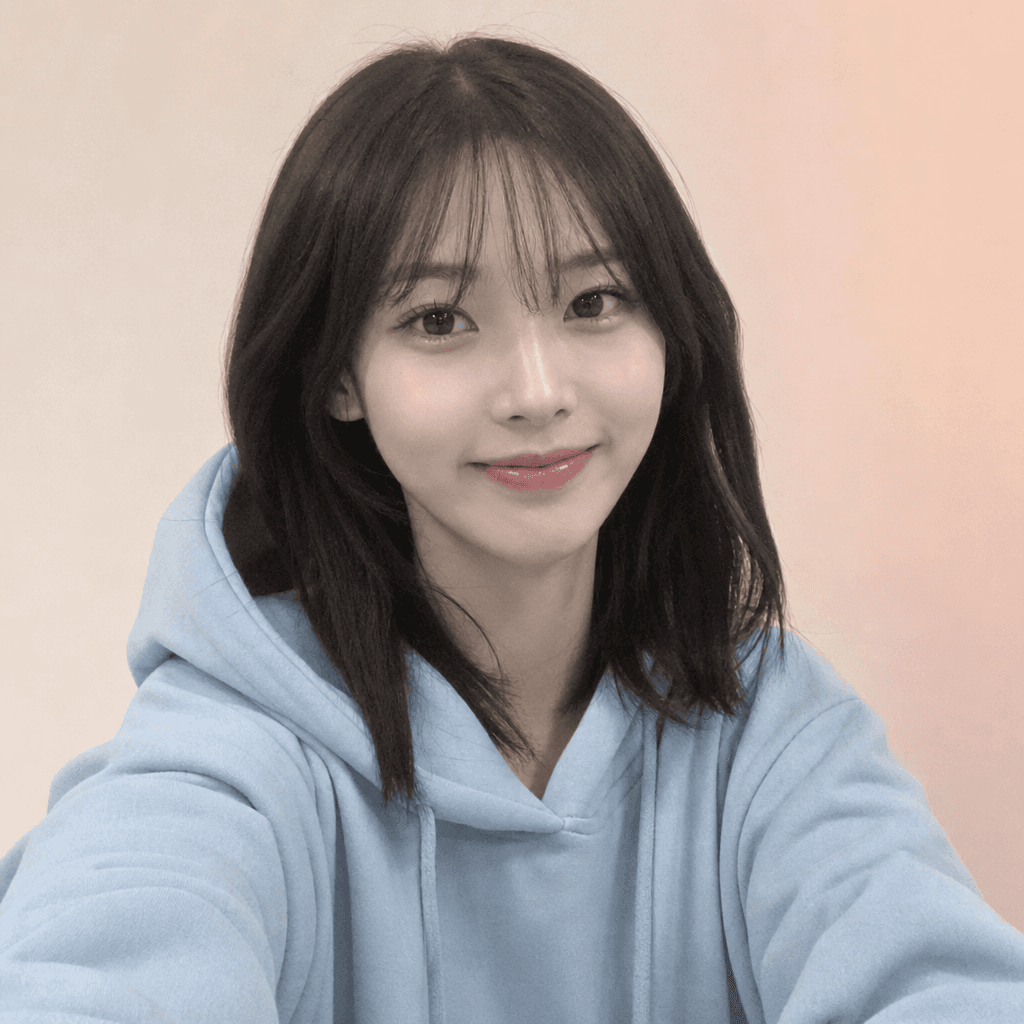
디스코드 프로필 사진
Discord Profile Picture Prompt Guide
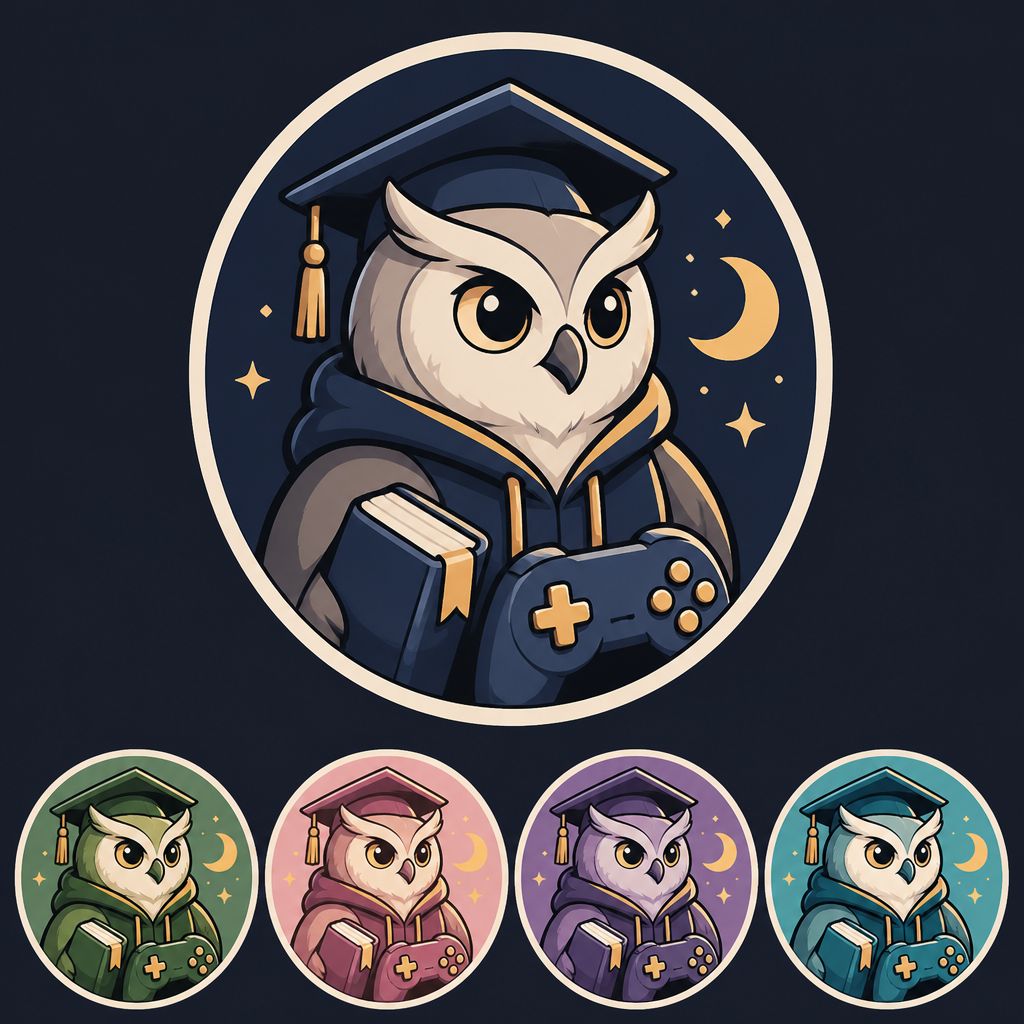
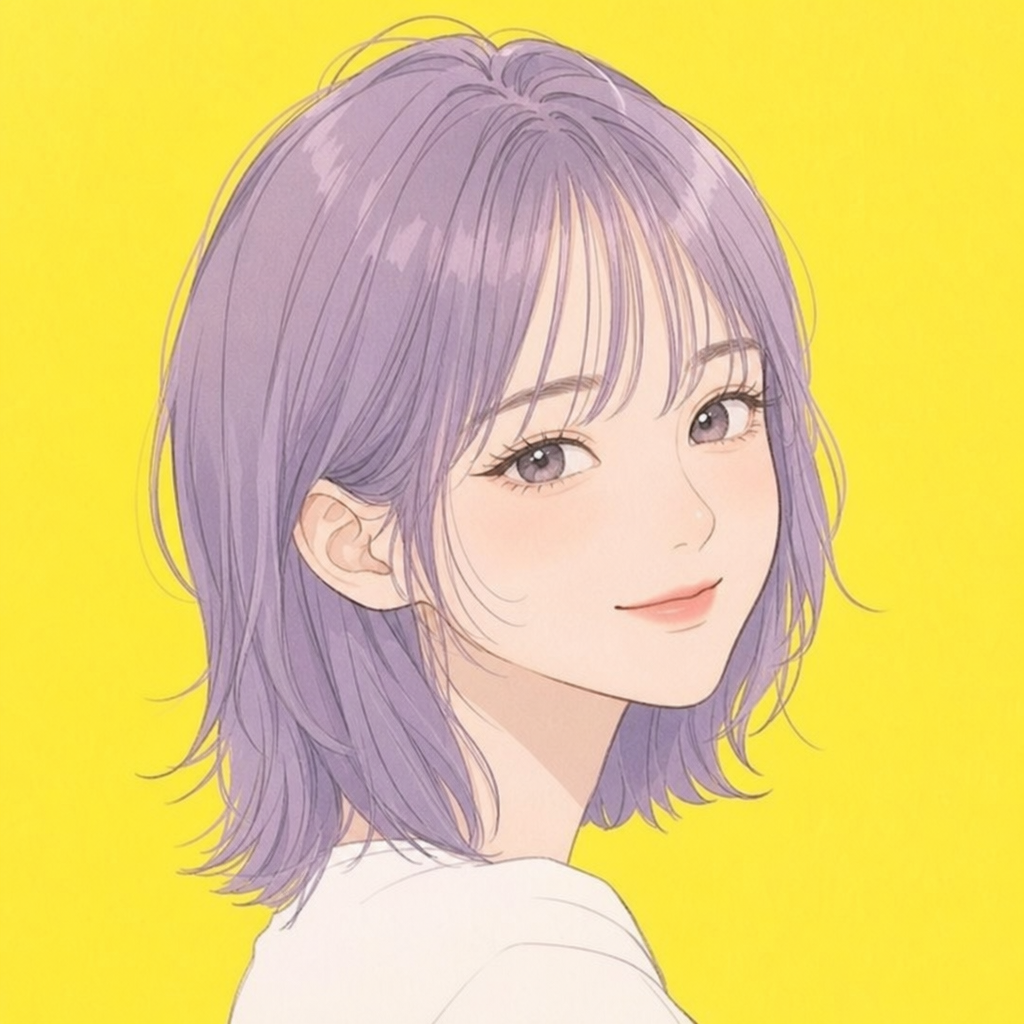
Discord Profile Picture is useful when you need a strong first impression for profiles, communities, social posts, lookbooks, moodboards, and visual drafts. In Carat, you can copy a prompt and adjust the subject mood, facial expression, lighting, background, camera distance, and aspect ratio to fit your final use case. This page focuses on 커뮤니티 계정, 채팅 프로필, 원형 크롭에 맞춘 캐릭터형 프로필 이미지.
What You Can Create
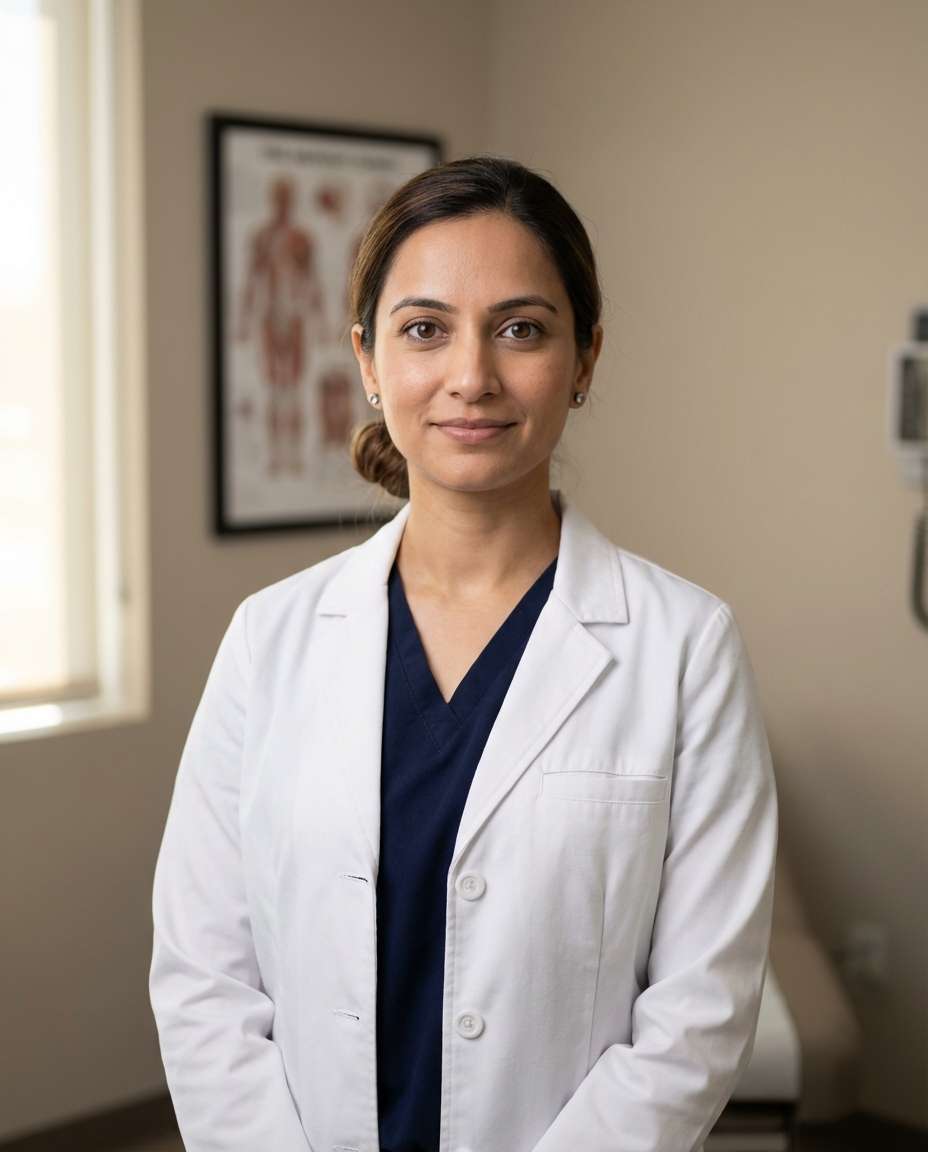
A strong prompt should define more than the topic. It should clarify whether the subject is a fictional person, original avatar, realistic photo, circular profile icon, or full body pose reference. For Discord Profile Picture, adding constraints such as no readable text, no logo, and no celebrity resemblance helps create reusable gallery samples that are safer and easier to adapt.
How to Customize
Start with the destination. Profile images work best with square format, centered face, and circular-safe composition. Pose or editorial images often work better in 4:5 or 16:9. Then adjust expression, hairstyle, outfit, background color, lighting, lens feel, and empty space. Avatar prompts are strongly shaped by illustration style and texture, while portrait prompts depend on skin texture, lighting, and camera distance.
Safe and Natural Prompting
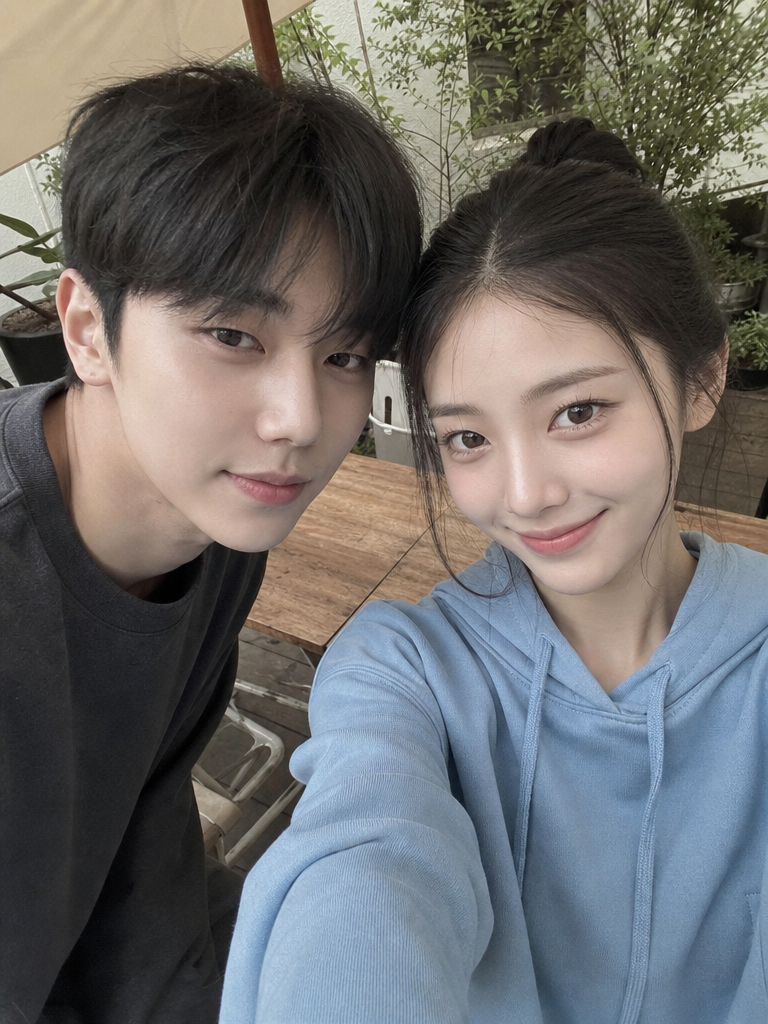
Avoid referencing real individuals, celebrities, platform logos, or readable UI. Use fictional, original, generic, and no platform logos when you need safer output. For funny expressions or pose references, words like friendly, respectful, modest, neutral mood, and reference clarity help keep the result useful rather than awkward or misleading.
Best Use Cases
Discord Profile Picture prompts are practical for community accounts, channel icons, personal branding, portfolio drafts, character references, and fashion shoot planning. Use the example as a base, then change the palette, background, outfit, expression, or camera angle to build a focused set of variations.