Galupy Pose
Master the viral Galupy (inverted peace sign) pose with AI. Learn the best prompts for trendy Y2K style and idol-inspired photos.
2026.07.08
Make “Galupy Pose” exactly the way you wantCreate your own “Galupy Pose”
Just ask in plain language — Carat generates optimized images and videos for you.

Start now with 100 free credits daily
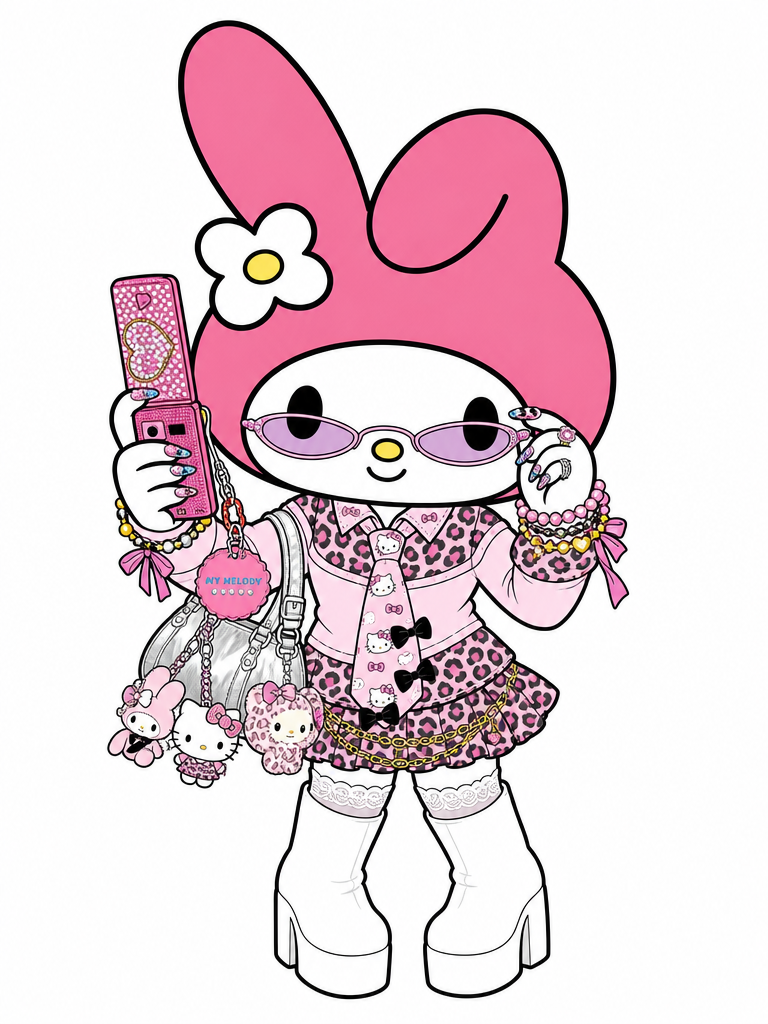
My Melody Gyaru Cosplay Illustration
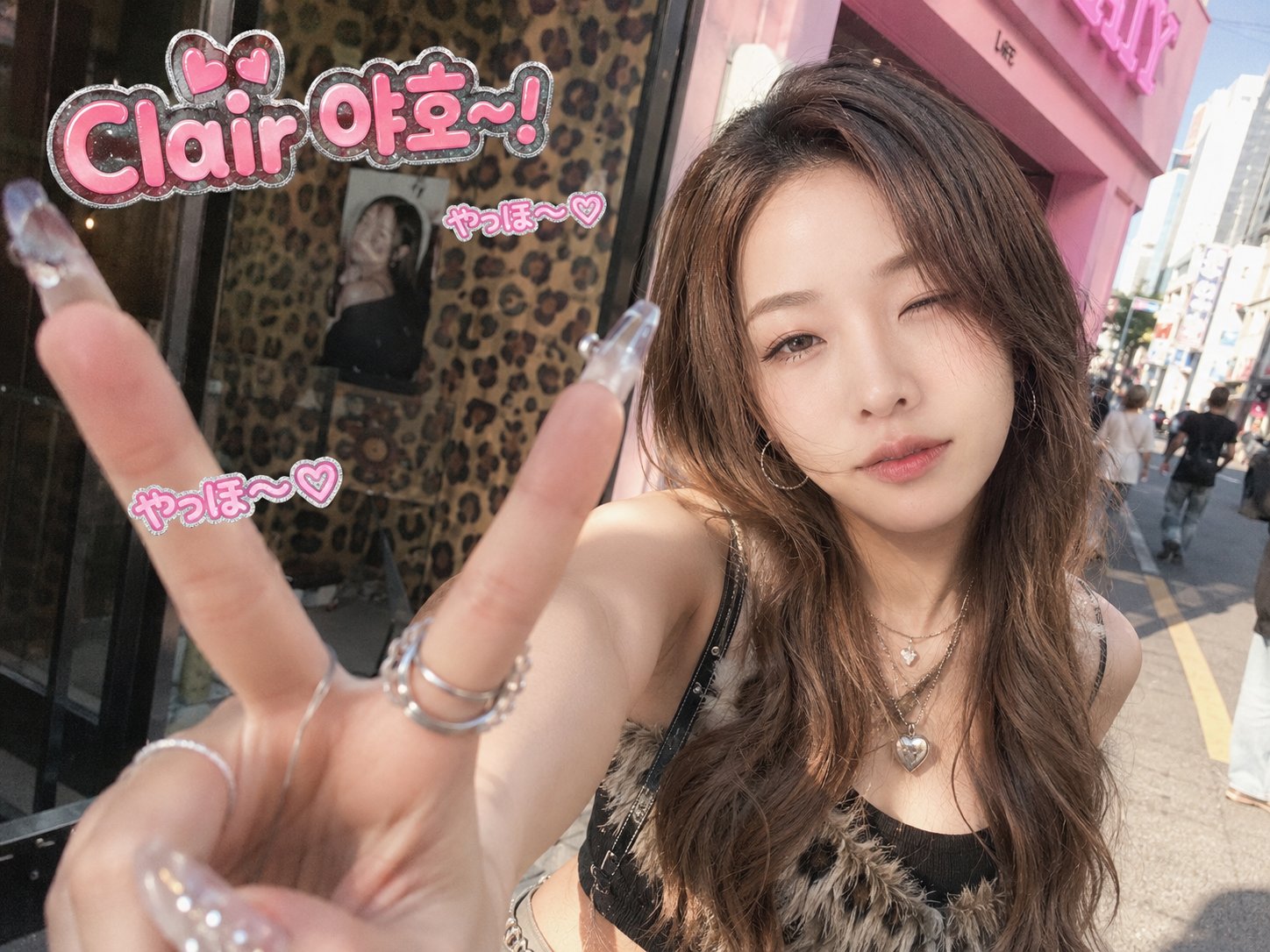
K-Gyaru Street Selfie
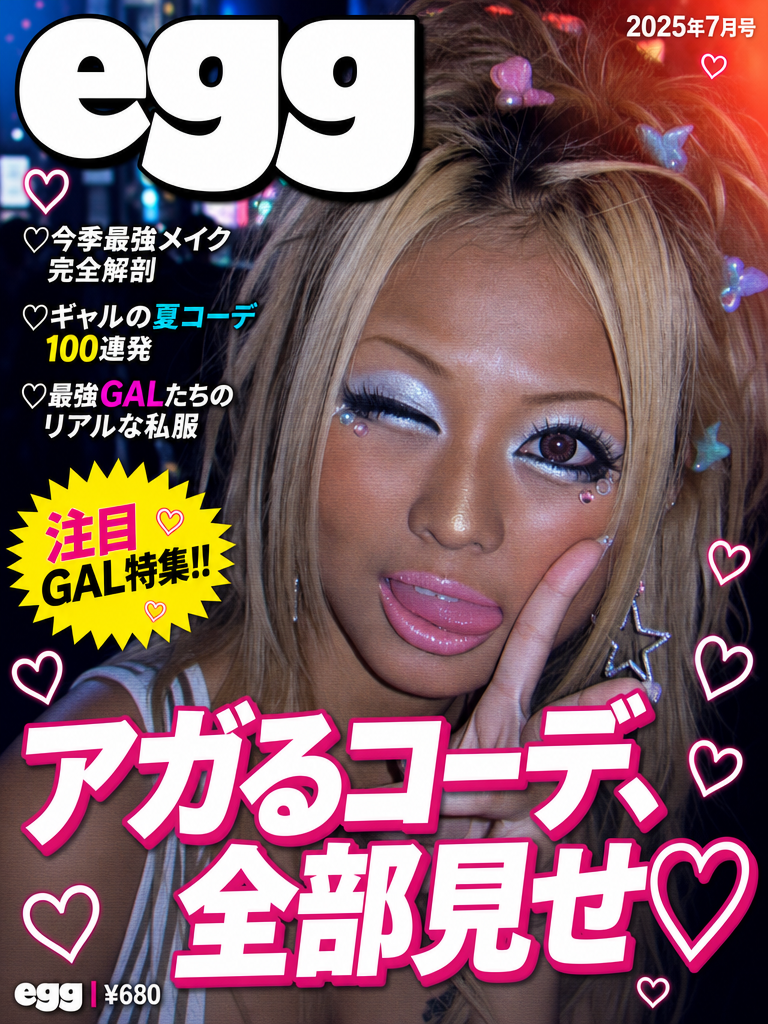
egg Gyaru Magazine Cover
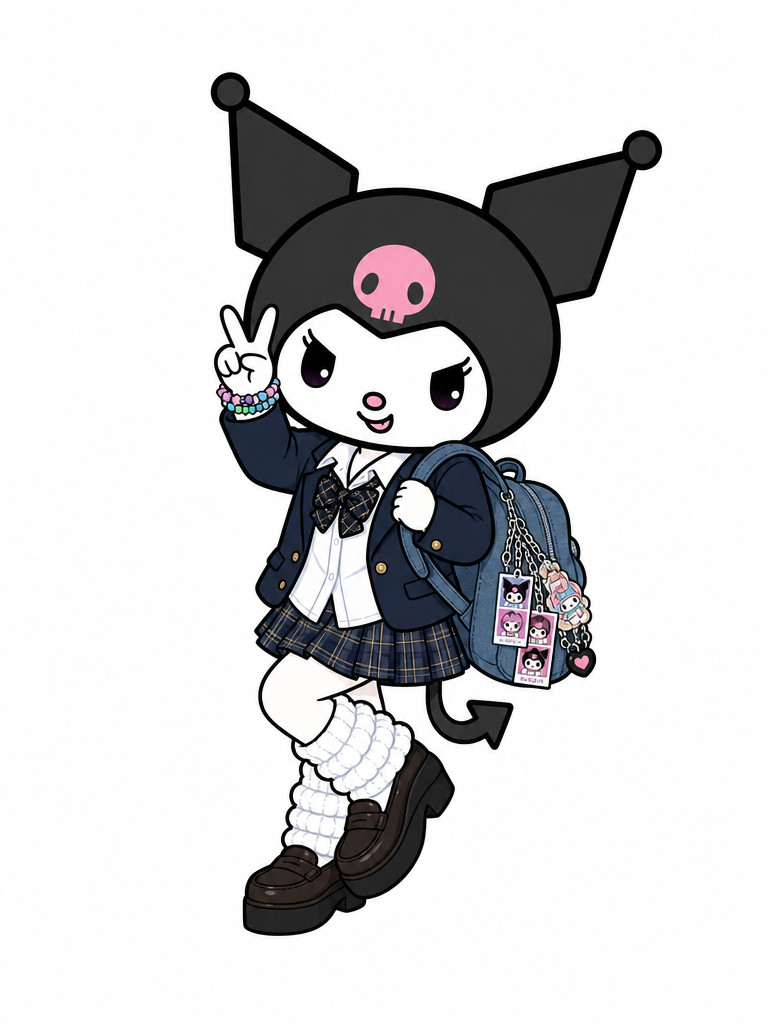
Kuromi Gyaru Cosplay Illustration
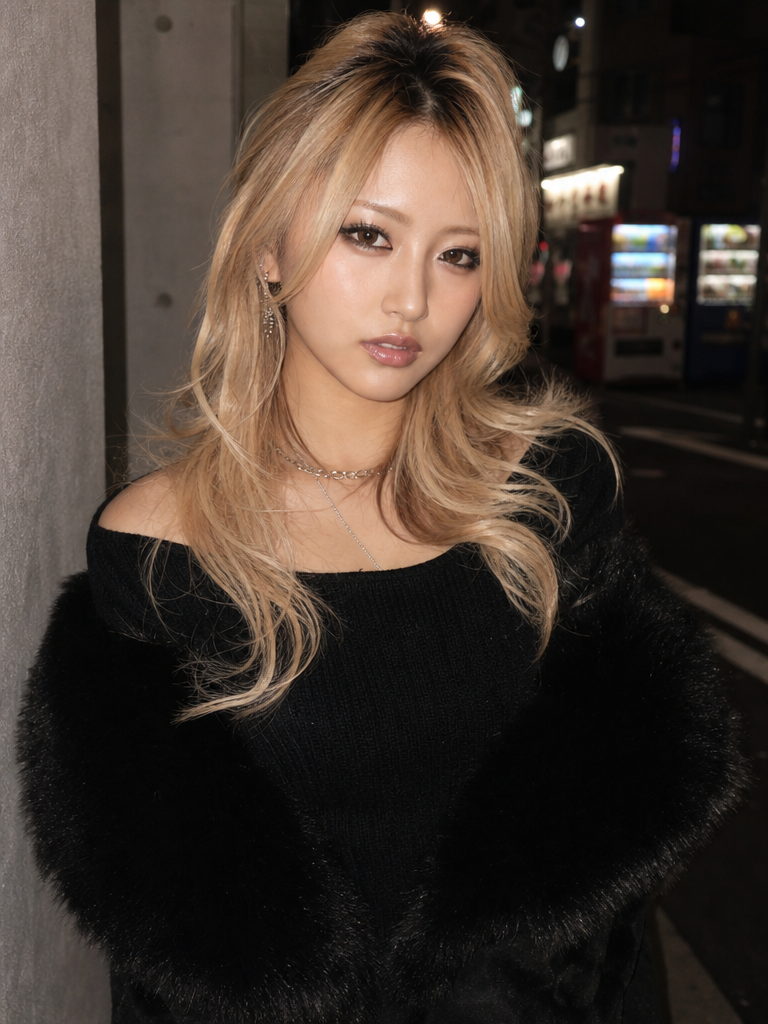
Onegyaru Glam Style Transformation
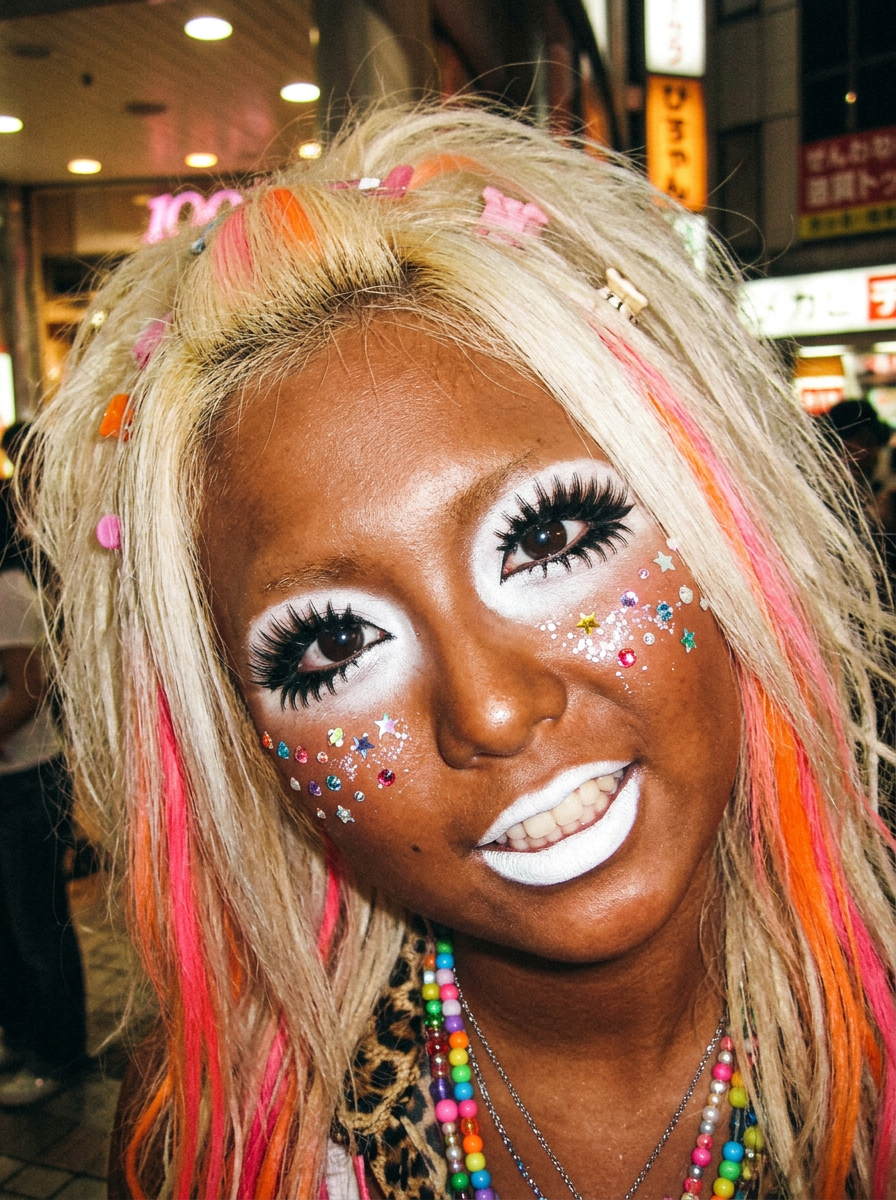
Ganguro Manba Gyaru Transformation
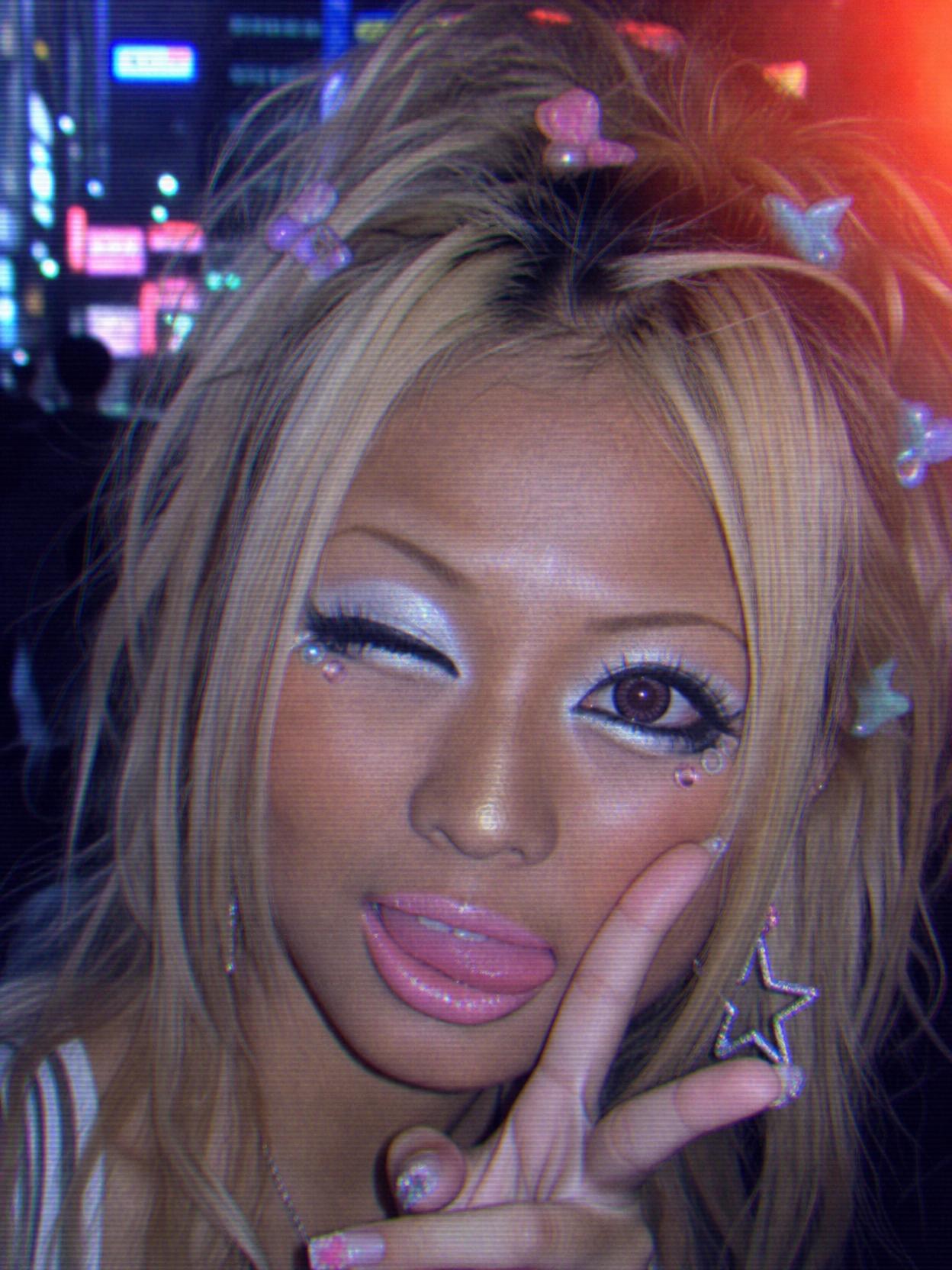
90s Kogal Style Transformation
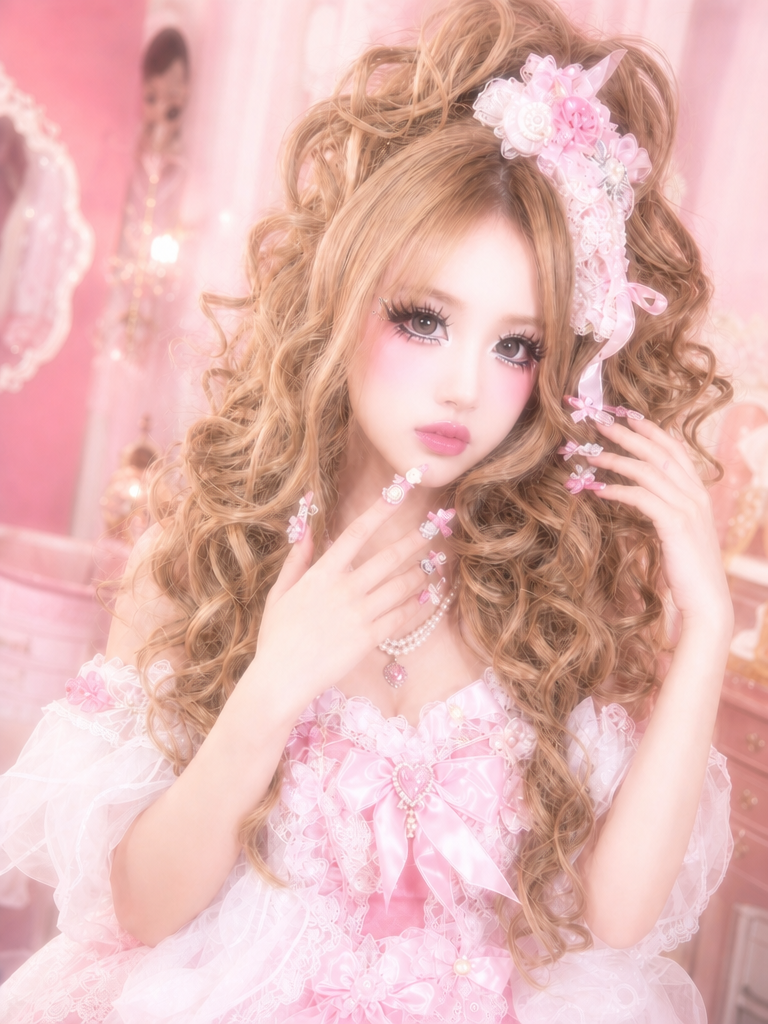
Himegyaru Style Transformation
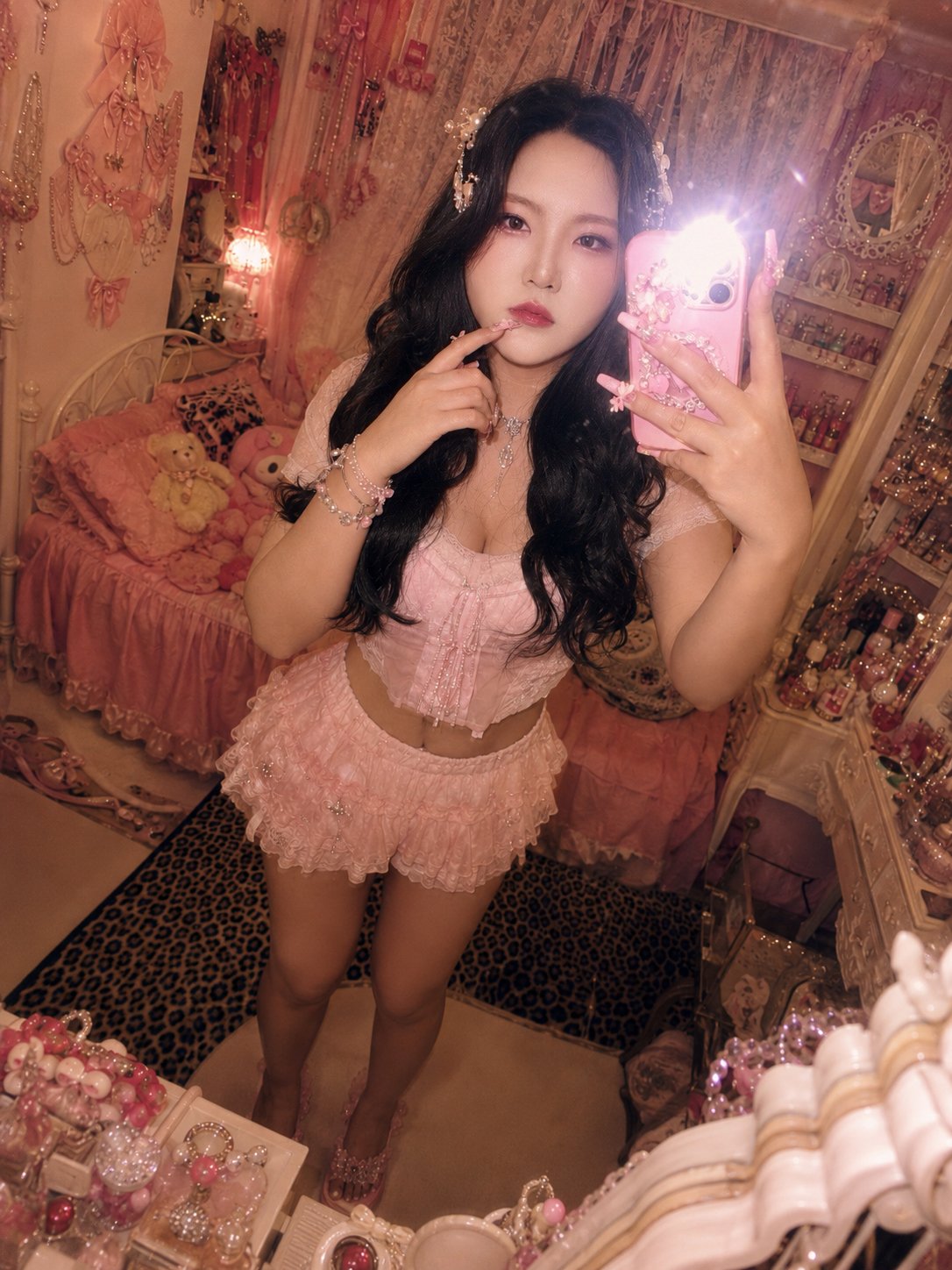
Himegyaru Mirror Selfie
The Rise of the Galupy Pose in Global Trends
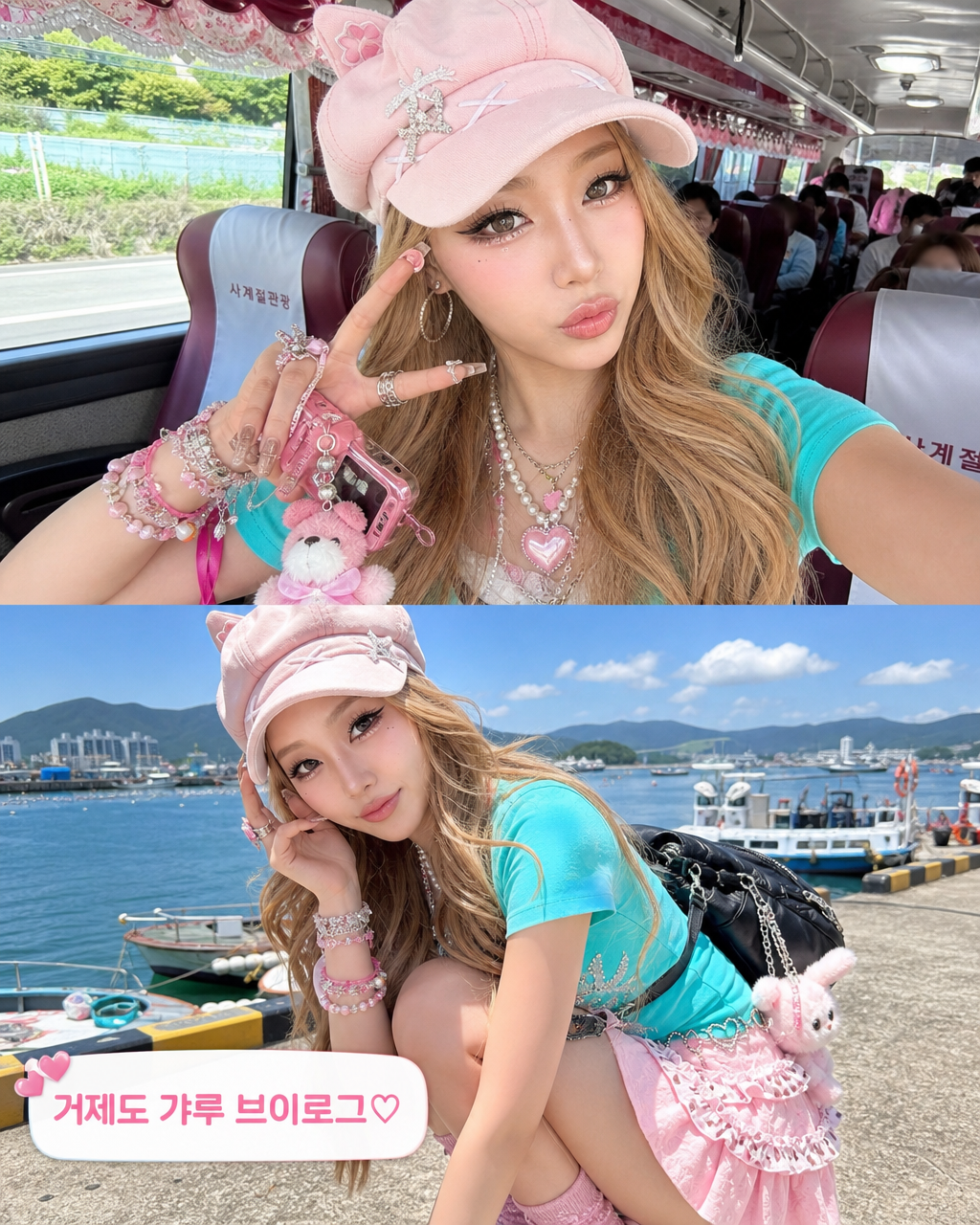
The 'Galupy' pose, an inverted version of the classic peace sign, has taken the internet by storm, particularly within the world of K-pop and Gen Z fashion. Originating from the Japanese 'Gyaru' subculture, this playful gesture involves extending one's arm toward the camera while holding an upside-down 'V' sign. In the realm of AI image generation, capturing this specific pose is a testament to the model's ability to handle complex spatial hand arrangements. It is a symbol of confidence, trendiness, and youthful energy. At Carat, we help you navigate the intricate prompting required to replicate this viral movement. Whether you're creating social media content, digital art, or marketing materials, the Galupy pose adds an instant layer of 'cool' and 'contemporary' to any character or model, connecting your work to the most current cultural dialogues in East Asian pop culture.
Technical Prompting for the Inverted V-Sign
Recreating a Galupy pose requires a deep understanding of how AI interprets hand gestures. Because the hand is inverted and often brought closer to the lens, traditional 'peace sign' prompts will likely fail. Instead, you should use highly descriptive phrases such as 'arm extended forward toward the camera', 'hand forming an inverted V-sign with palm facing upwards', and 'fingers pointing toward the ground'. These specific spatial markers guide the AI in positioning the joints and fingers correctly. Adding 'foreshortening effect' or 'wide-angle perspective' can help the AI understand that the hand should appear larger than the face, which is a signature look of the Galupy selfie. Experimenting with different hand heights-such as 'holding the inverted peace sign near the chin' versus 'extending it far out'-can result in varying degrees of playfulness and visual impact.
Embracing the Y2K and Gyaru Aesthetic
The Galupy pose is inextricably linked to the Y2K fashion revival. To create a cohesive image, your prompts should reflect the vibrant and kitschy style of the early 2000s. Consider adding wardrobe details like 'colorful butterfly hair clips', 'velour tracksuits', 'denim mini skirts', and 'chunky platform sneakers'. The color palette should be bright, using 'hot pinks, lime greens, and electric blues'. To truly capture the era, you can also specify the 'camera quality', such as 'low-fidelity point-and-shoot camera look' or '90s flash photography with red-eye effect'. The background should also complement this theme; think of 'decorated sticker photo booth interiors', 'neon-lit arcade rooms', or 'bedroom walls covered in teen magazine posters'. These stylistic layers work in harmony with the Galupy pose to create a nostalgically trendy masterpiece.
Facial Expressions and Character Vibe
While the hand gesture is the star of the show, the subject's facial expression completes the story. The Galupy pose is best paired with high-energy or 'kawaii' expressions. Try prompts like 'cheerful wink and a tongue-out expression', 'cool charismatic gaze with a slight smirk', or 'cute pouty face'. The makeup style can also be tailored to the Gyaru origins, with 'dramatic eyeliner', 'long fluttery eyelashes', and 'shimmery highlighter on the cheeks'. Define the character's 'persona' using adjectives such as 'bubbly', 'fashion-forward', 'rebellious', or 'iconic'. This ensures the AI doesn't just generate a static person but a character with a distinct personality that makes the pose feel genuine and lived-in. The goal is to make the viewer feel like they've just stumbled upon the latest post from a top-tier global influencer.
Achieving High-Quality Hand and Finger Details
Since hands are notoriously difficult for AI and are the focal point of the Galupy pose, you must use advanced techniques to ensure quality. Always include 'anatomically correct hands' and 'detailed finger joints' in your positive prompts, while adding 'extra fingers', 'fused digits', and 'deformed hands' to your negative prompts. To make the hand look more realistic, you can specify details like 'glossy colorful nail art', 'dainty rings on the fingers', and 'natural skin folds at the knuckles'. Using 'high resolution' and 'unfiltered texture' will help maintain the sharpness of the hand as it comes forward in the frame. If the AI struggles, generating at a higher 'sampling step' count or using a dedicated 'hand refiner' model can significantly improve the outcome. With these expert tips from Carat, your AI-generated Galupy pose images will be at the forefront of digital trends, looking sharp, stylish, and perfectly on-point.