carat

Prompt Gallery

/

Retro Illustration

Login
Sign Up

Retro Illustration

Explore practical AI prompts and prompt-building tips for retro illustration.

2026.07.06

·
Example image of Chiaroscuro Cat Silhouette generated with Nano Banana Pro

Chiaroscuro Cat Silhouette

NanoBanana Pro· Image
Chiaroscuro is an artistic technique using strong light-dark contrasts to create depth and volume in two-dimensional works. The Italian term means “light-dark.” While used throughout art history, it became especially prominent during the Renaissance and Baroque periods in works by Caravaggio, Rembrandt, and Leonardo da Vinci, who employed it for dramatic effect and atmosphere.
@icreatelife
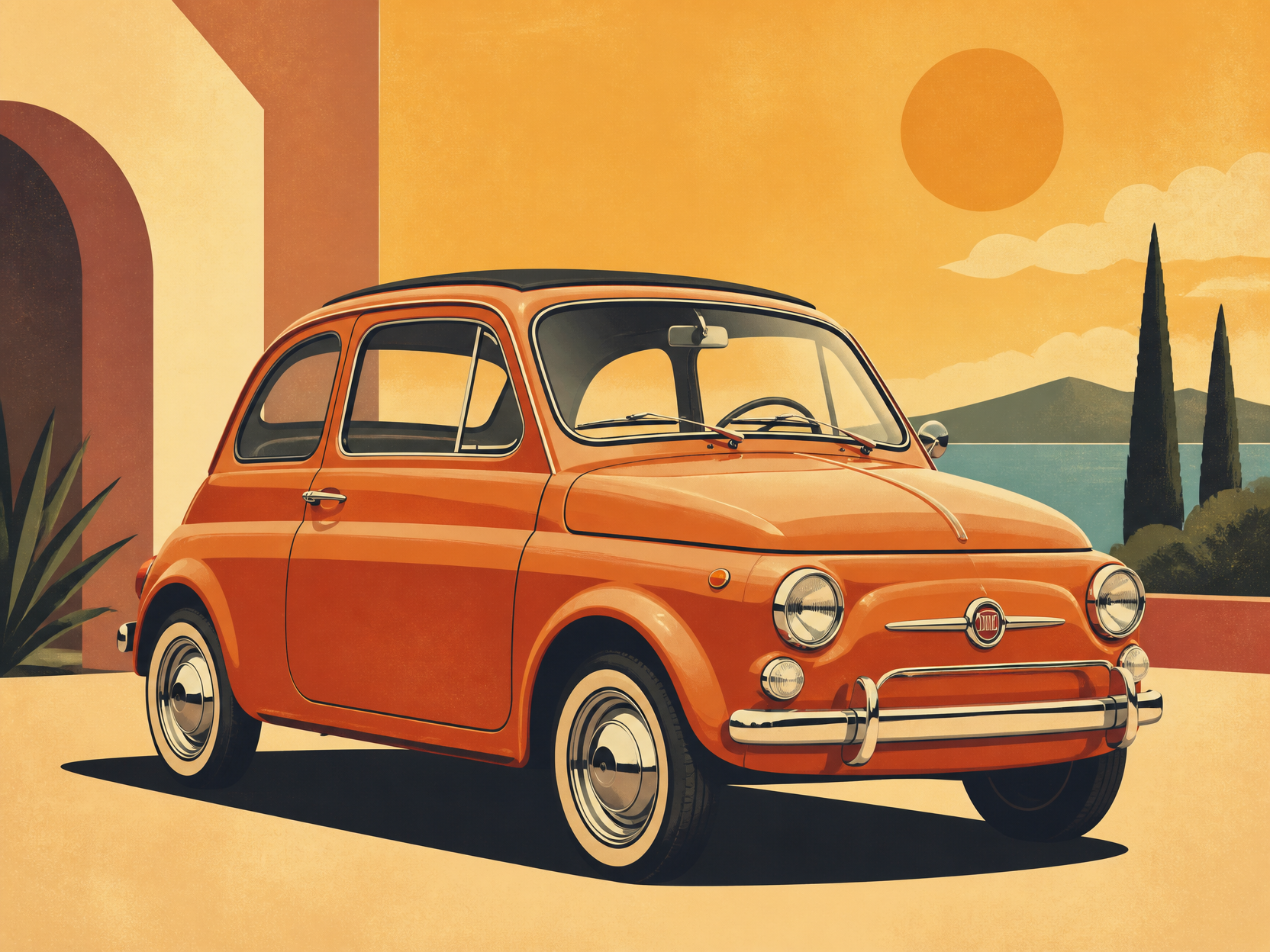
GPT 이미지 2로 생성한 레트로 자동차 일러스트

레트로 자동차 일러스트

GPT Image 2· Image
retro car illustration, vintage compact car, warm color palette, clean poster-like vector art, subtle grain texture, no text
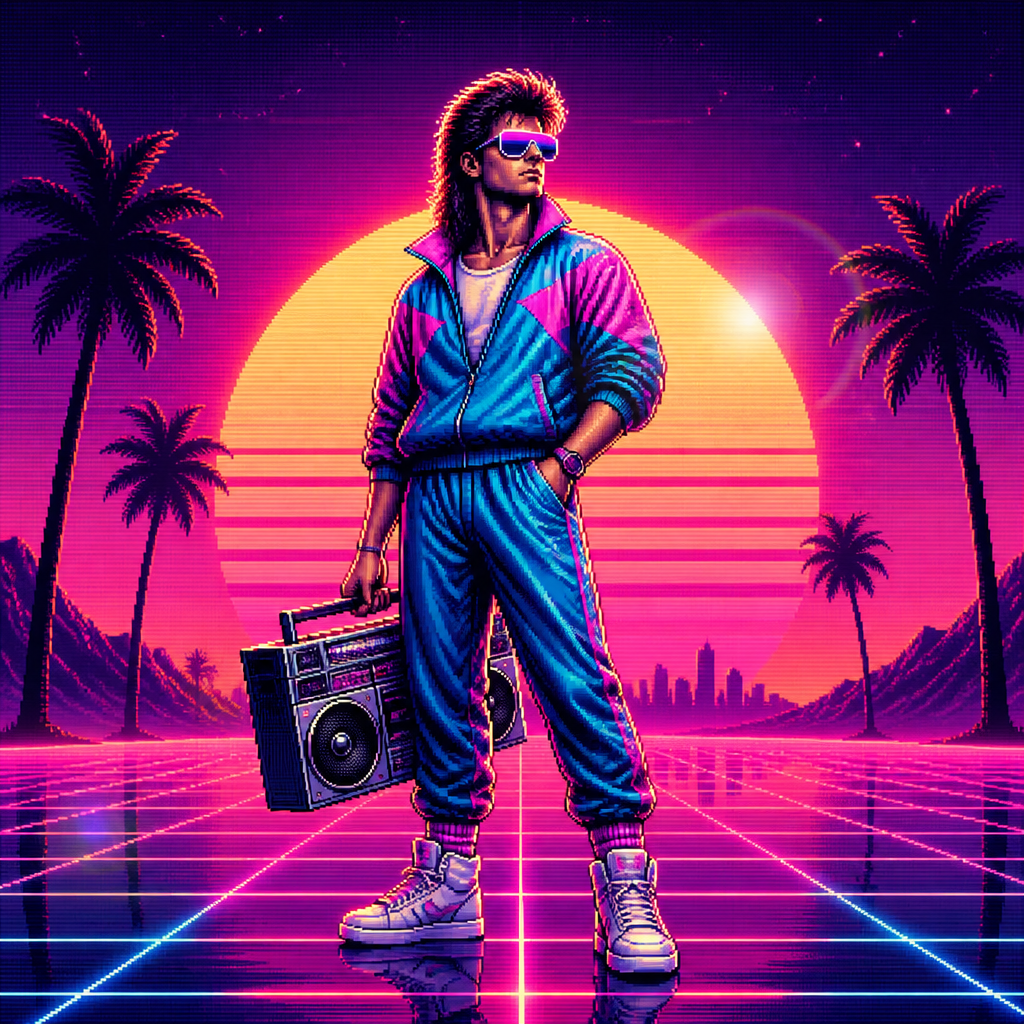
GPT 이미지 2로 생성한 레트로 캐릭터

레트로 캐릭터

GPT Image 2· Image
A stylized retro 80s character with big hair, neon sunglasses, vintage tracksuit, standing confidently with a cassette boombox, pixelated VHS aesthetic., 1980s retro digital illustration, synthwave aesthetic, sunset gradient glow, lens flare, nostalgic, bold, retro-futuristic mood, hot pink, electric blue, sunset orange, deep purple, centered with horizon-line symmetry or grid perspective, No text, no watermark.
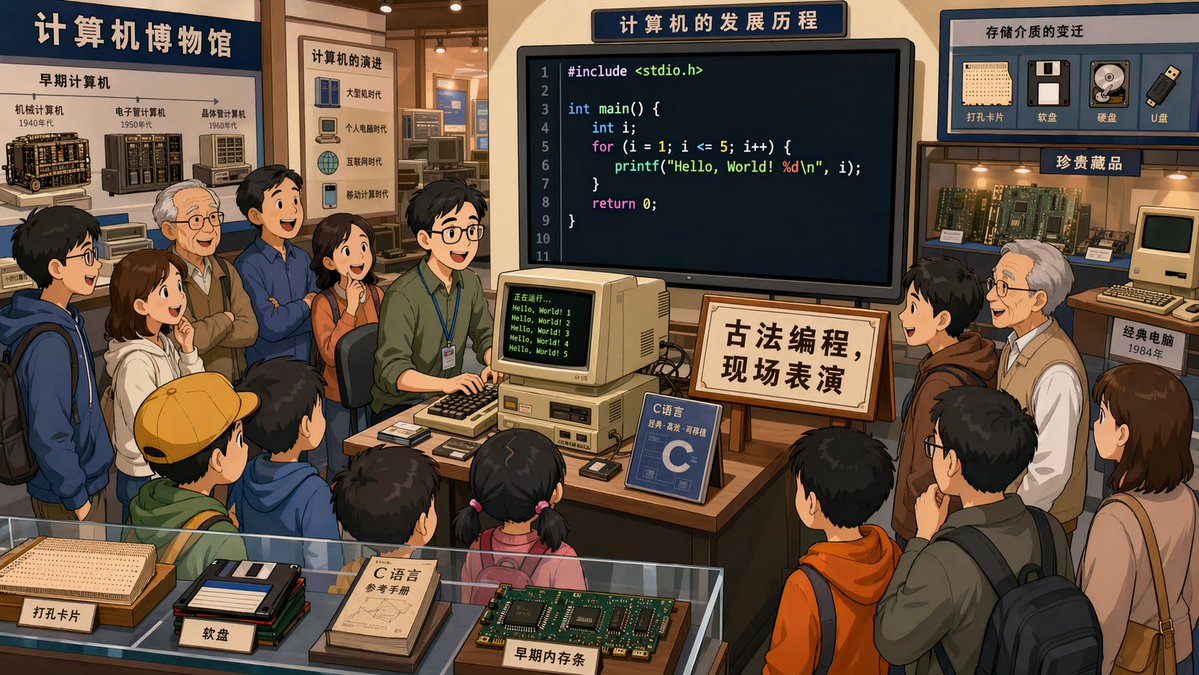
AI-generated In a Computer Museum made with GPT Image 2

In a Computer Museum

GPT Image 2· Image
In a computer museum, a programmer is in the center of the exhibition hall demonstrating C language programming, with many visitors gathered around watching. The code on the screen is clearly visible. A sign beside it reads: "Traditional Programming — Live Demonstration." 2D cartoon style, 16:9.
@XiaohuiAI666
Example image of Cruise Ship Cutaway Illustration generated with Nano Banana Pro

Cruise Ship Cutaway Illustration

NanoBanana Pro· Image
A cutaway illustration of a cruise ship. We see the engine room, the ballroom, the pool deck, the cabins. Tiny people doing different things in each room. 'Where's Waldo' level of detail. Vector art style.
@gokayfem
GPT 이미지 2로 생성한 픽셀아트 동물

픽셀아트 동물

GPT Image 2· Image
A collection of cute pixel art animals in retro game style. Cat, dog, bird, rabbit, and fish characters, each in a small pixel frame. Colorful 16-bit pixel art with charm and nostalgia.
GPT 이미지 2로 생성한 픽셀아트 캐릭터

픽셀아트 캐릭터

GPT Image 2· Image
A cute pixel art character in 16-bit retro game style. A small adventurer with a sword, colorful pixel blocks, green background. Nostalgic retro gaming pixel art, vibrant colors.
GPT 이미지 2로 생성한 복고 스타일

복고 스타일

GPT Image 2· Image
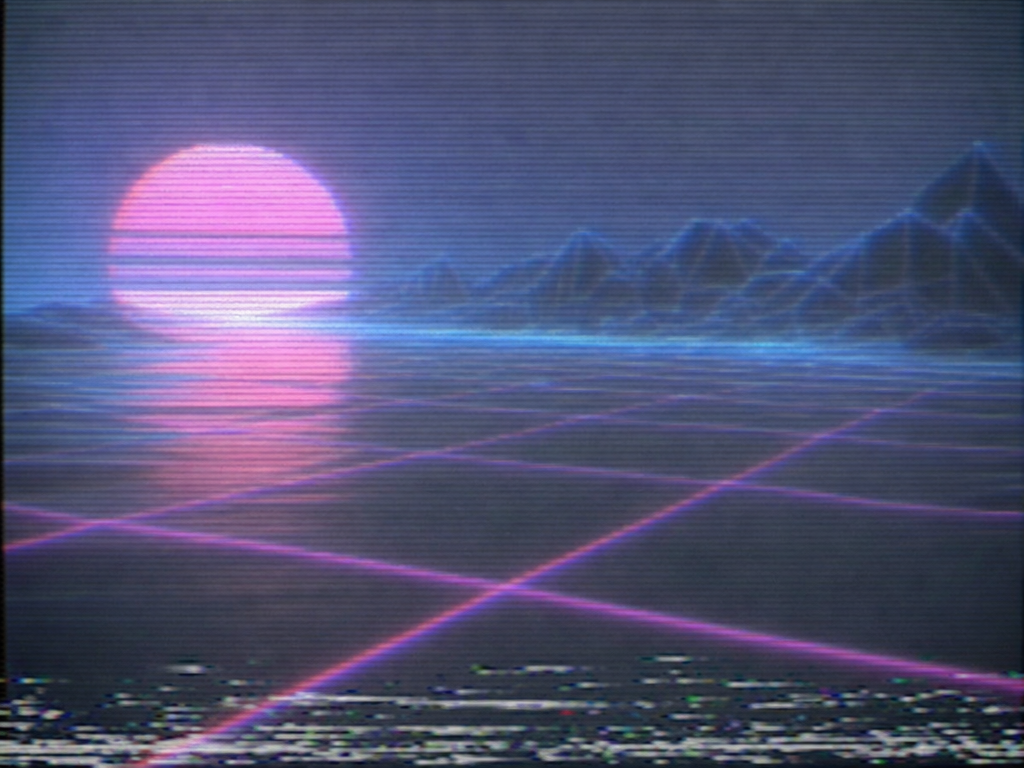
A retro 1980s style illustration of a neon sunset over a geometric grid landscape, synthwave aesthetic, magenta and teal color palette, VHS tape scan lines, chrome sun. No text.
AI-generated MapleStory Pixel Avatar made with GPT Image 2

MapleStory Pixel Avatar

GPT Image 2· Image
당신은 애니메이션, 게임, 만화 캐릭터를 메이플스토리 플레이어 아바타 스프라이트로 변환하는 전문 픽셀 아트 디렉터다. [입력] 이미지 첨부 (전신 추천) [작업] 1. 첨부된 이미지 속 인물(또는 캐릭터)의 대표 외형 특징을 분석한다. * 헤어스타일 * 머리색 * 눈 색상 * 대표 의상 * 대표 액세서리 * 대표 무기 * 대표 상징 요소 * 대표 색상 2. 위 특징을 유지하면서 메이플스토리 플레이어 캐릭터 아바타 구조로 재해석한다. 3. 결과물은 일반 픽셀아트가 아니라 실제 메이플스토리 플레이어 캐릭터 스프라이트처럼 보여야 한다. ──────────────────── [MAPLE PLAYER FRAME SPEC] 한국 MMORPG 플레이어 아바타 구조 실제 메이플스토리 플레이어 캐릭터 비율 적용 * 머리 + 헤어 : 전체 높이의 60~65% * 몸통 : 15~18% * 다리 : 20~25% * 2.0~2.3등신 시점 * 35~45도 Quarter View * 양쪽 눈이 모두 보여야 함 * 거의 평면적인 2D 스프라이트 얼굴 * 눈은 얼굴 하단부에 위치 * 눈 간격 넓음 * 가로로 넓은 평평한 눈 * 큰 눈동자 * 눈동자 하이라이트 * 코 표현 금지 * 매우 작은 입 * 부드러운 홍조 목 * 목 표현 금지 * 머리가 몸통에 바로 연결 * 턱 아래 바로 의상 시작 헤어 * 캐릭터 정체성의 핵심 * 두상보다 훨씬 큰 볼륨 * 실루엣 우선 * 가닥 표현 최소화 * 상단 하이라이트 존재 신체 * 매우 작은 몸통 * 짧은 팔 * 짧은 다리 * 단순한 원통형 팔다리 * 관절 표현 최소화 장비 레이어 구조 유지 Hair Hat Face Accessory Top Bottom Shoes Cape Weapon 장비와 헤어가 캐릭터 개성을 결정해야 함 포즈 * Idle Standing Pose * 캐릭터 선택창 느낌 * 점프 금지 * 전투 포즈 금지 * 액션 연출 금지 ──────────────────── [PIXEL RENDERING SPEC] 중요: 고해상도 픽셀아트 금지 Ultra Detailed Pixel Art 금지 HD Pixel Art 금지 Fine-Grained Pixel Art 금지 목표: 32~64px 게임 스프라이트를 확대 표시한 느낌 * Low-resolution game sprite * Enlarged MMORPG sprite * Chunky pixel structure * Grid-aligned pixel art * Visible pixel blocks * Clean 1px outline * Limited color palette * Flat color shading * Solid tone pixel blocks * Minimal shading * No dithering * No smooth gradients * No airbrush effects ──────────────────── [출력 조건] Canvas Size: 1080 x 1080 Perfect Square Format Pure White Background (#FFFFFF) Single Character Only Full Body Visible Centered Composition Character Occupies Approximately 75% Of Canvas Height No Cropping No Additional Characters No Pets No Environment No Scene No Background Objects No Ground No Text No Logo No Watermark No UI ──────────────────── [절대 금지] Pokemon Style Terraria Style Stardew Valley Style Ragnarok Online Style JRPG Battle Sprite Octopath Traveler Style Western Cartoon Disney Style Realistic Semi Realistic 3D Render Illustration Concept Art Splash Art Poster Wallpaper Anime Illustration Digital Painting Cinematic Lighting Ultra Detailed Sprite High Definition Pixel Art Fine-Grained Pixel Art Smooth Gradient Shading Airbrush Shading ──────────────────── Create the person or character shown in the uploaded image as a true MapleStory player avatar sprite. The result must look like an actual MapleStory player character converted from the uploaded subject, not a generic pixel-art character
Example image of Autumn Garden Badger Watercolor generated with Nano Banana Pro

Autumn Garden Badger Watercolor

NanoBanana Pro· Image
A small garden bench nestled among tall, rust-colored hollyhocks and fallen leaves. A curious badger sniffs around the base of the bench, while warm afternoon light filters through the golden foliage. Rendered in soft watercolor style with rich autumn tones, gentle textures, and a calm, heartwarming mood.
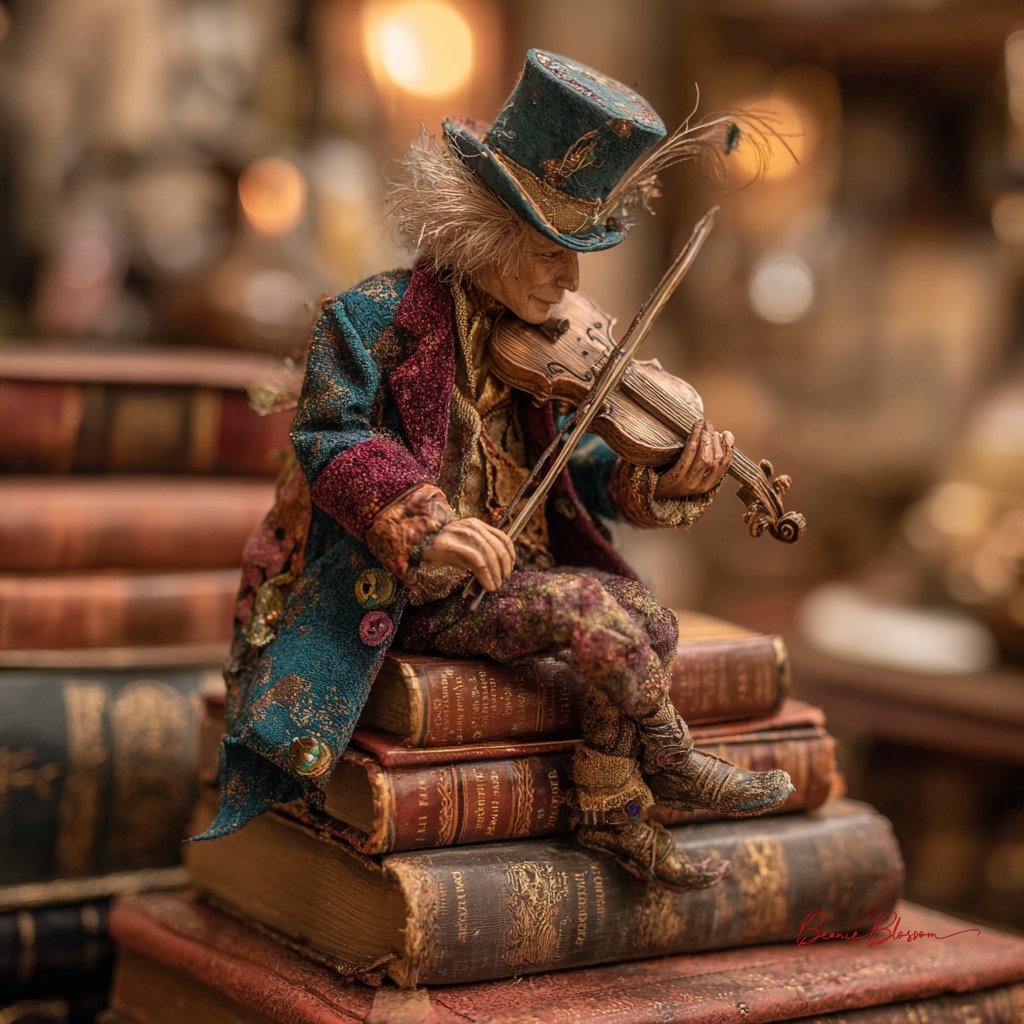
@BeanieBlossom
AI-generated egg Gyaru magazine cover made with GPT Image 2

egg Gyaru Magazine Cover

GPT Image 2· Image
Search the web for egg magazine Japan gyaru logo or egg エッグ 雑誌 ロゴ to find the actual egg magazine masthead. Use it as visual reference for the logo design. Create a Japanese gyaru fashion magazine cover in the style of egg (エッグ) magazine. IMAGE ROLES: Image 1 is the SUBJECT PHOTO. Must appear EXACTLY as-is — preserve 100%, zero modifications to face, skin, hair, makeup, or clothing. EGG LOGO: Recreate the egg magazine masthead logo based on the web reference. Position: TOP-LEFT corner, large (~35-40% of cover width). White fill with thin black outline and subtle drop shadow. Slightly overlapping into the photo. COVER DESIGN: Subject photo as full-bleed background, completely unchanged. egg logo in top-left corner. Upper right: 2025年7月号 in small white text. Lower section large bold white text with magenta drop shadow (#E6007E): アガるコーデ、全部見せ♡. Left column in white: ♡今季最強メイク完全解剖 / ♡ギャルの夏コーデ100連発 / ♡最強GALたちのリアルな私服. Yellow starburst (#FFED00): 注目GAL特集!! Footer: egg | ¥680. Small hearts scattered throughout empty space. Color palette: Yellow #FFED00 / Magenta #E6007E / White #FFFFFF / Cyan #00ADEF. All text has outline or drop shadow. Text NEVER covers the subject face. ALL Japanese must be grammatically correct. Output: portrait 3:4 ratio.
Himegyaru mirror selfie generated with GPT Image 2

Himegyaru Mirror Selfie

GPT Image 2· Image
입력 사진 속 인물을 동일 인물로 유지하면서, 2000년대 일본 히메갸루 잡지 화보풍의 실사 거울셀카로 편집한다. 얼굴형, 이목구비 비율, 눈·코·입 위치, 턱선, 표정의 기본 인상은 원본과 같아야 한다. 하지만 얼굴을 그대로 복사해 붙인 것처럼 보이면 안 된다. 얼굴은 거울셀카의 플래시, 실내 조명, 빈티지 필름 색감, 어안렌즈 원근, 메이크업과 자연스럽게 섞여야 한다. 피부색과 명암, 그림자, 질감이 목과 몸, 배경 조명과 일치해야 한다. 핑크와 화이트로 꾸민 갸루의 방에서 거울 앞 셀카를 찍는 장면이다. 핑크 침구, 레이스 커튼, 화장대, 인형, 향수병, 립글로스, 잡지, 리본 장식, 큐빅 소품, 호피무늬 포인트가 있는 화려하고 복잡한 히메갸루 방이다. 인물은 한 손으로 화려한 핑크 케이스의 아이폰을 들고 있고, 카메라 플래시가 켜져 렌즈 근처에 강한 플레어가 생긴다. 다른 손은 입 근처로 가져간 귀여운 포즈이며, 긴 핑크 네일아트와 큐빅·리본 파츠가 보인다. 상반신부터 발끝 일부까지 보이는 가까운 거울셀카 구도다. 헤어는 원본의 길이와 가르마를 유지하되 굵은 웨이브와 볼륨을 더하고, 리본핀·진주핀·큐빅핀을 장식한다. 메이크업은 핑크 블러셔, 글리터 아이섀도우, 또렷한 아이라인, 풍성한 속눈썹, 립글로스를 사용한 화려한 히메갸루 메이크업이다. 단, 메이크업 때문에 다른 사람처럼 보이면 안 된다. 의상은 핑크 계열의 레이스, 프릴, 리본, 큐빅 장식이 있는 히메갸루 크롭티와 풍성한 스커트 또는 원피스다. 화려한 목걸이, 귀걸이, 팔찌를 착용한다. 전체 색감은 노란빛이 섞인 2000년대 일본 빈티지 디지털카메라 느낌이다. 약한 노이즈, 거울 얼룩, 실내 플래시 반사, 살짝 흐릿한 필름 질감, 어안렌즈 느낌을 준다. 최신 스마트폰처럼 너무 선명하거나 피부가 인형처럼 매끈하면 안 된다. 실사 사진처럼 자연스럽고, 얼굴·몸·배경이 같은 공간 안에 있는 것처럼 보여야 한다.
2062449915125772346

What Are Retro Illustration AI Prompts?

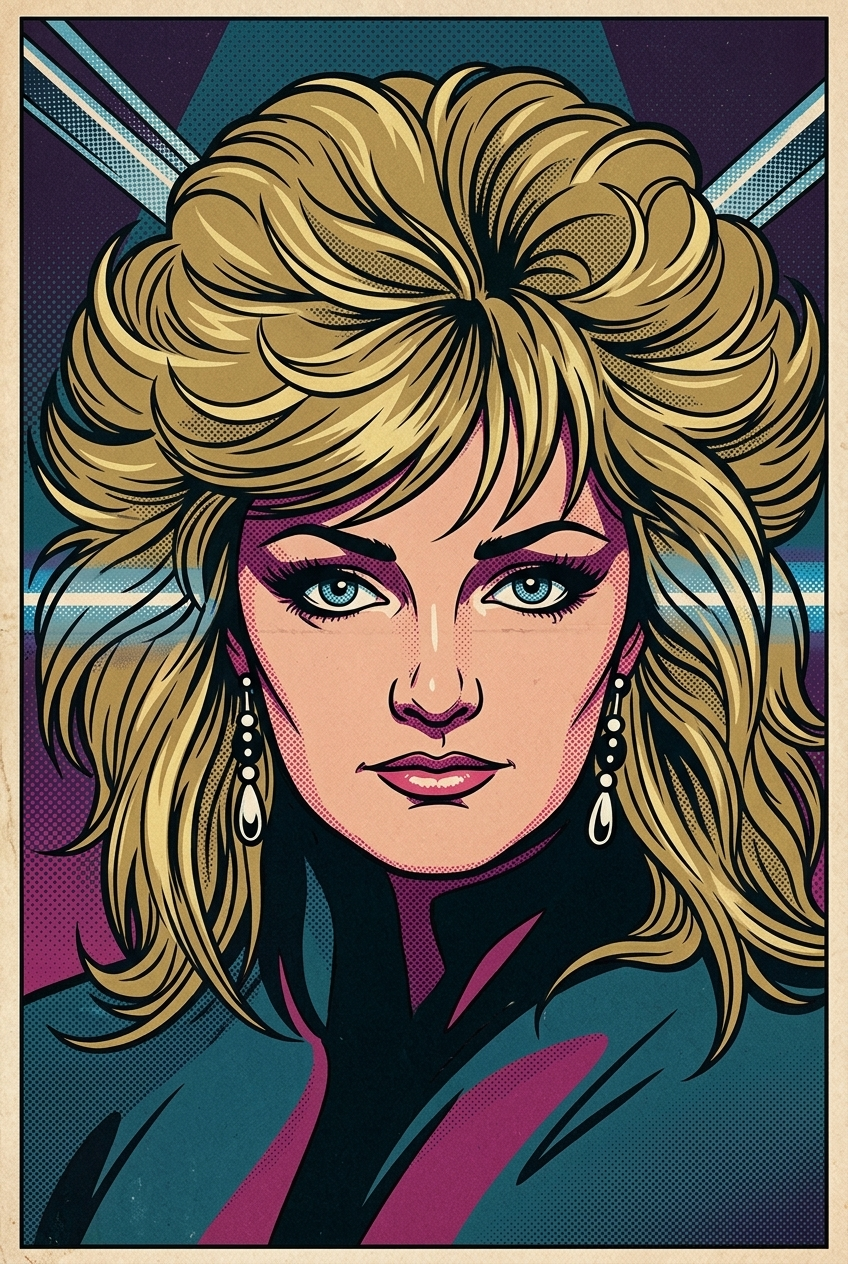
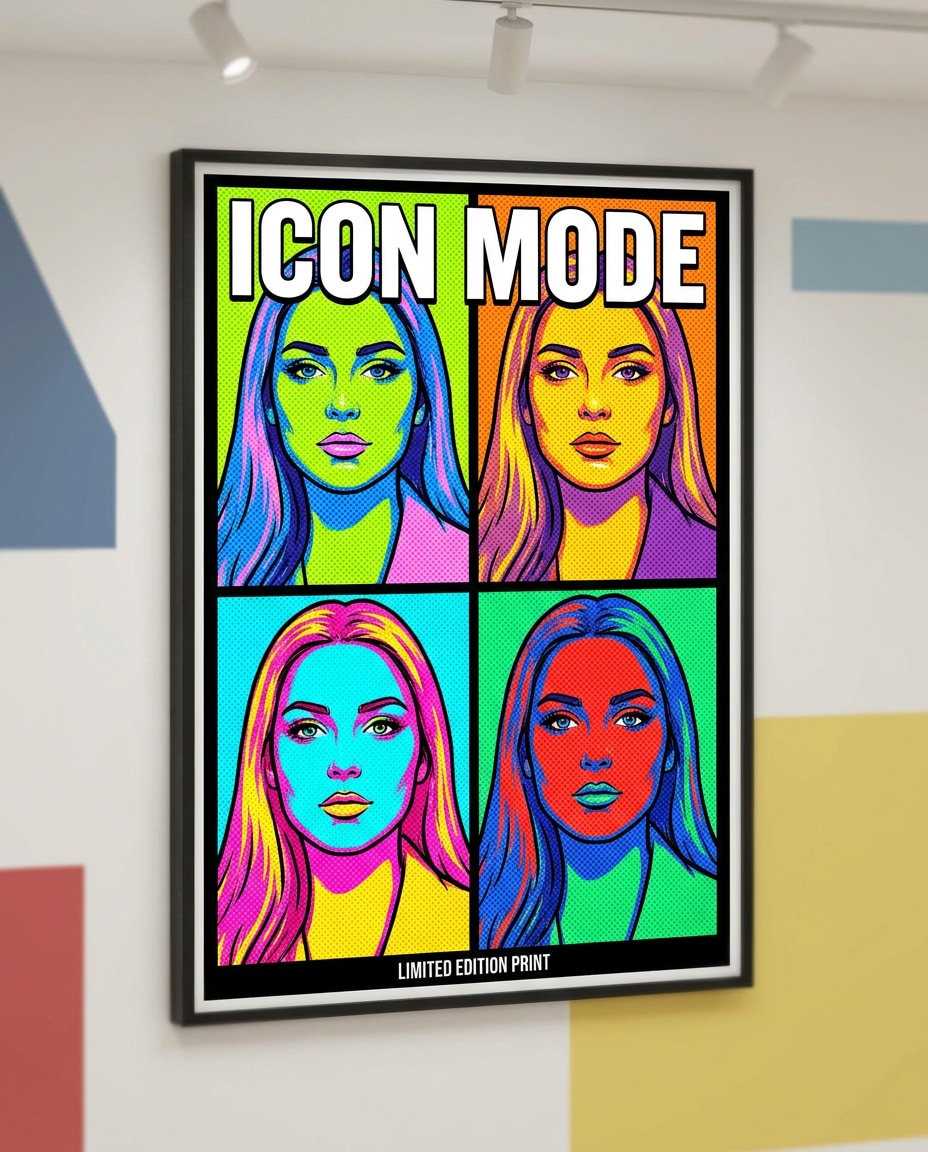
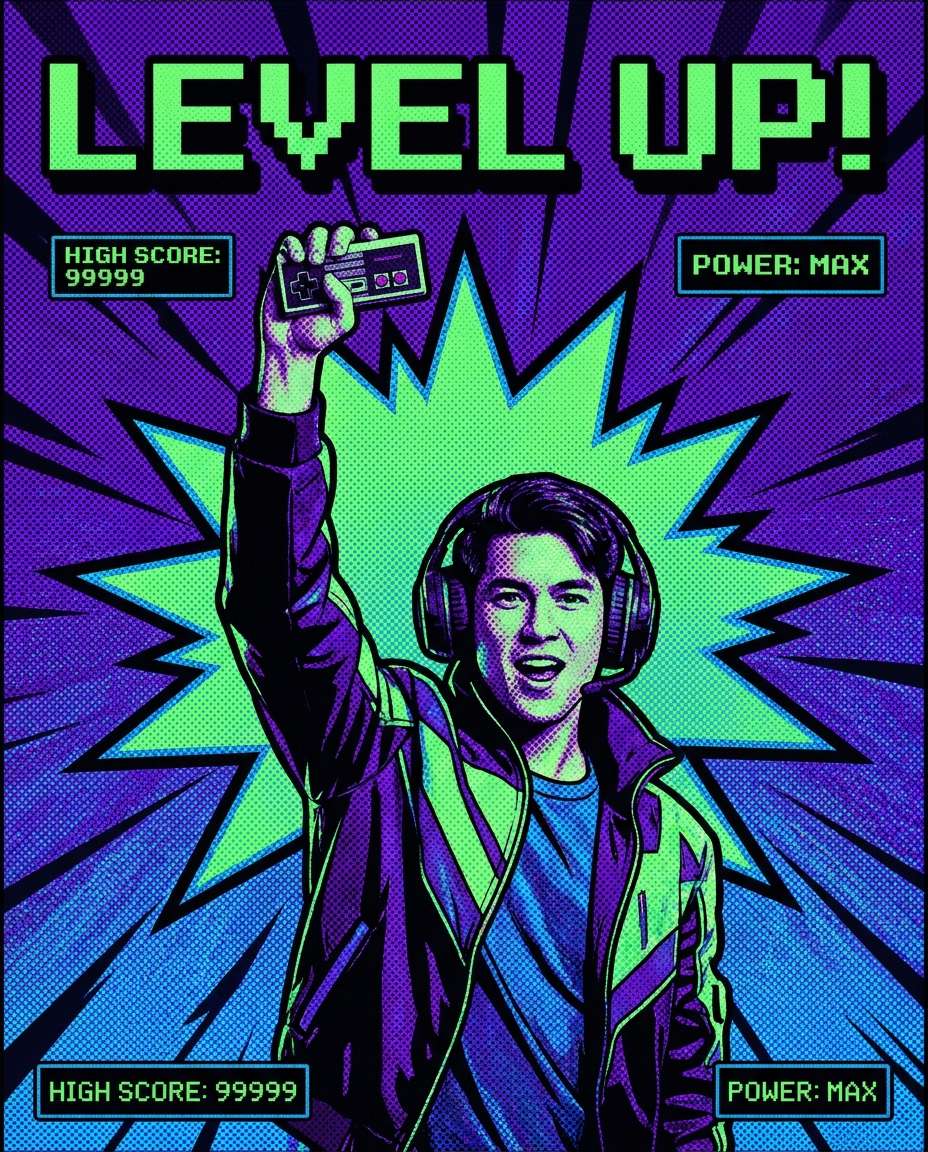
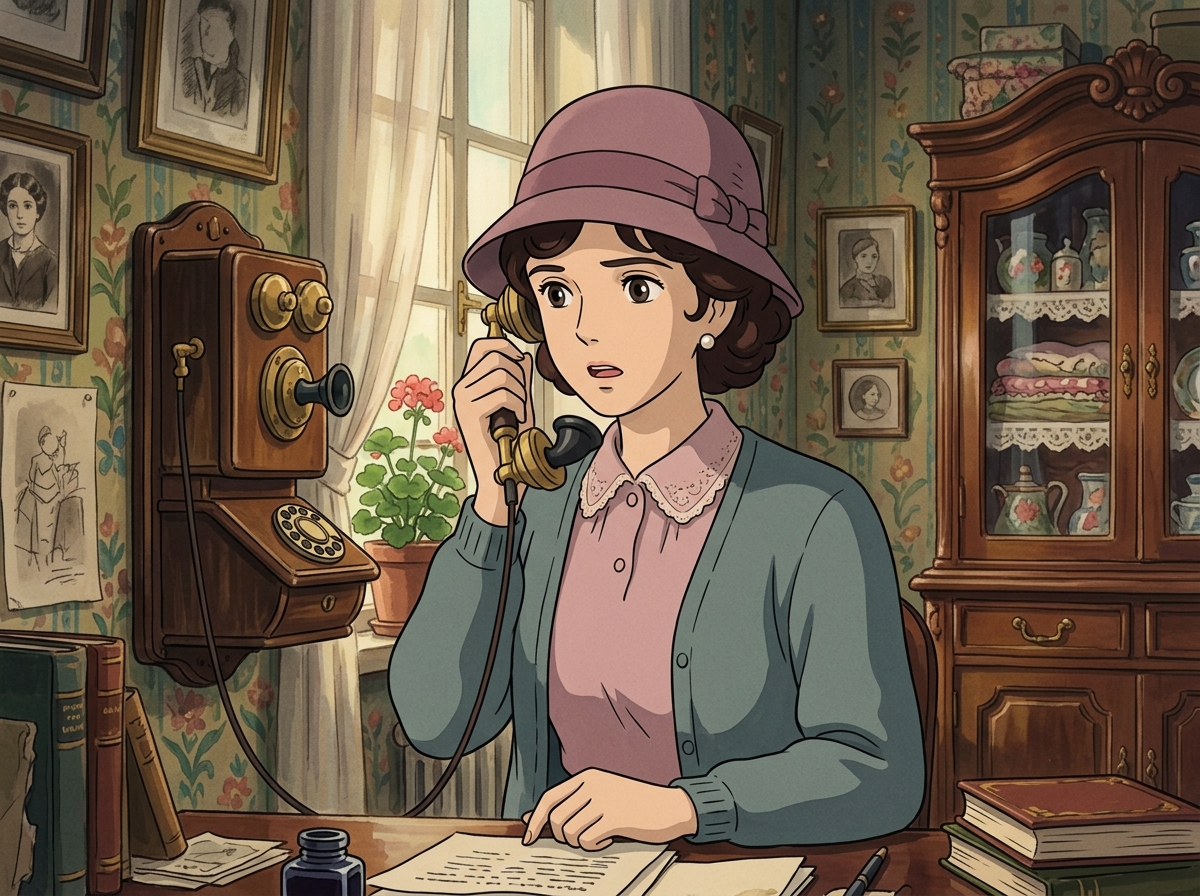
Retro Illustration AI prompts are focused prompt patterns for generating a specific scene, character mood, or stylistic direction with clearer intent than a broad generic tag. Instead of asking an AI model for a simple subject, this tag helps you define the role of the scene, the visual mood, the camera distance, the lighting, the material cues, and the final publishing context. It is especially useful when you need prompts for 복고 캐릭터, 레트로 포스터, 80년대 감성, 빈티지 패키지, 클래식 자동차. A strong prompt in this category usually combines a clear subject with production details, such as background context, composition, atmosphere, color palette, lens behavior, and the format where the output will be used.

Best Use Cases

  • Building visual concepts for brand campaigns, landing pages, social posts, or editorial layouts
  • Creating prompt variations for thumbnails, carousel covers, posters, product pages, and short-form content
  • Placing characters, products, or objects inside a scene that feels purposeful rather than random
  • Testing multiple art directions by changing lighting, season, color palette, lens type, or material texture
  • Turning a rough idea into a repeatable production prompt that can be reused across a campaign

Why This Tag Works

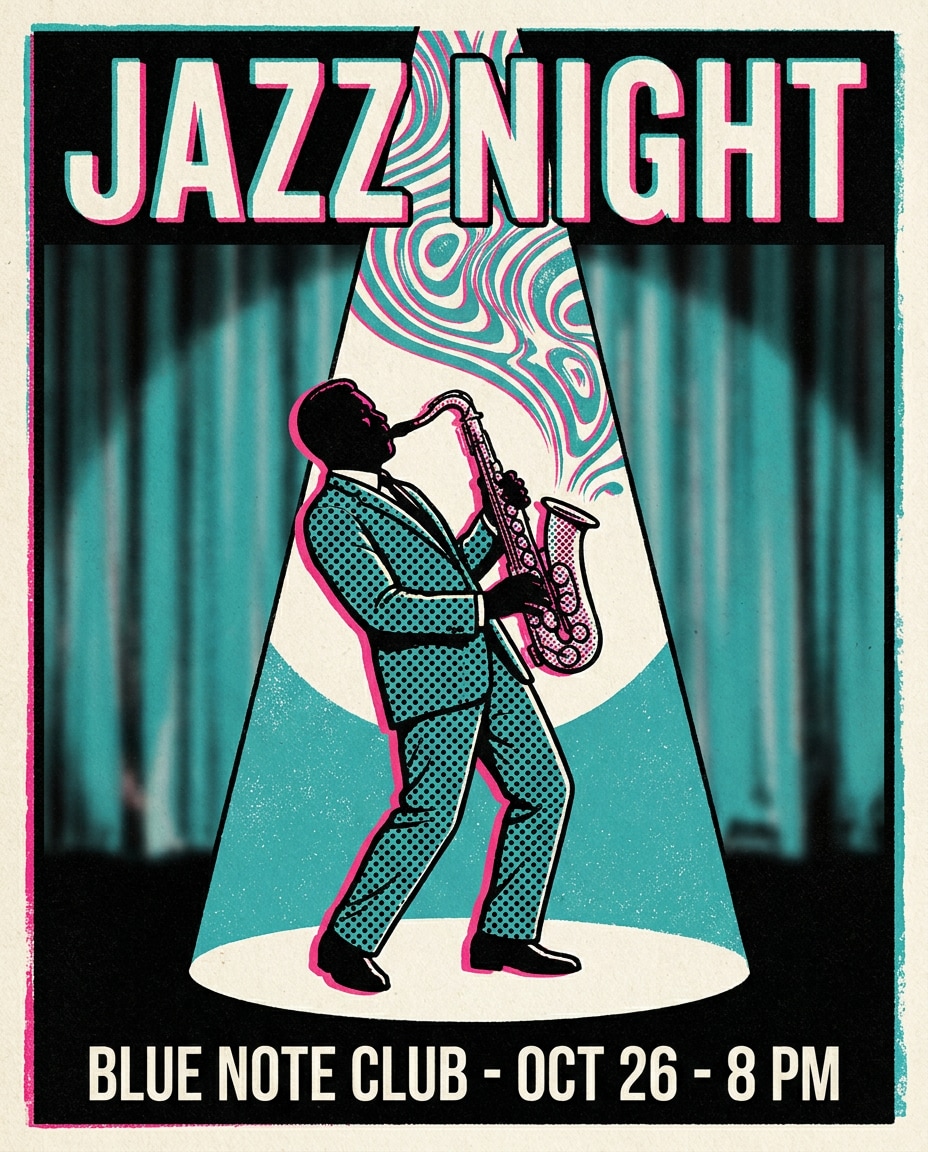
Retro Illustration works because it narrows the model's decision space. When a prompt only includes a broad subject, the model has to guess the setting, the framing, the style, and the emotional tone. This tag gives the prompt a more concrete search intent and a clearer production target. Details such as muted palette, halftone texture, old paper, vintage typography, faded color, 80s gradient help the model understand what should be visible on screen, what should be emphasized, and what should remain secondary. The result is usually more consistent, easier to compare, and more useful for real creative workflows. You can adapt the same prompt for realistic photography, illustration, cinematic video, anime-inspired visuals, packaging previews, or social-first design systems by changing the medium and camera instructions.

Explore Related Prompts

  • Illustration
  • Poster
  • Character
  • Anime Style
  • Oil Painting Style
  • Watercolor Style
  • Pixel Art

Prompt Building Tips

  1. Start with the subject and setting, then add the intended use case so the model understands the output goal.
  2. Specify camera distance, aspect ratio, lens style, lighting direction, and color palette to reduce random composition choices.
  3. Add material cues, environmental details, and secondary objects only when they support the main idea.
  4. Include a short negative instruction for unwanted artifacts, clutter, incorrect text, extra limbs, or mismatched branding.
    Retro Illustration prompts perform best when the scene is specific enough to guide the model but still flexible enough to allow rich visual interpretation. Keep the core idea clear, then iterate through style, lighting, and composition variations until the output matches your publishing context.
Frequently Asked Questions

Related Prompts

Nostalgic Design

Nostalgic Design

43 prompts

Vintage Design

Vintage Design

102 prompts

Retro

Retro

46 prompts

Illustration

Illustration

300 prompts

Carat Prompt Gallery

Create trending AI prompts instantly

Prompts

  • Logo
  • PPT Design
  • Thumbnail
  • Poster
  • Web Novel Cover
  • ID Photo
  • Caricature
  • Product Detail Page
  • Banner

Models

  • GPT Image 2
  • Seedance 2.0
  • NanoBanana Pro
  • NanoBanana 2

Carat

  • Get started
  • About
  • Blog
  • Careers
  • Contact
  • Partnership
  • Terms
  • Privacy

© 2026 Paradot.Inc All rights reserved.