carat

Prompt Gallery

/

Game UI

Login
Sign Up

Game UI

Prompts for designing game interface elements needed during gameplay. Copy and use Game UI prompts from Carat right away.

2026.07.09

·
GPT 이미지 2로 생성한 게임 UI 디자인

게임 UI 디자인

GPT Image 2· Image
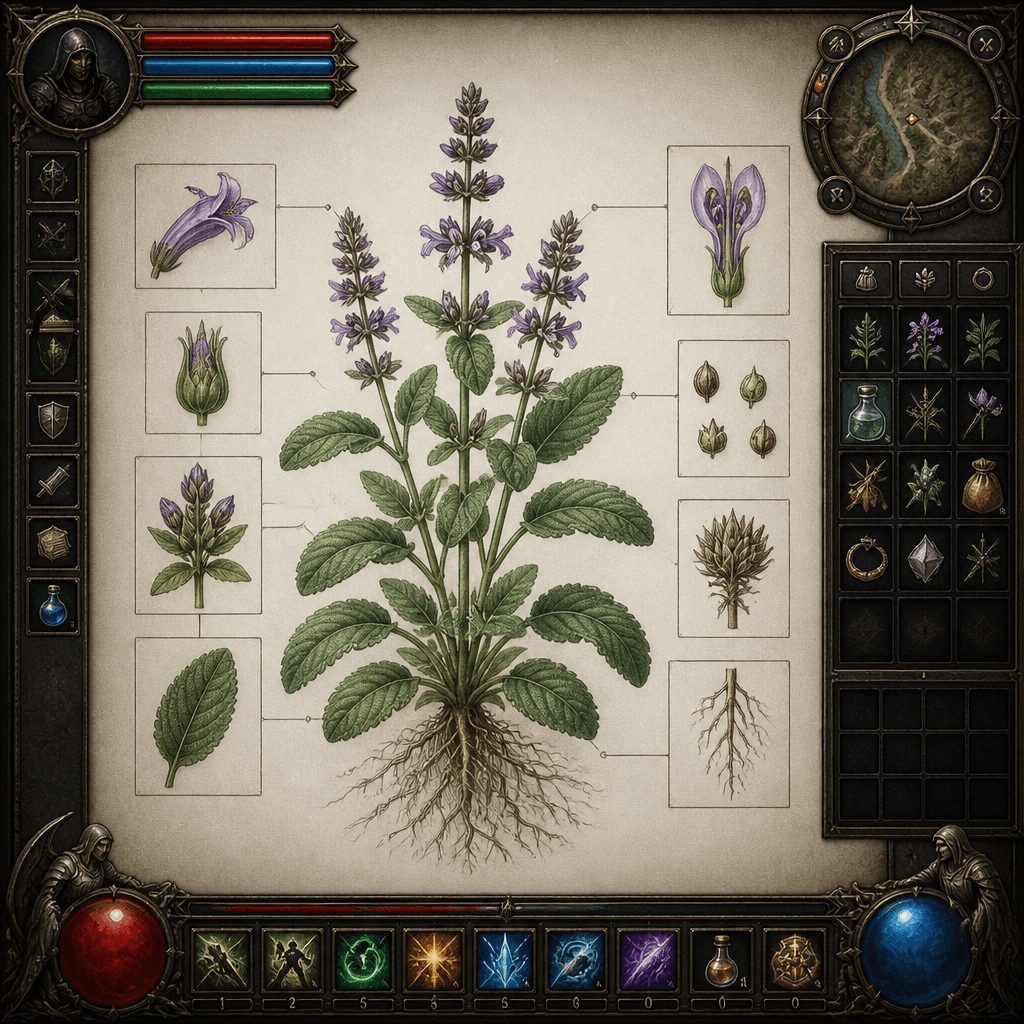
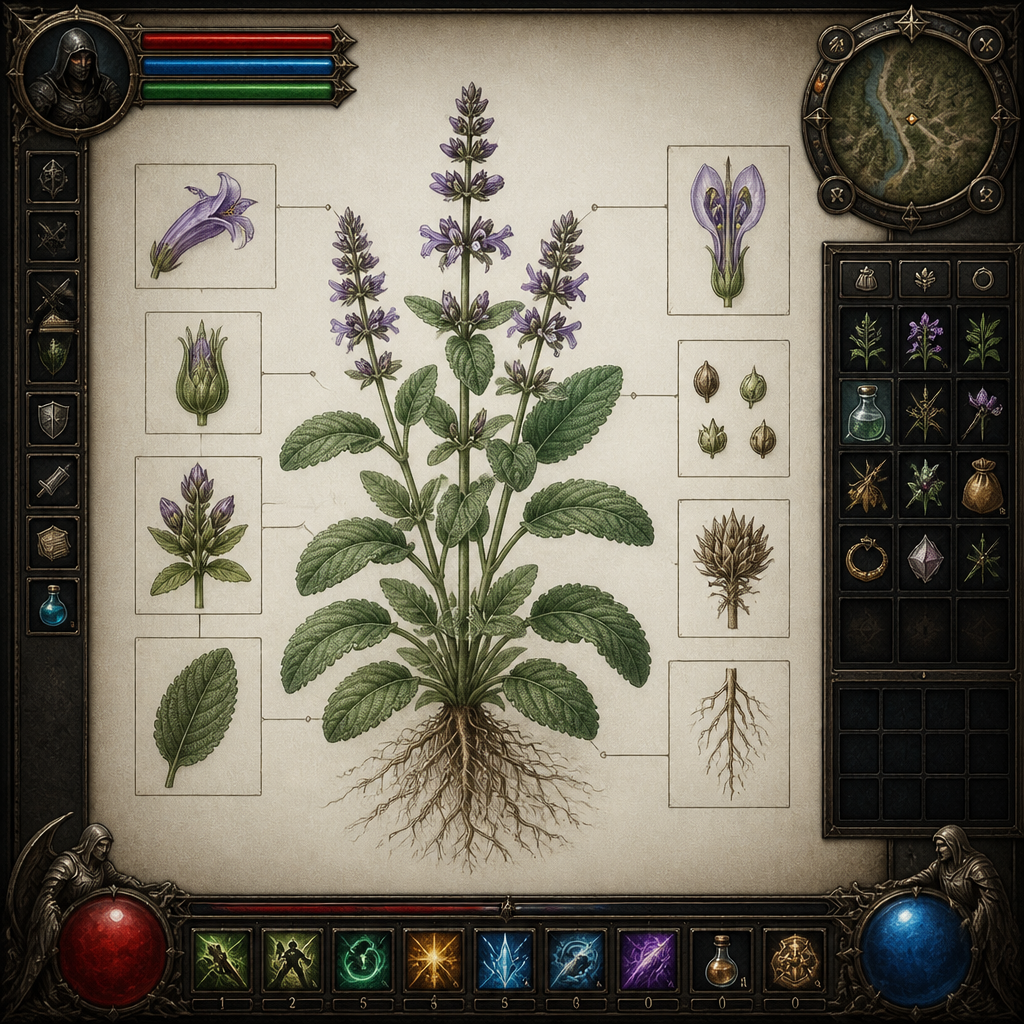
A fantasy RPG game interface with health bars, skill icons, inventory slots and minimap, dark fantasy aesthetic., Detailed botanical / scientific illustration, even natural daylight, soft shadow, precise, educational, elegant mood, naturalistic colors, sage green and earth tones, centered specimen, annotated feel without actual text, No text, no watermark.
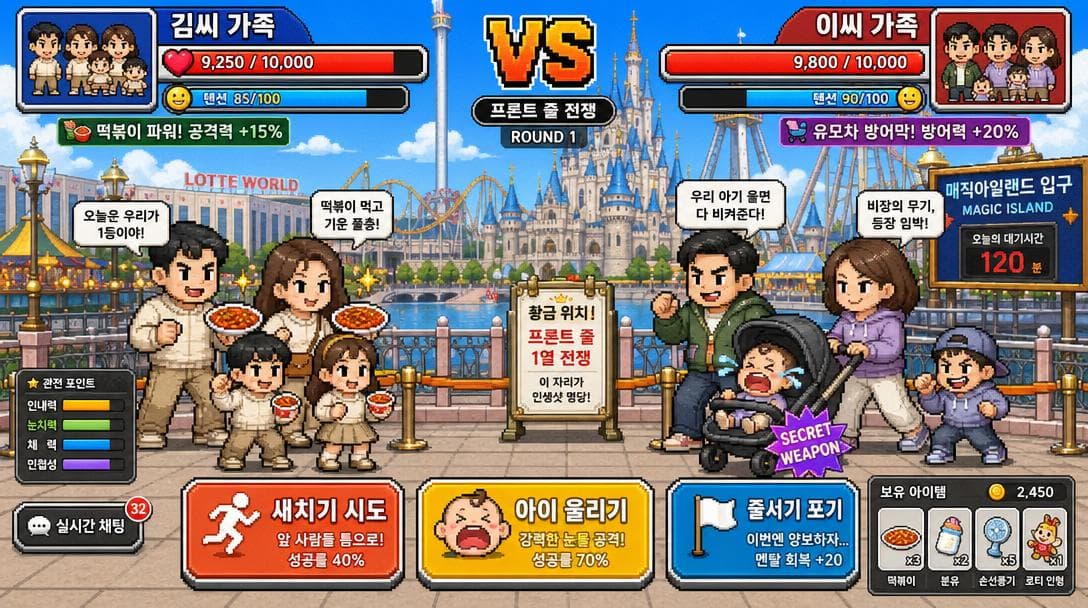
AI-generated Tokyo DisneySea Front-Row Battle UI made with GPT Image 2

Tokyo DisneySea Front-Row Battle UI

GPT Image 2· Image
A funny Korean mobile game screenshot of a vs battle at Lotte World (롯데월드) theme park. Two Korean families competing for front-row position in pixel-art style. Health bars at top with Korean names '김씨 가족' vs '이씨 가족'. Action buttons: '새치기 시도', '아이 울리기'. Bright colorful Korean mobile game UI aesthetic.
@mikko_20100518
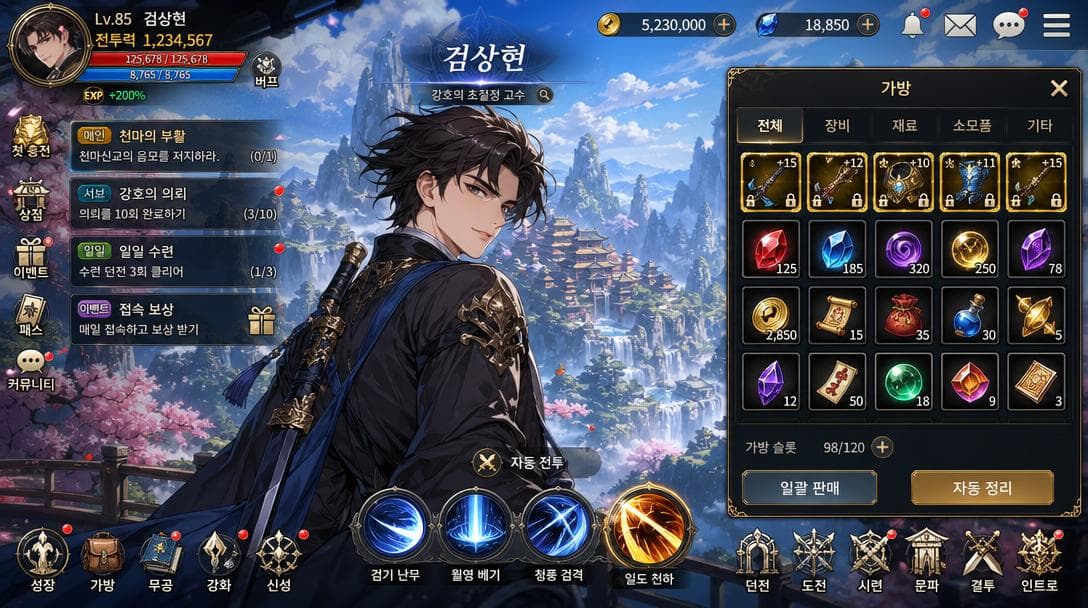
AI-generated Korean Mobile RPG Game Screenshot Featuring a Korean Webtoon-style Character made with GPT Image 2
Korean Mobile RPG Game Screenshot Featuring a Korean Webtoon-style Character

GPT Image 2· Image
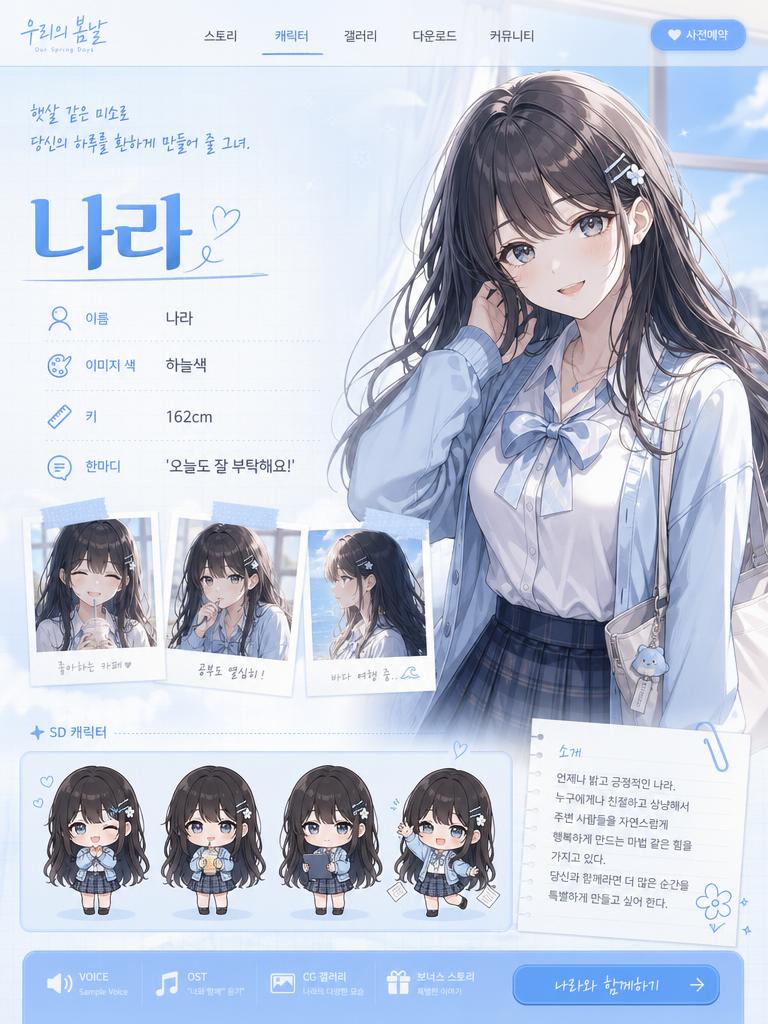
Korean mobile RPG game screenshot featuring a Korean webtoon-style character. Korean game UI: HP bar, 스킬 버튼, 퀘스트 알림, inventory panel. Korean fantasy landscape background. Character name in Korean Hangul at top. Korean mobile game aesthetic — vibrant colors, clean UI, Korean text throughout. 16:9.
@khaiinit
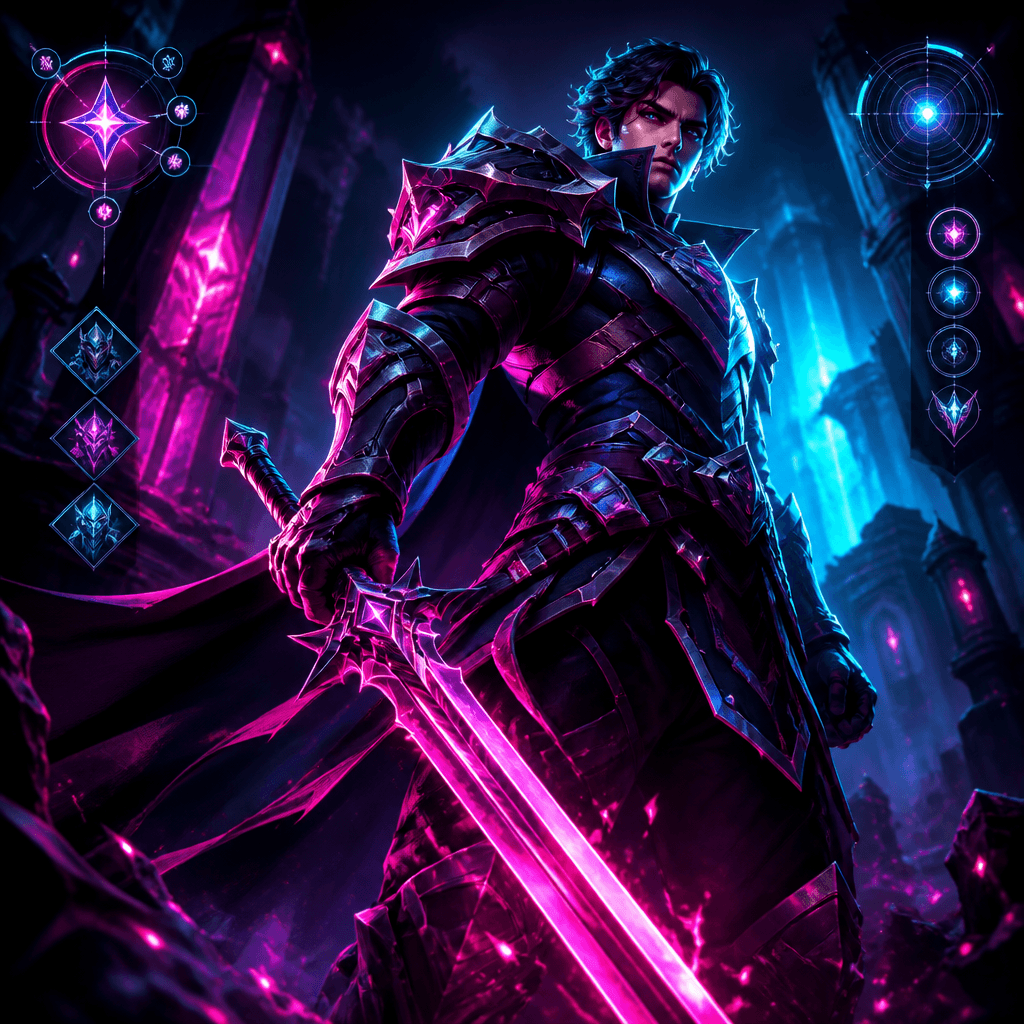
GPT 이미지 2로 생성한 게임 캐릭터

게임 캐릭터

GPT Image 2· Image
A fantasy RPG game character in armor holding a sword, stylized 3D render with vibrant colors. Heroic pose, game UI elements in background.., Digital illustration with neon glow effects, neon rim lighting, dark ambient with glowing accents, futuristic, edgy, vibrant mood, electric magenta-cyan duotone with deep black, dynamic dutch angle, atmospheric haze, No text, no watermark.
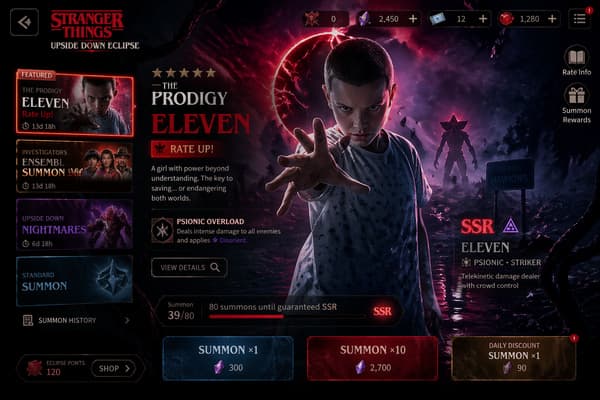
AI-generated Mobile Game Gacha Summon Screen made with GPT Image 2

Mobile Game Gacha Summon Screen

GPT Image 2· Image
Design a high-end gacha summon page for a new mobile game titled [Game Title], inspired by the summon interfaces of popular mobile games. The page should present a dark, cinematic, premium ARPG aesthetic with a rich and immersive atmosphere. The featured banner character is [Featured Character]. The layout should include a dramatic character showcase in the center, layered summon UI panels, glowing visual effects, rarity indicators, currency icons, summon buttons, event banner elements, and elegant decorative details. The background and visual motifs should reflect the identity, mood, and world style associated with [Featured Character]. The overall design should feel polished, collectible, visually powerful, and similar to a top-grossing mobile game gacha screen.size 3:2.
create-your-own-gacha-summon-page
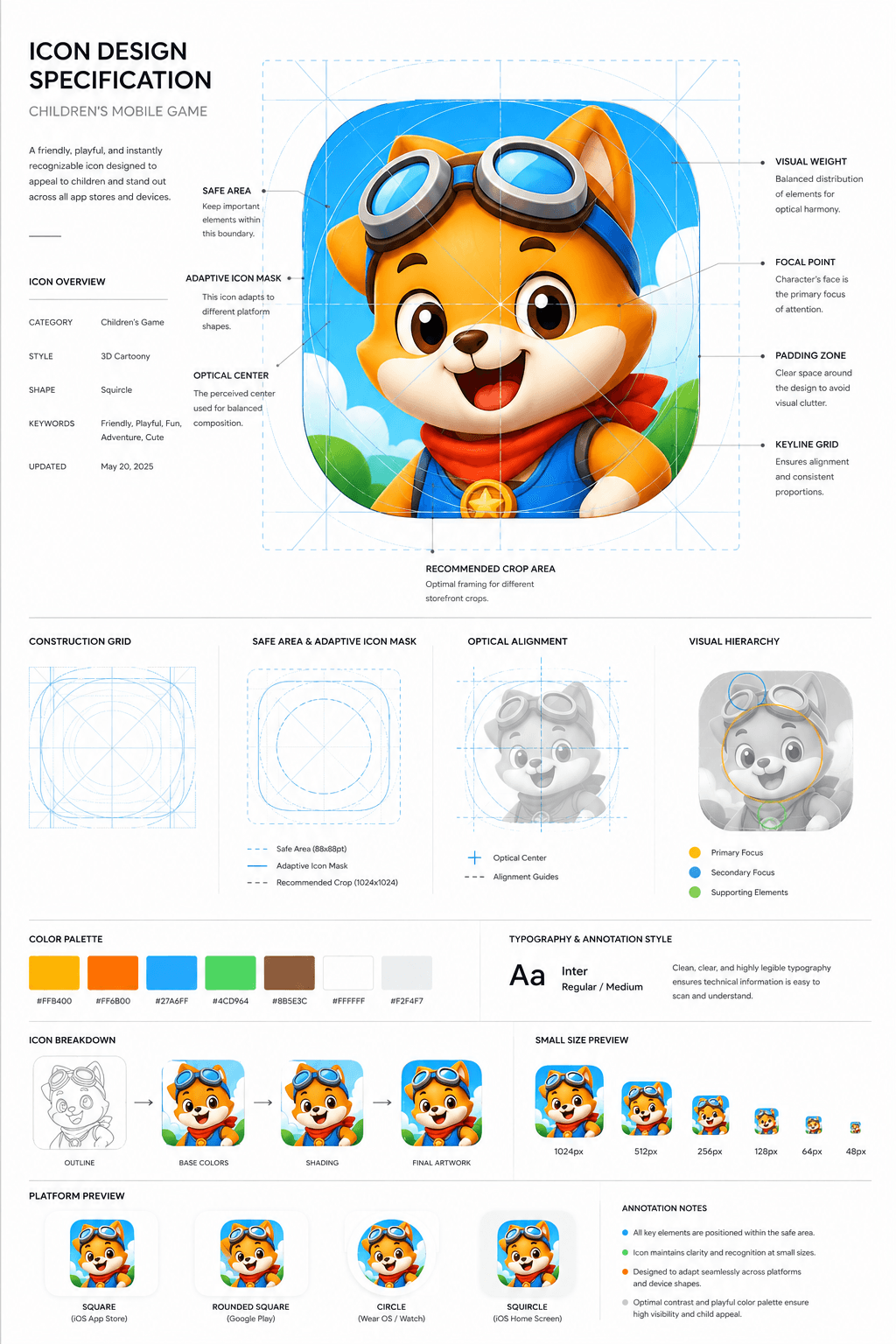
AI-generated Children’s Game App Icon Board made with GPT Image 2

Children’s Game App Icon Board

GPT Image 2· Image
Design a premium app icon presentation board for a children's mobile game icon, inspired by Apple Human Interface Guidelines, Google Material Design documentation, and professional Behance case studies. Use a clean editorial layout with a minimalist white background, subtle light-gray construction grids, generous whitespace, and modern Swiss-inspired typography. The presentation should feel like it was created by a senior brand designer at a top mobile game studio.Place the final app icon as the hero element in the center, occupying approximately 60–70% of the page. Surround it with elegant technical annotations connected by thin gray leader lines. Include labels such as Safe Area, Adaptive Icon Mask, Optical Center, Visual Weight, Focal Point, Padding Zone, Keyline Grid, and Recommended Crop Area.Overlay a precise construction grid consisting of circles, squares, alignment guides, center lines, diagonal guides, proportional geometry, and adaptive icon boundaries. The grid should be subtle, using thin cyan or light-blue lines with low opacity, similar to Apple's icon construction documentation.Around the hero icon, include clean presentation sections with consistent spacing:Hero Icon ShowcaseConstruction GridSafe Area & Adaptive Icon MaskOptical AlignmentVisual Hierarchy DiagramColor Palette Swatches with HEX valuesTypography & Annotation StyleIcon Breakdown (Outline → Base Colors → Shading → Final Artwork)Small Size Preview (1024px, 512px, 256px, 128px, 64px, 48px)Platform Preview (Square, Rounded Square, Circle, Squircle)Use elegant monochrome labels, thin divider lines, subtle spacing, and professional alignment throughout the page. Typography should resemble modern design documentation with lightweight sans-serif fonts, small uppercase section titles, and minimal captions.The overall aesthetic should communicate precision, craftsmanship, and premium product design rather than marketing. Avoid gradients, decorative backgrounds, heavy shadows, colorful graphics, unnecessary icons, or visual clutter. The presentation should look like an official design specification created for a world-class mobile game studio and be suitable for Behance, Dribbble, or an AAA game design portfolio. Ultra-clean, highly organized, modern editorial design, perfect spacing, museum-quality layout, premium UI/UX presentation style.Avoid mockup devices, laptops, desks, hands, unnecessary 3D objects, colorful backgrounds, random decorative elements, excessive shadows, glassmorphism, neon effects, AI-style layouts, distorted grids, inconsistent spacing, low-resolution typography, cluttered composition, watermarks, logos, and marketing banners. Focus entirely on a clean professional icon specification sheet.
aacc56f2eccdceb35eb26a505aeb3232

What are Game UI Prompts?

Prompts for designing game interface elements needed during gameplay. Copy the Game UI prompts provided by Carat and paste them into an AI image generation tool to get professional-grade results. Each prompt includes detailed visual descriptions that game developers, illustrators, marketers, and designers can use immediately.

How to Use Game UI Prompts

  1. Select and copy your desired prompt.
  2. Paste it into the Carat agent or any GPT Image 2 compatible tool.
  3. Modify keywords such as colors, styles, and composition as needed.
  4. Download the generated image and use it in your project.

Tips for Writing Game UI Prompts

For best results, specify lighting, texture, composition, and lens information in detail. Technical terms like "Rembrandt lighting," "85mm f/1.8 lens," and "macroscopic texture" yield more precise results. Describe observable, concrete characteristics rather than abstract expressions.

Game UI Prompt Applications

Game UI prompts are used across game development, content creation, marketing materials, educational resources, and product page design. AI-generated images dramatically reduce production time while maintaining professional quality, making them especially valuable for startups, indie developers, and solo creators.

Game UI Prompt Optimization Guide

Add "No text, no watermark" at the end of your prompt to prevent unwanted text overlays. Choose the aspect ratio based on your use case: vertical (9:16) for social media, horizontal (16:9) for web banners, and square (1:1) for product images. Experiment with combining multiple styles for unique results.
Frequently Asked Questions

Related Prompts

Character

Character

363 prompts

Game UI Design

Game UI Design

2 prompts

Game Pet Character

Game Pet Character

6 prompts

Game Splash Image

Game Splash Image

12 prompts

Carat Prompt Gallery

Create trending AI prompts instantly

Prompts

  • Logo
  • PPT Design
  • Thumbnail
  • Poster
  • Web Novel Cover
  • ID Photo
  • Caricature
  • Product Detail Page
  • Banner

Models

  • GPT Image 2
  • Seedance 2.0
  • NanoBanana Pro
  • NanoBanana 2

Carat

  • Get started
  • About
  • Blog
  • Careers
  • Contact
  • Partnership
  • Terms
  • Privacy

© 2026 Paradot.Inc All rights reserved.