Job Application Photo
Create job application photos and half-name-card ID photos with AI prompt templates.
2026.07.08
Make “Job Application Photo” exactly the way you wantCreate your own “Job Application Photo”
Just ask in plain language — Carat generates optimized images and videos for you.

Start now with 100 free credits daily
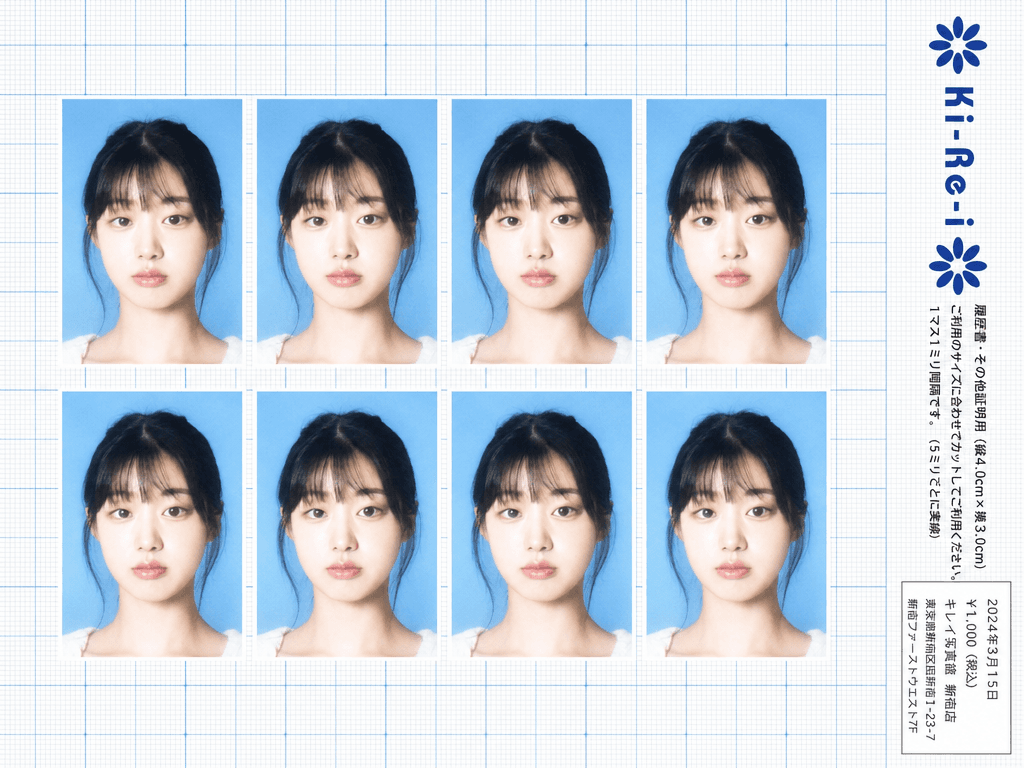
Ki-Re-i ID Photo Sheet
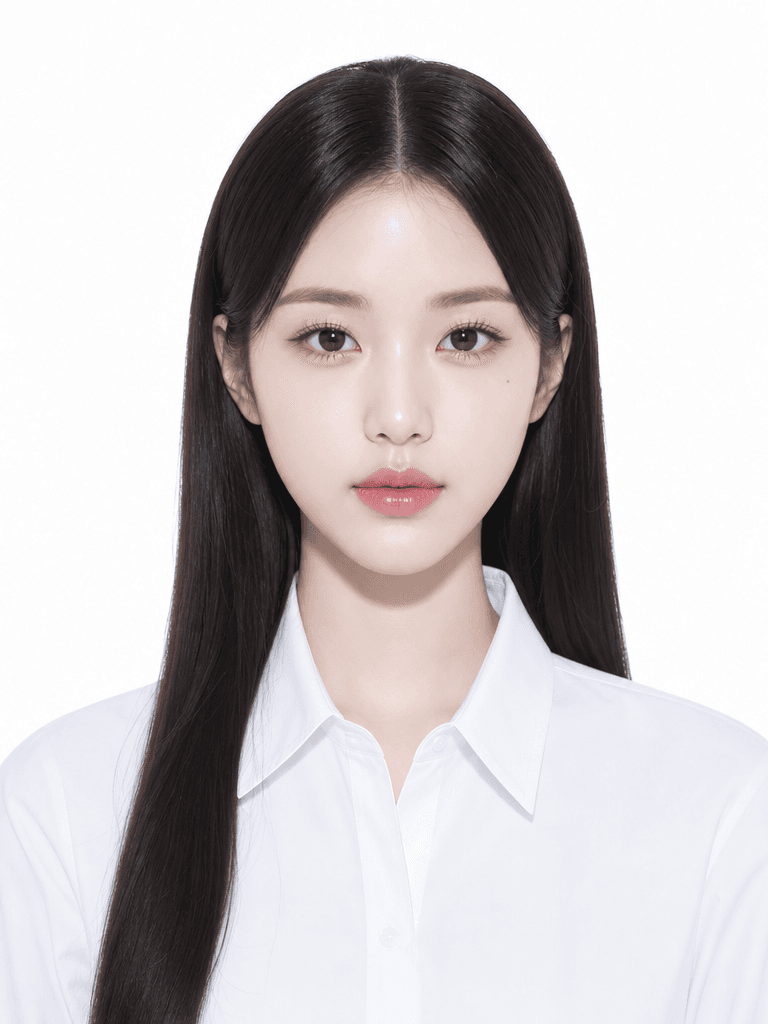
증명사진 일러스트
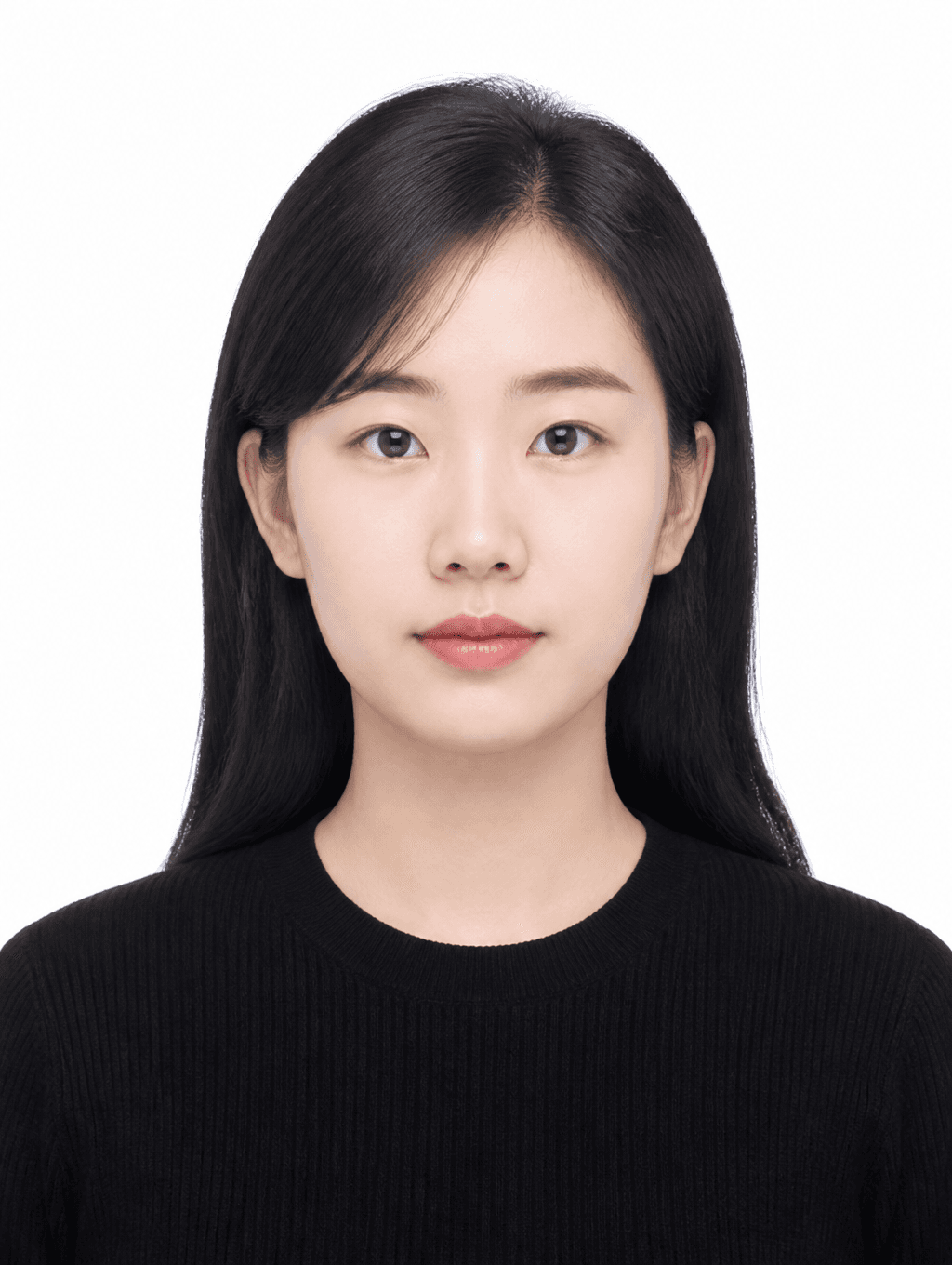
Clean Basic ID Photo
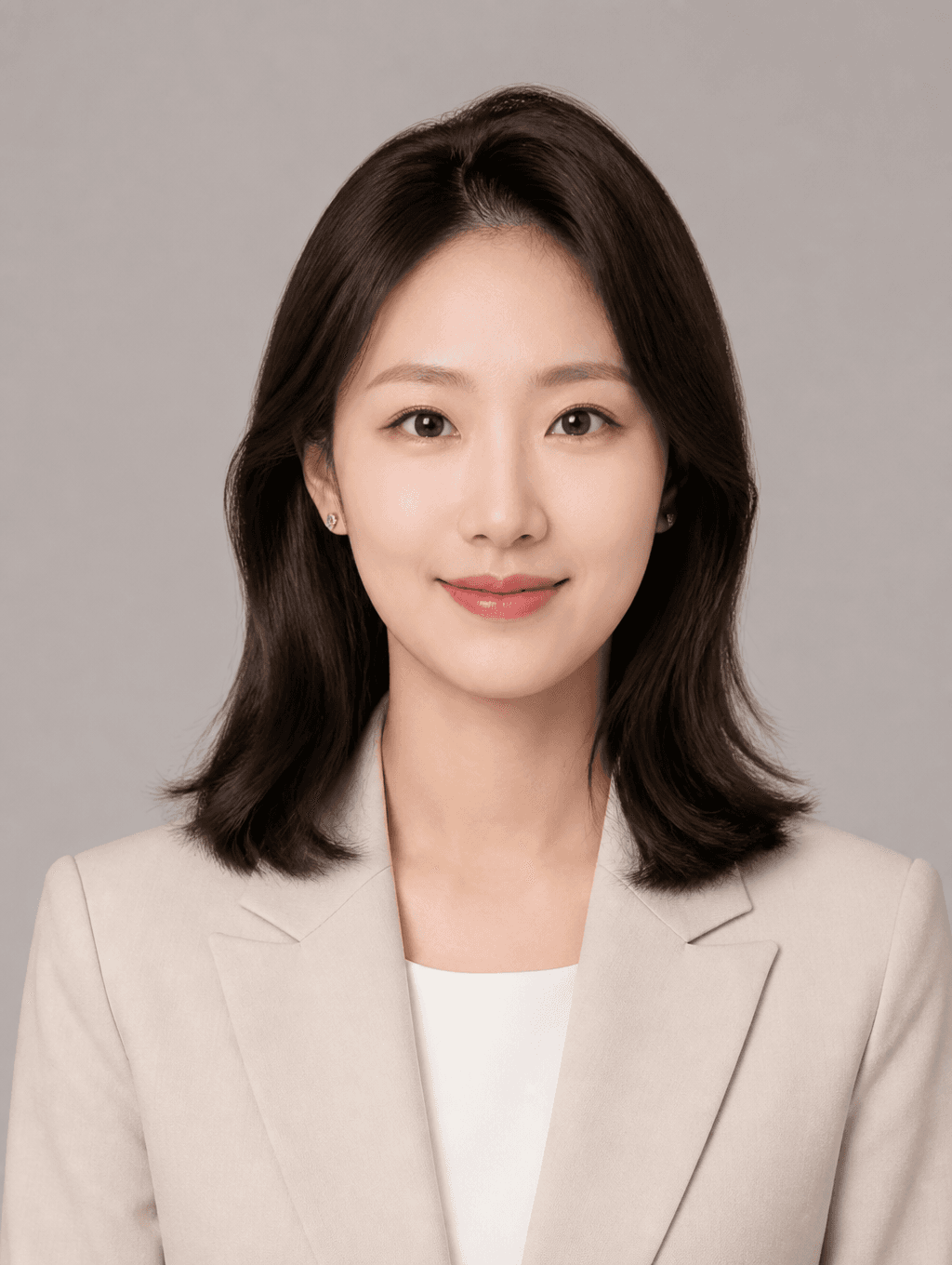
Profile ID Photo
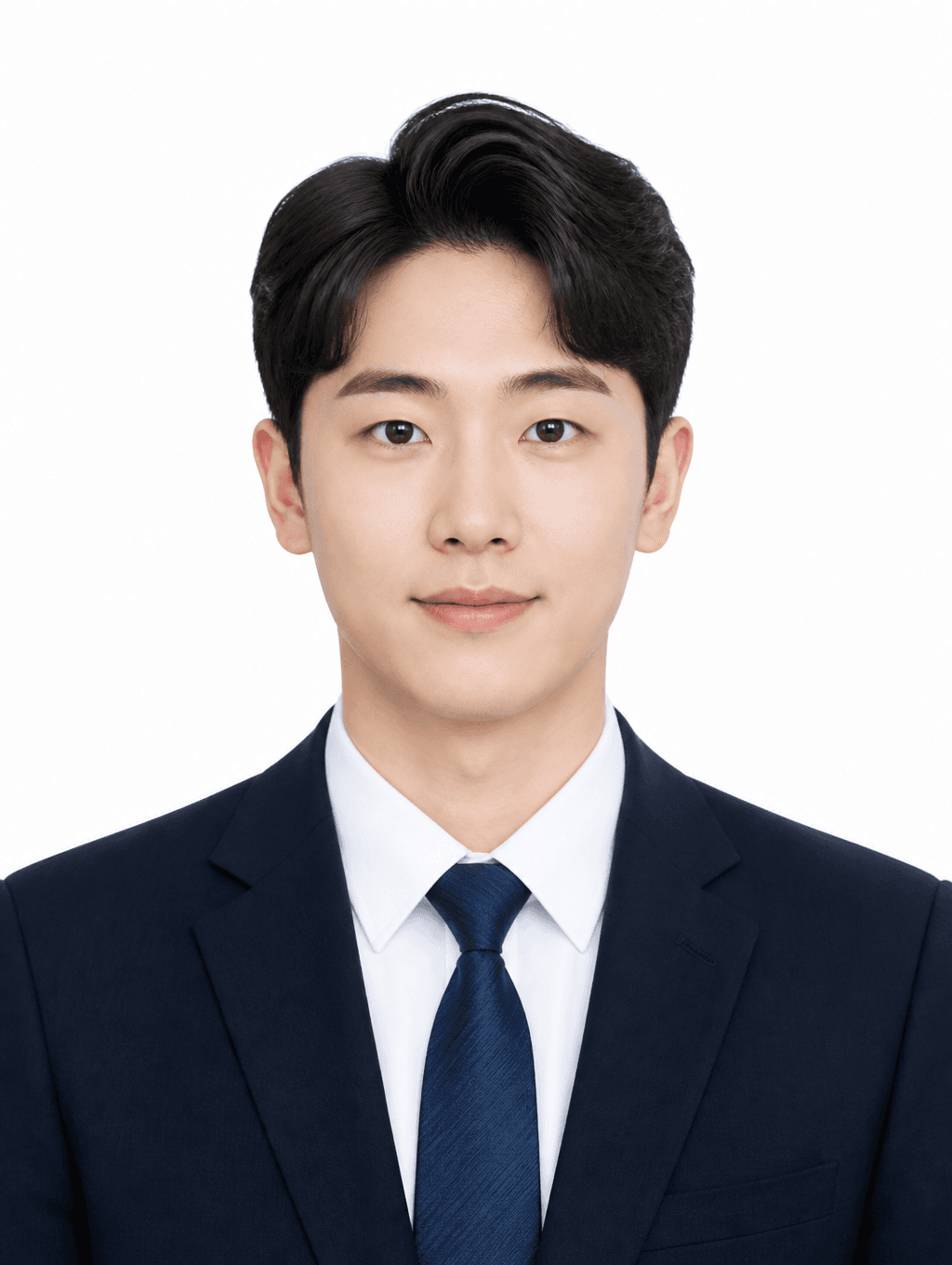
Job Application ID Photo
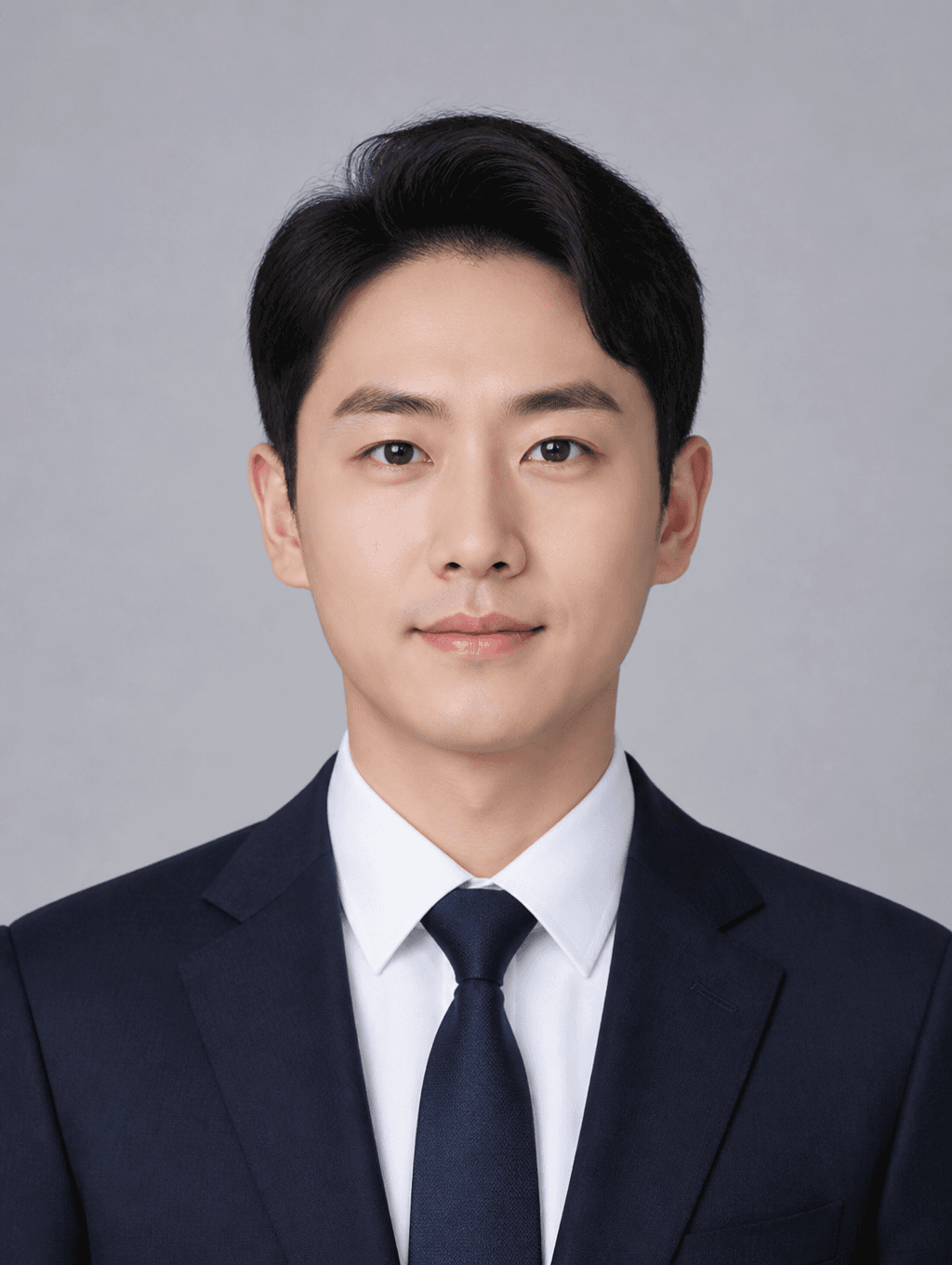
Business ID Photo
What Is a Job Application Photo?
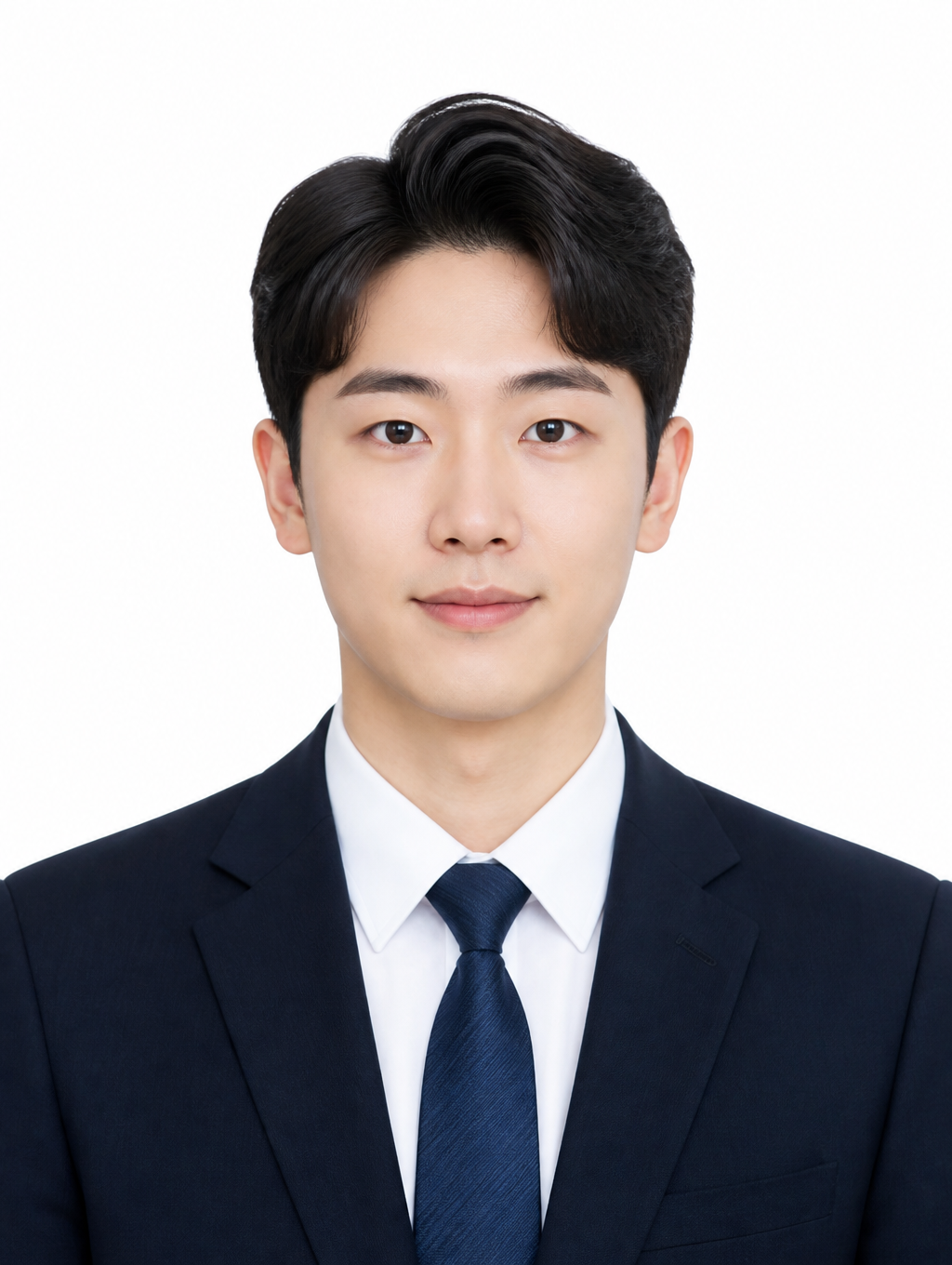
A job application photo is a specification-compliant identification photograph submitted with job applications and resumes, typically in the half-name-card photo format measuring 3x4 centimeters with a white background and front-facing composition. In many countries, particularly in South Korea and Japan, job application photos are a standard requirement for employment applications, and the photo often serves as the first impression that hiring managers form when reviewing candidate materials, making it a critical element of the job application package. The photo typically features the candidate in formal business attire, such as a suit or dress shirt, with a clean, professional appearance and a natural, confident expression that conveys trustworthiness and competence. Job application photos share specifications with other formal ID photos but emphasize a slightly more approachable, confident appearance compared to strict passport or visa photos, as the goal is to present a professional yet personable image to potential employers. With AI image generation tools, job seekers can now produce specification-compliant job application photos without visiting a professional photo studio, making it easier and more affordable to create polished, professional application materials during the competitive job search process.
How to Write AI Job Application Photo Prompts
When generating a job application photo with AI, specify the photo specifications, formal attire, background, lighting, and natural expression as key elements. Include prompt phrases like "half-name-card photo," "white background," "formal suit," "front-facing composition," and "natural smile" to define the photo requirements. Job application photos must convey trustworthiness and professionalism, so emphasize a clean, polished impression over casual or creative aesthetics, and specify formal attire such as a business suit, dress shirt, or blazer. The background should be a solid white or light color, and the lighting should be bright, natural, and flattering to create a professional, approachable appearance. Specify a front-facing composition with the head and shoulders centered in the frame, and emphasize a natural, confident expression that conveys competence and approachability without appearing overly formal or stiff.
Job Application Photo Prompt Examples
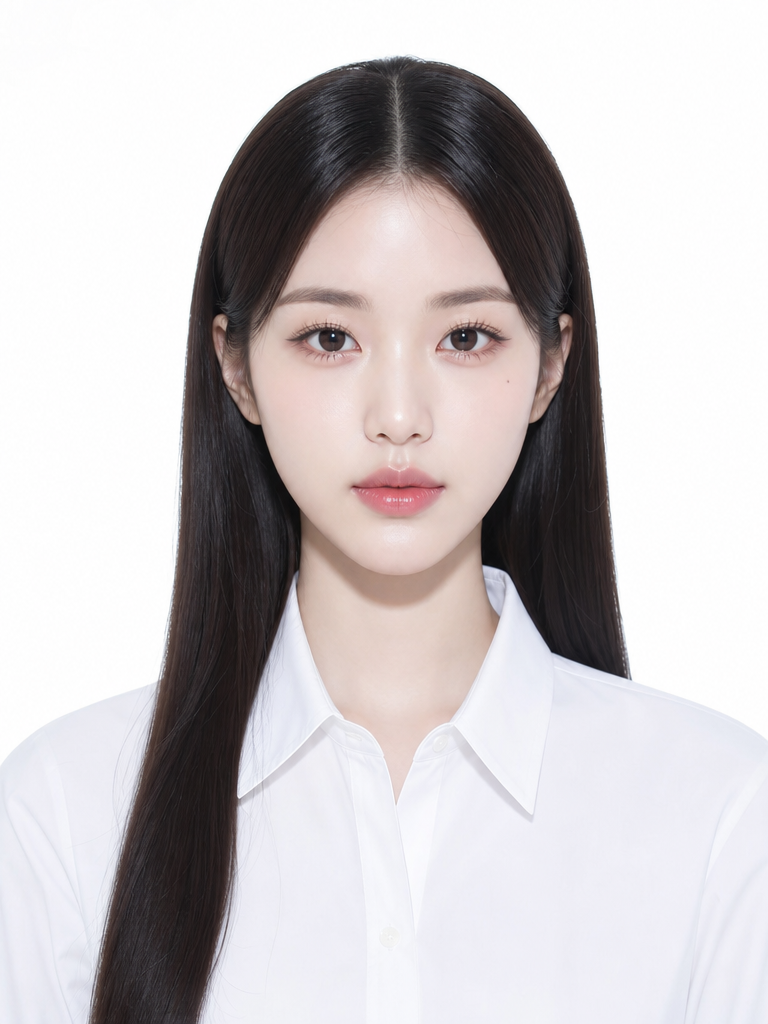
A kirei ID photo prompt generates a Japanese photo studio-style refined ID photo with polished lighting, creating a sophisticated yet formal appearance suitable for job applications. A profile-use ID photo prompt creates a polished yet formal profile photo that works for job applications requiring a professional appearance with a slightly modern aesthetic. A job-application ID photo prompt generates photos specifically optimized for job applications, with formal attire and professional styling tailored for hiring manager review. An ID photo illustration prompt creates an identification photo-style illustration that can be used for informal application materials or creative resumes. A clean basic ID photo prompt generates a white-background, formal-attire basic ID photo suitable for standard job application requirements. A business ID photo prompt creates a business-tone polished ID photo with a slightly more sophisticated, professional aesthetic.
Tips for Using AI Job Application Photos
Generated job application photos can be used for resumes, job applications, portfolios, professional profiles, visa applications, and various official documentation requiring specification-compliant ID photos. Accurately specify the job application photo specifications, including size, background color, and composition, in the prompt to ensure compliance with application requirements. Specify formal attire such as a business suit, dress shirt, or blazer, and emphasize a natural, confident expression to create a trustworthy, professional impression that appeals to hiring managers. AI tools provide a fast, convenient alternative to studio visits for producing specification-compliant job application photos, making it possible to create multiple variations with different attire, expressions, and styling to find the most effective photo for each application. For job seekers applying to multiple positions, generating a library of application photos with different suits, backgrounds, and expressions provides versatile assets tailored to different industries and company cultures. Always verify the generated photo against the specific application requirements before submission, as job application photo specifications may vary between companies and regions.
Frequently Asked Questions About Job Application Photo Prompts
Common questions include whether AI photos meet job application specifications, whether suit-wearing photos can be created, whether natural expressions can be achieved, whether photos can be used directly on resumes, and whether photos can be created without a studio visit. With precise prompting, AI tools produce specification-compliant, natural job application photos with full control over attire, expression, and composition. The key is specifying the photo specifications, formal attire, and natural expression to generate professional photos that make a strong first impression on hiring managers.