Job Interview Photo
Create professional job interview photos and resume headshots with AI prompt templates designed for career success.
2026.07.07
Make “Job Interview Photo” exactly the way you wantCreate your own “Job Interview Photo”
Just ask in plain language — Carat generates optimized images and videos for you.

Start now with 100 free credits daily
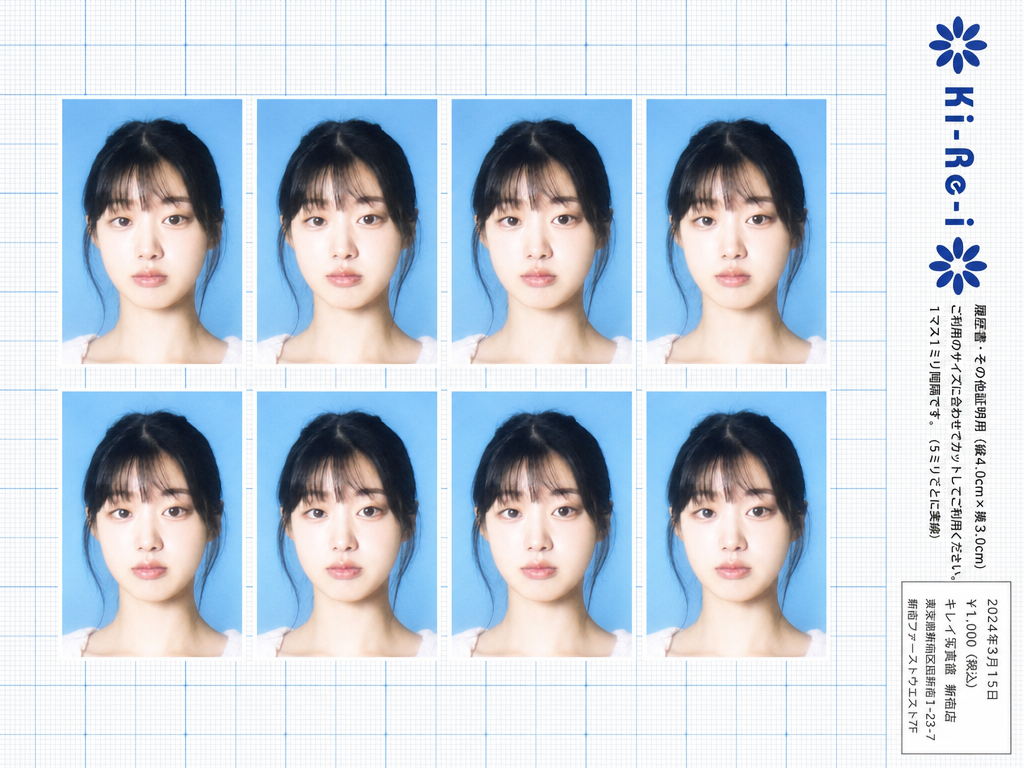
Ki-Re-i ID Photo Sheet
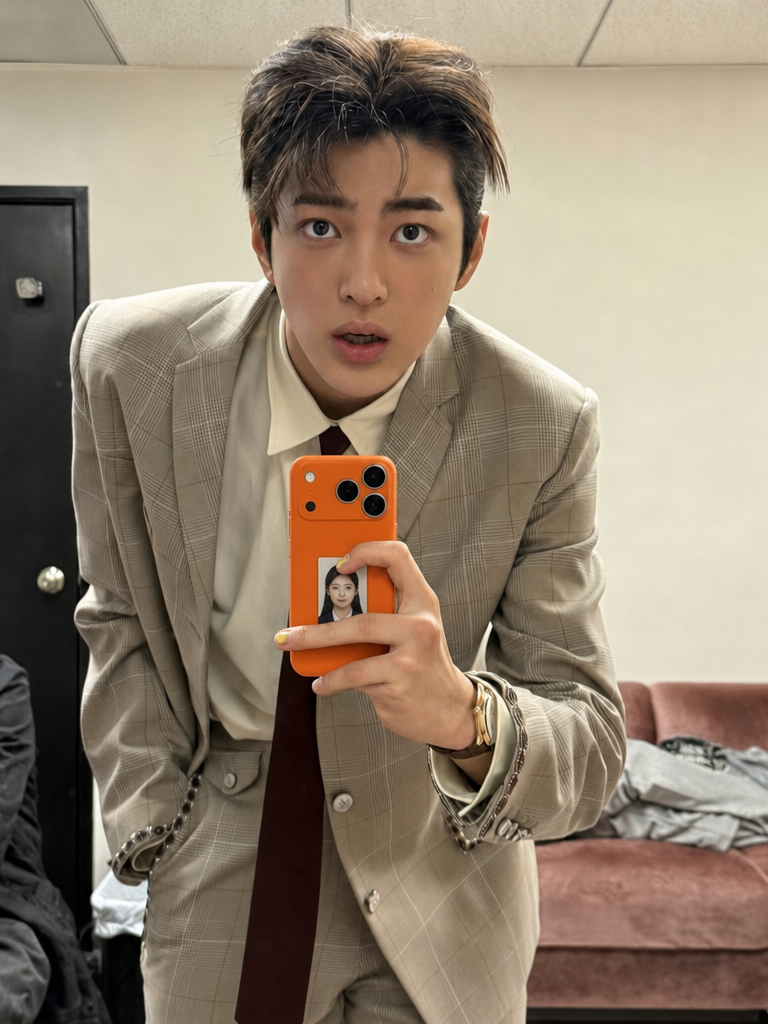
ID Photo in Transparent Phone Case Composite Prompt
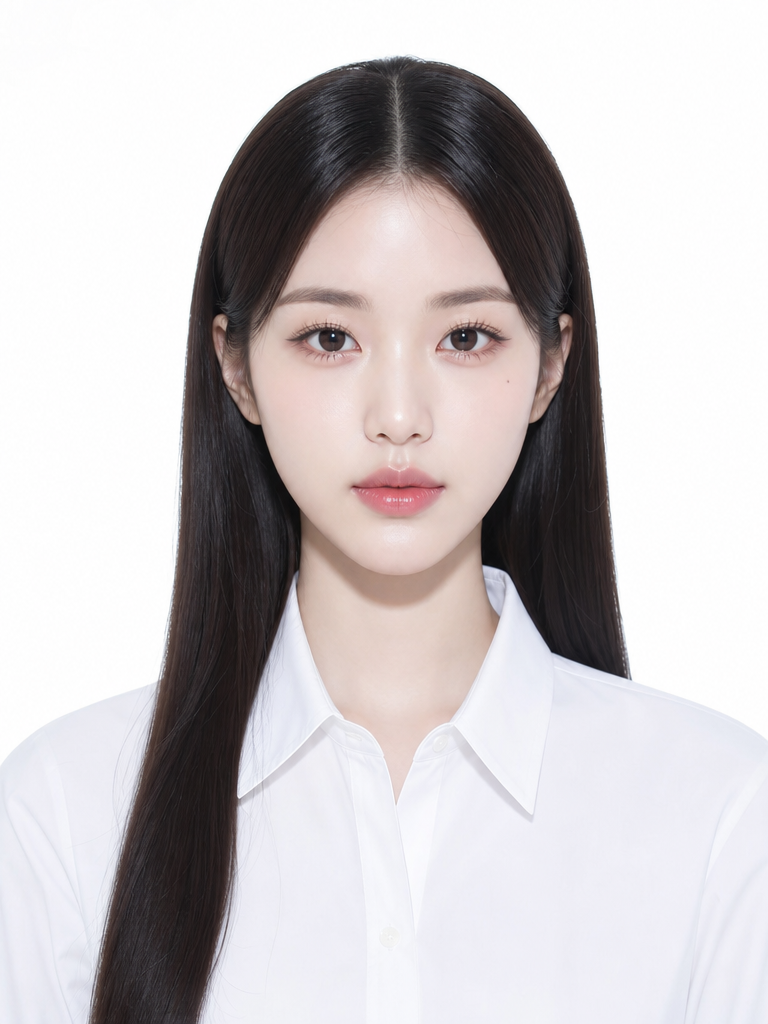
증명사진 일러스트
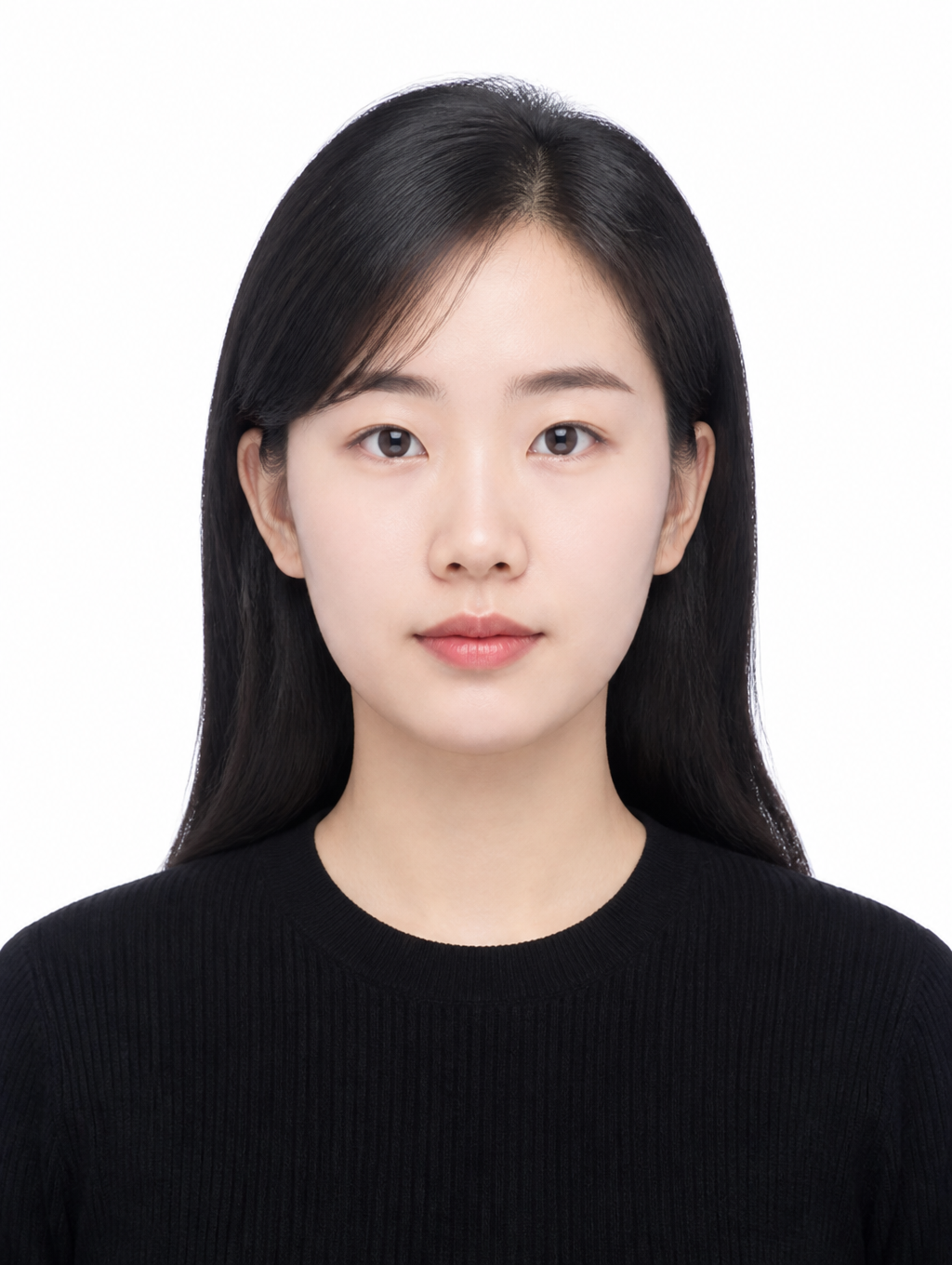
Clean Basic ID Photo
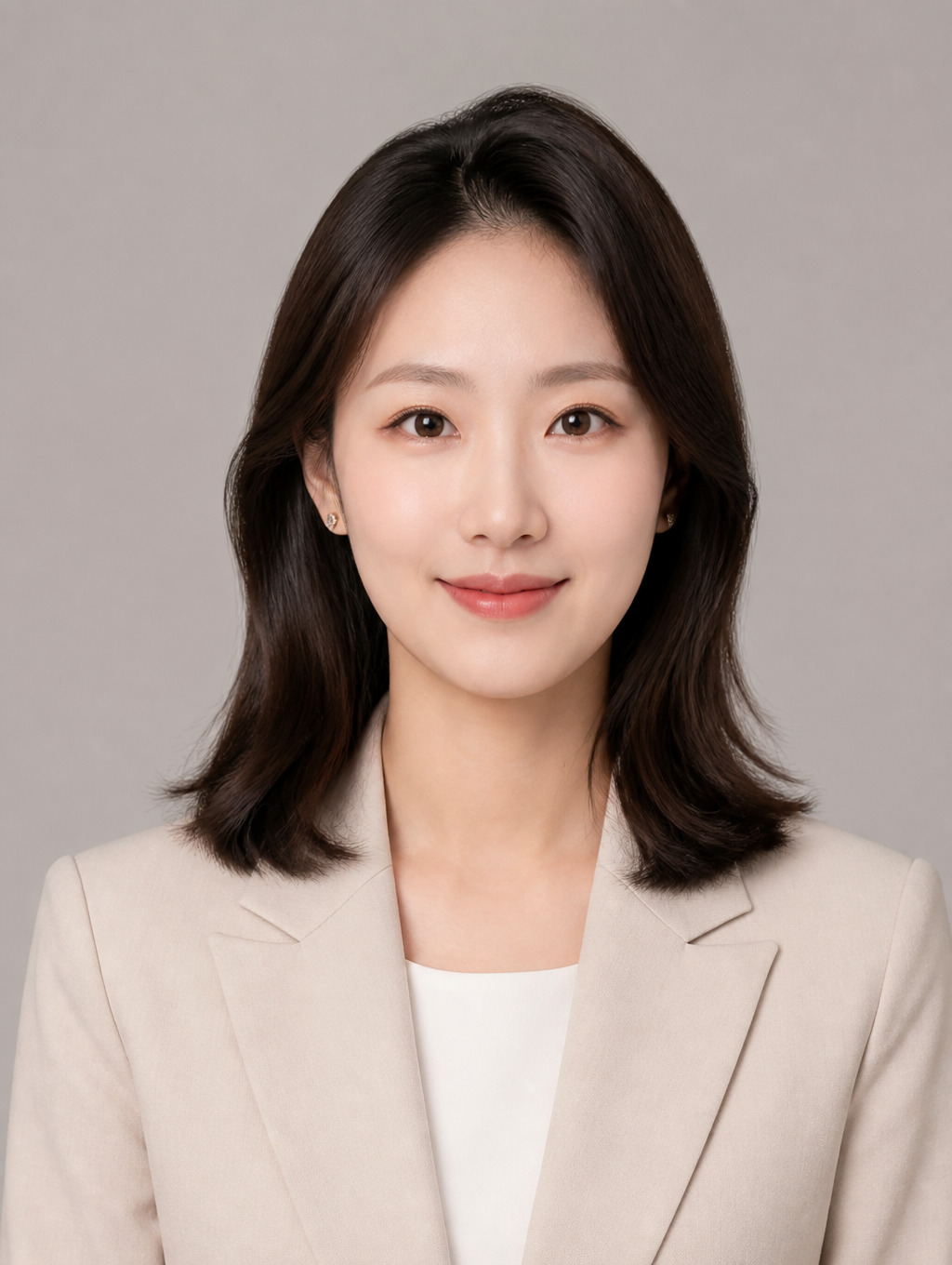
Profile ID Photo
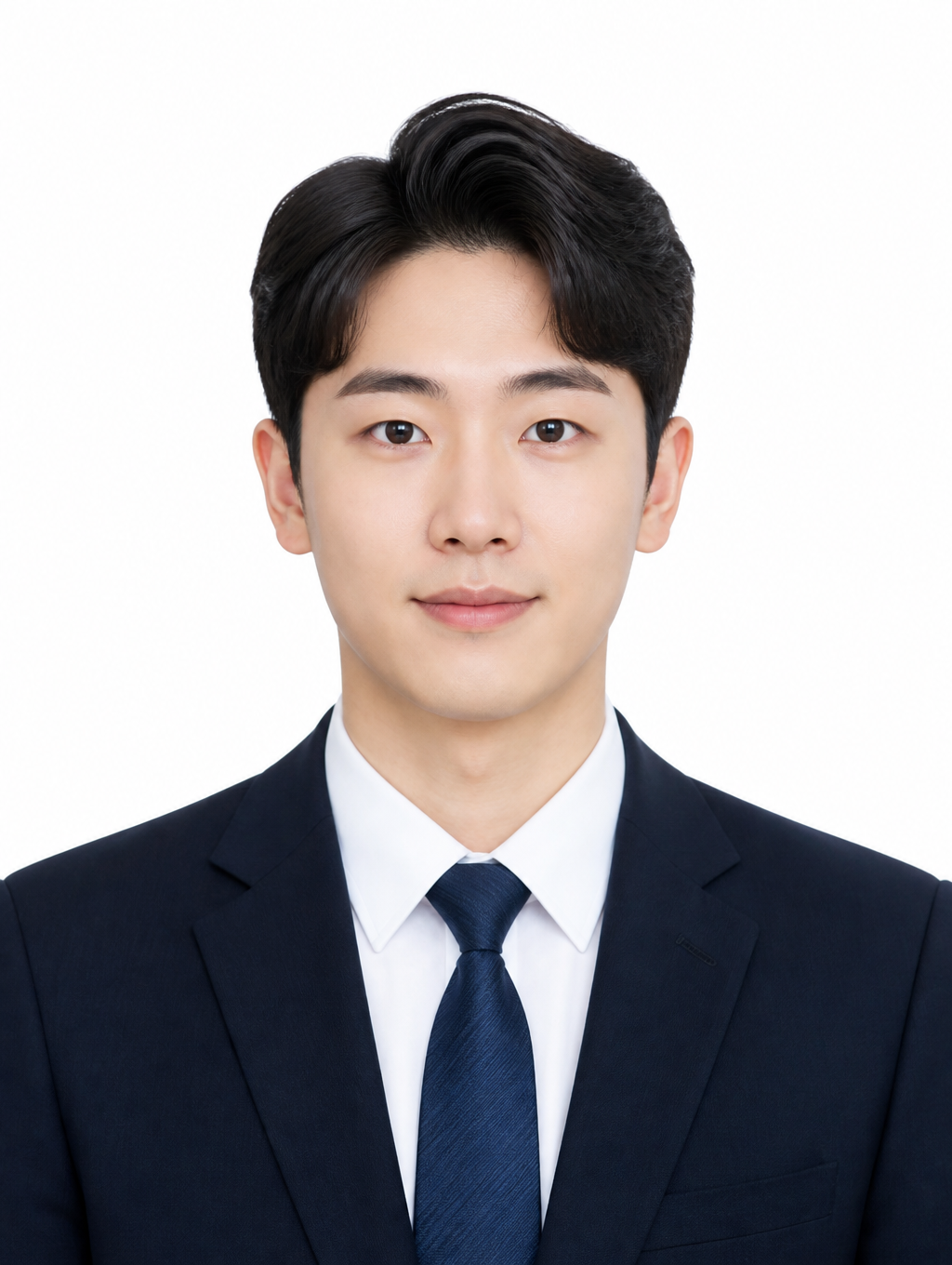
Job Application ID Photo
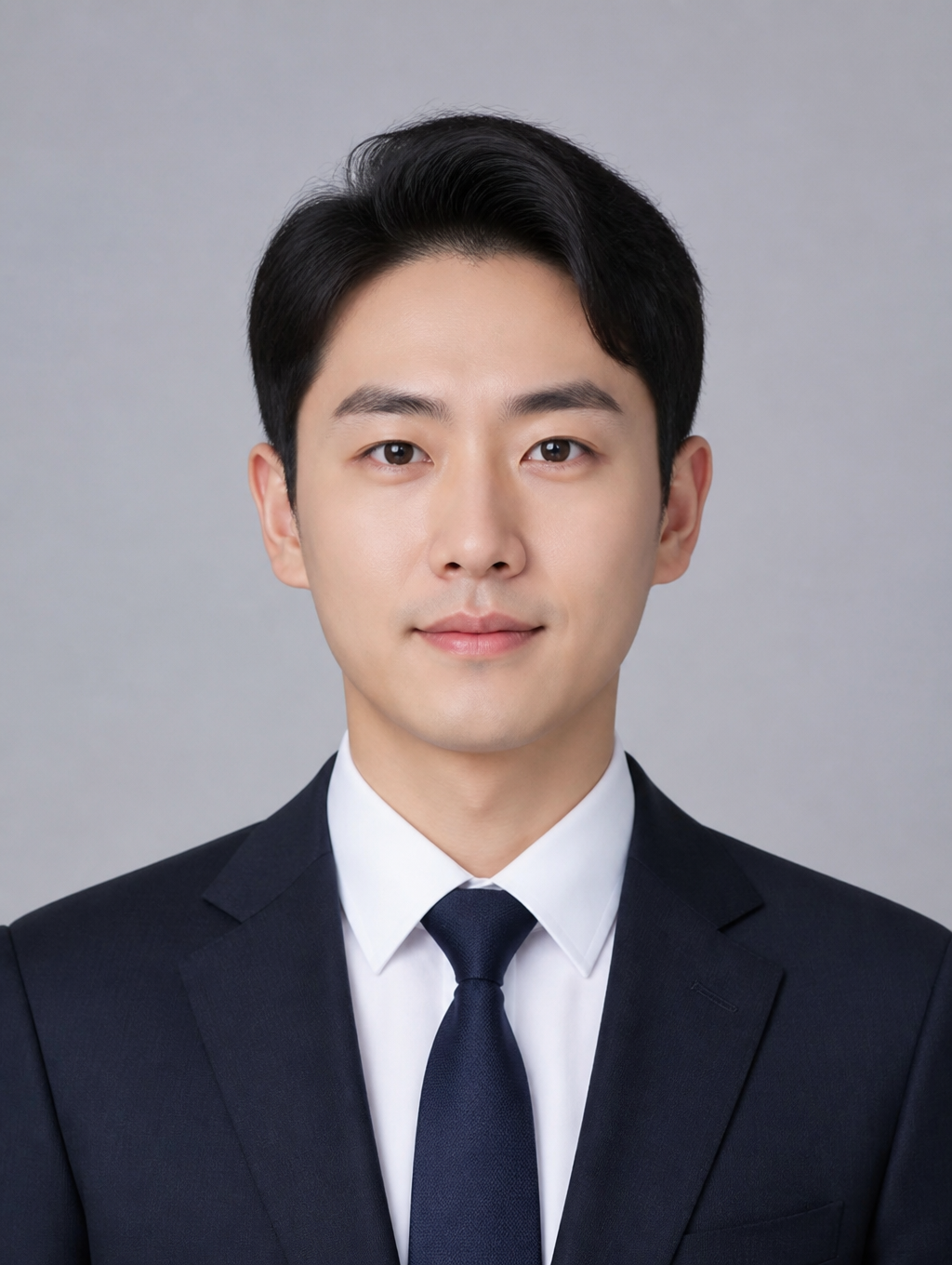
Business ID Photo
What Is a Job Interview Photo?
A job interview photo is a professional headshot attached to resumes, job applications, and LinkedIn profiles. Unlike standard ID photos, it emphasizes a natural expression, professional attire, and a polished appearance that conveys trustworthiness and competence. First impressions matter enormously in hiring decisions, and recruiters often form an initial judgment within seconds of viewing a candidate's photo. With AI image generation tools, job seekers can now produce studio-quality interview photos without the cost and time of a traditional photo studio visit, making professional imagery accessible to everyone regardless of budget.
How to Write AI Job Interview Photo Prompts
When generating a job interview photo with AI, the prompt should specify a front-facing composition, clean studio background, soft even lighting, and formal business attire. Key phrases to include are "front-facing composition," "navy blazer and white shirt," "white background," "soft studio lighting," and "3:4 vertical ratio." Avoid excessive retouching or decorative backgrounds. The goal is to project reliability and professionalism through a clean, natural result. Consider specifying skin tone, hairstyle, and subtle makeup preferences to ensure the generated photo matches your real appearance. Adding descriptors like "natural skin texture," "minimal retouching," and "professional corporate headshot" helps the AI produce realistic results suitable for formal documents.
Job Interview Photo Prompt Examples
A basic job interview ID photo prompt generates a front-facing portrait with a natural smile, neat hairstyle, and business suit against a white background. For a business profile variant, combine a warm-toned jacket with a warm gray studio background to create a versatile image suitable for both resumes and LinkedIn. A clean basic ID photo style uses a near-neutral expression with a simple black top, ideal for official documents. You can also create industry-specific variations by adjusting the attire: a tech company version might use a smart-casual look with a collared shirt but no tie, while a finance sector version would emphasize a full suit with conservative colors. Each variation maintains the same professional composition while adapting the styling to match different workplace cultures.
Tips for Using AI Job Interview Photos
Generated job interview photos can be used across resumes, job applications, LinkedIn profiles, and portfolio covers. Adjust the suit style and background tone to match the target company culture, and generate multiple expressions and outfits for the same person to cover different scenarios. AI-generated photos save studio photography costs and time while delivering natural, professional results that are increasingly indistinguishable from traditional photography. When using AI-generated photos, ensure the result accurately represents your actual appearance to maintain authenticity during in-person interviews. Generate several options and ask trusted colleagues for feedback before making a final selection. Consider creating both a formal version for traditional industries and a slightly more approachable version for creative fields.
Frequently Asked Questions About Job Interview Photo Prompts
Common questions include whether AI-generated photos look realistic enough for resumes, whether the suit style can be changed, whether background colors can be customized, whether multiple photos of the same person can be generated, and what aspect ratio to use. With precise prompting, AI tools produce interview photos that rival studio quality, with full control over attire, background, expression, and composition. Understanding the right prompt structure and keyword combinations is the key to getting consistent, professional results every time.