Loop Animation
Plan animation loops that connect their first and last frames. Check shapes, UI states and cursor motion across the repeat boundary.
2026.10.07
Make “Loop Animation” exactly the way you wantCreate your own “Loop Animation”
Just ask in plain language — Carat generates optimized images and videos for you.

Start now with 100 free credits daily
Cycle of life animation
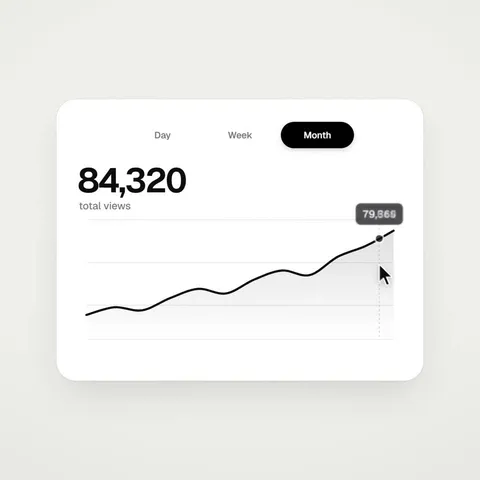
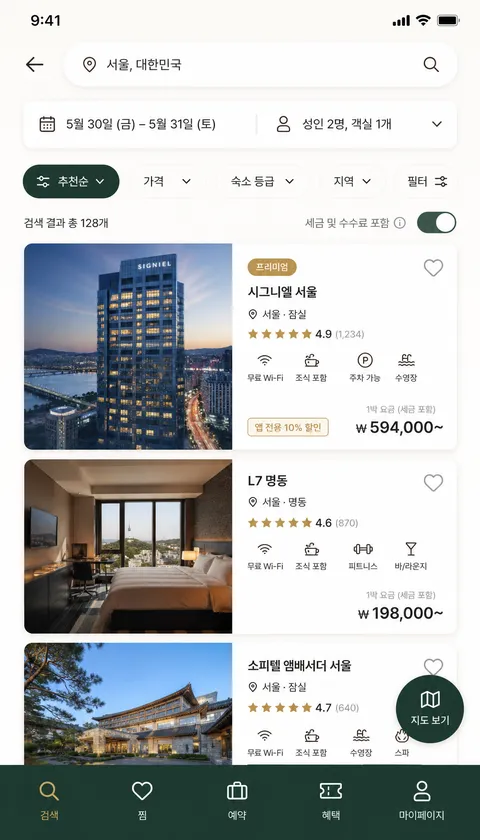
Morphing UI states loop
Shape morphing through UI states
What Are Loop Animation AI Prompts?
These briefs bring the last state back to the first for repeated playback. The UI example starts with a button, passes through several interactions and returns to the same button.
Where You'll Use It
- Repeating interface demos
- Button and toast cycles
- Beat-aligned state sequences
- Interaction loops with cursor paths
- Start-to-end frame checks
Why This Tag Is Useful
Matching the first and last images is only part of the loop. Cursor position and speed also affect the boundary. The original prompt calculates each frame as a function of time instead of carrying state between frames.
Tips for Crafting Prompts
- Make the first and last states identical.
- Match cursor position and speed at the boundary.
- Give entering and exiting text separate timing.
- Replay the boundary several times to check for stutters.
The example gathers UI inputs and asks to review the beat grid first. Select Opus 5.5 manually in the Carat agent before using it.
Frequently Asked Questions
An animation designed to connect its ending back to its beginning for repeated playback.
A UI sequence moves from a button through a player, sliders, chart, search and toast, then back to the button.
The original brief also requires matching cursor position and speed.
The brief computes styles from time inside seek(t), without carrying state between frames.
The original asks for music around 120 BPM and a seven-bar sequence.
Check the original creator's post for usage terms.
Select Opus 5.5 manually in the agent and answer the prompt's input questions.