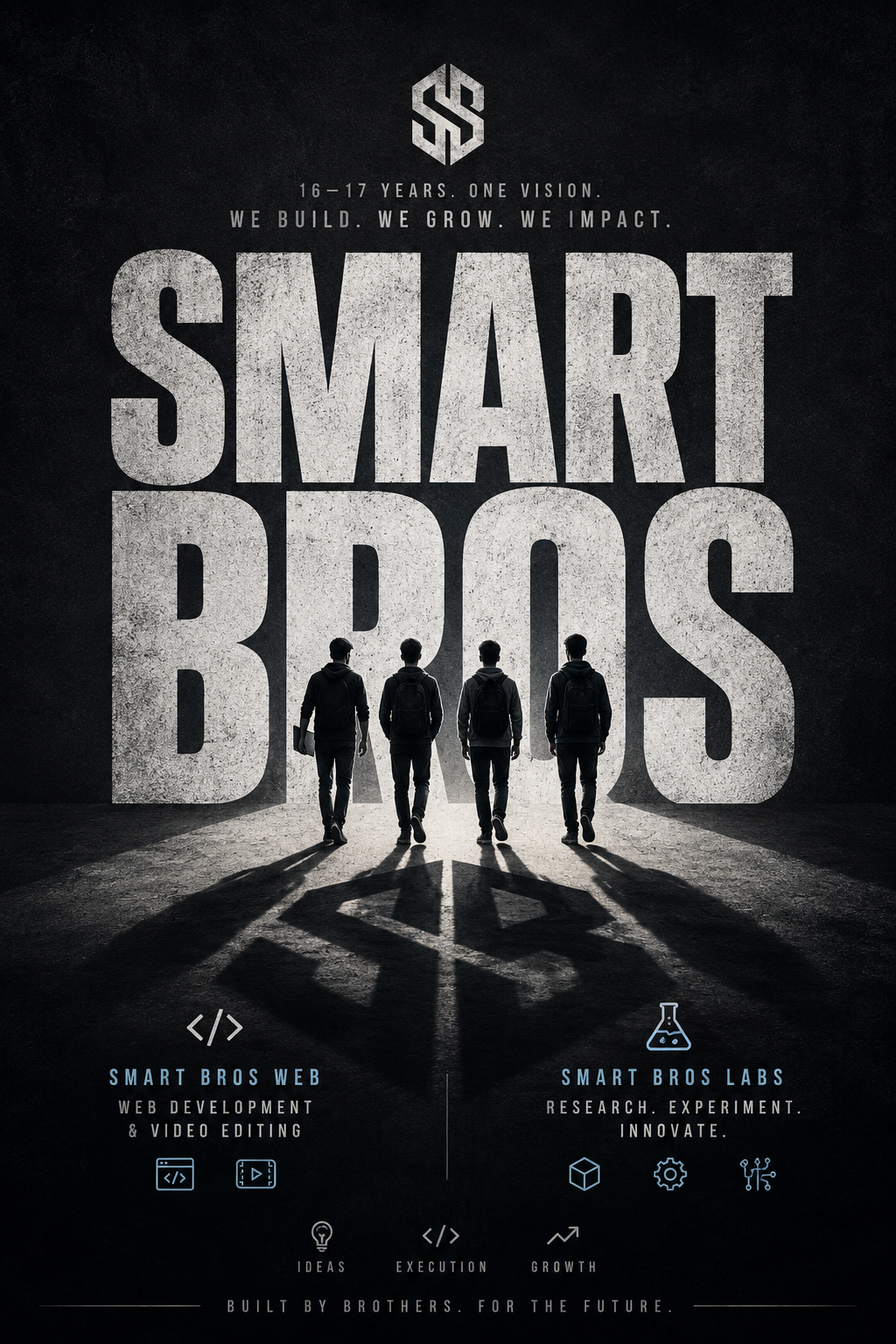
Pattern Design
Discover incredible AI prompts for seamless repeating patterns and texture designs for any creative project.
2026.07.04
Make “Pattern Design” exactly the way you wantCreate your own “Pattern Design”
Just ask in plain language — Carat generates optimized images and videos for you.

Start now with 100 free credits daily
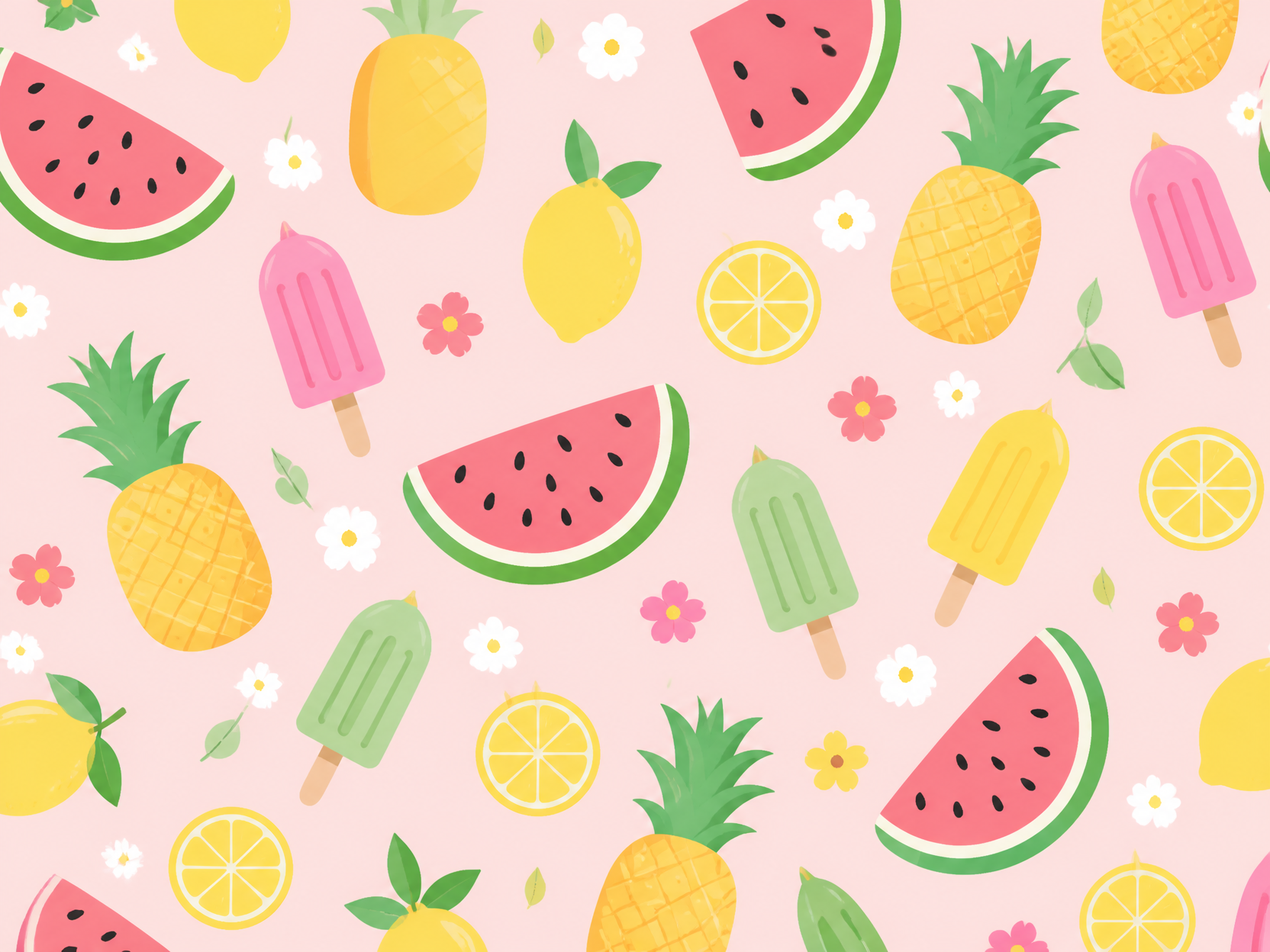
여름 과일 패턴 일러스트
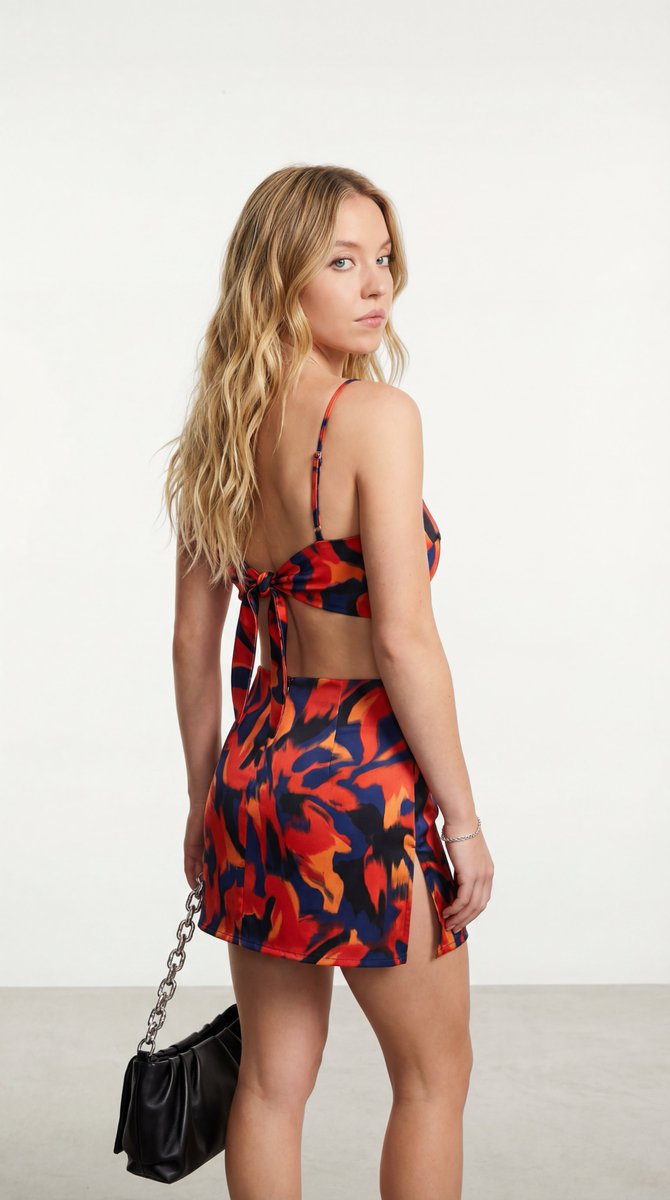
Studio Fashion Portrait with Abstract Pattern
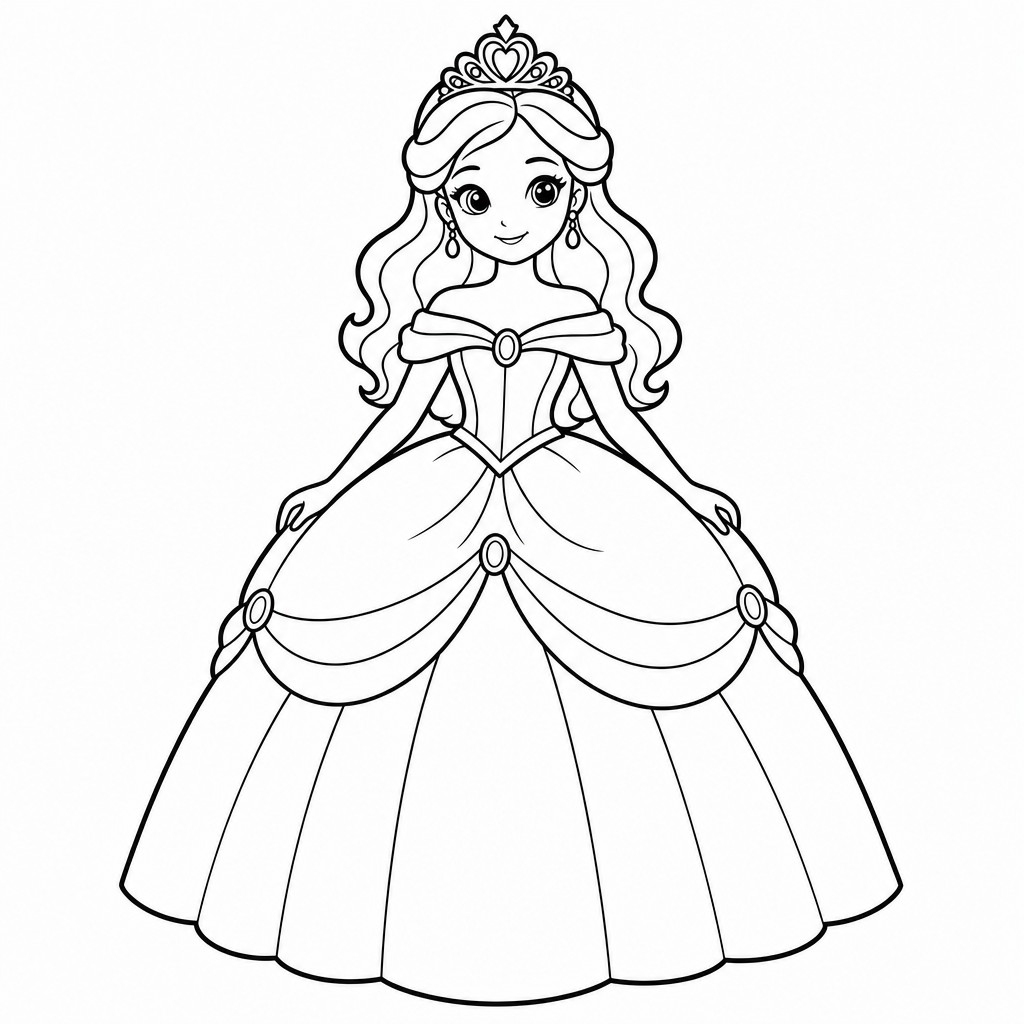
공주 색칠 도안
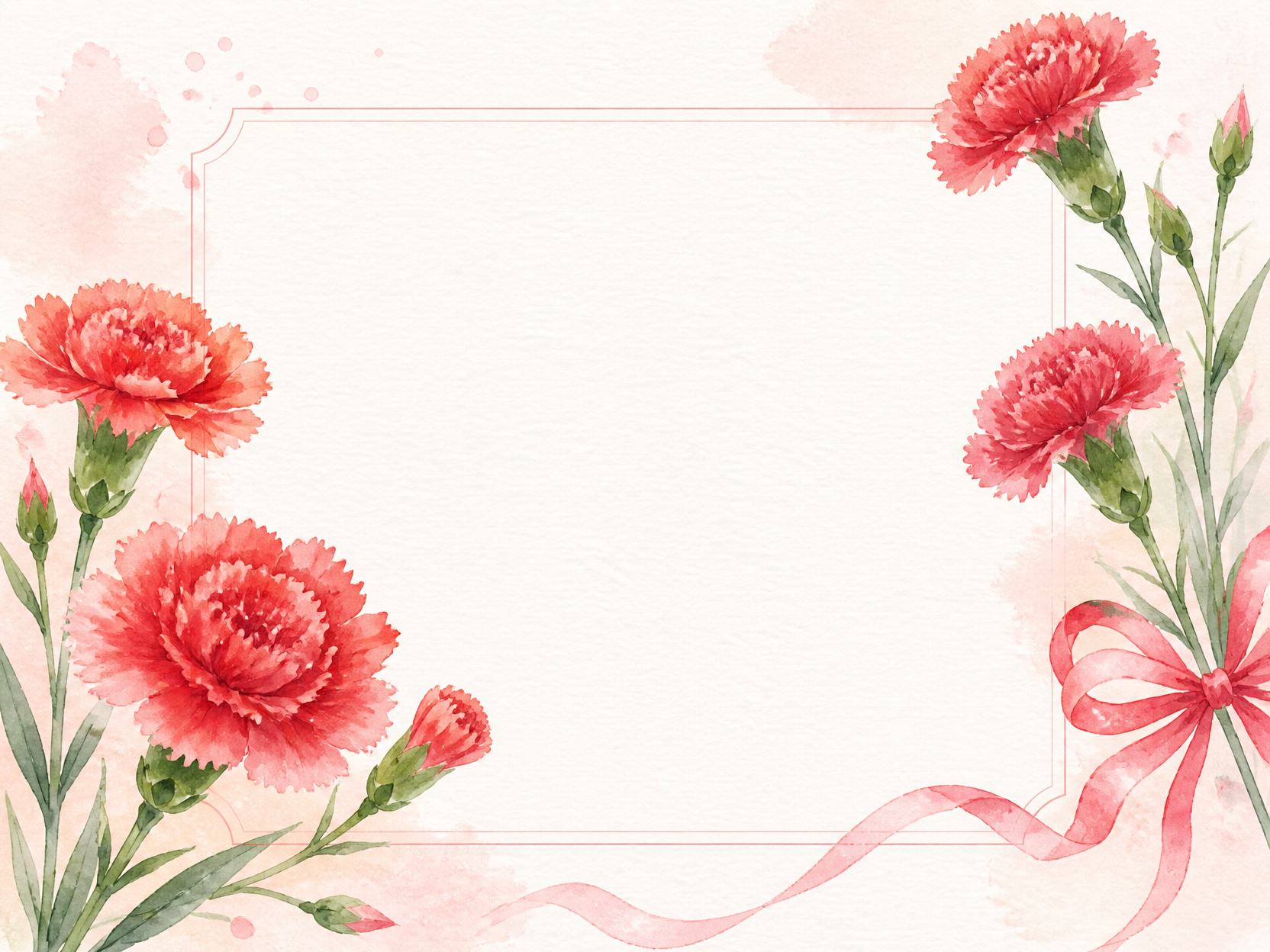
카네이션 도안 예시 2
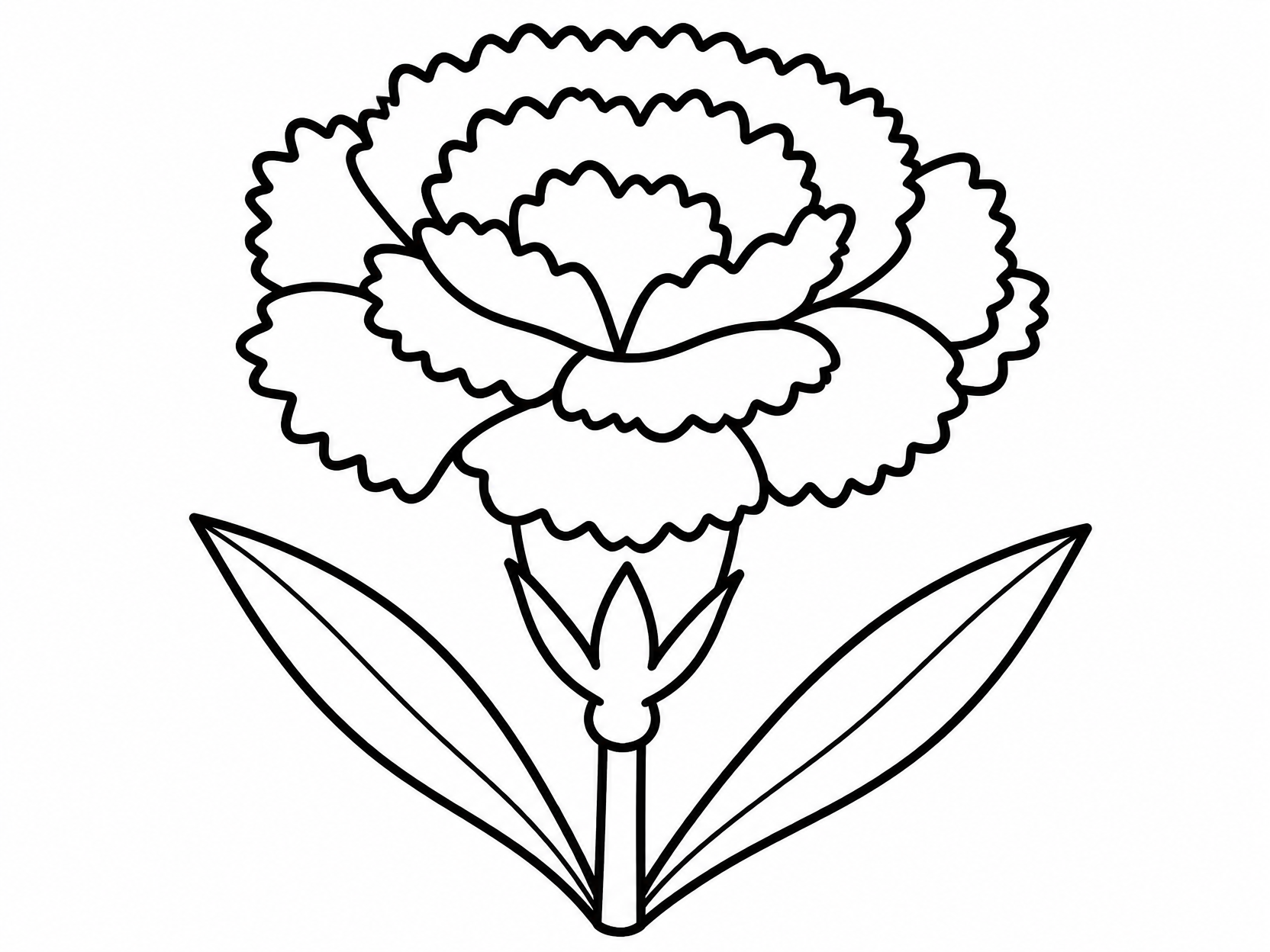
카네이션 도안 예시 3
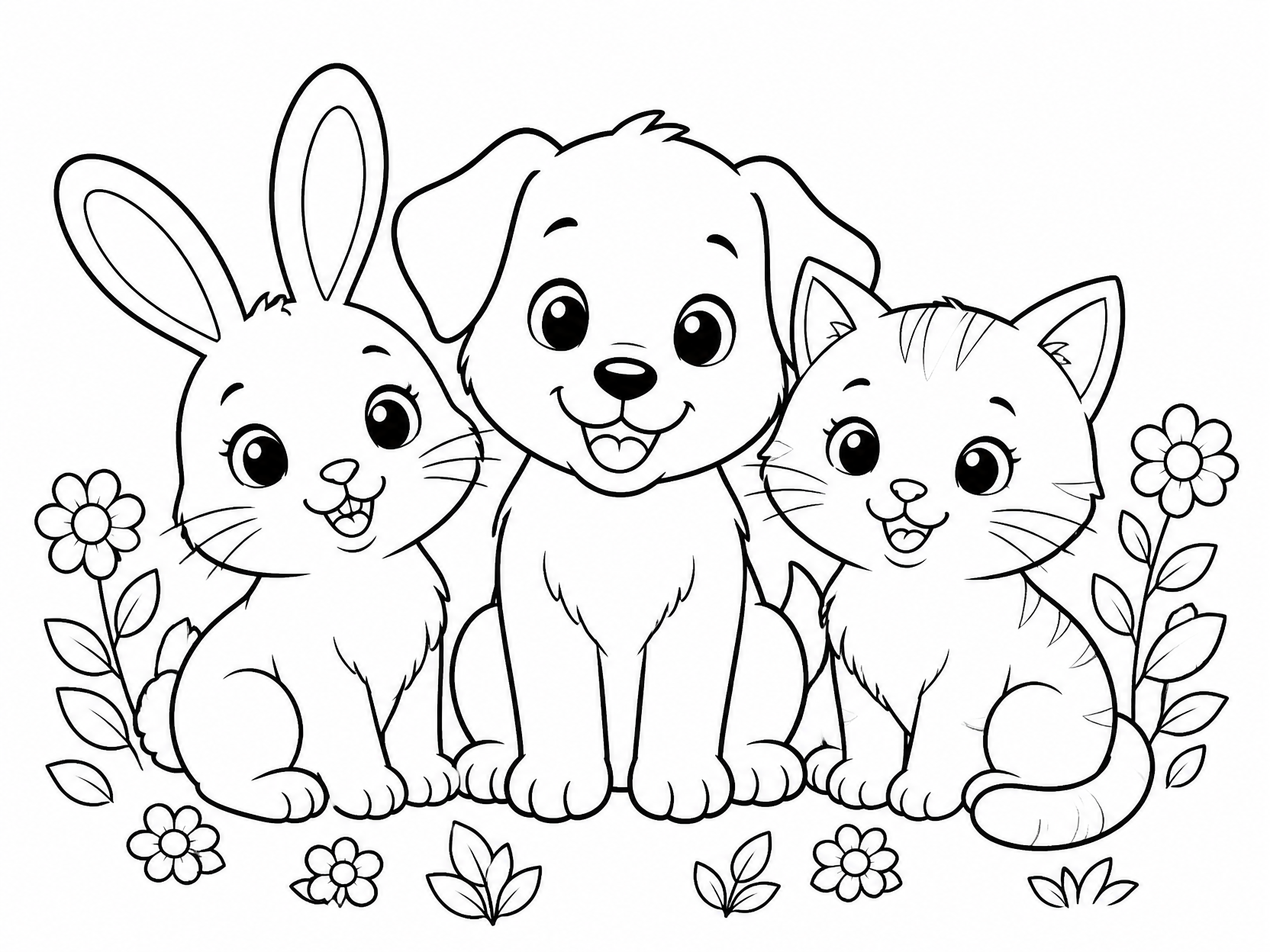
귀여운 동물 색칠도안
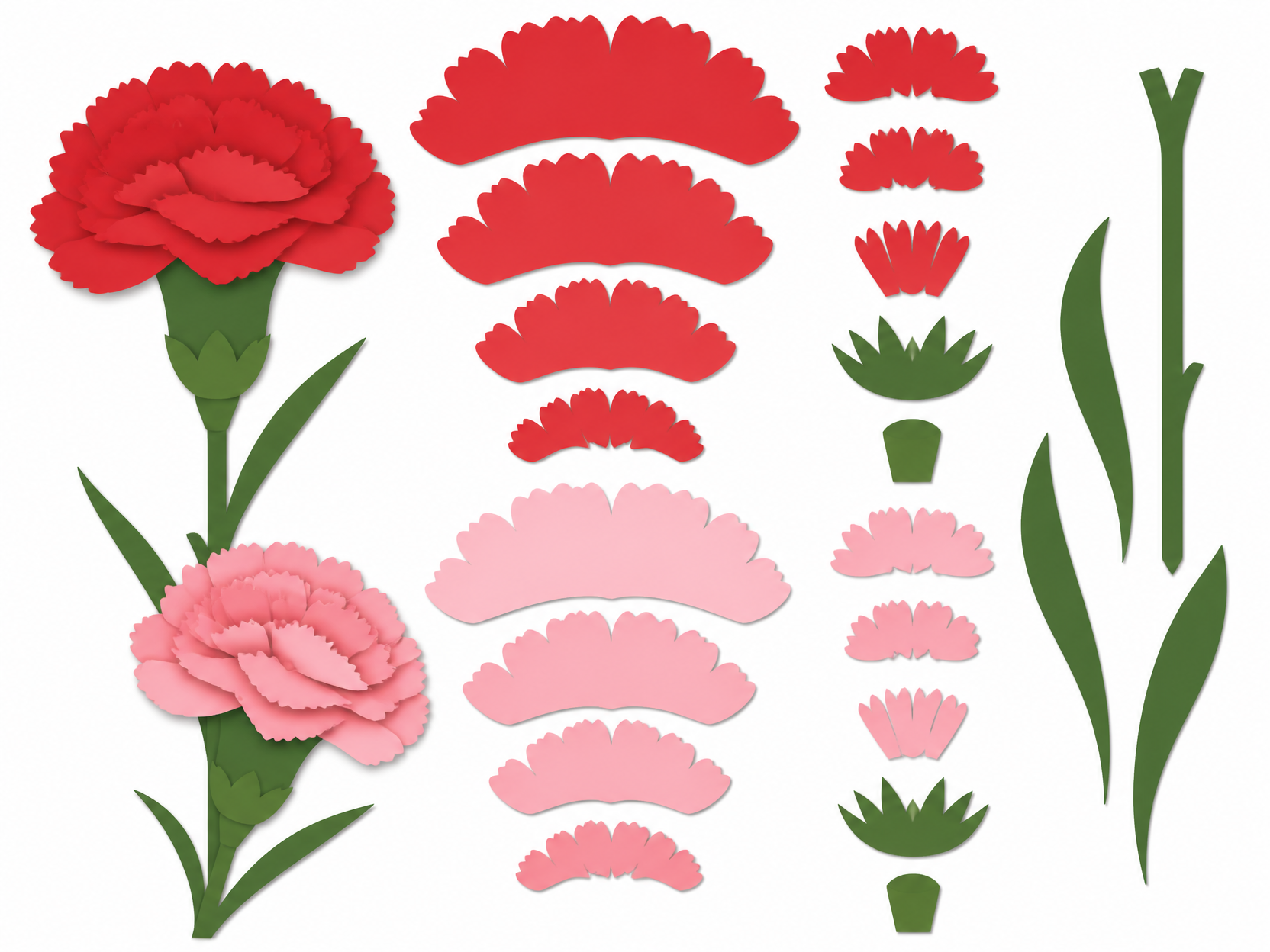
카네이션 도안 예시 1
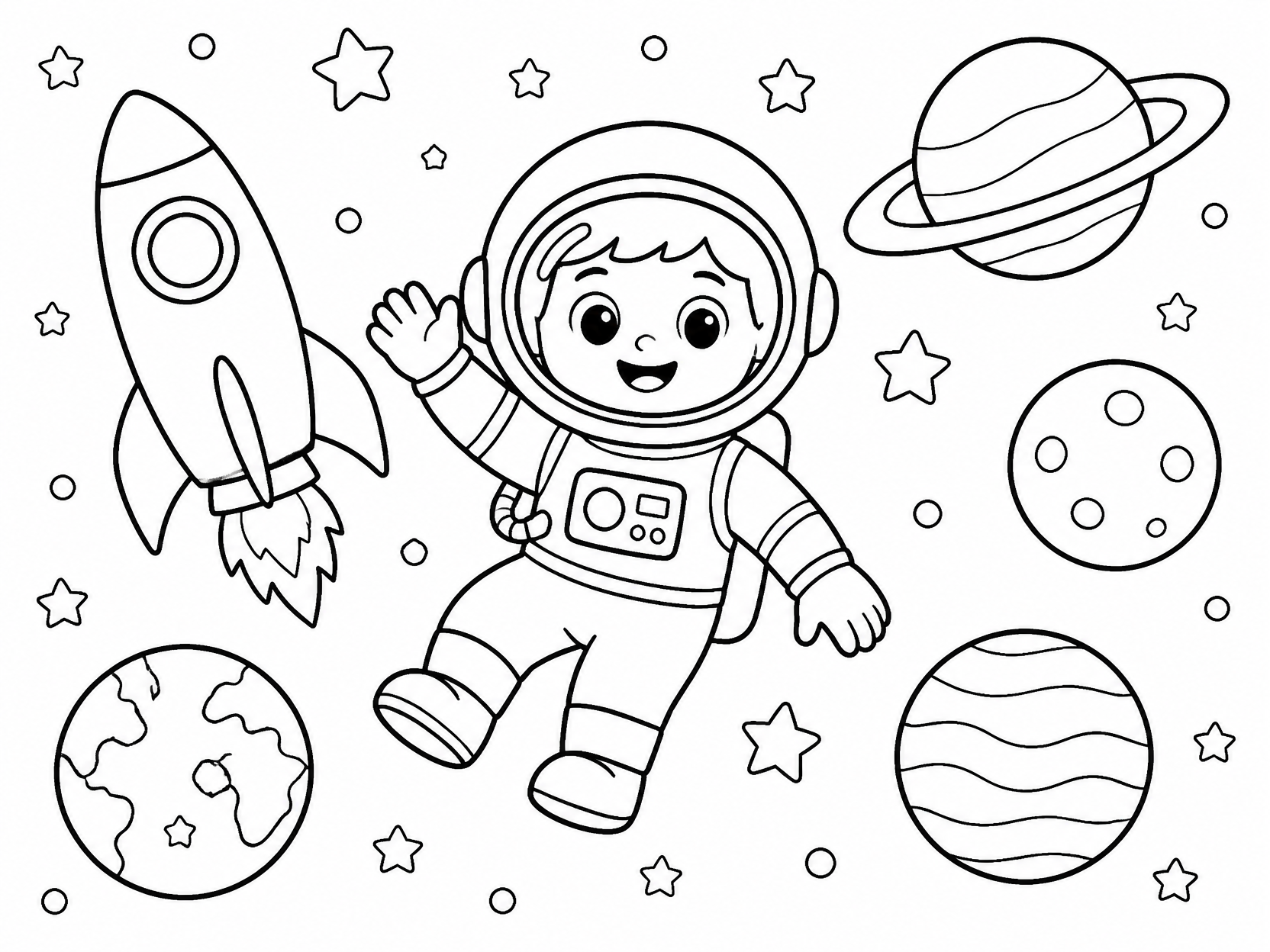
우주 색칠공부 도안
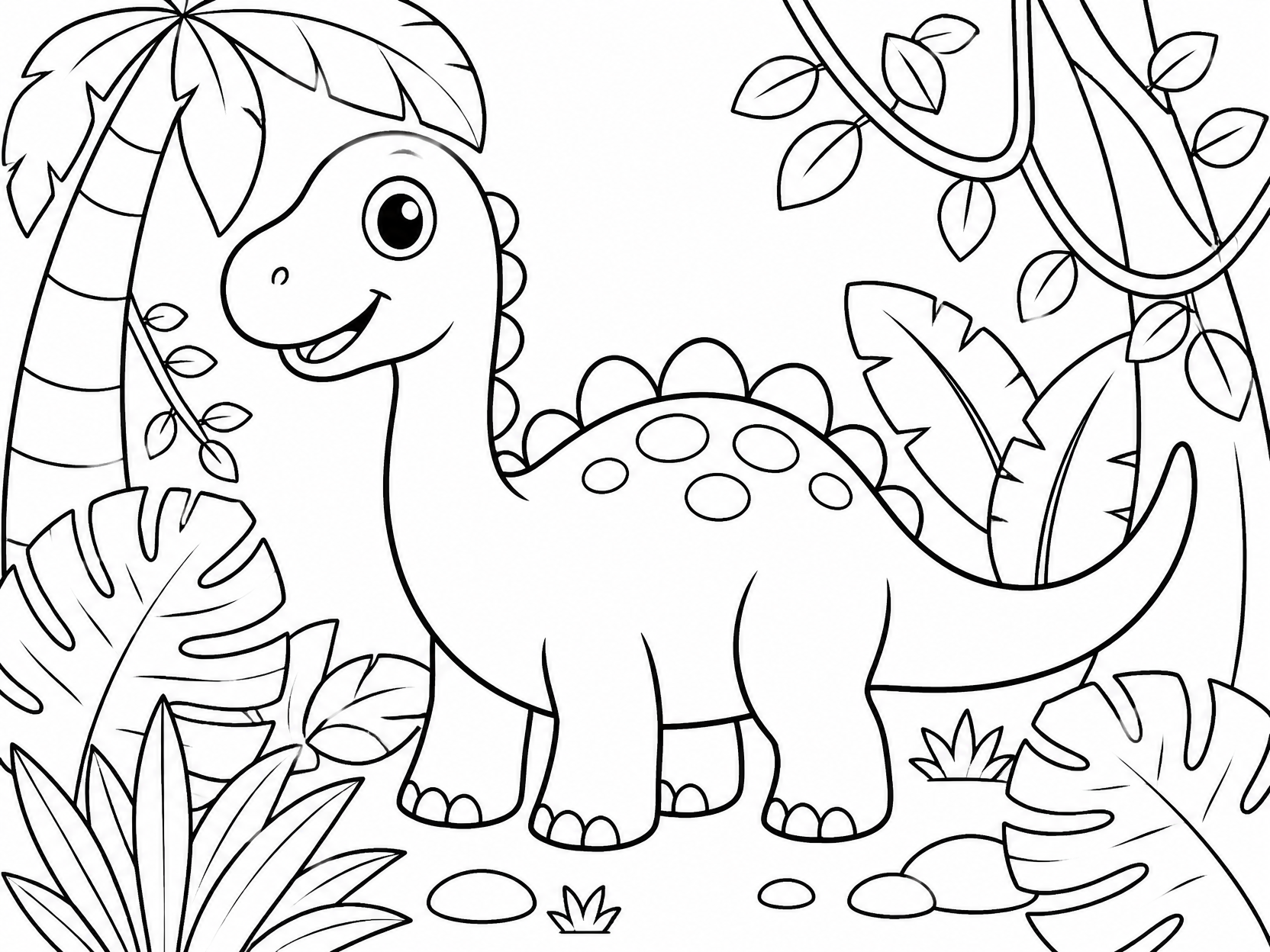
공룡 색칠공부 도안
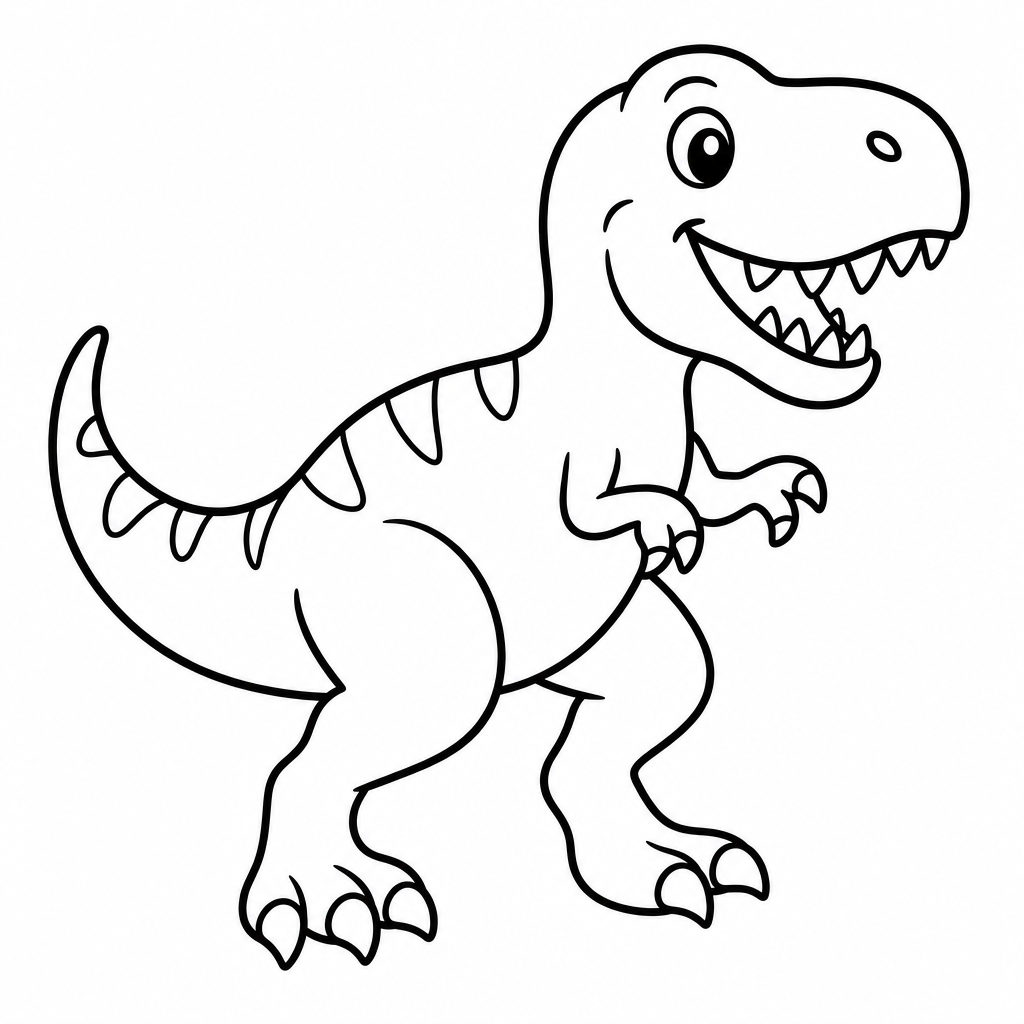
공룡 색칠공부 도안
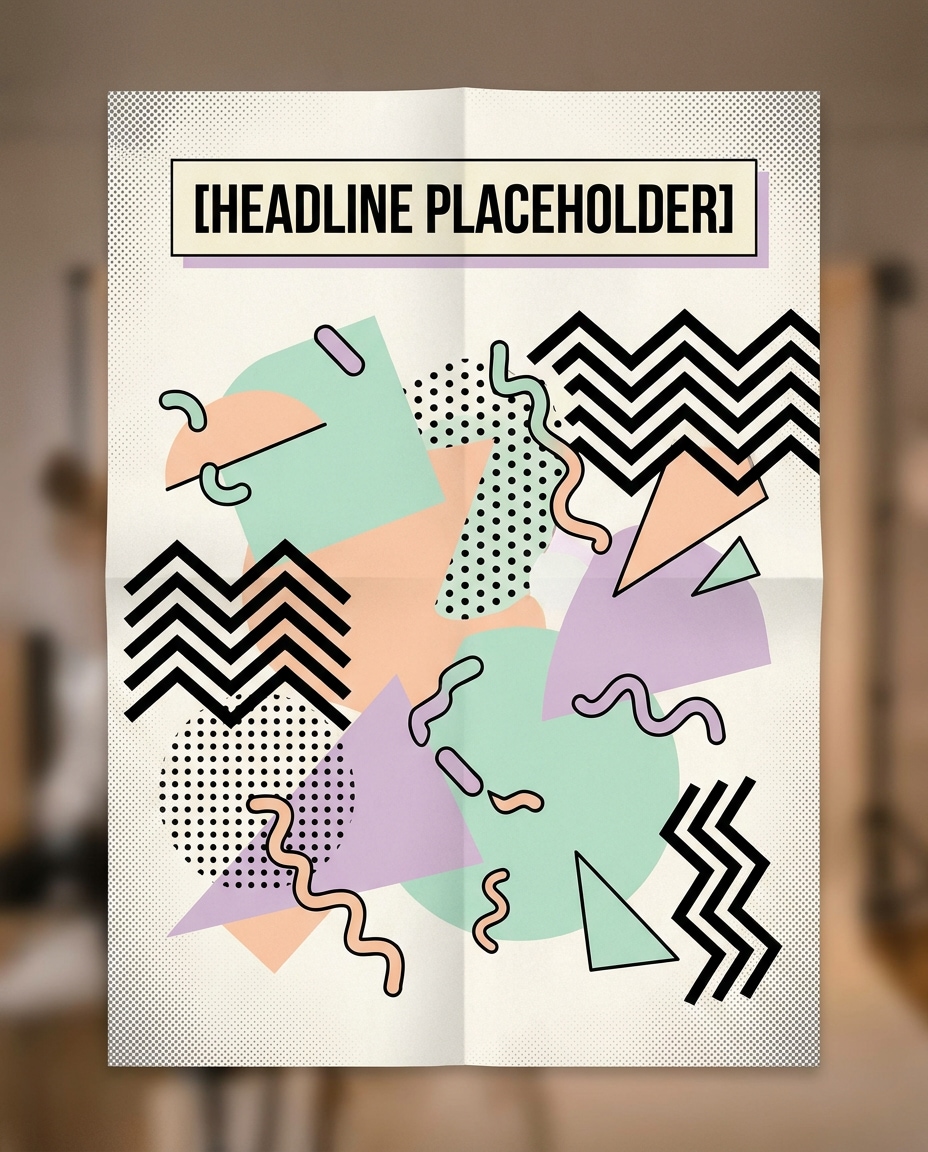
Memphis Pop Pattern Poster
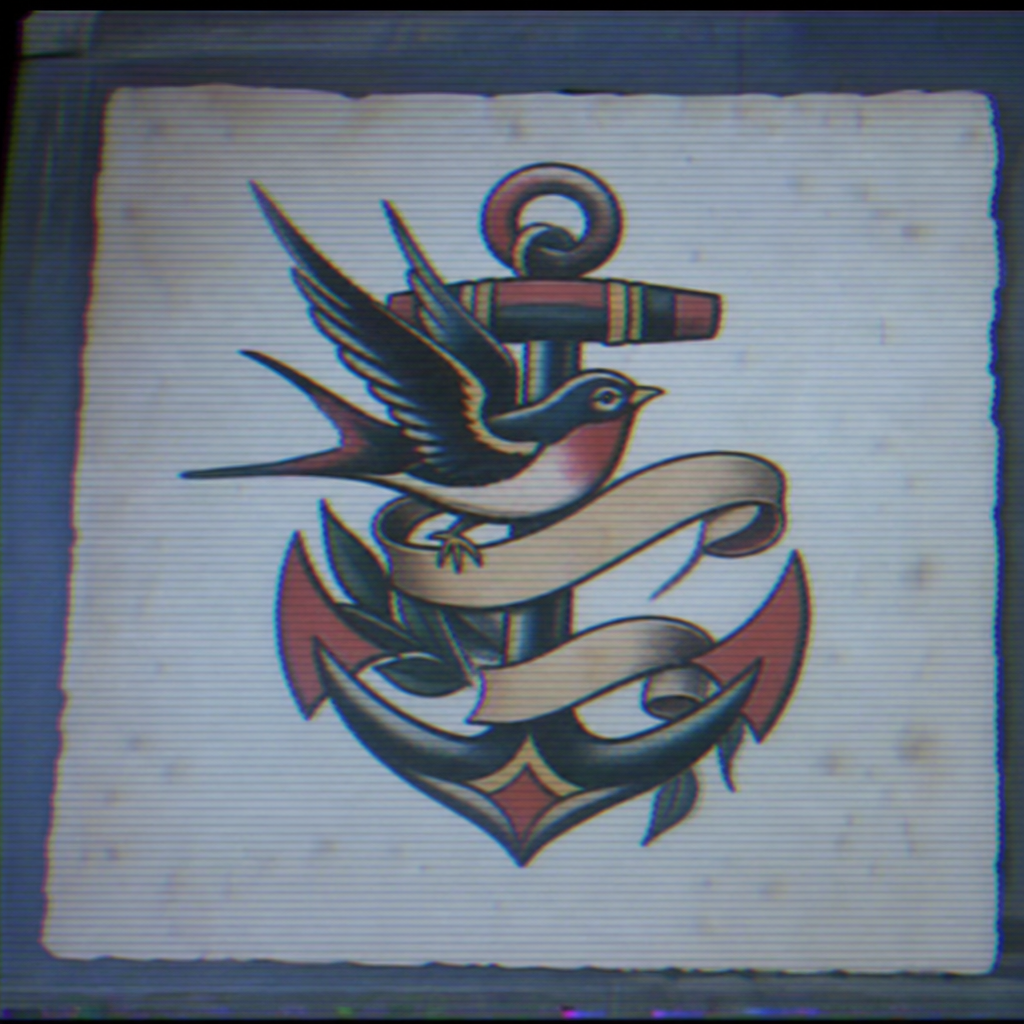
올드스쿨 타투 도안
What Are Pattern Design AI Prompts?
Pattern Design AI Prompts are systematic sets of visual instructions that empower artificial intelligence to generate repetitive, rhythmic, and harmonious decorative motifs. These prompts leverage the AI's ability to understand mathematical symmetry and artistic style, allowing for the creation of everything from simple polka dots to incredibly complex fractal geometries. A key feature of these prompts is their focus on 'seamlessness'-the ability to tile an image infinitely without visible seams, which is essential for professional applications. Carat's pattern design tag focuses on curating keywords that define shape, frequency, and palette, enabling users to generate high-quality surface designs that mimic professional textile or wallpaper art. Whether you need a vintage damask, a modern Memphis style, or an organic botanical print, these prompts provide the necessary parameters to achieve a balanced and aesthetically pleasing repeating visual.
Best Use Cases
The utility of pattern design prompts spans across multiple physical and digital mediums. In the fashion and textile industry, these prompts are used to ideate and create original prints for clothing, scarves, and accessories, significantly reducing the design cycle. Interior designers use them to visualize custom wallpaper, upholstery fabrics, and rug patterns for client projects. In the digital realm, seamless patterns are indispensable as backgrounds for websites, mobile applications, and social media templates, providing visual interest without overwhelming the core content. Graphic designers also utilize these prompts for creating branded packaging, gift wrap, and stationery. More recently, 3D artists use AI-generated patterns as texture maps for 3D models to give objects realistic surface detail. For hobbyists, these prompts are a fantastic resource for creating digital scrapbooking papers, bullet journal stickers, and DIY home crafts.
Why This Tag Works
The Pattern Design tag is particularly effective because it bridges the gap between creative intuition and technical repetition. Creating a perfectly balanced pattern manually is a labor-intensive task that requires strict attention to alignment and spacing. AI, when guided by these specific prompts, can execute these rules instantly. This tag incorporates specialized descriptors that manage the 'density' of a pattern, the 'flow' of its elements, and the 'harmony' of its color schemes. It prevents common AI errors like clumping elements too closely or creating awkward gaps in the design. Furthermore, by using these prompts, users can experiment with exotic art styles-like Japanese Washi, Moroccan tilework, or Art Deco-with just a few keywords. The tag is optimized to ensure that the resulting art is versatile, meaning it looks just as good as a small repeating element as it does when blown up to a large-scale focal point.
Explore Related Prompts
Prompt Building Tips
When constructing a prompt for a pattern, always include the word 'seamless' or 'repeating' if you intend to tile the image. Be very specific about the 'motif'-the central element of the pattern-whether it is a 'stylized blue heron' or 'geometric hexagons.' Specify the 'background color' to ensure the motifs pop as intended. To control the complexity, use words like 'intricate,' 'simple,' 'dense,' or 'minimalist.' Lighting shouldn't be a primary focus for flat patterns, but you can add 'flat design' or 'vector style' to keep the look clean and graphic. If you want a more hand-drawn feel, try adding 'hand-inked' or 'watercolor wash.' Another great tip is to define the 'grid' structure, such as 'half-drop repeat' or 'random scattered layout,' which tells the AI how to organize the elements within the square frame. Finally, always mention a color palette, such as 'muted earth tones' or 'neon cyberpunk colors,' to maintain a professional and intentional look across the entire generation.