Cloudy Day Illustration
Capture the calm and moody atmosphere of an overcast day with our specialized illustration prompts.
2026.07.06
把「Cloudy Day Illustration」做成你想要的样子做一个你自己的「Cloudy Day Illustration」
用大白话说出来就行——Carat 会为你生成合适的图片和视频。

每天 100 免费积分,现在就开始

말랑이 구름 스트레스볼
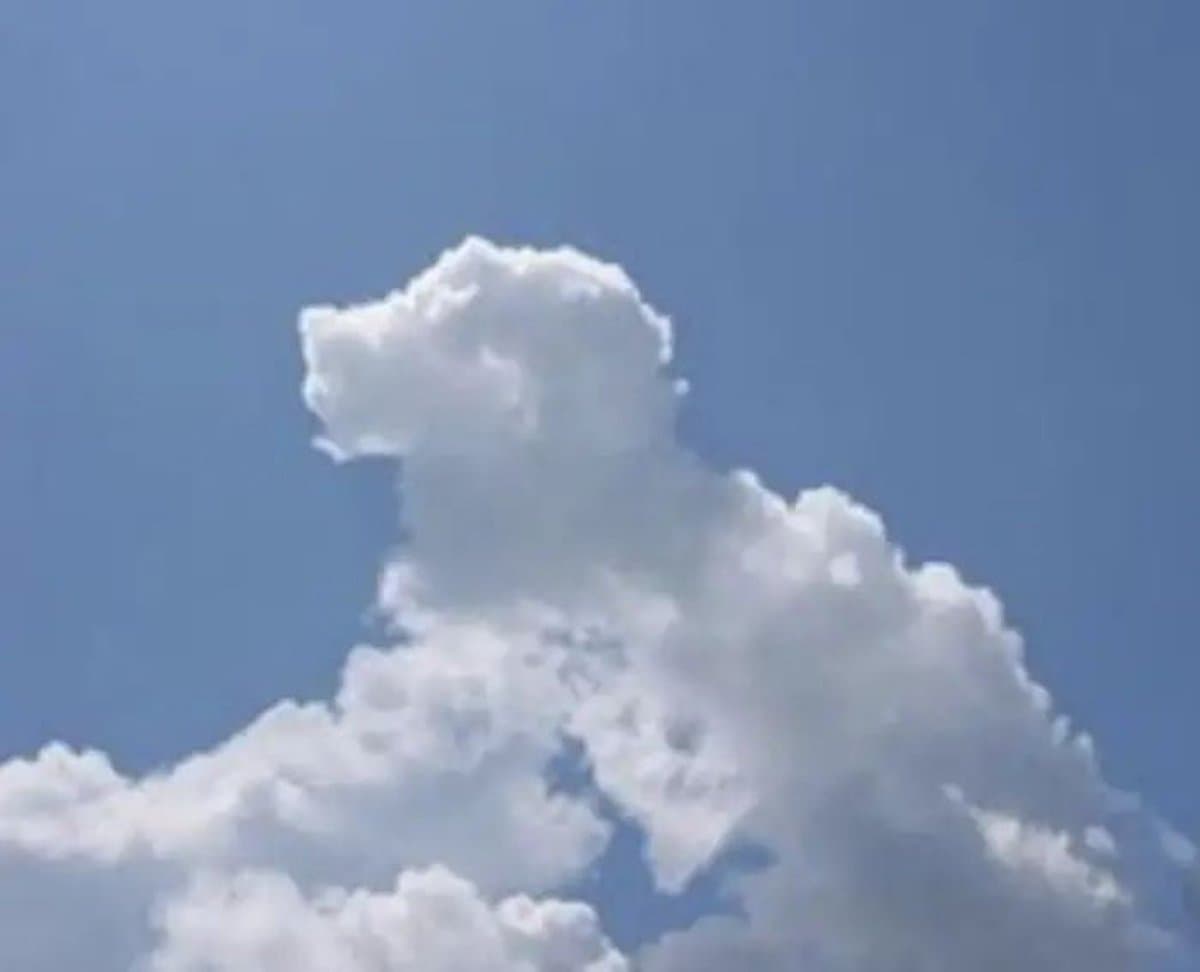
Based on the Shape of the Clouds in the Image
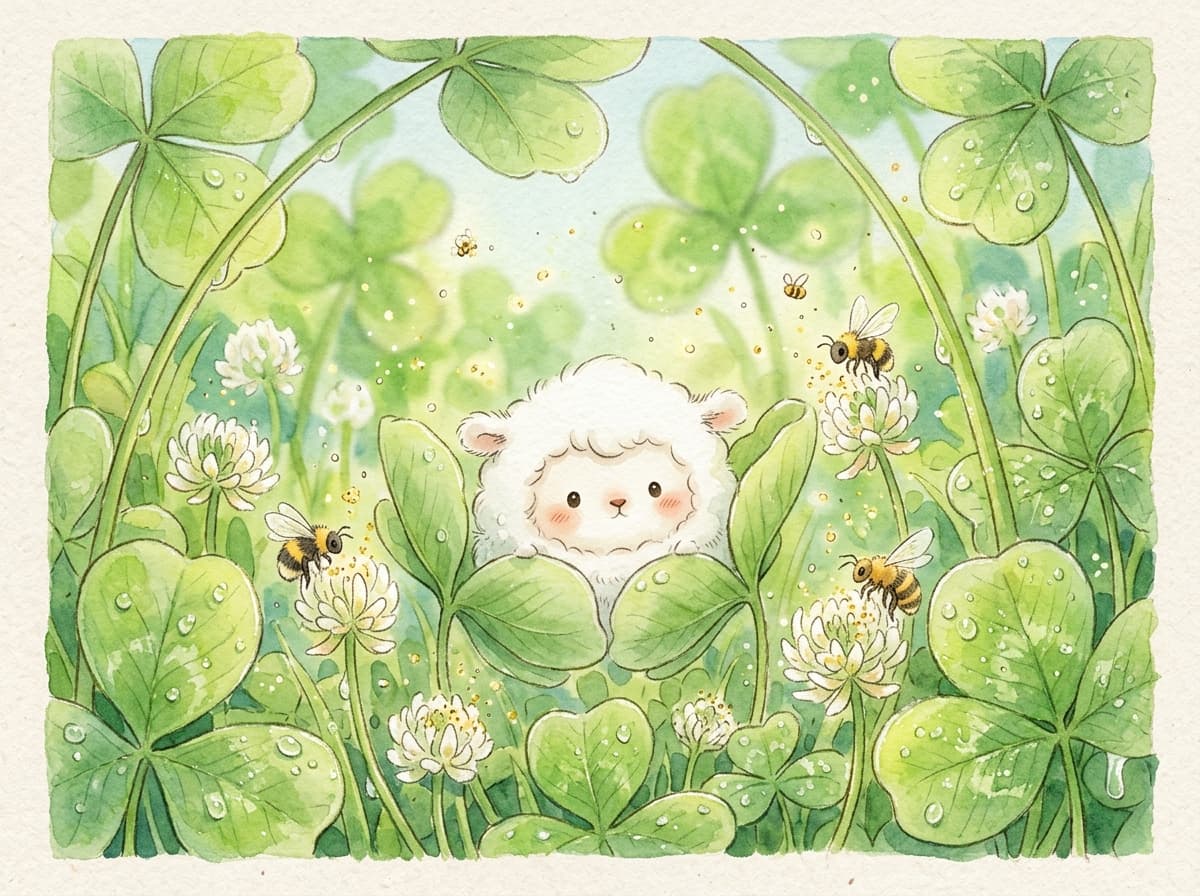
Cloud Creature in the Clover
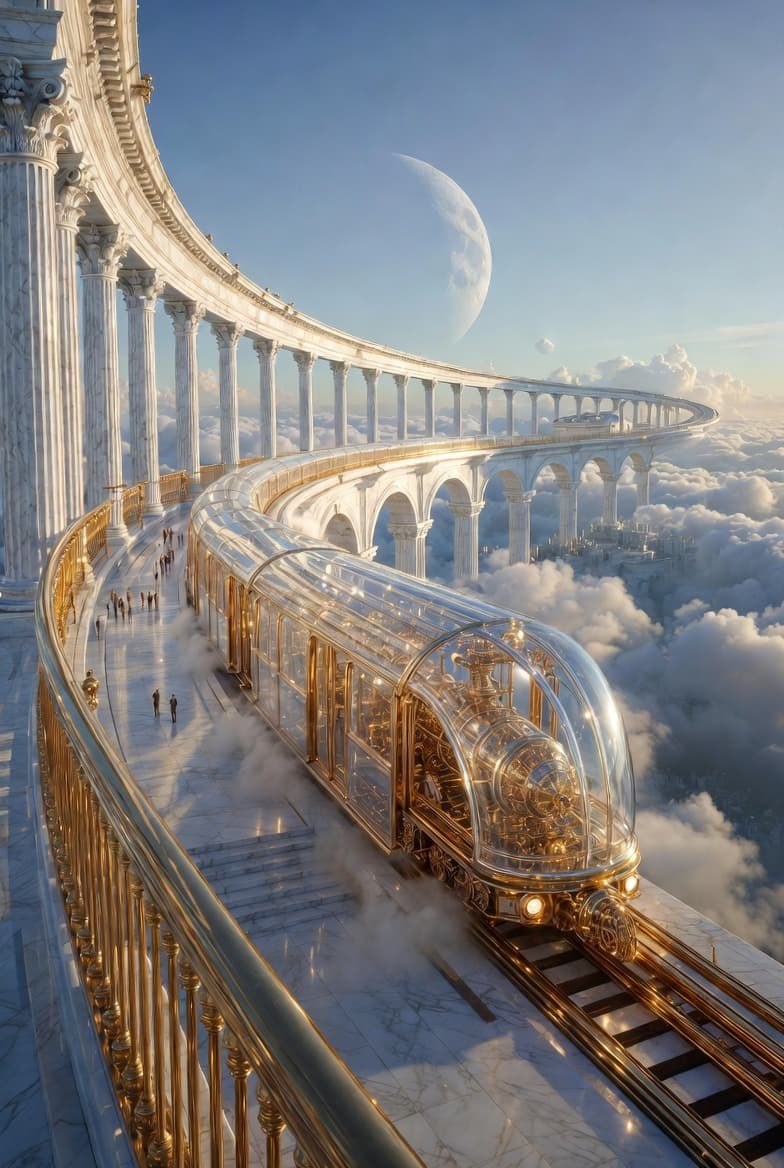
Celestial Train Station in the Clouds
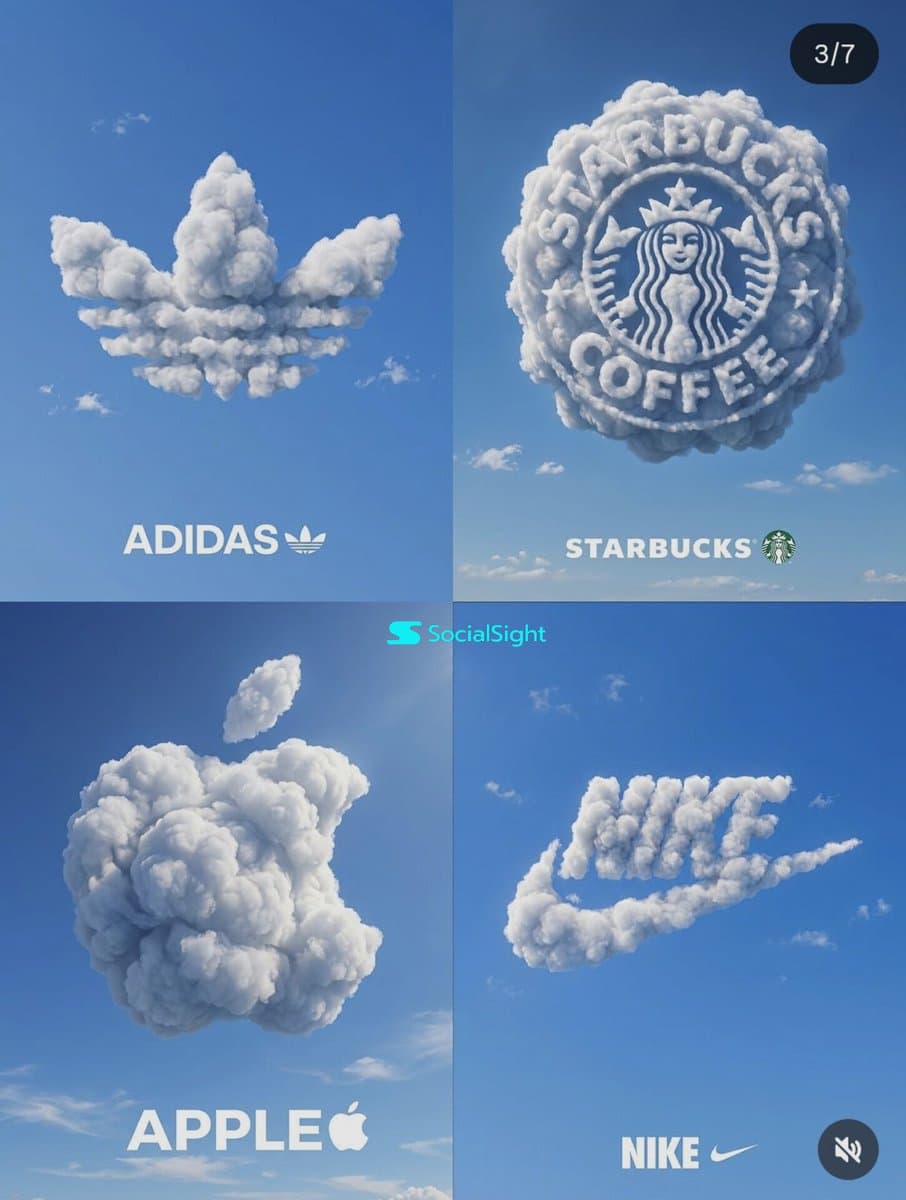
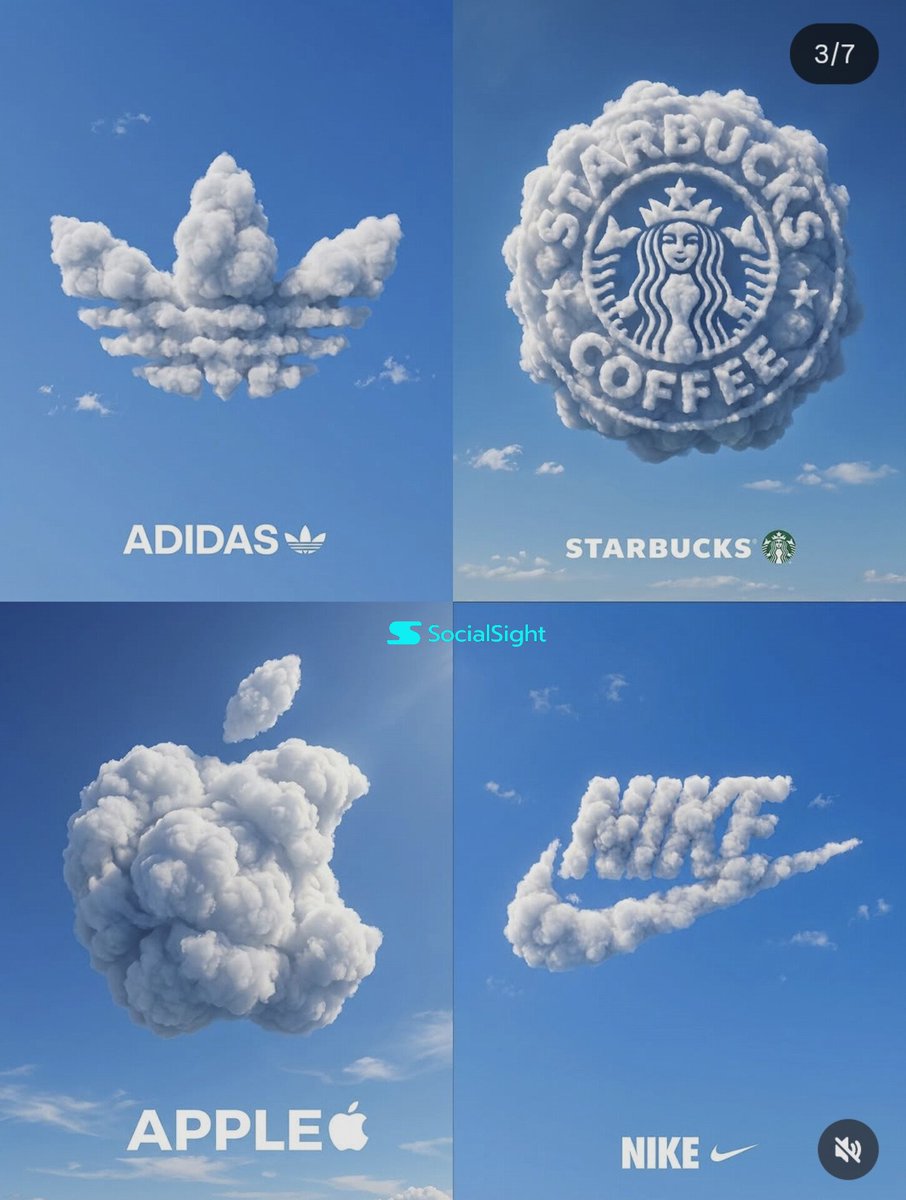
Cloud Brand Logos 2x2
What Are Cloudy Day Illustration AI Prompts?
Cloudy Day Illustration AI Prompts are a specific category of creative directives designed to produce imagery characterized by diffuse lighting, soft shadows, and a muted, evocative color palette. Unlike scenes bathed in direct sunlight, an overcast sky acts as a natural softbox, spreading light evenly across the environment and reducing the harshness of high-contrast shadows. This art style is perfect for conveying a wide range of emotions, from peaceful solitude and quiet reflection to a sense of impending drama or melancholy. With Carat's AI-powered generation tools, users can precisely articulate the density of the clouds, the moisture in the air, and the specific quality of the 'silver-lined' light that filters through. These prompts empower artists and designers to create sophisticated digital illustrations that possess a tactile, atmospheric quality, making the viewer almost feel the cool breeze or the dampness of the surroundings.
Best Use Cases
The aesthetic of a cloudy day is highly valued in visual storytelling for its ability to set a subdued and professional tone. It is widely used in concept art for film and literature where a serious or introspective mood is required. Designers often use these prompts to create background assets for websites, presentation slides, or mobile apps that prioritize readability and a calm user experience. In the fashion and lifestyle industries, cloudy day backdrops provide a timeless, high-end feel for lookbooks and promotional materials, allowing the colors of the products to appear more true-to-life without being distorted by harsh sunlight. Additionally, this style is a favorite among creators of 'lo-fi' or 'chill-hop' aesthetic content, where the goal is to evoke a sense of nostalgia and cozy relaxation. Whether it's a bustling city street under a gray sky or a lonely lighthouse in the mist, these prompts help capture those subtle, transient moments of everyday life.
Why This Tag Works
The Cloudy Day Illustration tag is particularly effective because it handles one of the most difficult aspects of digital art: lighting. By default, many AI models might generate images with standard, bright lighting. Using this tag forces the AI to consider the volumetric properties of an overcast atmosphere. It results in a more naturalistic integration of objects and characters within their environment, as the uniform light eliminates distracting hotspots and allows for a more focused composition. This tag also provides a shortcut to achieving 'mood', which can often take hours of manual color grading in traditional editing software. For users, this means consistent, high-quality output that feels intentional and artistically sophisticated. It allows even those without a deep background in color theory to produce professional-grade work that balances saturation and luminance with effortless grace.
Explore Related Prompts
If you find the calm and moody nature of cloudy illustrations appealing, you might want to delve deeper into our other curated styles. Our library includes extensive prompts for Illustration, Poster, Character, Watercolor Style, Oil Painting Style, Anime Style, and Rainy Day Illustration. Each of these tags offers a different medium or environmental condition that can complement or expand upon the 'cloudy' aesthetic. For instance, applying a watercolor style to a cloudy scene can enhance its ethereal, dream-like quality, while switching to a rainy day theme can add dynamic elements like reflections and water droplets for increased visual interest.
Prompt Building Tips
To get the most out of your cloudy day prompts, focus on describing the 'texture' of the atmosphere. Use words like 'misty', 'hazy', 'volumetric fog', or 'pearl-gray sky' to give the AI a clear direction. Mention the absence of direct light sources by using terms such as 'diffused luminescence' or 'shadowless lighting'. To prevent the image from looking too flat, introduce interesting foreground elements like a single red umbrella or a glowing window to create a focal point against the muted background. Pay attention to the 'temperature' of the scene - specifying 'cool-toned gray' or 'warm overcast' can drastically change the emotional impact. Finally, combining this with specific art styles like 'cinematic realism' or 'pastel pencil' can help you achieve a unique signature look that stands out from generic AI generations.