드림웍스 애니 스타일
드림웍스 애니 스타일 프롬프트. 캐럿에서 제공하는 드림웍스 애니 스타일 이미지 생성 프롬프트를 복사해 바로 사용해보세요.
2026.07.13
「드림웍스 애니 스타일」 원하는 대로 직접 만들어보세요「드림웍스 애니 스타일」 직접 만들어보세요
대화로 요청만 하면 최적화된 이미지·영상을 만들어줘요

매일 무료 100크레딧으로 바로 시작
·
피크닉 곰 친구 일러스트
나노바나나 2· 이미지
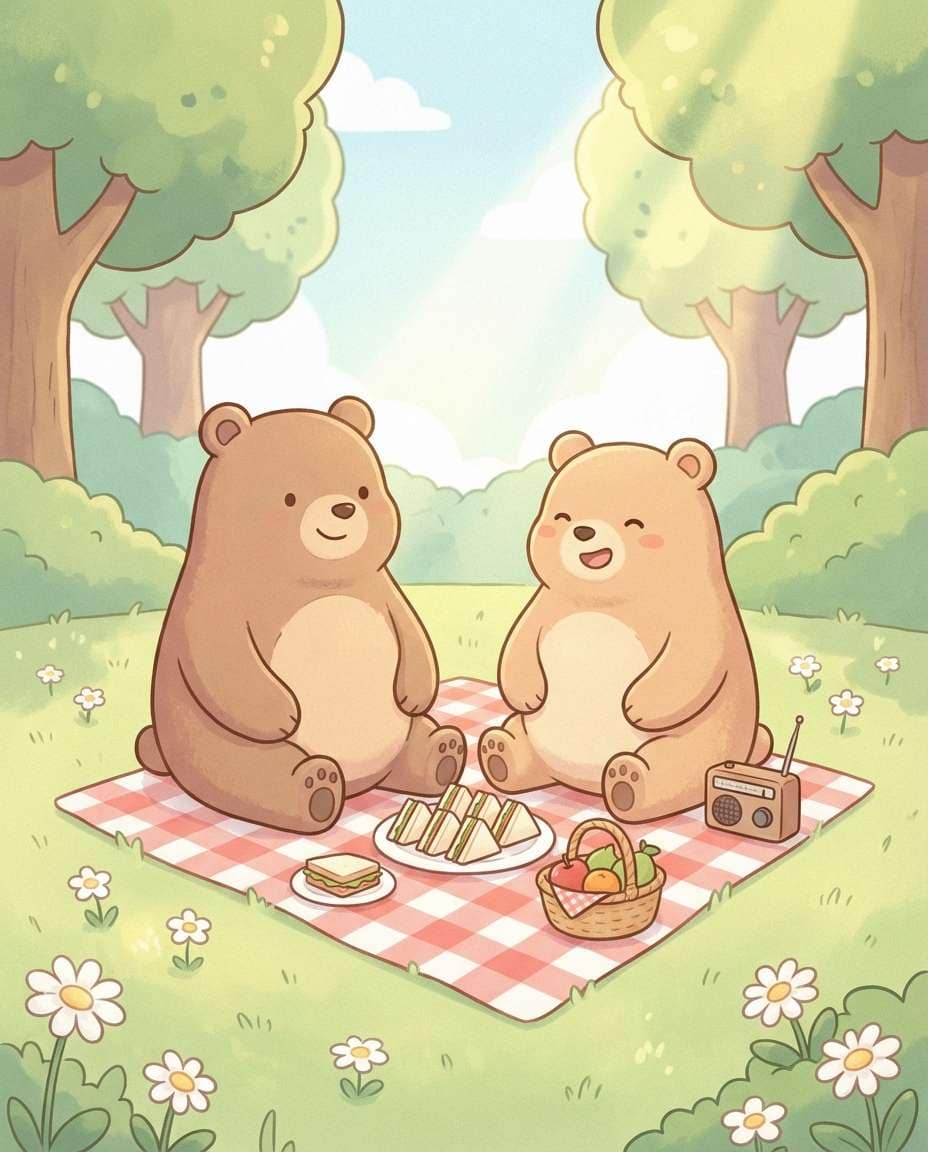
Cute illustration of two chubby bears having a picnic, gingham blanket, tiny sandwiches, fruit, and a little radio, soft sunny park with daisies, pastel color palette, rounded shapes, clean outlines, gentle texture shading, wholesome friendship mood, 85mm lens, shallow depth of field --ar 4:5
메이플스토리 스타일 캐릭터 변환
GPT 이미지 2· 이미지
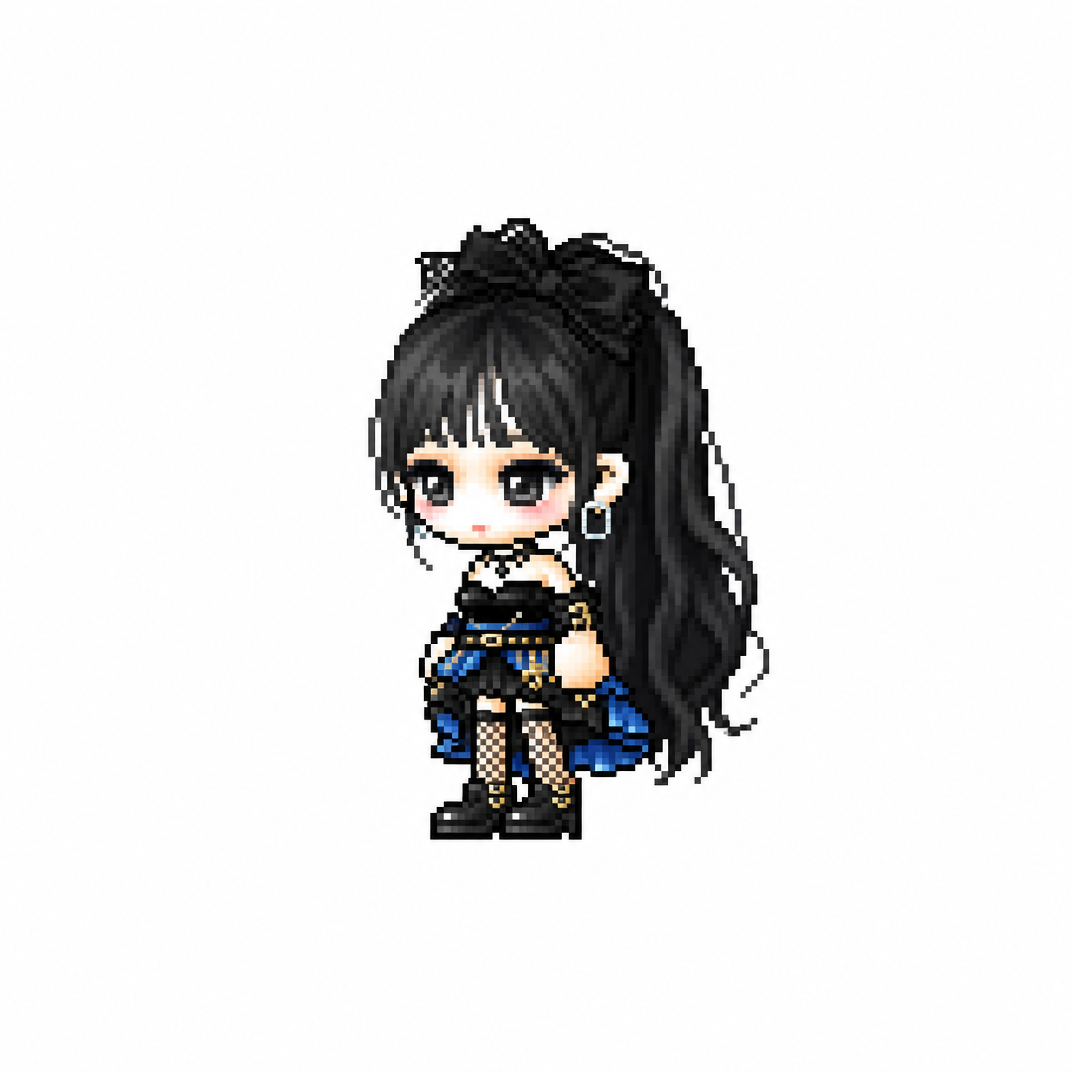
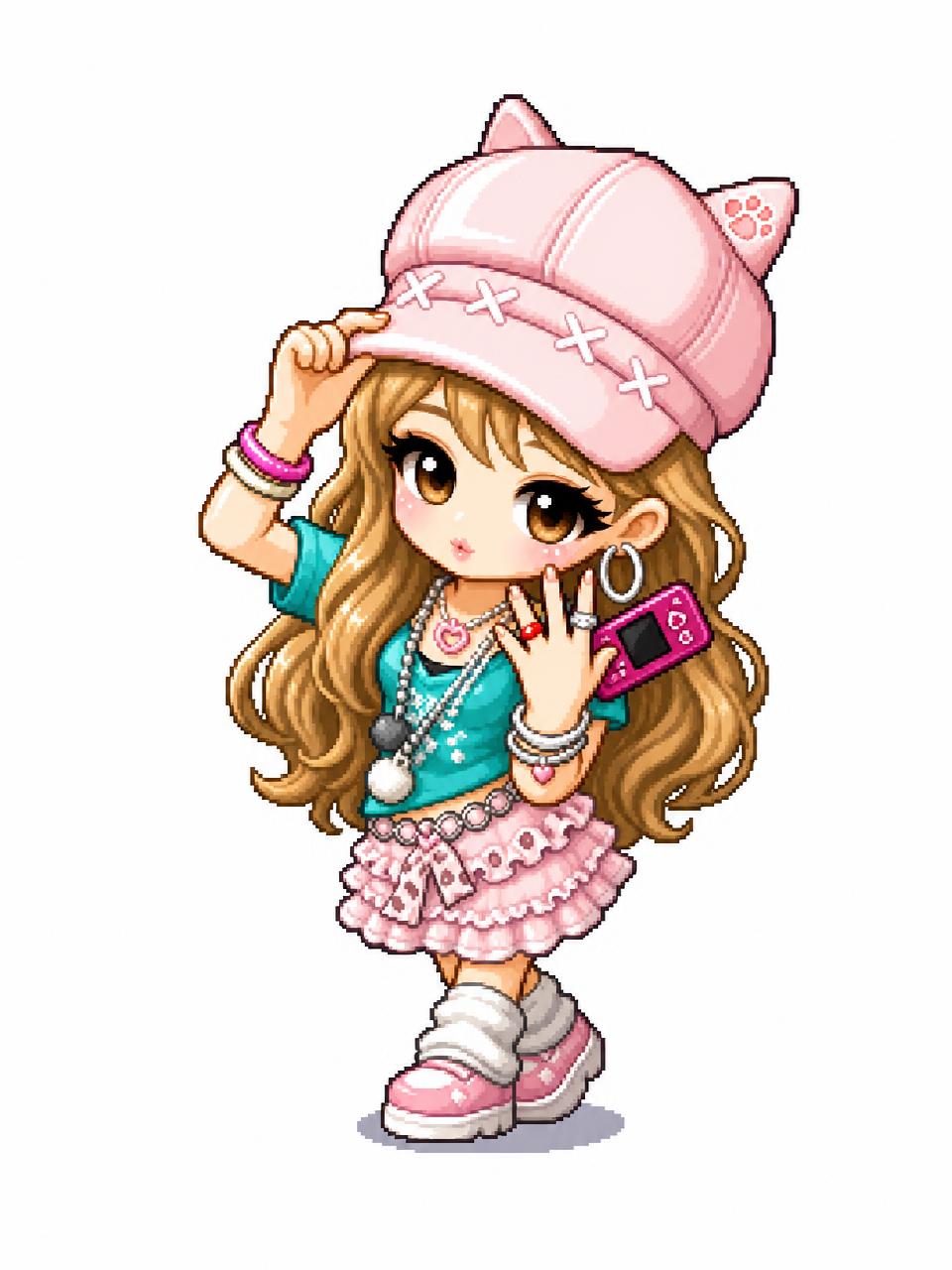
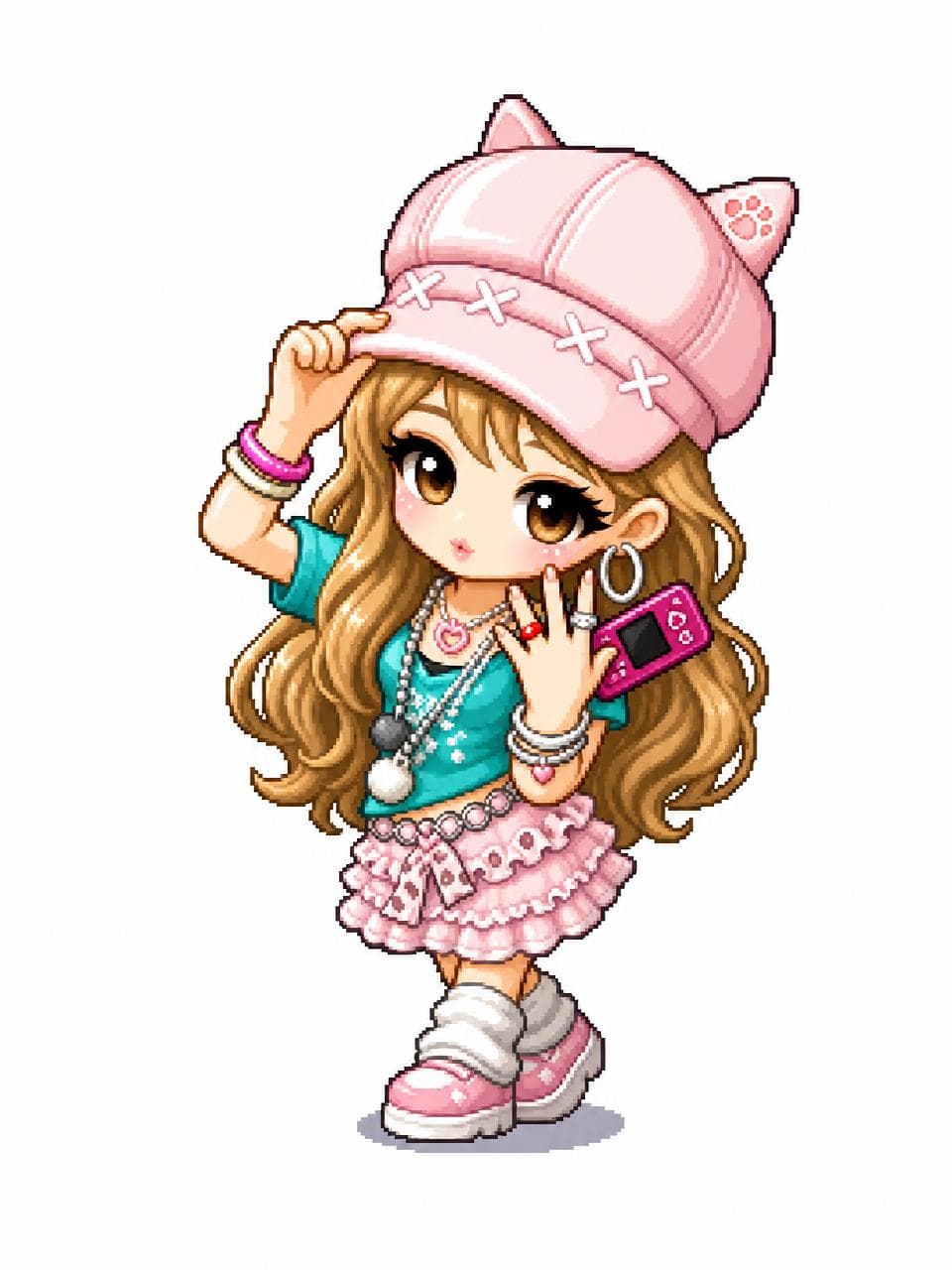
Transform the uploaded image into a MapleStory-style 2D chibi game character illustration.
This is a universal image-to-image character conversion prompt: whatever person, avatar, anime character, mascot, or fictional character appears in the uploaded image should be converted into an original MapleStory-inspired SD game avatar while preserving the key recognizable traits from the input image. Keep the subject count, main pose, silhouette, hairstyle impression, facial expression, outfit category, color relationships, and major accessories from the uploaded image, but redraw everything in a cute side-scrolling MMORPG character-art style.
Style direction: MapleStory-like 2D online RPG avatar art, super-deformed cute proportions, oversized head, compact tiny body, large expressive eyes, simplified nose and mouth, clean thick outlines, crisp cel shading, glossy hair highlights, bright polished colors, soft gradient accents, sprite-like compact shape language, playful Korean online game aesthetic, high-resolution 2D illustration.
Character conversion rules:
- Preserve the uploaded image's identity cues and composition as much as possible.
- If there is one subject, make one Maple-style avatar.
- If there are multiple subjects, convert each subject into a matching Maple-style avatar while keeping their relative positions.
- Translate real clothing or complex costume details into simplified cute game-avatar clothing.
- Translate props, weapons, hats, hair ornaments, bags, or accessories into simplified fantasy game item details.
- Keep the result original and game-avatar-like, not a direct copy of any existing franchise character.
Composition: centered character portrait or full-body avatar depending on the uploaded image, clean simple background, polished character selection icon feeling. The final image must clearly look like a Maple-style 2D character conversion, not a realistic portrait, not a generic anime illustration, and not a 3D render.
No text, no captions, no watermark, no logo, no photorealism, no 3D render, no realistic skin texture, no complex painterly realism.
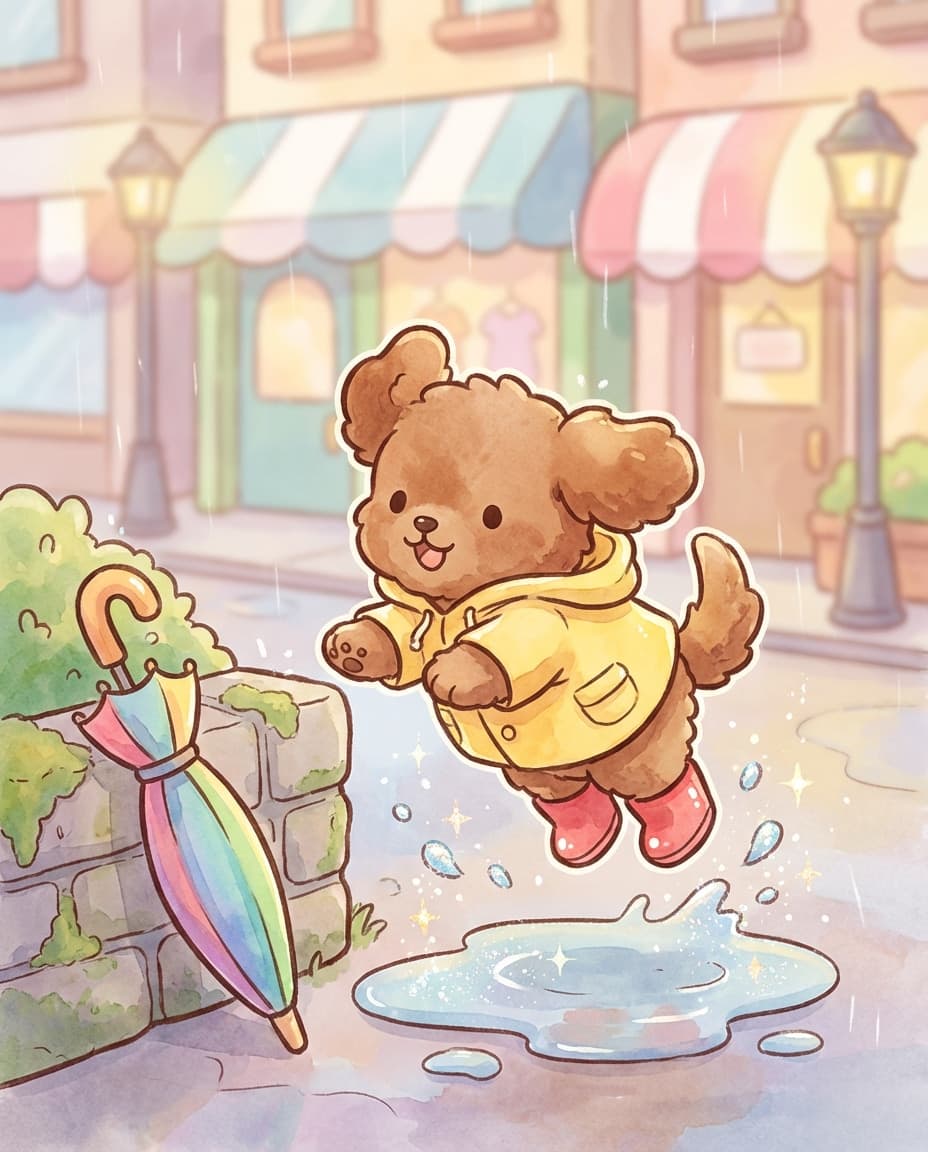
노란 우비 강아지 산책 일러스트
나노바나나 2· 이미지
Cute illustration of a small puppy wearing a yellow raincoat and tiny boots, jumping over puddles with sparkling water droplets, umbrella leaning nearby, cozy rainy street with blurred pastel storefronts, rounded shapes, thick clean outlines, soft watercolor wash, joyful playful mood, 85mm lens, shallow depth of field, soft cinematic lighting --ar 4:5
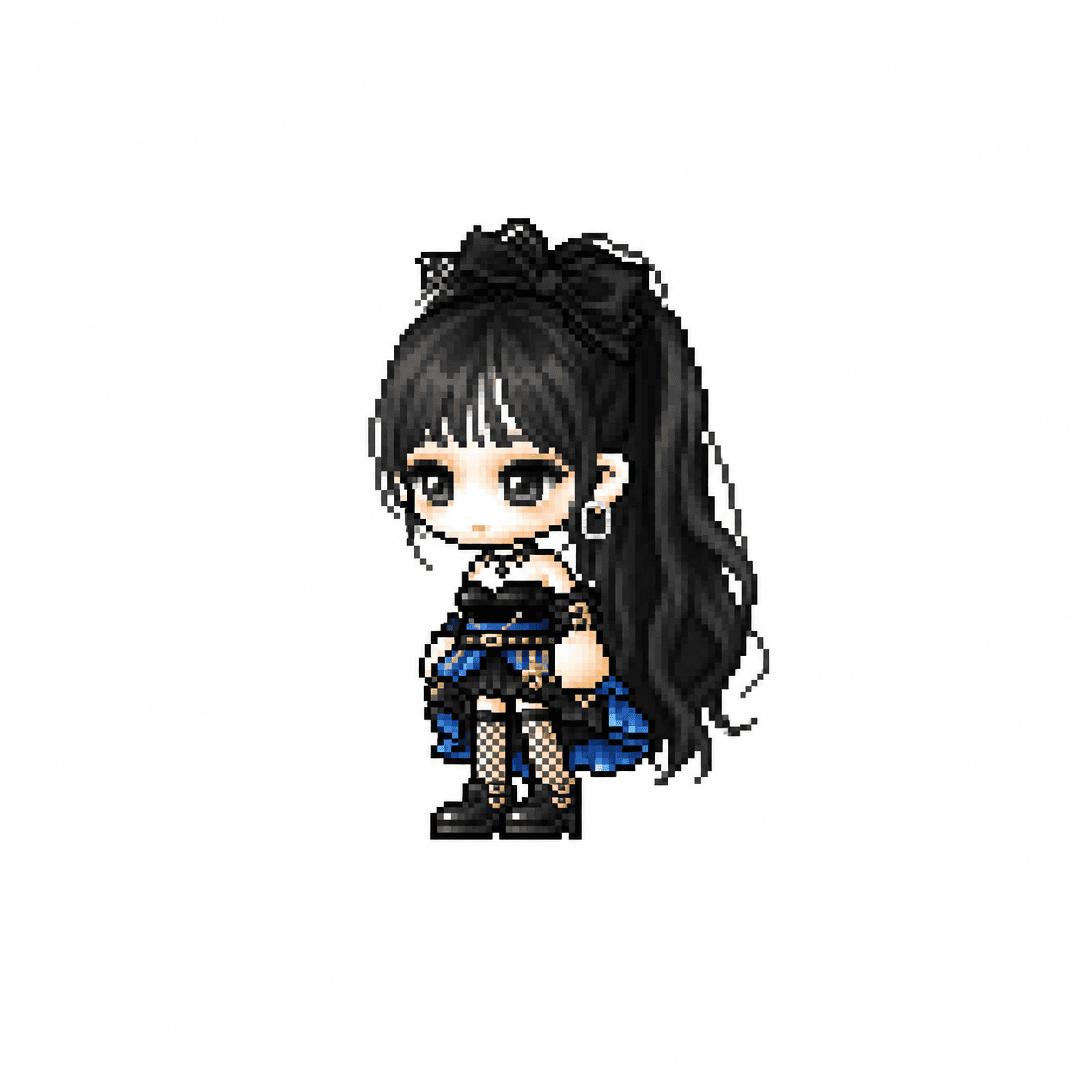
메이플스토리 치비 캐릭터
GPT 이미지 2· 이미지
당신은 애니메이션, 게임, 만화 캐릭터를 메이플스토리 플레이어 아바타 스프라이트로 변환하는 전문 픽셀 아트 디렉터다.
[입력]
이미지 첨부 (전신 추천)
[작업]
1. 첨부된 이미지 속 인물(또는 캐릭터)의 대표 외형 특징을 분석한다.
* 헤어스타일
* 머리색
* 눈 색상
* 대표 의상
* 대표 액세서리
* 대표 무기
* 대표 상징 요소
* 대표 색상
2. 위 특징을 유지하면서 메이플스토리 플레이어 캐릭터 아바타 구조로 재해석한다.
3. 결과물은 일반 픽셀아트가 아니라 실제 메이플스토리 플레이어 캐릭터 스프라이트처럼 보여야 한다.
────────────────────
[MAPLE PLAYER FRAME SPEC]
한국 MMORPG 플레이어 아바타 구조
실제 메이플스토리 플레이어 캐릭터 비율 적용
* 머리 + 헤어 : 전체 높이의 60~65%
* 몸통 : 15~18%
* 다리 : 20~25%
* 2.0~2.3등신
시점
* 35~45도 Quarter View
* 양쪽 눈이 모두 보여야 함
* 거의 평면적인 2D 스프라이트
얼굴
* 눈은 얼굴 하단부에 위치
* 눈 간격 넓음
* 가로로 넓은 평평한 눈
* 큰 눈동자
* 눈동자 하이라이트
* 코 표현 금지
* 매우 작은 입
* 부드러운 홍조
목
* 목 표현 금지
* 머리가 몸통에 바로 연결
* 턱 아래 바로 의상 시작
헤어
* 캐릭터 정체성의 핵심
* 두상보다 훨씬 큰 볼륨
* 실루엣 우선
* 가닥 표현 최소화
* 상단 하이라이트 존재
신체
* 매우 작은 몸통
* 짧은 팔
* 짧은 다리
* 단순한 원통형 팔다리
* 관절 표현 최소화
장비
레이어 구조 유지
Hair
Hat
Face Accessory
Top
Bottom
Shoes
Cape
Weapon
장비와 헤어가 캐릭터 개성을 결정해야 함
포즈
* Idle Standing Pose
* 캐릭터 선택창 느낌
* 점프 금지
* 전투 포즈 금지
* 액션 연출 금지
────────────────────
[PIXEL RENDERING SPEC]
중요:
고해상도 픽셀아트 금지
Ultra Detailed Pixel Art 금지
HD Pixel Art 금지
Fine-Grained Pixel Art 금지
목표:
32~64px 게임 스프라이트를 확대 표시한 느낌
* Low-resolution game sprite
* Enlarged MMORPG sprite
* Chunky pixel structure
* Grid-aligned pixel art
* Visible pixel blocks
* Clean 1px outline
* Limited color palette
* Flat color shading
* Solid tone pixel blocks
* Minimal shading
* No dithering
* No smooth gradients
* No airbrush effects
────────────────────
[출력 조건]
Canvas Size: 1080 x 1080
Perfect Square Format
Pure White Background (#FFFFFF)
Single Character Only
Full Body Visible
Centered Composition
Character Occupies Approximately 75% Of Canvas Height
No Cropping
No Additional Characters
No Pets
No Environment
No Scene
No Background Objects
No Ground
No Text
No Logo
No Watermark
No UI
────────────────────
[절대 금지]
Pokemon Style
Terraria Style
Stardew Valley Style
Ragnarok Online Style
JRPG Battle Sprite
Octopath Traveler Style
Western Cartoon
Disney Style
Realistic
Semi Realistic
3D Render
Illustration
Concept Art
Splash Art
Poster
Wallpaper
Anime Illustration
Digital Painting
Cinematic Lighting
Ultra Detailed Sprite
High Definition Pixel Art
Fine-Grained Pixel Art
Smooth Gradient Shading
Airbrush Shading
────────────────────
Create the person or character shown in the uploaded image as a true MapleStory player avatar sprite.
The result must look like an actual MapleStory player character converted from the uploaded subject, not a generic pixel-art character
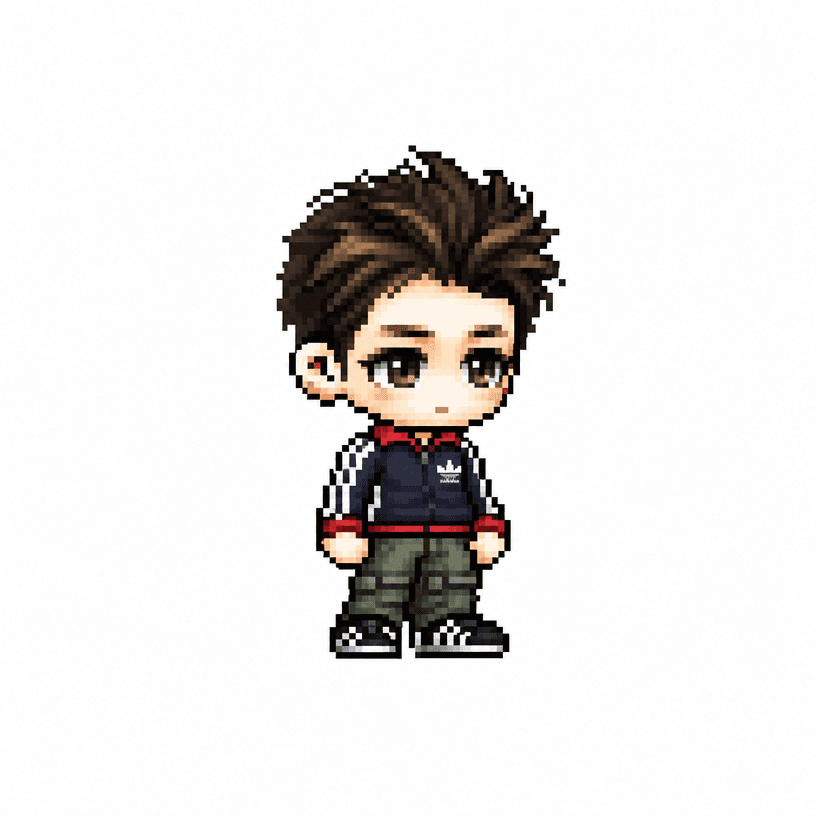
메이플스토리 픽셀 아바타
GPT 이미지 2· 이미지
당신은 애니메이션, 게임, 만화 캐릭터를 메이플스토리 플레이어 아바타 스프라이트로 변환하는 전문 픽셀 아트 디렉터다.
[입력]
이미지 첨부 (전신 추천)
[작업]
1. 업로드된 이미지 속 인물의 대표 외형 특징을 분석한다.
* 헤어스타일
* 머리색
* 눈 색상
* 대표 의상
* 대표 액세서리
* 대표 무기
* 대표 상징 요소
* 대표 색상
2. 위 특징을 유지하면서 메이플스토리 플레이어 캐릭터 아바타 구조로 재해석한다.
3. 결과물은 일반 픽셀아트가 아니라 실제 메이플스토리 플레이어 캐릭터 스프라이트처럼 보여야 한다.
────────────────────
[MAPLE PLAYER FRAME SPEC]
한국 MMORPG 플레이어 아바타 구조
실제 메이플스토리 플레이어 캐릭터 비율 적용
* 머리 + 헤어 : 전체 높이의 60~65%
* 몸통 : 15~18%
* 다리 : 20~25%
* 2.0~2.3등신
시점
* 35~45도 Quarter View
* 양쪽 눈이 모두 보여야 함
* 거의 평면적인 2D 스프라이트
얼굴
* 눈은 얼굴 하단부에 위치
* 눈 간격 넓음
* 가로로 넓은 평평한 눈
* 큰 눈동자
* 눈동자 하이라이트
* 코 표현 금지
* 매우 작은 입
* 부드러운 홍조
목
* 목 표현 금지
* 머리가 몸통에 바로 연결
* 턱 아래 바로 의상 시작
헤어
* 캐릭터 정체성의 핵심
* 두상보다 훨씬 큰 볼륨
* 실루엣 우선
* 가닥 표현 최소화
* 상단 하이라이트 존재
신체
* 매우 작은 몸통
* 짧은 팔
* 짧은 다리
* 단순한 원통형 팔다리
* 관절 표현 최소화
장비
레이어 구조 유지
Hair
Hat
Face Accessory
Top
Bottom
Shoes
Cape
Weapon
장비와 헤어가 캐릭터 개성을 결정해야 함
포즈
* Idle Standing Pose
* 캐릭터 선택창 느낌
* 점프 금지
* 전투 포즈 금지
* 액션 연출 금지
────────────────────
[PIXEL RENDERING SPEC]
중요:
고해상도 픽셀아트 금지
Ultra Detailed Pixel Art 금지
HD Pixel Art 금지
Fine-Grained Pixel Art 금지
목표:
32~64px 게임 스프라이트를 확대 표시한 느낌
* Low-resolution game sprite
* Enlarged MMORPG sprite
* Chunky pixel structure
* Grid-aligned pixel art
* Visible pixel blocks
* Clean 1px outline
* Limited color palette
* Flat color shading
* Solid tone pixel blocks
* Minimal shading
* No dithering
* No smooth gradients
* No airbrush effects
────────────────────
[출력 조건]
Canvas Size: 1080 x 1080
Perfect Square Format
Pure White Background (#FFFFFF)
Single Character Only
Full Body Visible
Centered Composition
Character Occupies Approximately 75% Of Canvas Height
No Cropping
No Additional Characters
No Pets
No Environment
No Scene
No Background Objects
No Ground
No Text
No Logo
No Watermark
No UI
────────────────────
[절대 금지]
Pokemon Style
Terraria Style
Stardew Valley Style
Ragnarok Online Style
JRPG Battle Sprite
Octopath Traveler Style
Western Cartoon
Disney Style
Realistic
Semi Realistic
3D Render
Illustration
Concept Art
Splash Art
Poster
Wallpaper
Anime Illustration
Digital Painting
Cinematic Lighting
Ultra Detailed Sprite
High Definition Pixel Art
Fine-Grained Pixel Art
Smooth Gradient Shading
Airbrush Shading
────────────────────
Create the person in the uploaded image as a true MapleStory player avatar sprite.
The result must look like an actual MapleStory player character converted from the person in the uploaded image, not a generic pixel-art character
fal:160501
드림웍스 애니 스타일 프롬프트란?
드림웍스 애니 스타일 이미지를 생성하기 위한 AI 프롬프트 모음입니다. 캐럿에서 제공하는 드림웍스 애니 스타일 프롬프트를 복사하여 AI 이미지 생성 도구에 붙여넣으면 전문가 수준의 결과물을 얻을 수 있습니다.
드림웍스 애니 스타일 프롬프트 활용 방법
- 원하는 프롬프트를 선택하여 복사합니다.
- 캐럿 에이전트에 붙여넣습니다.
- 필요에 따라 색상, 스타일, 구도를 수정합니다.
- 생성된 이미지를 다운로드하여 활용합니다.
드림웍스 애니 스타일 프롬프트 작성 팁
조명(Lighting), 질감(Texture), 구도(Composition), 렌즈(Lens) 정보를 구체적으로 명시하면 더 정밀한 결과를 얻을 수 있습니다. "No text, no watermark"를 추가하면 불필요한 텍스트를 방지할 수 있습니다.
드림웍스 애니 스타일 프롬프트 적용 사례
드림웍스 애니 스타일 프롬프트는 콘텐츠 제작, 마케팅, 디자인, 교육 자료 등 다양한 분야에서 활용됩니다. AI 이미지를 활용하면 제작 시간을 단축하면서도 전문적인 퀄리티를 유지할 수 있습니다.
드림웍스 애니 스타일 프롬프트 최적화 가이드
이미지 비율은 용도에 맞게 선택하세요. SNS용은 세로형(9:16), 웹 배너는 가로형(16:9), 제품 이미지는 정사각형(1:1)이 적합합니다.