본문으로 건너뛰기

초대장
청첩장·돌잔치 등 초대장 디자인에 바로 쓸 수 있는 AI 프롬프트. 청첩장, 돌잔치 초대장, 파티 초대장을 빠르게 만들 수 있습니다.
2026.07.13
「초대장」 원하는 대로 직접 만들어보세요「초대장」 직접 만들어보세요
대화로 요청만 하면 최적화된 이미지·영상을 만들어줘요
매일 무료 100크레딧으로 바로 시작
·
3D 팝업 카드 App Update Announcement
나노바나나 2· 이미지
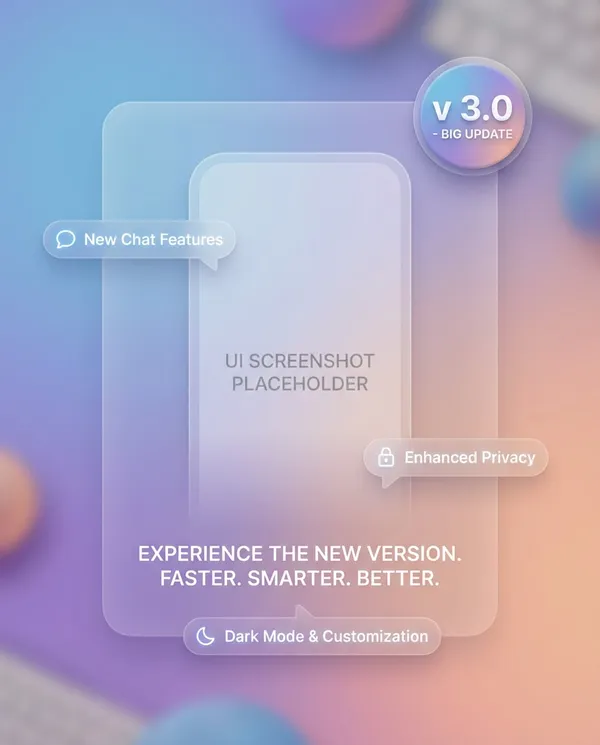
App update banner with UI screenshot placeholder, feature callouts in speech-bubble labels, gradient background, clean rounded cards, big version number badge, modern product design style, soft shadows, crisp typography and spacing, web-ready clarity, no watermark, 85mm lens, shallow depth of field, soft cinematic lighting --ar 4:5
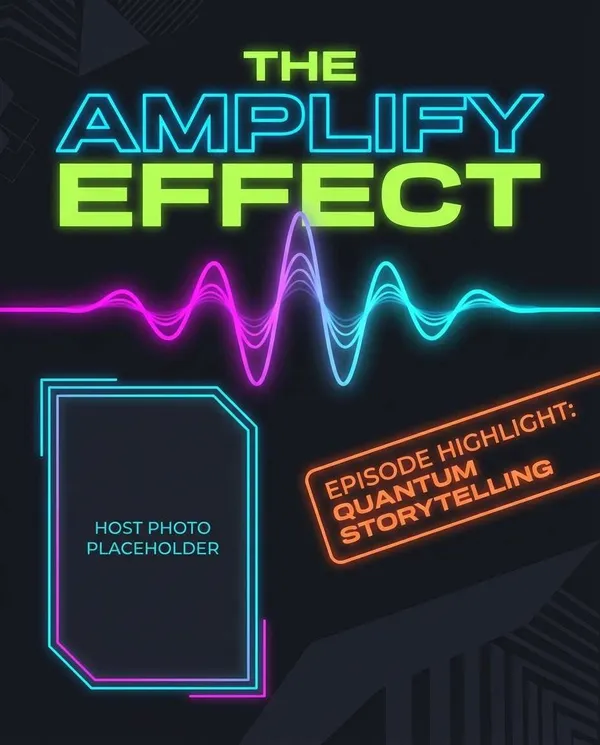
AI 이미지 Podcast Cover Banner
나노바나나 2· 이미지
Podcast promo banner with bold title typography, waveform graphic element, host photo placeholder, episode highlight tag, dark mode palette with neon accents, clean composition, modern editorial layout, crisp vector finish, no watermark --ar 4:5
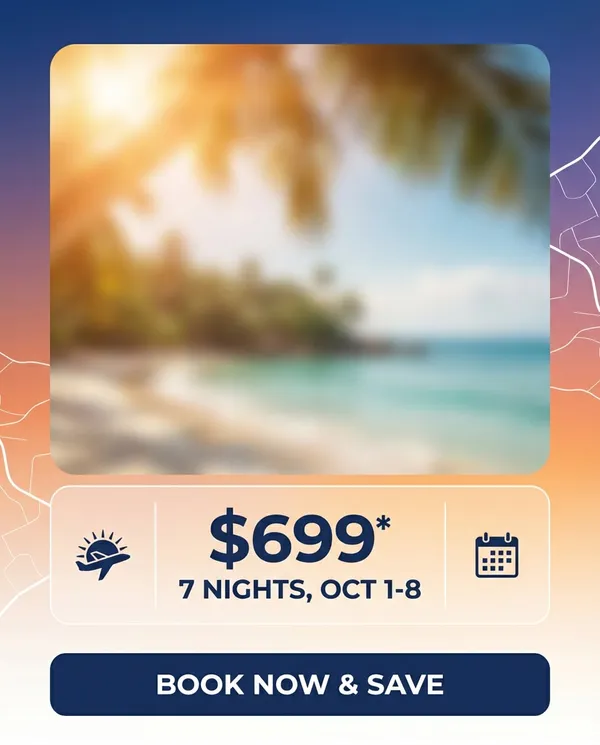
AI 이미지 Travel Deal Ad
나노바나나 2· 이미지
Travel deal banner with dreamy destination photo placeholder, sun flare overlay, clean price and dates module, airline-style icons, modern sans typography, gradient sky tones, minimal map lines in background, strong CTA block, polished ad creative, no watermark, 85mm lens, shallow depth of field --ar 4:5
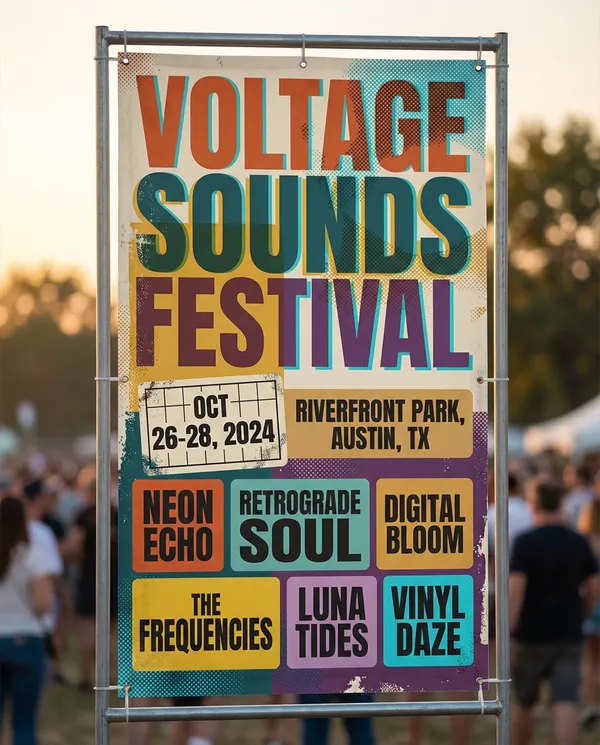
AI 이미지 Music Festival Lineup
나노바나나 2· 이미지
Music festival banner with bold typographic hierarchy, colorful halftone textures, layered stickers aesthetic, lineup grid, date and location blocks, retro-modern color palette, high visual rhythm, crisp vector poster vibe, no watermark, 85mm lens, shallow depth of field, soft cinematic lighting --ar 4:5
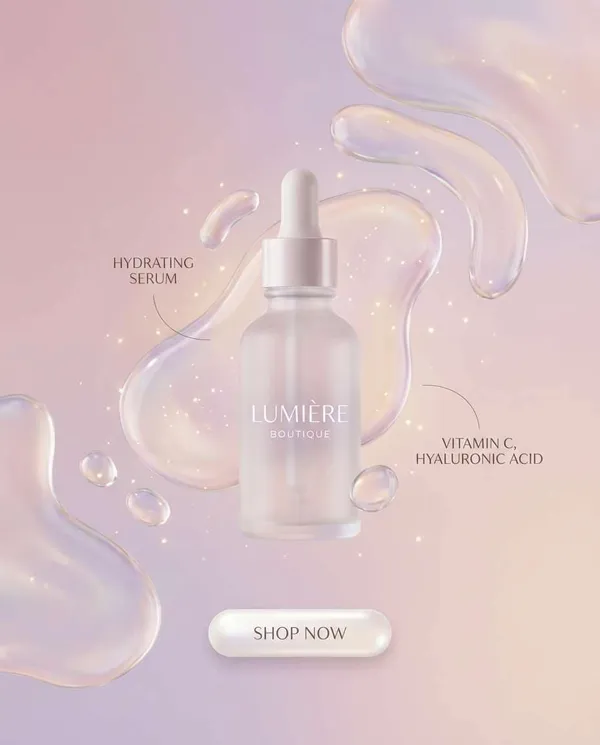
제품 이미지
나노바나나 2· 이미지
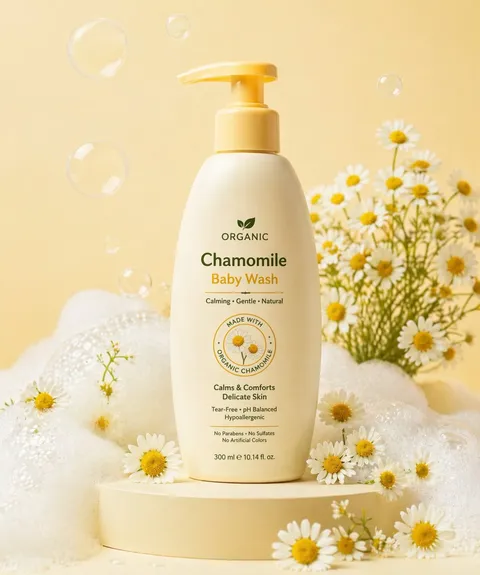
Skincare product banner with soft pastel gradient, glossy liquid shapes, minimal typography, ingredient callouts, clean white space, premium cosmetic ad style, subtle sparkle highlights, rounded CTA button placeholder, elegant modern layout, ultra crisp and clean, no watermark, 85mm lens, shallow depth of field --ar 4:5
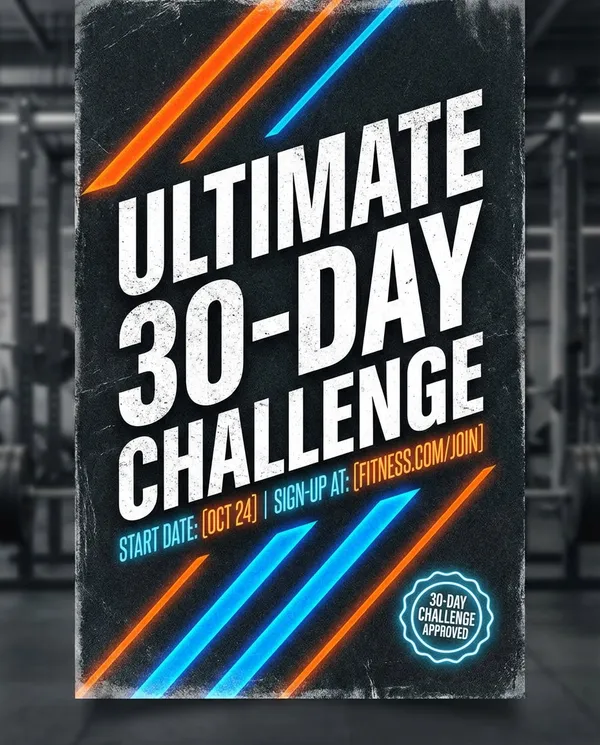
AI 이미지 Fitness Challenge
나노바나나 2· 이미지
High-energy fitness challenge banner with gritty texture overlay, bold condensed typography, diagonal stripes, neon accent highlights, badge for 30-day challenge, space for start date and sign-up link, athletic brand vibe, strong contrast and hierarchy, crisp poster design, no watermark, 85mm lens, shallow depth of field --ar 4:5
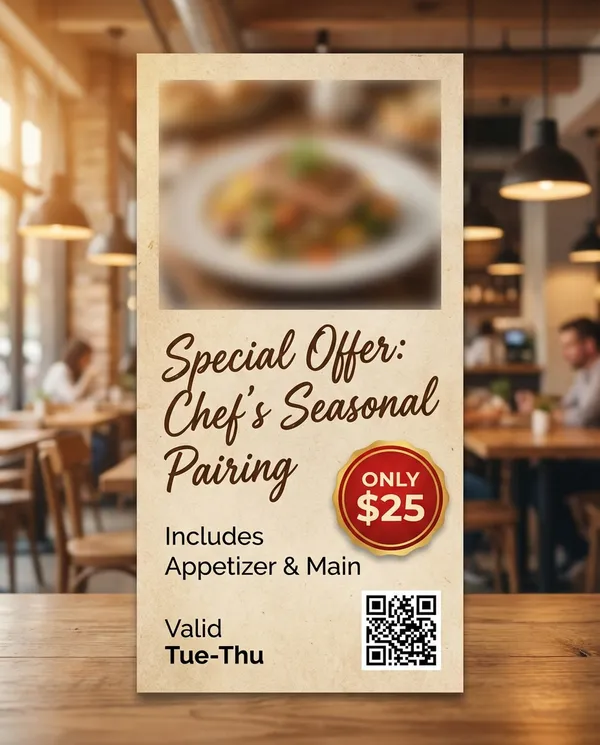
AI 이미지 Restaurant Special
나노바나나 2· 이미지
Restaurant promo banner with appetizing food photo placeholder, handwritten script accent for special offer, bold price badge, warm lighting color grade, textured paper background, clean menu-style layout, QR code placeholder, cozy modern bistro aesthetic, sharp and readable, no watermark, 85mm lens, shallow depth of field --ar 4:5
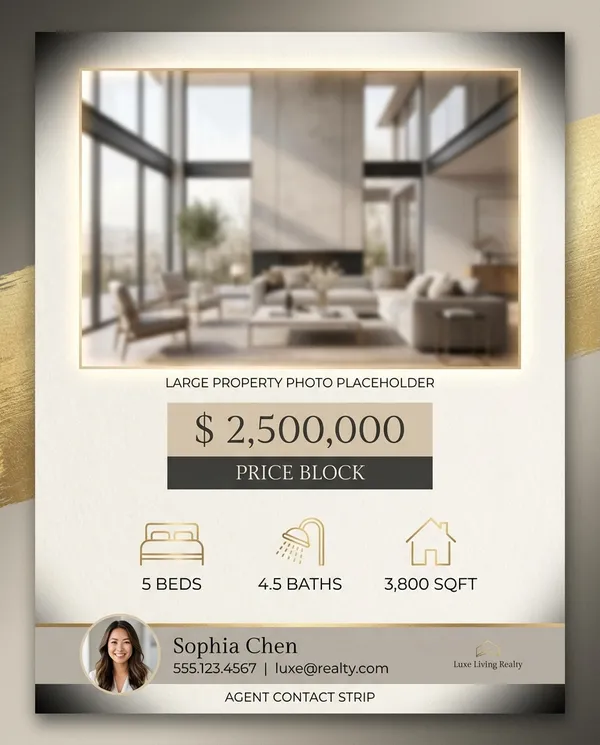
AI 이미지 Real Estate Listing
나노바나나 2· 이미지
Real estate listing banner with modern luxury look, warm neutral palette, large property photo placeholder, price block, 3 icons for beds baths sqft, agent contact strip, clean lines, premium serif plus sans pairing, subtle vignette, crisp print-ready design, no watermark, 85mm lens, shallow depth of field, soft cinematic lighting --ar 4:5
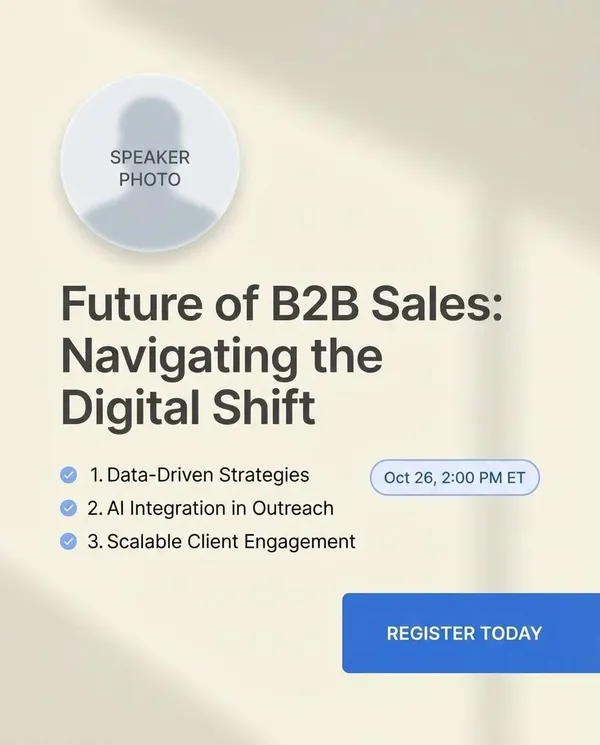
AI 이미지 Webinar Registration Ban
나노바나나 2· 이미지
Webinar promo banner with clean layout: speaker photo placeholder circle, topic headline, 3 key takeaways bullet list, date/time badge, register CTA block, light background with soft shadows, professional B2B style, readable typography, minimal accent color, no watermark, 85mm lens, shallow depth of field --ar 4:5
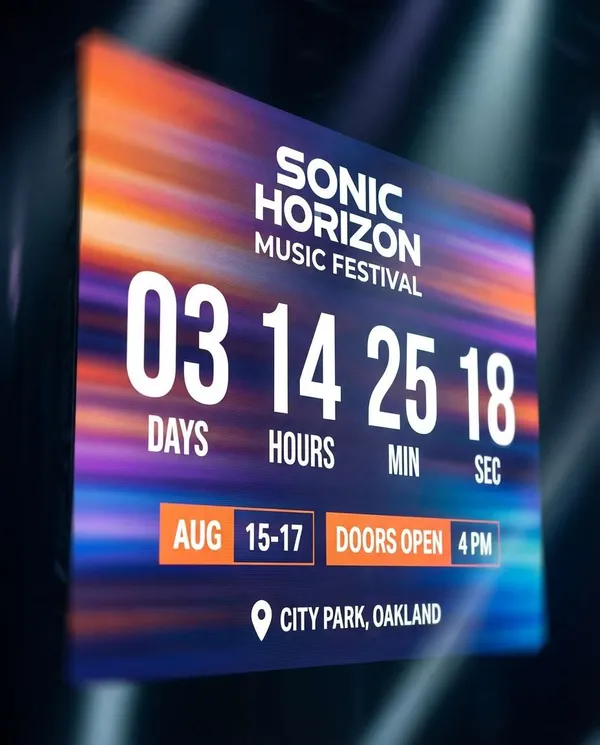
포스터 디자인
나노바나나 2· 이미지
Event countdown banner with big numeric countdown area, energetic gradient background, subtle motion blur streaks, headline space for event name, date and time blocks, location pin icon, modern festival typography, strong contrast, crisp vector finish, no watermark, 85mm lens, shallow depth of field, soft cinematic lighting --ar 4:5
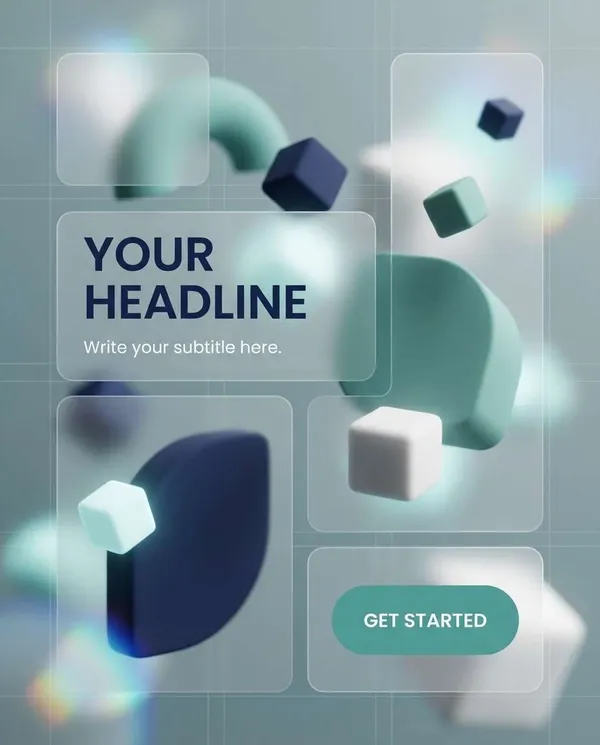
3D 팝업 카드 SaaS Feature Header
나노바나나 2· 이미지
SaaS hero-style banner with abstract 3D shapes, soft ambient lighting, card UI mockup blocks, headline and subheadline placeholders, primary CTA button area, modern fintech color palette (navy, teal, white), clean grid, sharp type hierarchy, web-ready look, no watermark, 85mm lens, shallow depth of field --ar 4:5
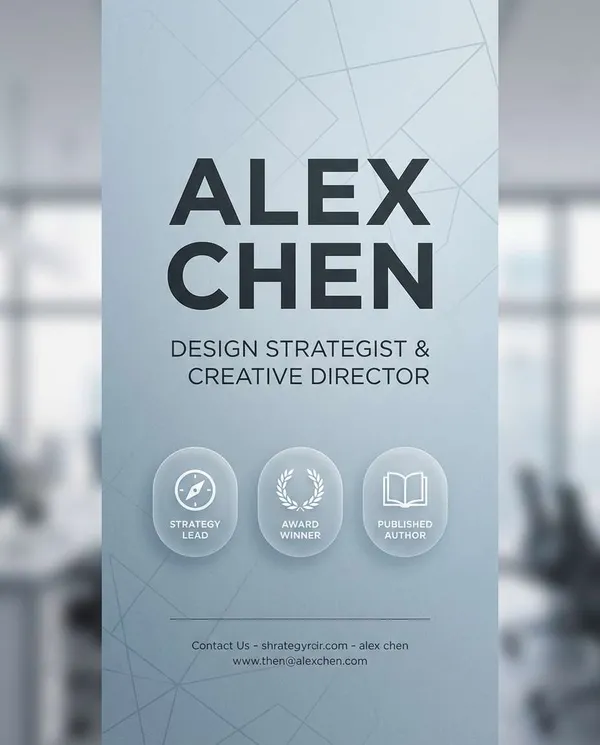
AI 이미지 LinkedIn Personal Brand
나노바나나 2· 이미지
Professional personal brand banner design with calm blue-gray gradient, subtle line pattern, clean typography zones for name, role title, and 3 credibility badges, minimalist icons, modern corporate layout, premium editorial feel, crisp vector design, no watermark, 85mm lens, shallow depth of field, soft cinematic lighting --ar 4:5
초대장 AI 프롬프트란?
초대장 프롬프트는 청첩장, 돌잔치, 파티 초대장 같은 초대 디자인을 빠르게 구체화하기 위한 AI 프롬프트입니다. 캐럿에서는 GPT Image 2 같은 생성 모델로 초대장 이미지를 만들고, 결과물을 다시 수정하거나 비율 변경, 배경 제거, 화질 개선 같은 후속 작업까지 이어갈 수 있습니다.
주요 활용 장면
- 청첩장 디자인
- 돌잔치·생일 초대장
- 파티·이벤트 초대장
- 모바일 초대장 이미지
- 감성 초대 카드
이 태그가 유용한 이유
초대장은 문구 배치, 색감, 장식, 분위기가 첫인상을 좌우합니다. 청첩장인지 돌잔치인지에 따라 톤이 달라지기 때문에 용도가 분명한 예시를 기준으로 시작하면 방향을 빠르게 잡을 수 있습니다. 프롬프트를 고를 때는 행사 종류, 색감, 장식, 문구 배치가 함께 드러나는 예시를 우선 확인하는 것이 좋습니다.
상황별 초대장 스타일 잡기
- 결혼식·돌잔치는 파스텔 톤에 둥근 일러스트, 생일 파티는 풍선·색종이·케이크 요소를 프롬프트에 넣으면 분위기가 맞습니다.
- 기업 행사·갈라는 미니멀 배경에 절제된 컬러 2~3개로 지정하면 격식 있는 결과가 나옵니다.
- 야외 밤하늘, 잔디밭, 실내 케이크 장면 등 배경 상황을 한 문장으로 구체화하면 원하는 무드에 빨리 도달합니다.
- 받는 사람(아이·어른)에 맞춰 서체 느낌(둥근 손글씨체 vs 정갈한 세리프)을 프롬프트에 함께 요청하세요.
문구가 들어갈 여백 확보하기
- "중앙에 텍스트가 들어갈 넓은 여백"을 프롬프트에 넣으면 나중에 날짜·시간·장소를 얹기 좋습니다.
- 장식(풍선·꽃·색종이)은 가장자리로 배치하도록 요청해 가운데를 비워 둡니다.
- 배경만 AI로 뽑고 실제 문구는 캐럿에서 이미지에 넣는 단계로 나누면 글자 왜곡을 피할 수 있습니다.
- 인쇄까지 갈 경우 고해상도로 생성하고 여백·안전선을 고려한 구도를 미리 지정하세요.
프롬프트 구성 팁
- 행사 종류와 톤, 비율을 먼저 정하세요.
- 색감, 장식, 문구 위치, 분위기를 구체적으로 적으세요.
- 필요하면 날짜, 이름, 문구를 분리해서 지정하세요.
- 생성 후에는 글자 오타와 인쇄 비율을 검수하세요.
캐럿에서는 프롬프트를 실행한 뒤 마음에 드는 결과물을 기준으로 다시 수정하거나, 비율 변경·배경 제거·화질 개선 같은 후속 작업을 이어갈 수 있습니다.