carat

Prompt Gallery

/

Photo Retouching Prompt

Login
Sign Up

Photo Retouching Prompt

Retouch photos, fix skin, and apply creative edits with AI prompt templates.

2026.07.08

·
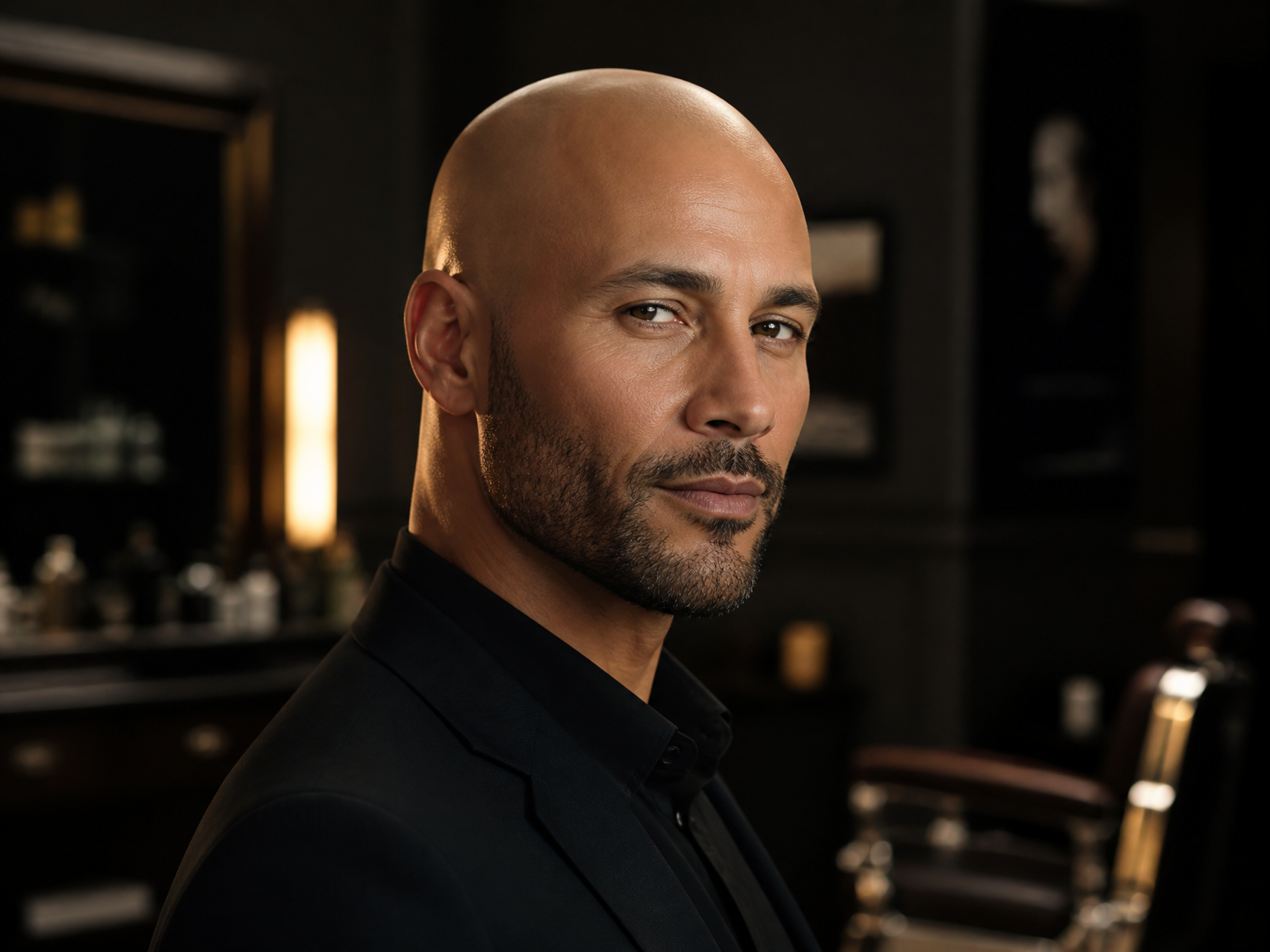
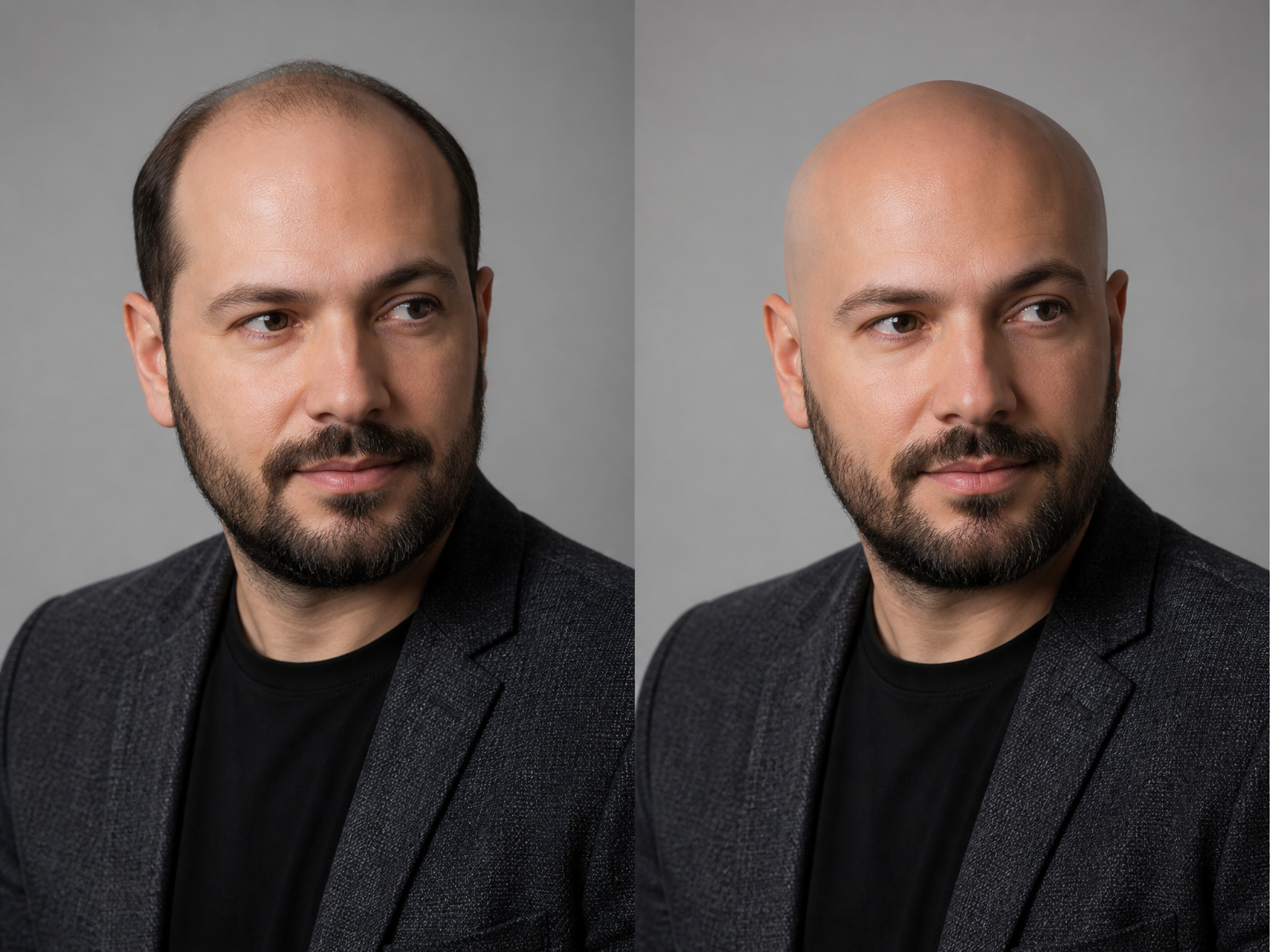
GPT 이미지 2로 생성한 대머리 합성 예시 3

대머리 합성 예시 3

GPT Image 2· Image
Professional grooming visual of a bald head style, confident adult male portrait, soft rim light, premium barber campaign mood, no readable text.
Generated with gpt-image-2: Natural Skin Retouching

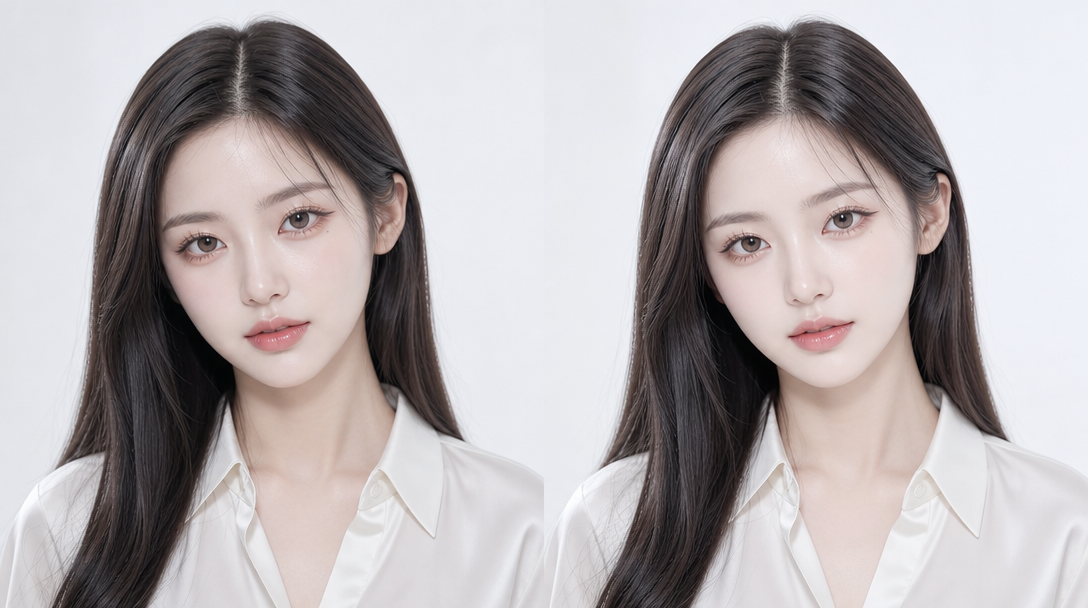
Natural Skin Retouching

GPT Image 2· Image
Professional natural skin retouching while fully preserving the person's real identity and facial structure. Remove temporary acne, pimples, redness, skin irritation, blackheads, and uneven skin texture while keeping realistic pores and natural skin detail intact. Preserve natural skin tone, facial shadows, beard texture, eyebrows, eyelashes, and hair exactly as they are. Avoid plastic skin, beauty filter effects, over-smoothing, or artificial glow. Maintain realistic lighting and original image composition. The result should look like a professionally retouched DSLR portrait with invisible editing and natural healthy skin texture. Ultra realistic, photorealistic, high detail.
AI-generated Old Photo Restoration

Old Photo Restoration

· Image
Restore and enhance an old damaged photo. Remove scratches, stains, and noise. Reconstruct faded or torn areas while preserving original details. Slightly sharpen the image for better clarity, but keep it realistic. Apply natural and era-appropriate colors to skin, hair, and clothing. Use a soft, balanced background color without being too striking. The final result should look like an old photo that has been realistically restored and colorized, while respecting its original appearance.
@eyishazyer
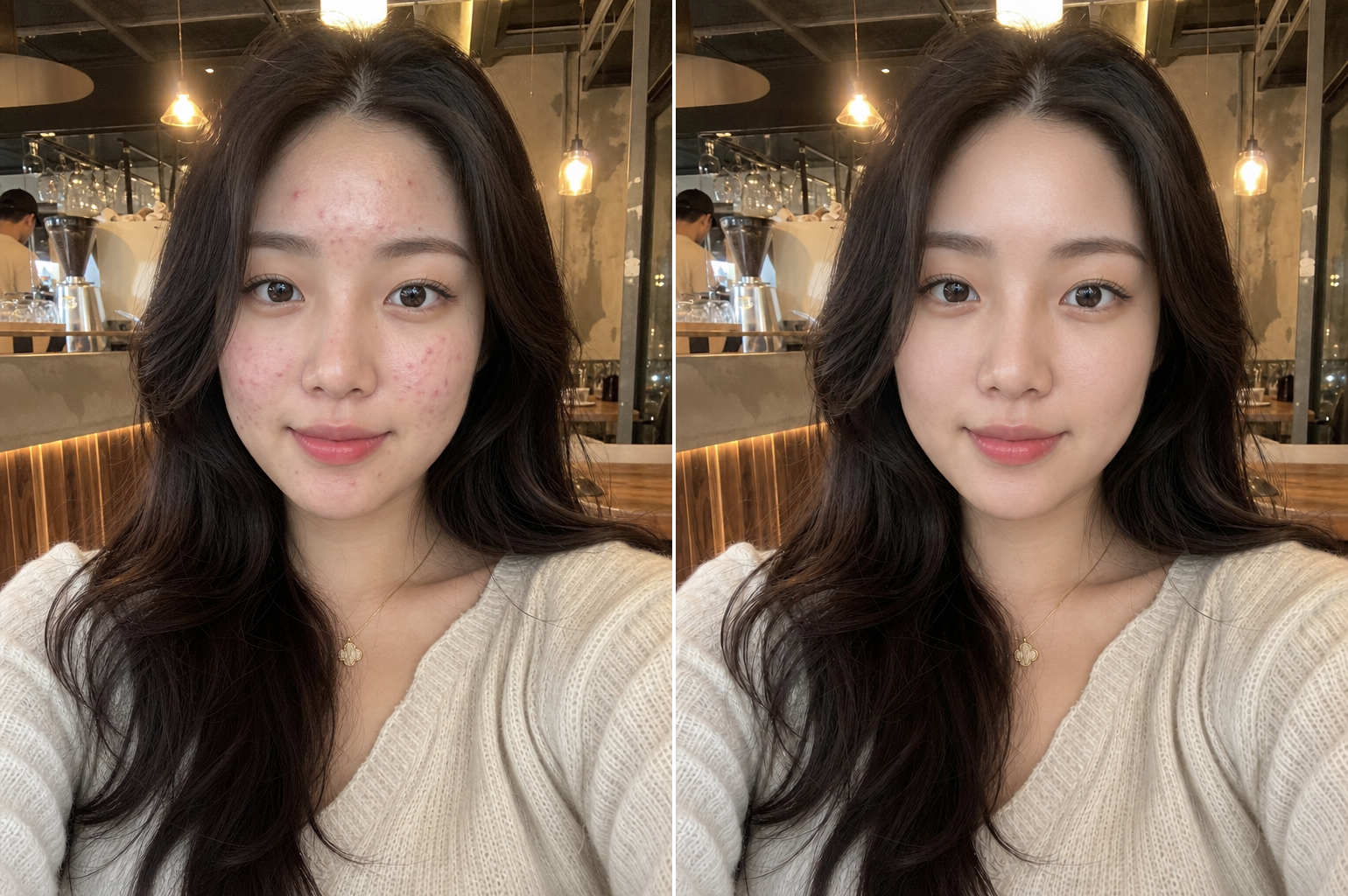
GPT 이미지 2로 생성한 사진 보정

사진 보정

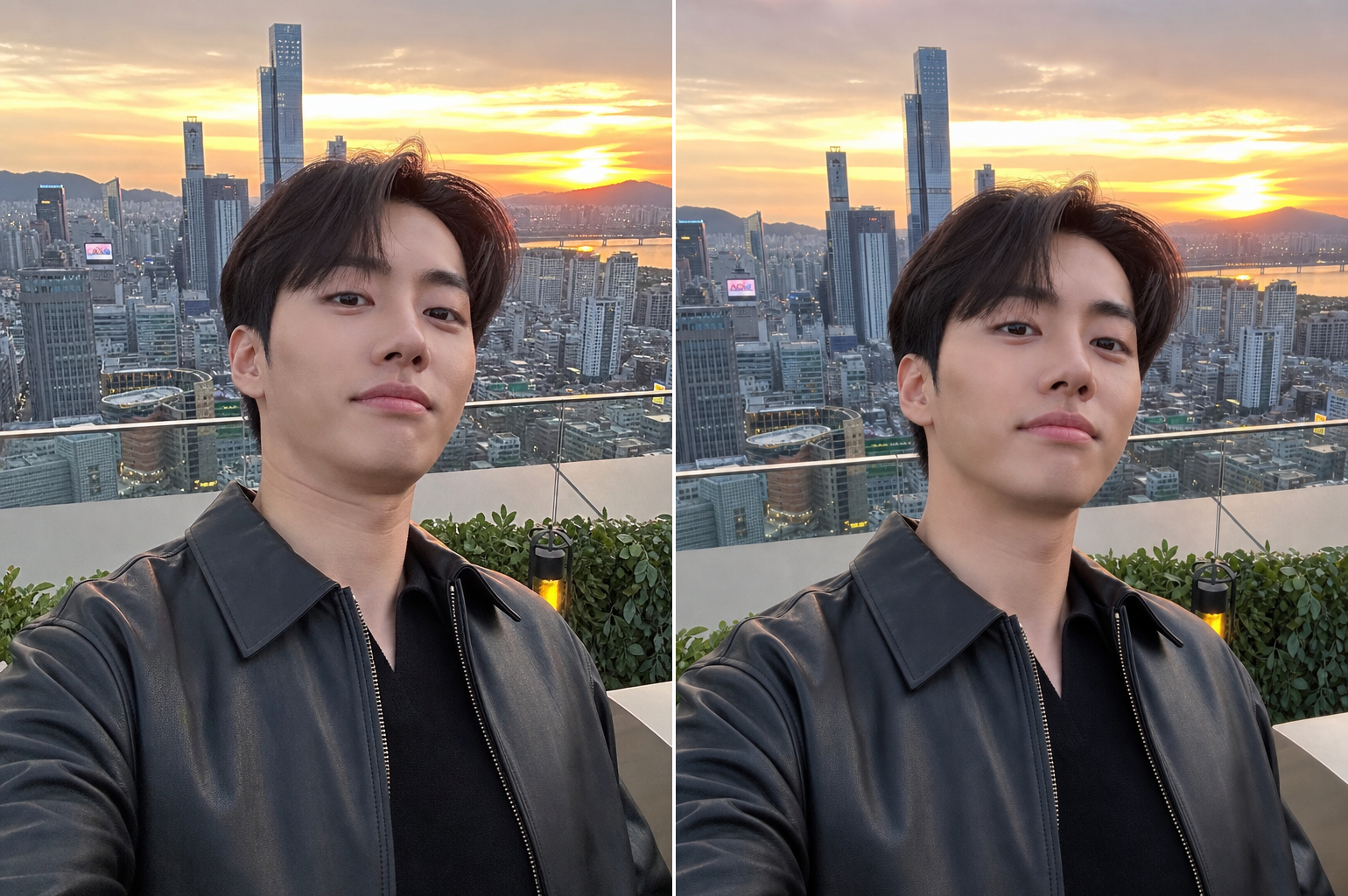
GPT Image 2· Image
Create a clean photo retouching concept image showing a fictional portrait with subtle before-and-after editing feel, natural skin tone, professional beauty retouch workflow aesthetic, split composition without readable labels, no UI text, no logo, tasteful and realistic, 16:9 horizontal.
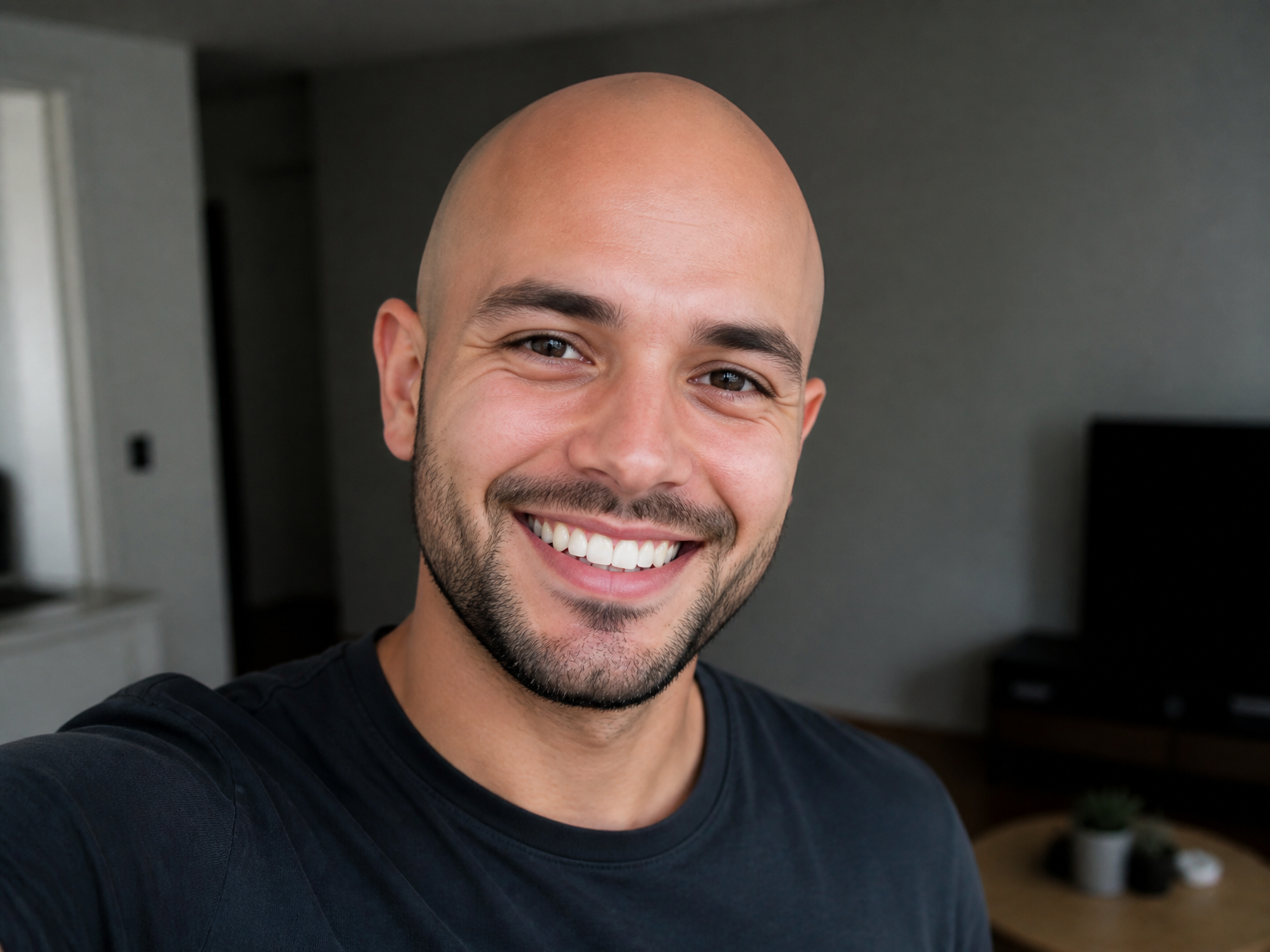
GPT 이미지 2로 생성한 대머리 합성 예시 2

대머리 합성 예시 2

GPT Image 2· Image
Clean humorous but respectful bald photo edit concept, generic smiling person with smooth shaved head look, natural skin texture, smartphone portrait style, no text.
Generated with gpt-image-2: Unflattering Angle Fix

Unflattering Angle Fix

GPT Image 2· Image
Subtly correct the unflattering low camera angle while fully preserving the person's identity, facial structure, hairstyle, pose, and expression. Reduce the appearance of double chin or jaw compression caused by perspective distortion only. Simulate a slightly higher and more flattering eye-level camera angle naturally without changing the person's real facial anatomy. Preserve realistic shadows, neck proportions, and facial texture. No face slimming, no beauty filter, no plastic skin, no AI look. The result should feel like the same real photo captured from a slightly better angle.
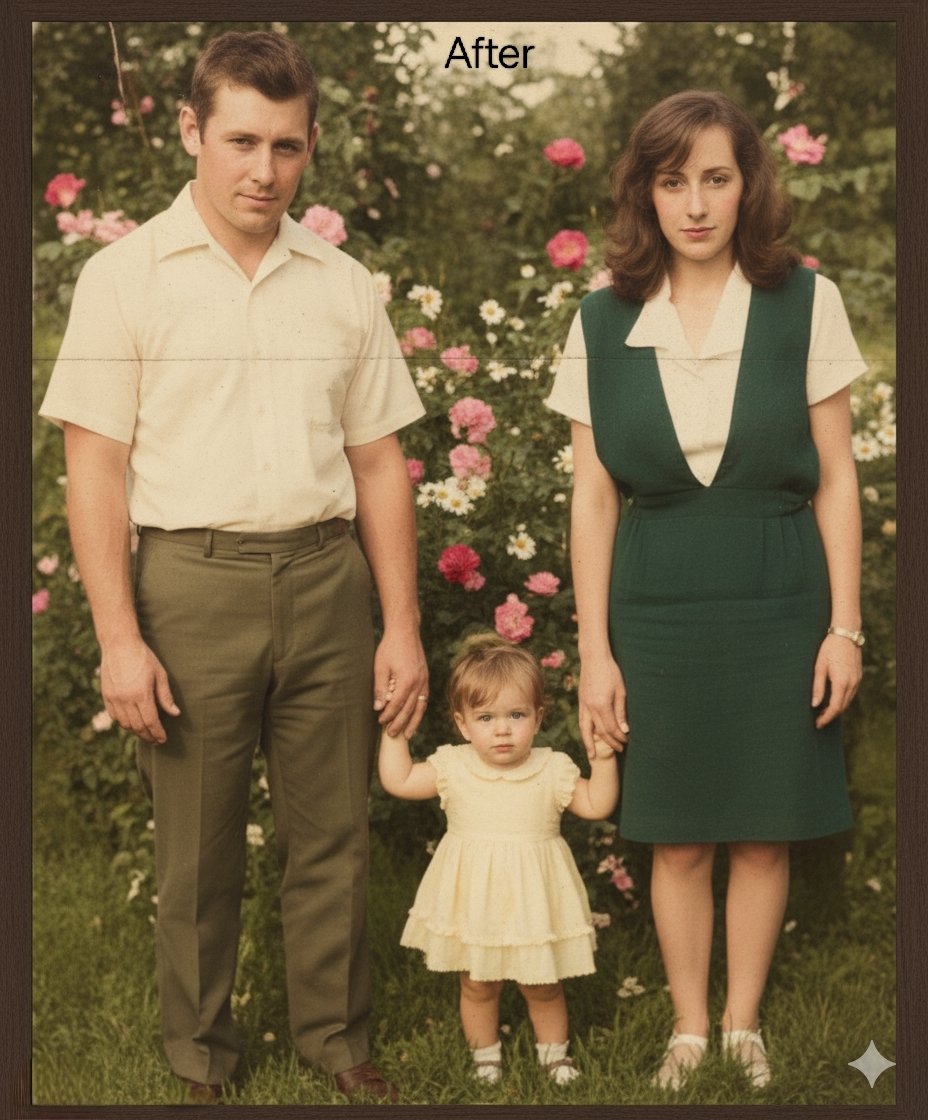
AI-generated Repair and Restore Old Photos made with Nano Banana Pro

Repair and Restore Old Photos

Nano Banana Pro· Image
Restore this photograph to its original quality by repairing scratches, folds, discoloration, and missing details. Then carefully colorize the image, keeping skin tones, clothing, objects, and background realistic. Preserve the original style, lighting, and atmosphere without adding new elements or changing the identity of the people.
@gemini_prompts
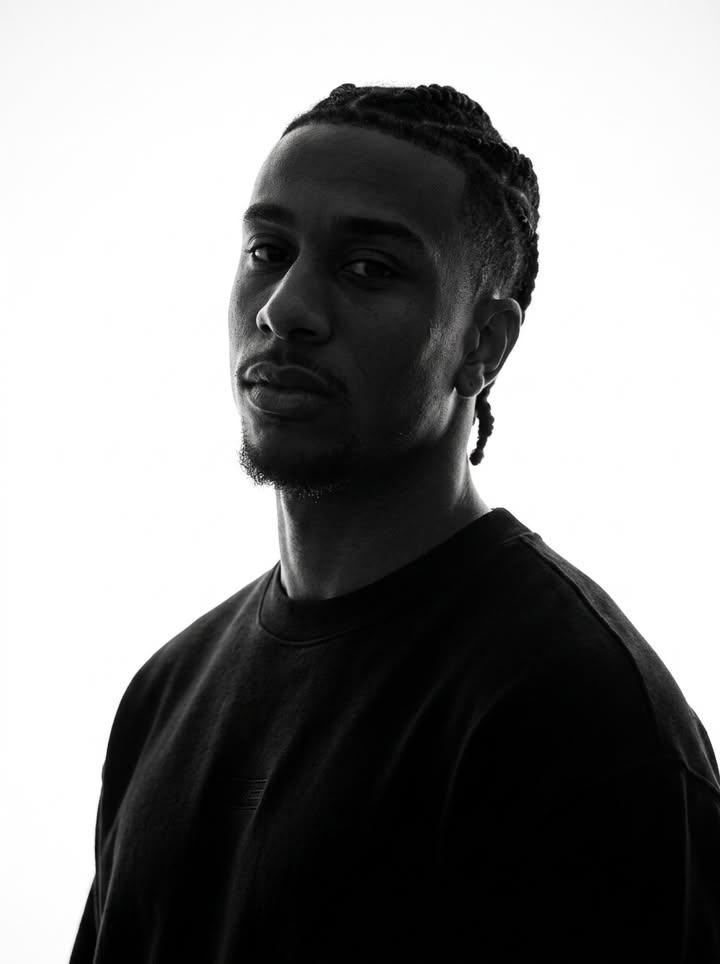
AI-generated Identity-Preserving Monochrome Portrait made with GPT Image 2
Identity-Preserving Monochrome Portrait

GPT Image 2· Image
Preserve the target character’s true facial identity with maximum accuracy and consistency. Maintain the exact original face shape, facial structure, natural proportions, and recognizable identity throughout the entire image or video. Keep the same skin tone values translated into monochrome while preserving realistic highlights, shadows, and natural contrast. Do not alter the person’s ethnicity, age appearance, facial anatomy, or unique characteristics. Maintain the original hairstyle, hair length, hair volume, texture, density, and natural flow. Preserve every detail of the eyebrows, including their shape, thickness, arch, and placement. Keep the exact structure of the eyes, including eye shape, eyelids, eyelashes, gaze, and natural expression. Preserve the original nose shape, bridge, nostrils, and proportions. Maintain the authentic lips, mouth shape, lip texture, smile, and natural expression. Keep the original jawline, cheekbones, facial contours, chin shape, and overall head proportions unchanged. Preserve any facial hair exactly as present, including beard, mustache, stubble, sideburns, or subtle texture. Maintain all accessories and personal details such as earrings, piercings, glasses, necklaces, or other facial-area accessories with the same position, size, and appearance. The monochrome treatment should enhance the subject’s natural identity rather than stylize or modify it. Preserve realistic skin texture, pores, subtle facial imperfections, natural wrinkles or lines, and authentic human details. Avoid beautification filters, face reshaping, artificial symmetry, age changes, or any modification that makes the person look like a different individual. Ensure the character remains instantly recognizable as the same person from the original reference image, with consistent facial identity across every frame, angle, lighting condition, and expression. The final result should feel like an authentic monochrome portrait with timeless photographic realism, preserving the person’s true appearance and emotional presence.
@SimplyAnnisa
GPT 이미지 2로 생성한 대머리 합성 예시 1

대머리 합성 예시 1

GPT Image 2· Image
Realistic portrait concept showing a tasteful bald hairstyle transformation on a generic adult man, studio lighting, neutral background, respectful beauty edit mood, no text, no before after labels.

What Is a Photo Retouching Prompt?

A photo retouching prompt is an instruction set used with AI image generation tools to enhance, correct, and transform portrait photographs through digital retouching techniques. Photo retouching encompasses a wide range of enhancement operations including skin retouching to smooth blemishes and even out skin tone, quality enhancement to improve image resolution and clarity, creative effects like bald head synthesis for entertainment purposes, closed-eye photo restoration to fix photos where the subject blinked, and angle correction to fix poorly composed shots. The demand for AI-powered photo retouching has grown significantly as users seek professional-quality photo enhancement without expensive software or specialized skills. Photo retouching prompts are used across various contexts including ID photo enhancement, profile photo retouching, social media content creation, and creative photo manipulation, with each use case requiring specific retouching approaches and intensity levels.

How to Write AI Photo Retouching Prompts

When retouching photos with AI, specify the retouching type, natural appearance, skin tone, lighting, and background as key elements. Include prompt phrases like "skin retouching," "natural skin tone," "soft lighting," "quality enhancement," and "natural finish" to define the retouching direction. Emphasize natural finish over excessive editing, and ensure the retouched photo still looks like the same person, as overly aggressive retouching can produce results that look significantly different from the actual individual. Different retouching operations require different prompt approaches: skin retouching benefits from specifying skin glow and texture preservation, eye restoration needs specific instructions about eye openness and natural appearance, and angle correction requires clear composition and orientation specifications. Always specify both the retouching operation and the desired intensity level to achieve professional-quality results.

Photo Retouching Prompt Examples

A photo retouching prompt improves overall image quality and skin appearance naturally, creating a polished look without obvious editing. A bald head synthesis prompt applies a bald effect to the face, creating an entertaining transformation photo that shows what the subject might look like bald. A closed-eye photo restoration prompt converts a photo where the subject blinked into a normal, open-eyed photo, salvaging otherwise unusable photos. A bad angle correction prompt fixes poorly composed angles and converts them to proper front-facing composition, rescuing photos with awkward tilts or rotations. A skin retouching prompt focuses specifically on skin texture, smoothing blemishes while maintaining natural skin glow and pore detail. A portrait enhancement prompt improves the overall tone and atmosphere of a portrait photo, creating a more polished and professional appearance.

Tips for Using AI Photo Retouching

Retouched photos can be used for ID photos, profile photos, social media posts, blog thumbnails, portfolios, and various other purposes. Maintain natural retouching while improving skin texture and lighting to create trustworthy, professional photos that present the subject at their best. Avoid excessive retouching that could make the photo look significantly different from the actual person, as this can cause issues during identity verification and reduce authenticity. AI tools enable rapid application of various retouching effects without professional photo editing software, making it possible to enhance photos quickly and cost-effectively. For users who need multiple retouching styles, generating different versions with varying retouching intensities and approaches provides options to choose the most natural and appropriate result for each use case. Always specify both the retouching operation, such as skin correction or angle fix, and the quality parameters, such as natural finish and resolution, to achieve professional-quality retouched photos.

Frequently Asked Questions About Photo Retouching Prompts

Common questions include whether AI retouching looks natural, whether skin retouching can be done separately, whether bald synthesis is possible, whether closed-eye photos can be restored, and whether bad angles can be fixed. With precise prompting, AI tools produce natural, polished retouched photos with full control over the retouching type and intensity. The key is specifying the retouching operation, intensity level, and natural finish to achieve results that look professional while remaining authentic to the original subject.
Frequently Asked Questions

Related Prompts

AI Retouch

AI Retouch

6 prompts

Portrait Enhance

Portrait Enhance

22 prompts

Bald Photo Edit

Bald Photo Edit

3 prompts

Prompt Hairstyle

Prompt Hairstyle

4 prompts

Carat Prompt Gallery

Create trending AI prompts instantly

Prompts

  • Logo
  • PPT Design
  • Thumbnail
  • Poster
  • Web Novel Cover
  • ID Photo
  • Caricature
  • Product Detail Page
  • Banner

Models

  • GPT Image 2
  • Seedance 2.0
  • NanoBanana Pro
  • NanoBanana 2

Carat

  • Get started
  • About
  • Blog
  • Careers
  • Contact
  • Partnership
  • Terms
  • Privacy

© 2026 Paradot.Inc All rights reserved.