이력서 인포그래픽
이력서 인포그래픽 프롬프트. 캐럿에서 제공하는 이력서 인포그래픽 이미지 생성 프롬프트를 복사해 바로 사용해보세요.
2026.07.13
「이력서 인포그래픽」 원하는 대로 직접 만들어보세요「이력서 인포그래픽」 직접 만들어보세요
대화로 요청만 하면 최적화된 이미지·영상을 만들어줘요

매일 무료 100크레딧으로 바로 시작
·

온라인 강의 일러스트
GPT 이미지 2· 이미지
Create a clean editorial illustration about online classes, laptop video lecture screen, notebook, coffee, small educational icons, warm modern flat illustration style with soft gradients, no readable text.
fal:75265
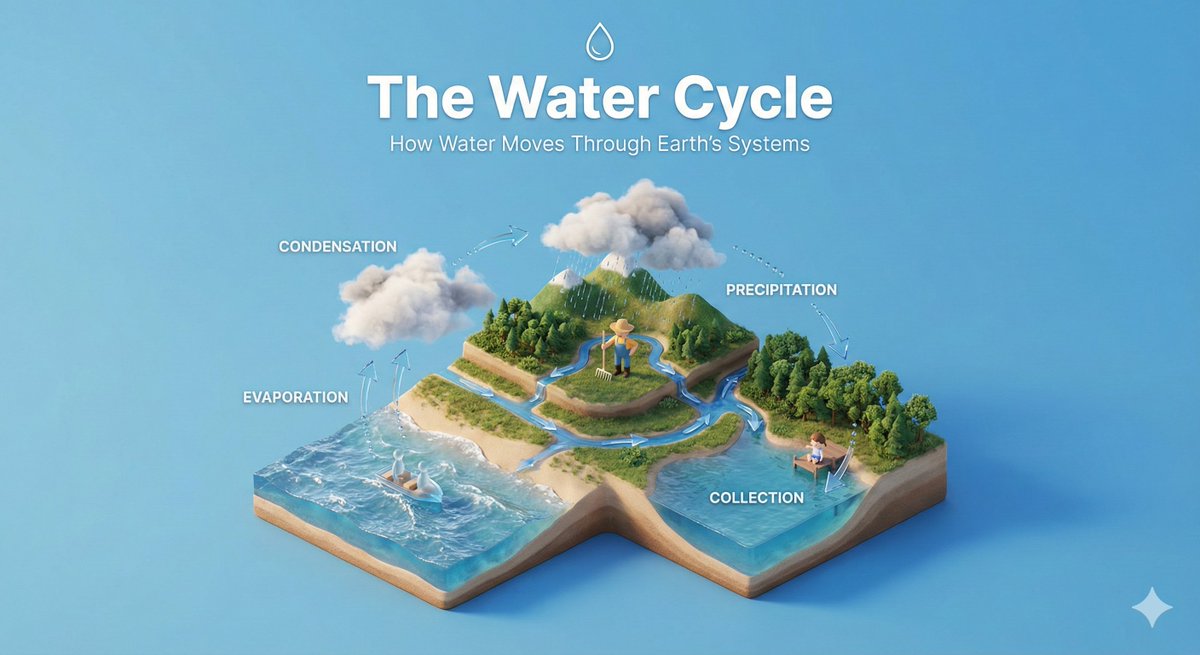
아이소메트릭 교육 디오라마
나노바나나 프로· 이미지
Create a clear, 45° top-down isometric miniature 3D educational diorama explaining [PROCESS / CONCEPT].
Use soft refined textures, realistic PBR materials, and gentle lifelike lighting.
Build a stepped or layered diorama base showing each stage of the process with subtle arrows or paths.
Include tiny stylized figures interacting with each stage (no facial details).
Use a clean solid [BACKGROUND COLOR] background.
At the top-center, display [PROCESS NAME] in large bold text, directly beneath it show a short explanation subtitle, and place a minimal symbolic icon below.
All text must automatically match the background contrast (white or black).
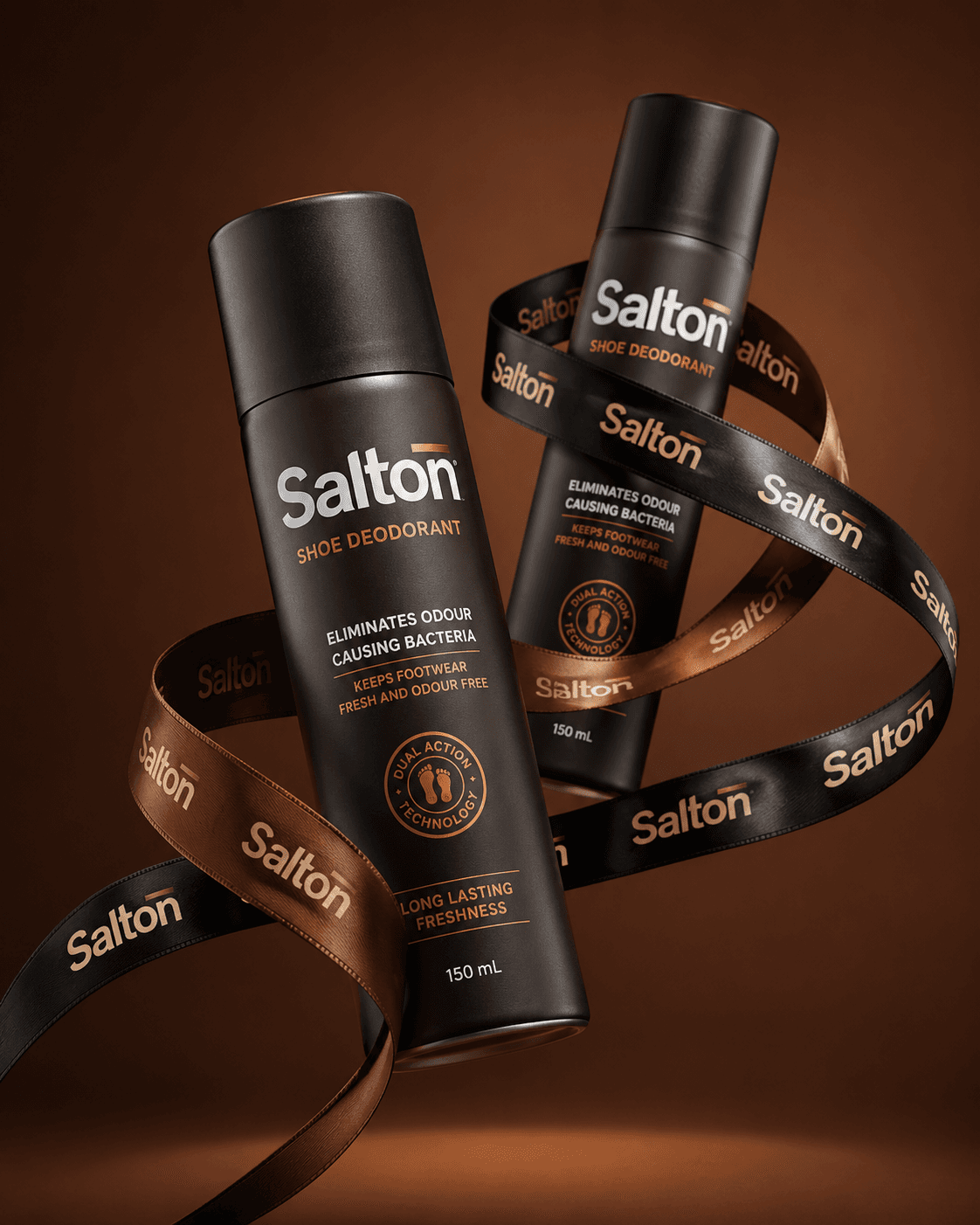
신발 탈취제 프리미엄 제품 광고
GPT 이미지 2· 이미지
A product photo in a premium advertising style. Two tall matte bottles of Salton Shoe Deodorant levitate in the air in a dynamic, balanced composition.
The bottles are positioned at an angle to each other, creating a striking diagonal composition. One bottle is slightly forward, the other is slightly behind, creating depth and hierarchy. Both bottles are elegantly wrapped with a wide black and brown satin ribbon featuring the repeating "Salton" branding. The lettering is executed in a neat, contrasting font, legible without distortion, and is repeated evenly along the entire length of the ribbon. The ribbon flows smoothly between the bottles, uniting them into a single composition, without obscuring key messages on the packaging or clashing with the main branding on the bottles. Shot from a slightly lower angle, the bottles are slightly tilted, enhancing a sense of confidence, strength, and premium quality. The background is a solid studio color, a deep warm shade (chocolate, dark caramel or soft terracotta), clean and minimalist, without distracting details.

교육용 발표 슬라이드
GPT 이미지 2· 이미지
Design a 16:9 educational presentation slide in Korean. Title: '생성형 AI의 작동 원리'. Create a simple visual explanation with three steps: 입력, 모델, 결과. Use friendly flat icons, soft pastel blocks, and clear numbered sections. The slide should be easy to understand for beginners, with clean Korean labels and a teacher-friendly layout. Avoid childish style, avoid excessive text.
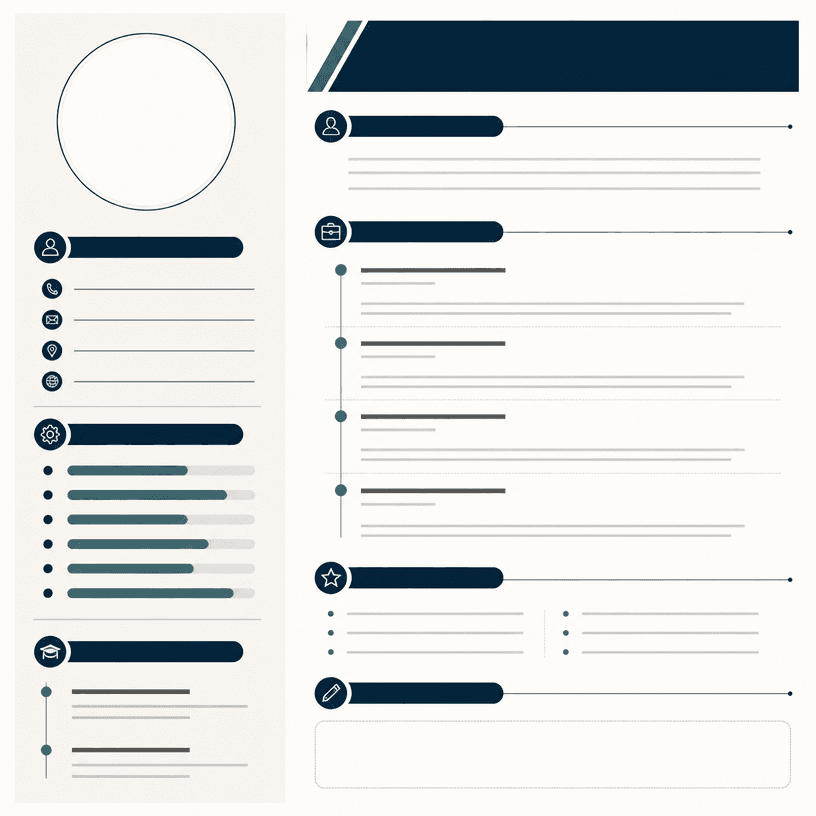
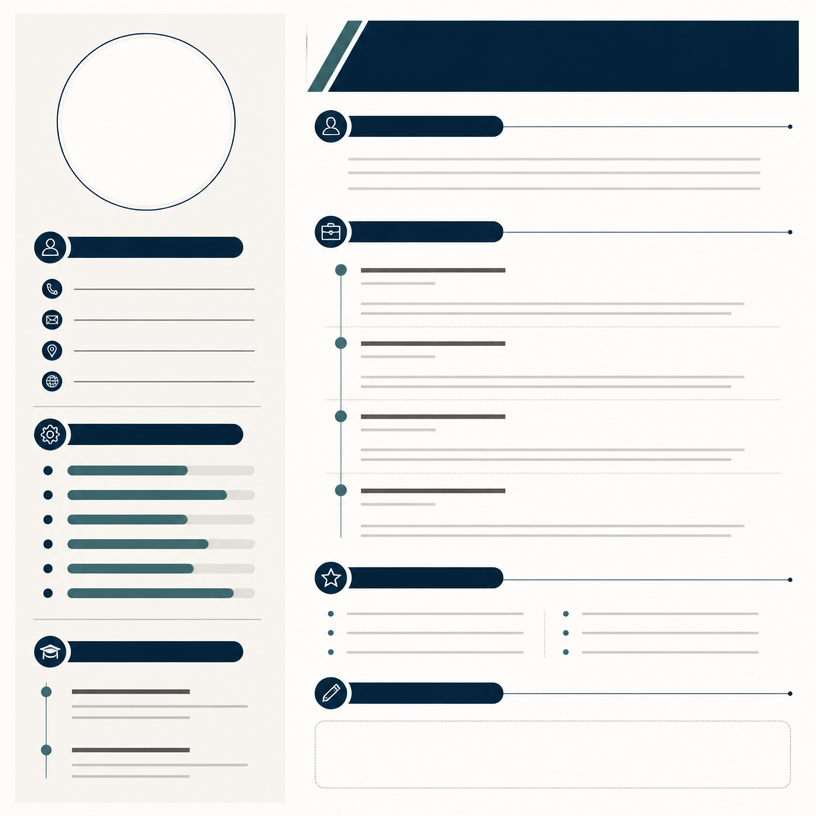
이력서 인포그래픽
GPT 이미지 2· 이미지
Square professional resume infographic template on a clean ivory background, structured two-column layout with circular portrait placeholder, timeline for experience, horizontal skill bars, education and contact icon sections, restrained navy teal and warm gray palette, crisp editorial hierarchy, blank text areas, no readable text, no logo, no watermark.
이력서 인포그래픽 프롬프트란?
이력서 인포그래픽 이미지를 생성하기 위한 AI 프롬프트 모음입니다. 캐럿에서 제공하는 이력서 인포그래픽 프롬프트를 복사하여 AI 이미지 생성 도구에 붙여넣으면 전문가 수준의 결과물을 얻을 수 있습니다.
이력서 인포그래픽 프롬프트 활용 방법
- 원하는 프롬프트를 선택하여 복사합니다.
- 캐럿 에이전트에 붙여넣습니다.
- 필요에 따라 색상, 스타일, 구도를 수정합니다.
- 생성된 이미지를 다운로드하여 활용합니다.
이력서 인포그래픽 프롬프트 작성 팁
조명(Lighting), 질감(Texture), 구도(Composition), 렌즈(Lens) 정보를 구체적으로 명시하면 더 정밀한 결과를 얻을 수 있습니다. "No text, no watermark"를 추가하면 불필요한 텍스트를 방지할 수 있습니다.
이력서 인포그래픽 프롬프트 적용 사례
이력서 인포그래픽 프롬프트는 콘텐츠 제작, 마케팅, 디자인, 교육 자료 등 다양한 분야에서 활용됩니다. AI 이미지를 활용하면 제작 시간을 단축하면서도 전문적인 퀄리티를 유지할 수 있습니다.
이력서 인포그래픽 프롬프트 최적화 가이드
이미지 비율은 용도에 맞게 선택하세요. SNS용은 세로형(9:16), 웹 배너는 가로형(16:9), 제품 이미지는 정사각형(1:1)이 적합합니다.