스플래시 화면
스플래시 화면 프롬프트. 캐럿에서 제공하는 스플래시 화면 이미지 생성 프롬프트를 복사해 바로 사용해보세요.
2026.07.16
「스플래시 화면」 원하는 대로 직접 만들어보세요「스플래시 화면」 직접 만들어보세요
대화로 요청만 하면 최적화된 이미지·영상을 만들어줘요

매일 무료 100크레딧으로 바로 시작
·
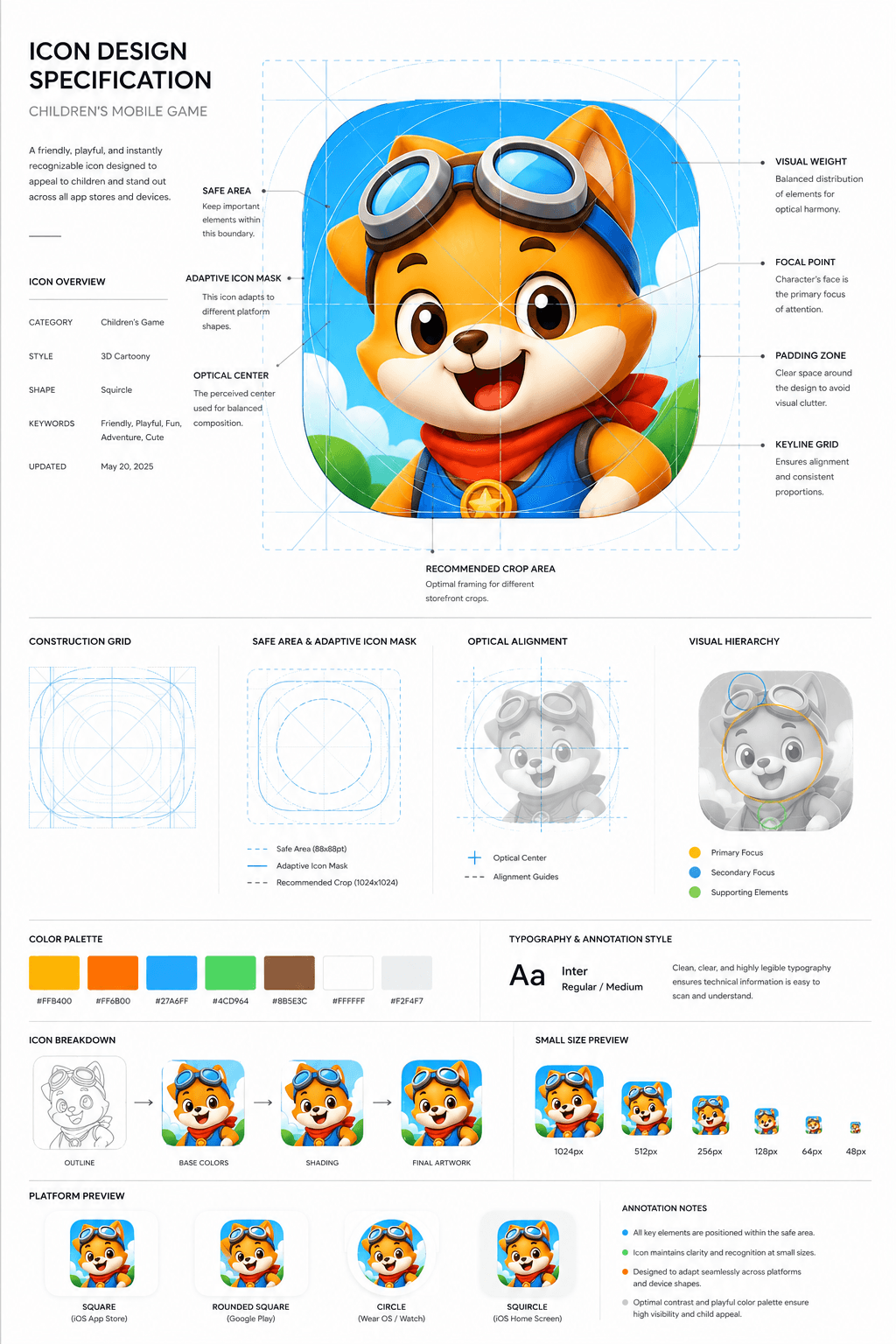
어린이 게임 앱 아이콘 보드
GPT 이미지 2· 이미지
Design a premium app icon presentation board for a children's mobile game icon, inspired by Apple Human Interface Guidelines, Google Material Design documentation, and professional Behance case studies. Use a clean editorial layout with a minimalist white background, subtle light-gray construction grids, generous whitespace, and modern Swiss-inspired typography. The presentation should feel like it was created by a senior brand designer at a top mobile game studio. Place the final app icon as the hero element in the center, occupying approximately 60–70% of the page. Surround it with elegant technical annotations connected by thin gray leader lines. Include labels such as Safe Area, Adaptive Icon Mask, Optical Center, Visual Weight, Focal Point, Padding Zone, Keyline Grid, and Recommended Crop Area. Overlay a precise construction grid consisting of circles, squares, alignment guides, center lines, diagonal guides, proportional geometry, and adaptive icon boundaries. The grid should be subtle, using thin cyan or light-blue lines with low opacity, similar to Apple's icon construction documentation. Around the hero icon, include clean presentation sections with consistent spacing:Hero Icon ShowcaseConstruction GridSafe Area & Adaptive Icon MaskOptical AlignmentVisual Hierarchy DiagramColor Palette Swatches with HEX valuesTypography & Annotation StyleIcon Breakdown (Outline → Base Colors → Shading → Final Artwork)Small Size Preview (1024px, 512px, 256px, 128px, 64px, 48px)Platform Preview (Square, Rounded Square, Circle, Squircle)Use elegant monochrome labels, thin divider lines, subtle spacing, and professional alignment throughout the page. Typography should resemble modern design documentation with lightweight sans-serif fonts, small uppercase section titles, and minimal captions. The overall aesthetic should communicate precision, craftsmanship, and premium product design rather than marketing. Avoid gradients, decorative backgrounds, heavy shadows, colorful graphics, unnecessary icons, or visual clutter. The presentation should look like an official design specification created for a world-class mobile game studio and be suitable for Behance, Dribbble, or an AAA game design portfolio. Ultra-clean, highly organized, modern editorial design, perfect spacing, museum-quality layout, premium UI/UX presentation style. Focus entirely on a clean professional icon specification sheet.
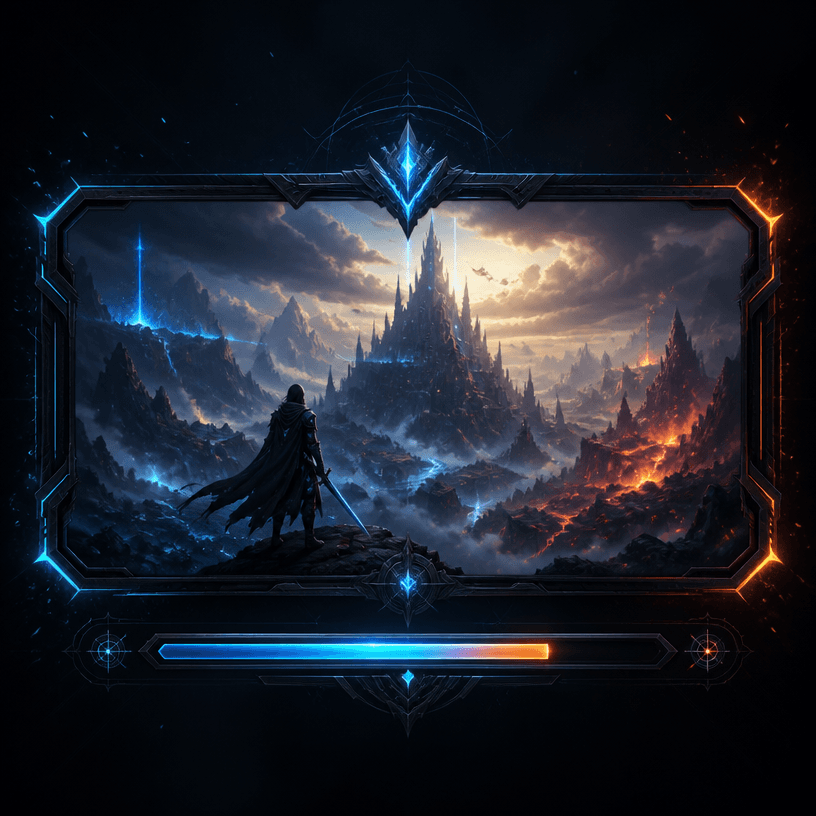
게임 로딩 화면
GPT 이미지 2· 이미지
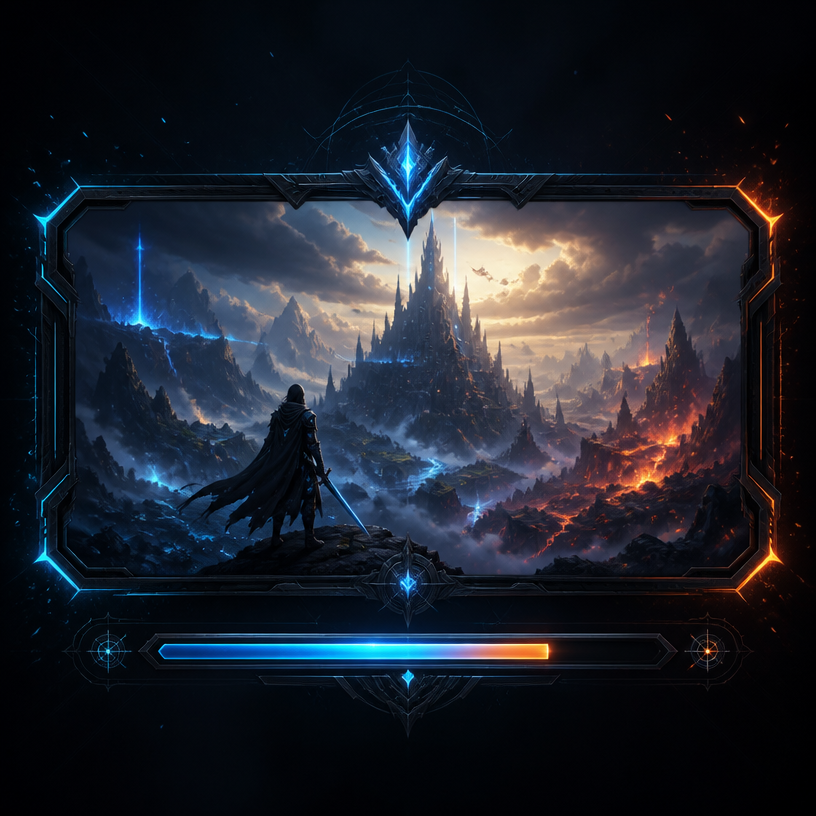
A stylish game loading screen interface design, dark futuristic background with glowing neon blue and orange accents, progress bar at the bottom, fantasy landscape artwork in the center panel, epic atmosphere with particle effects, AAA game UI aesthetic. No text, no watermark.
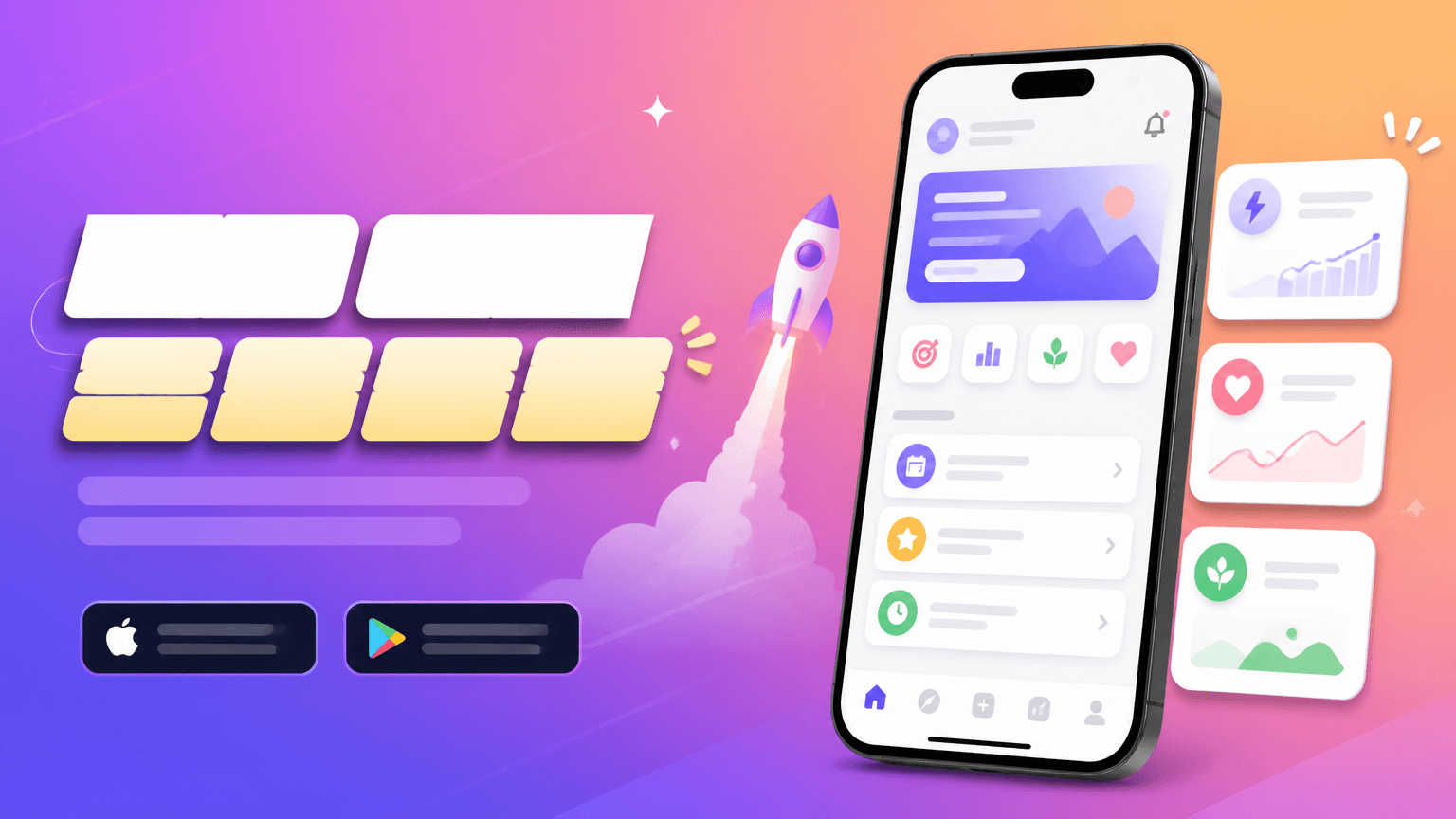
앱 출시 배너
GPT 이미지 2· 이미지
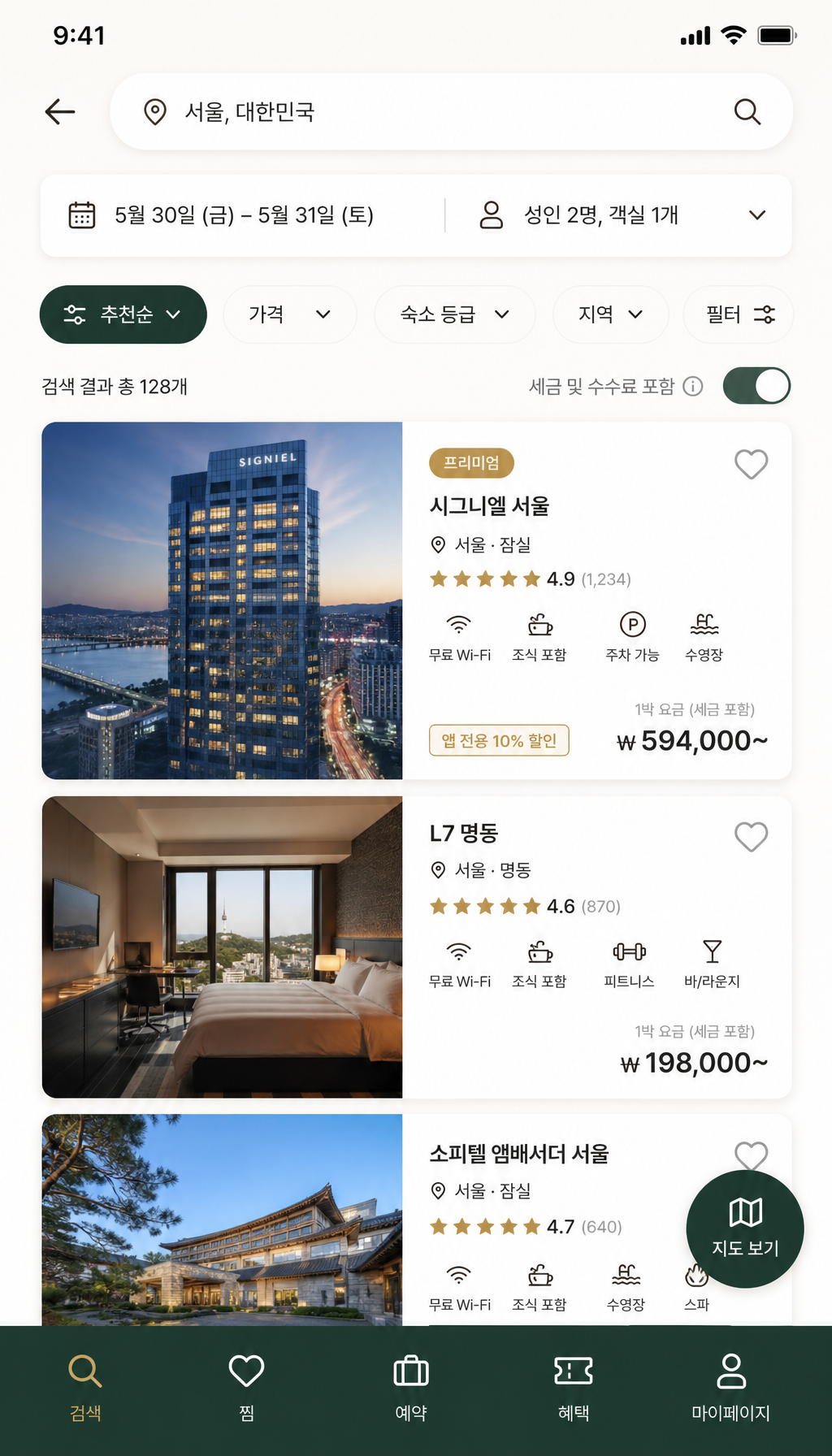
Create a horizontal app launch promotional banner, smartphone mockup, bright gradient background, clean UI cards, modern Korean startup marketing style, bold title area but no readable text, no brand logo.
fal:75292
스플래시 화면 프롬프트란?
스플래시 화면 이미지를 생성하기 위한 AI 프롬프트 모음입니다. 캐럿에서 제공하는 스플래시 화면 프롬프트를 복사하여 AI 이미지 생성 도구에 붙여넣으면 전문가 수준의 결과물을 얻을 수 있습니다.
스플래시 화면 프롬프트 활용 방법
- 원하는 프롬프트를 선택하여 복사합니다.
- 캐럿 에이전트에 붙여넣습니다.
- 필요에 따라 색상, 스타일, 구도를 수정합니다.
- 생성된 이미지를 다운로드하여 활용합니다.
스플래시 화면 프롬프트 작성 팁
조명(Lighting), 질감(Texture), 구도(Composition), 렌즈(Lens) 정보를 구체적으로 명시하면 더 정밀한 결과를 얻을 수 있습니다. "No text, no watermark"를 추가하면 불필요한 텍스트를 방지할 수 있습니다.
스플래시 화면 프롬프트 적용 사례
스플래시 화면 프롬프트는 콘텐츠 제작, 마케팅, 디자인, 교육 자료 등 다양한 분야에서 활용됩니다. AI 이미지를 활용하면 제작 시간을 단축하면서도 전문적인 퀄리티를 유지할 수 있습니다.
스플래시 화면 프롬프트 최적화 가이드
이미지 비율은 용도에 맞게 선택하세요. SNS용은 세로형(9:16), 웹 배너는 가로형(16:9), 제품 이미지는 정사각형(1:1)이 적합합니다.