Student ID Photo
Create student ID photos and school identification portraits with AI prompt templates.
2026.07.08
Mach „Student ID Photo“ genau so, wie du es willstErstell dein eigenes „Student ID Photo“
Sag es einfach in deinen Worten – Carat generiert passende Bilder und Videos für dich.

Starte jetzt mit 100 kostenlosen Credits pro Tag
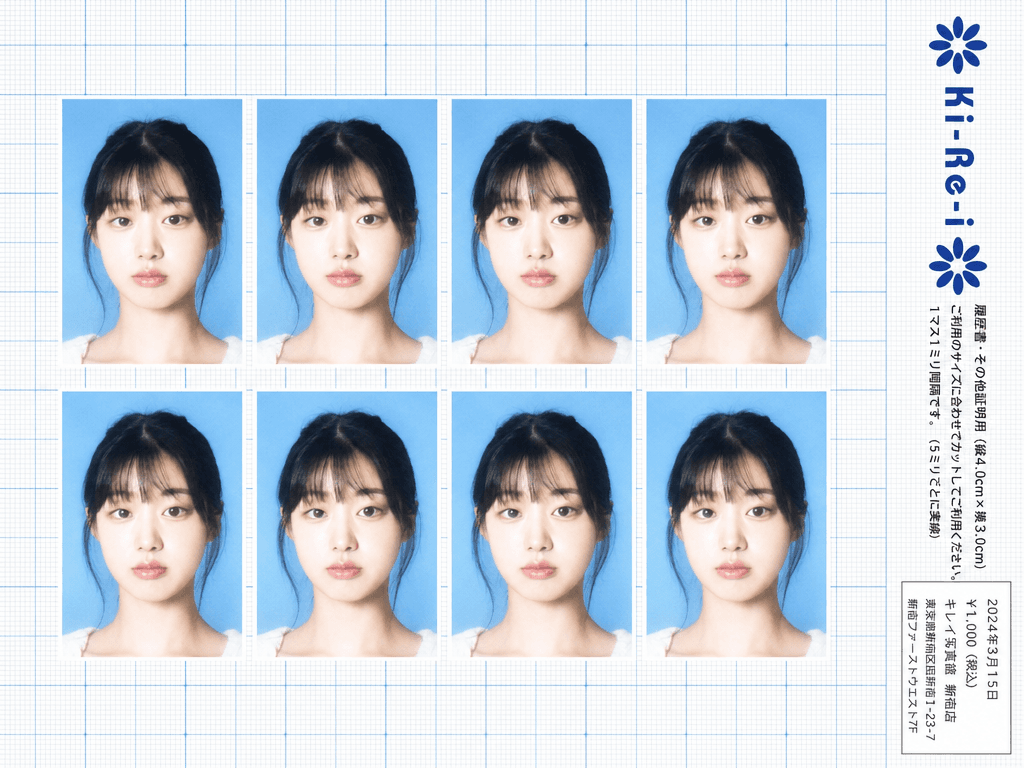
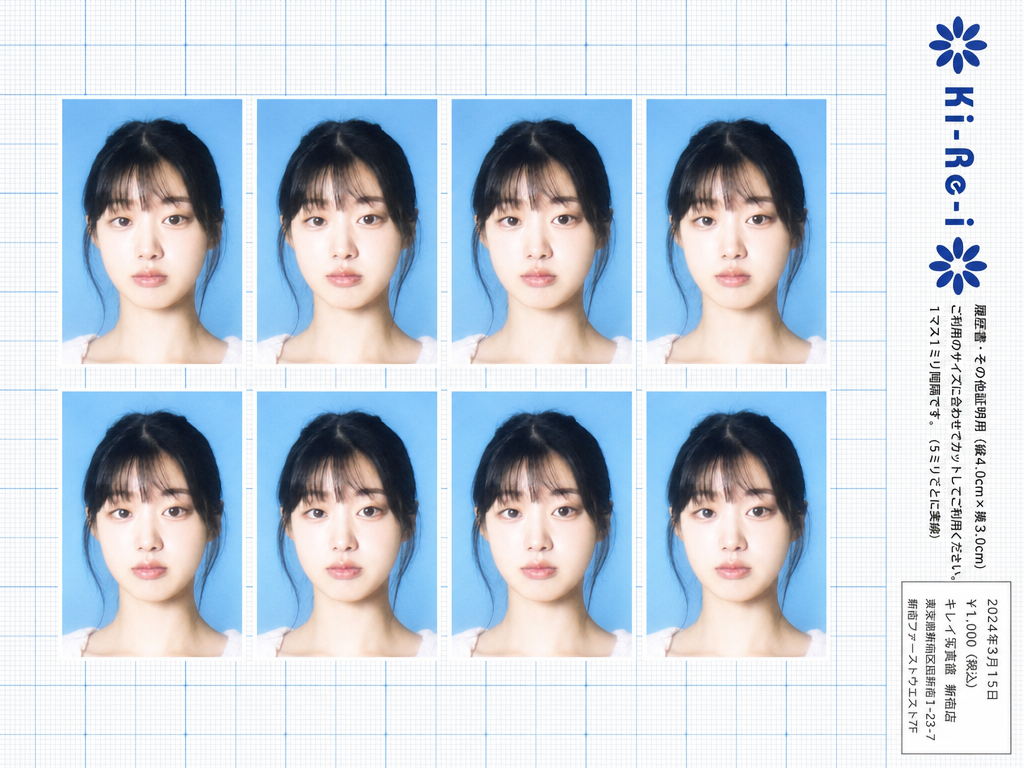
Ki-Re-i ID Photo Sheet
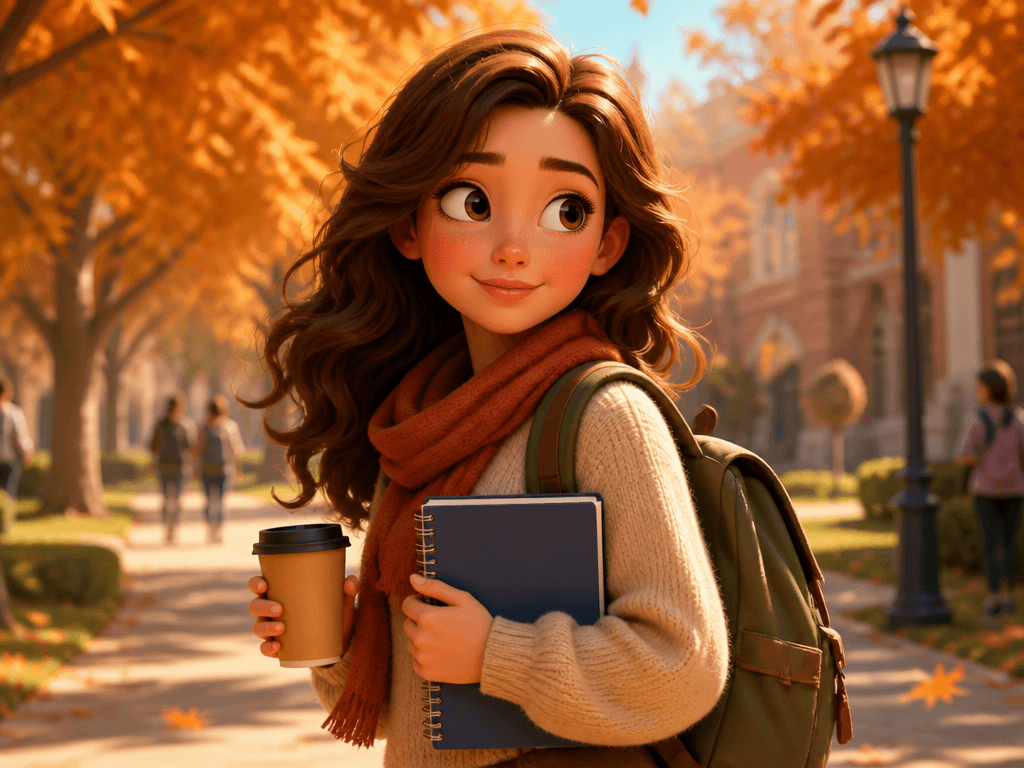
대학생 일러스트
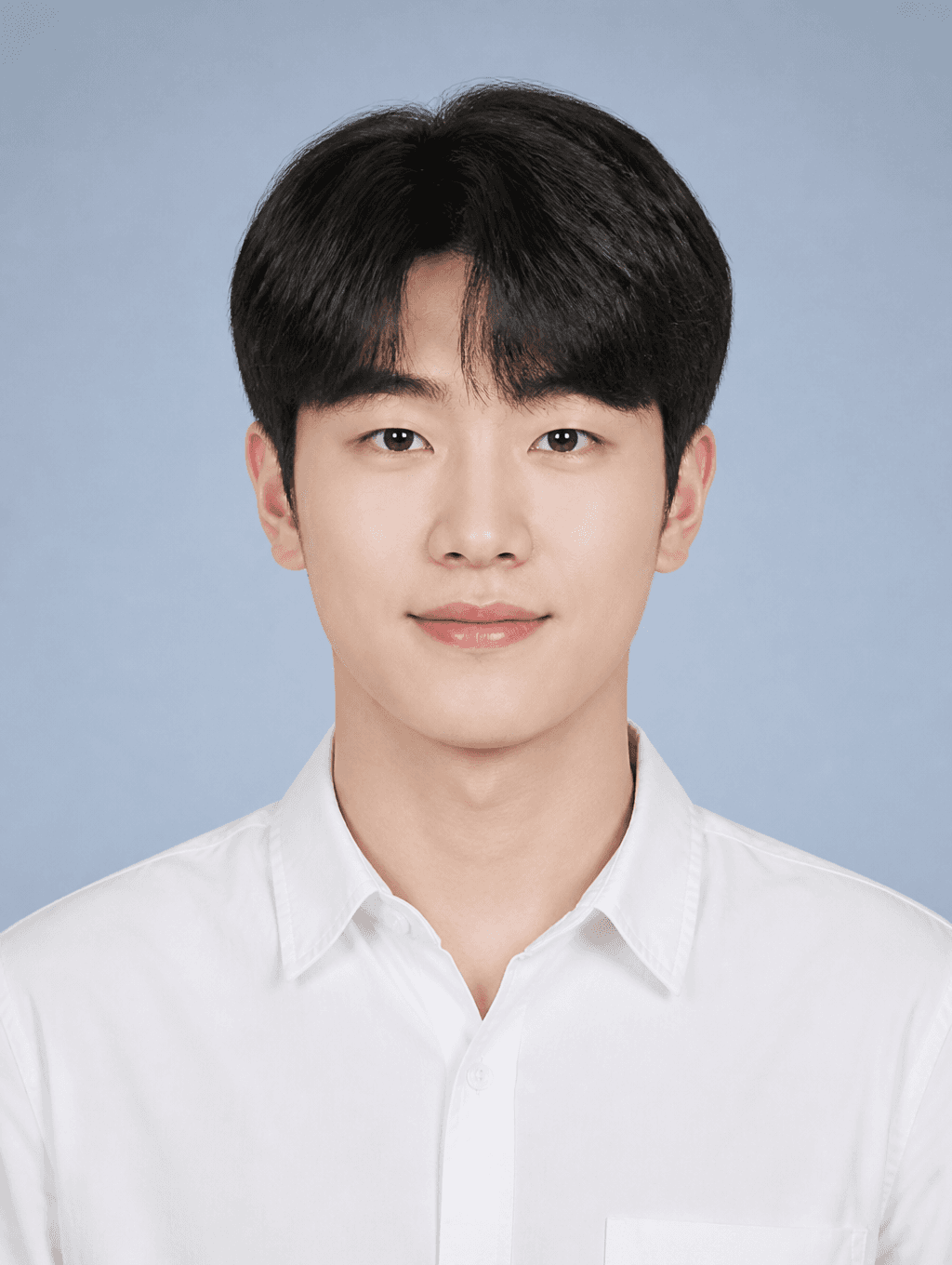
Student ID Photo
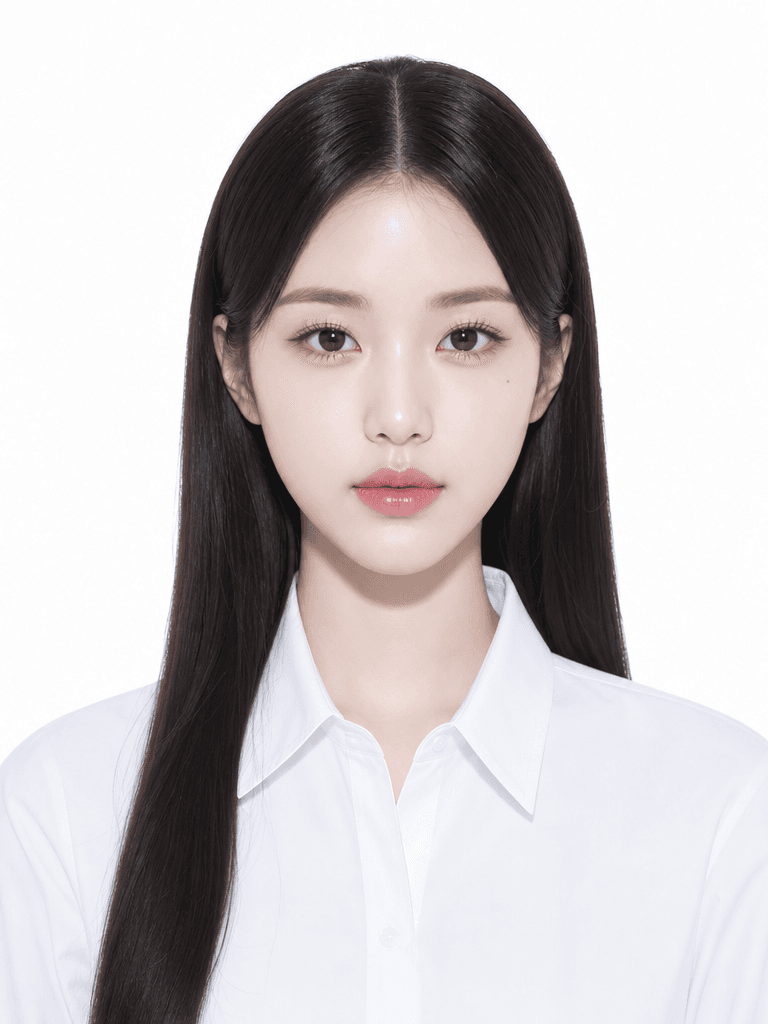
증명사진 일러스트
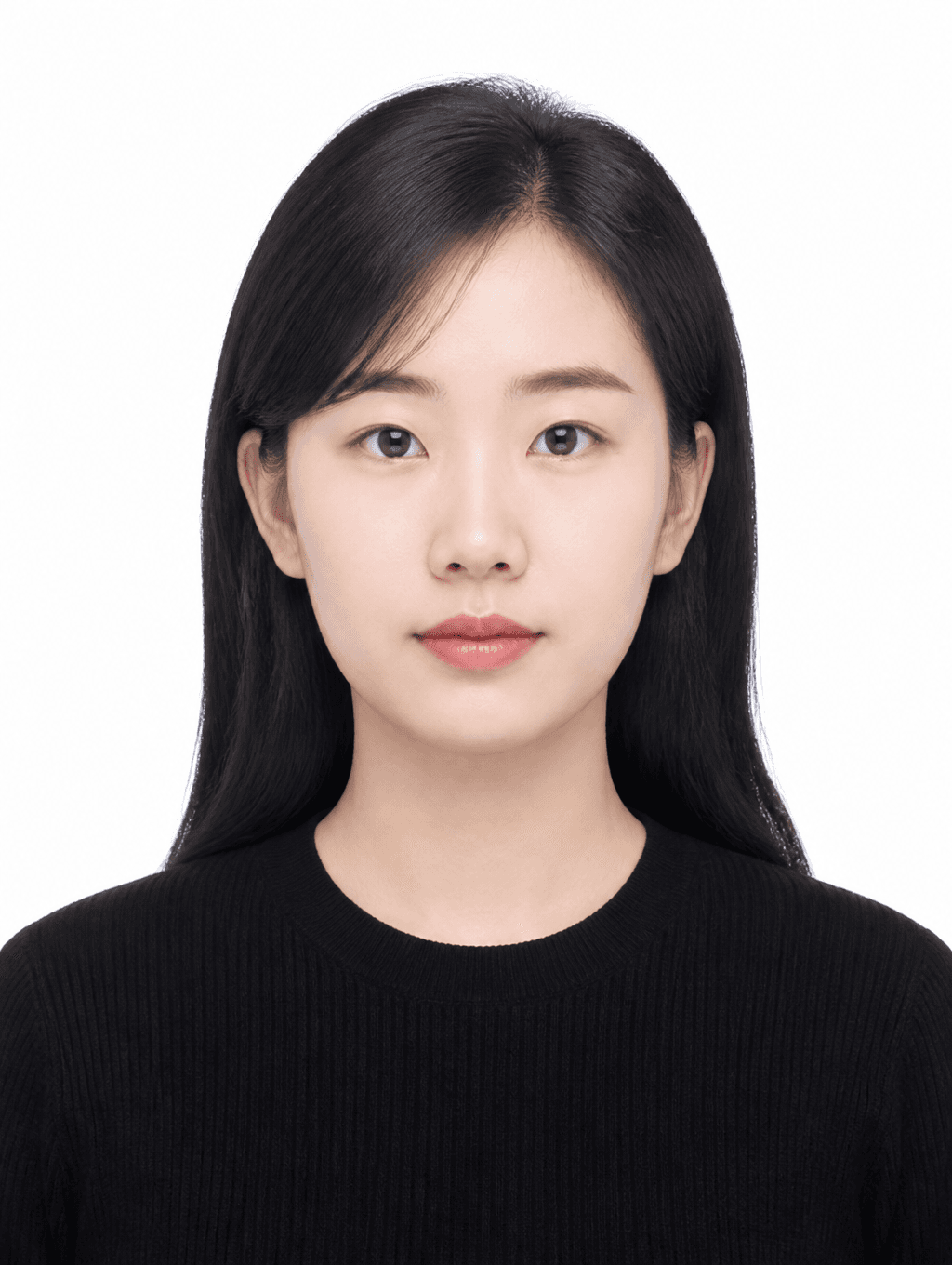
Clean Basic ID Photo

Profile ID Photo
What Is a Student ID Photo?
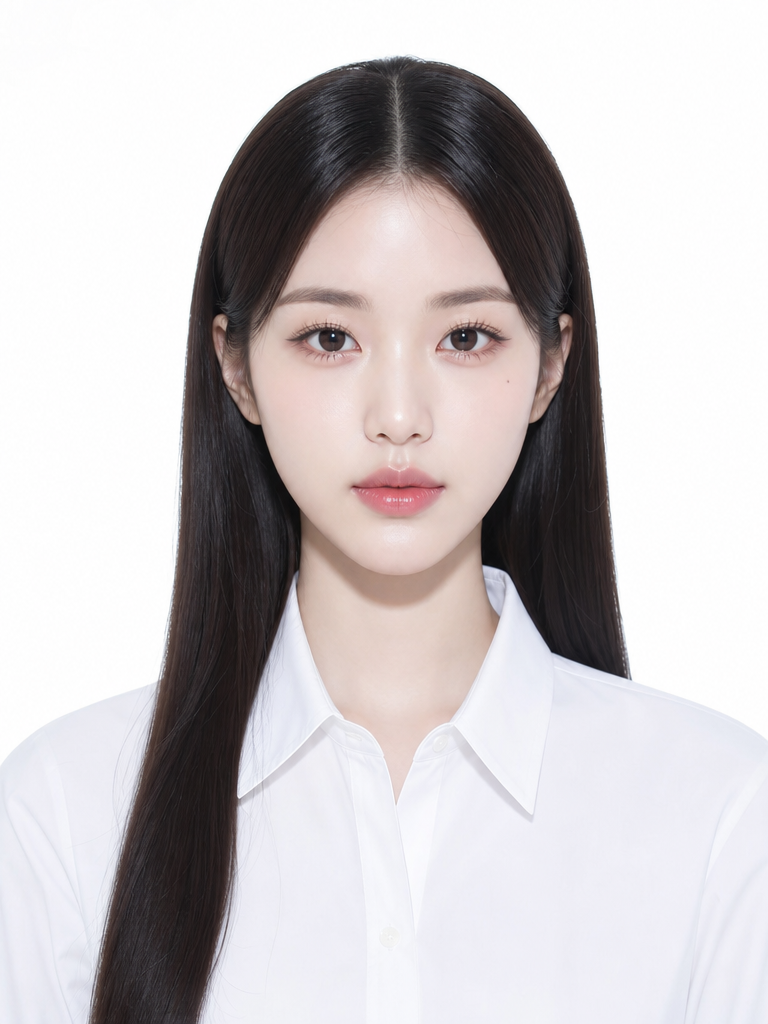
A student ID photo is an identification photograph attached to student identity cards issued by schools, universities, and educational institutions. Each school establishes specific requirements for background color, image dimensions, dress code, and facial expression, which students must comply with when submitting their photos. These photos are typically taken at the beginning of each semester or during freshman orientation, and they appear on student ID cards used for campus access, library services, attendance systems, and student discounts. The requirements vary by school level, with high schools often mandating school uniforms while universities may allow smart casual attire. With AI image generation tools, students and parents can now produce regulation-compliant student ID photos at home without visiting a professional photo studio, making the process faster, more convenient, and more affordable.
How to Write AI Student ID Photo Prompts
When generating a student ID photo with AI, specify a front-facing composition, appropriate attire, natural expression, regulation background, and student-appropriate tone as key elements. Include prompt phrases like "front-facing composition," "school uniform or neat casual," "natural smile," "white background," and "youthful clean impression." It is essential to accurately specify the background color and dimensions to match the specific school's requirements, as these vary between institutions. For high school student IDs, add descriptors like "school uniform" and "teenage student" to ensure the generated image reflects the appropriate age and formality. For university student IDs, specify "young adult" and "smart casual attire" to create a more mature, professional appearance. The expression should be natural and approachable, avoiding both overly stern looks and exaggerated smiles.
Student ID Photo Prompt Examples
A student certificate photo prompt generates a neat portrait of a student in school uniform, suitable for direct use on a student ID card with a white background and front-facing composition. A clean basic ID photo prompt produces a simple front-facing portrait against a white background in appropriate attire, versatile enough for various school identification purposes. A profile-use ID photo prompt creates a polished portrait suitable for school profile pages and online student directories, with slightly more refined styling while maintaining the required formal composition. A kirei ID photo prompt generates a Japanese photo studio-style portrait with refined lighting and polished styling, offering a more sophisticated aesthetic that still meets student ID requirements. A university student illustration prompt creates a casually neat portrait appropriate for university student IDs, capturing the more relaxed yet professional tone expected at the higher education level.
Tips for Using AI Student ID Photos
Generated student ID photos can be used for student card issuance, school profiles, attendance systems, library cards, and student discount services. Always verify the exact specifications required by the target school before using an AI-generated photo for official purposes, as each institution has its own requirements for background color, image dimensions, and dress code. Adjust the background color and dimensions in the prompt to match the specific school's regulations, and generate both uniform and casual versions for different purposes. AI tools save the time and expense of visiting a photo studio while producing compliant student ID photos quickly and conveniently. For families with multiple children, creating matching student ID photos with consistent backgrounds and styles creates a cohesive set for all siblings. Always double-check that the generated photo meets all school requirements regarding background color, head size, facial expression, and image quality before submitting it to the school administration.
Frequently Asked Questions About Student ID Photo Prompts
Common questions include whether AI student ID photos meet school regulations, whether school uniforms can be specified, whether background colors can be changed, whether separate versions for university and high school students can be created, and whether multiple photos of the same person can be generated. With precise prompting, AI tools produce student ID photos that meet official size and background requirements with full control over composition, attire, and expression. The key is researching the exact student ID photo requirements for the target school and specifying all technical parameters accurately in the prompt to generate a compliant, professional identification photograph.