본문으로 건너뛰기

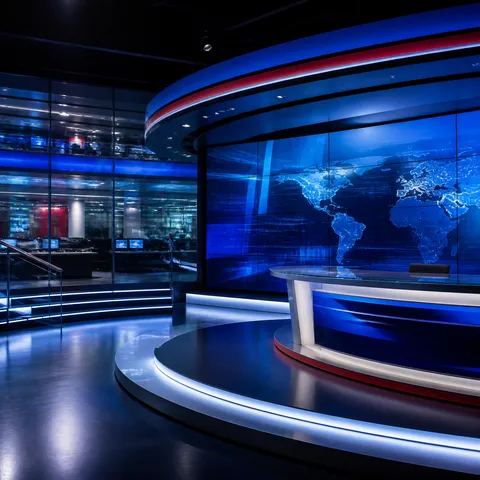
가상 뉴스 스튜디오
가상 뉴스 스튜디오 프롬프트. 캐럿에서 제공하는 가상 뉴스 스튜디오 이미지 생성 프롬프트를 복사해 바로 사용해보세요.
2026.07.24
「가상 뉴스 스튜디오」 원하는 대로 직접 만들어보세요「가상 뉴스 스튜디오」 직접 만들어보세요
대화로 요청만 하면 최적화된 이미지·영상을 만들어줘요
매일 무료 100크레딧으로 바로 시작
·
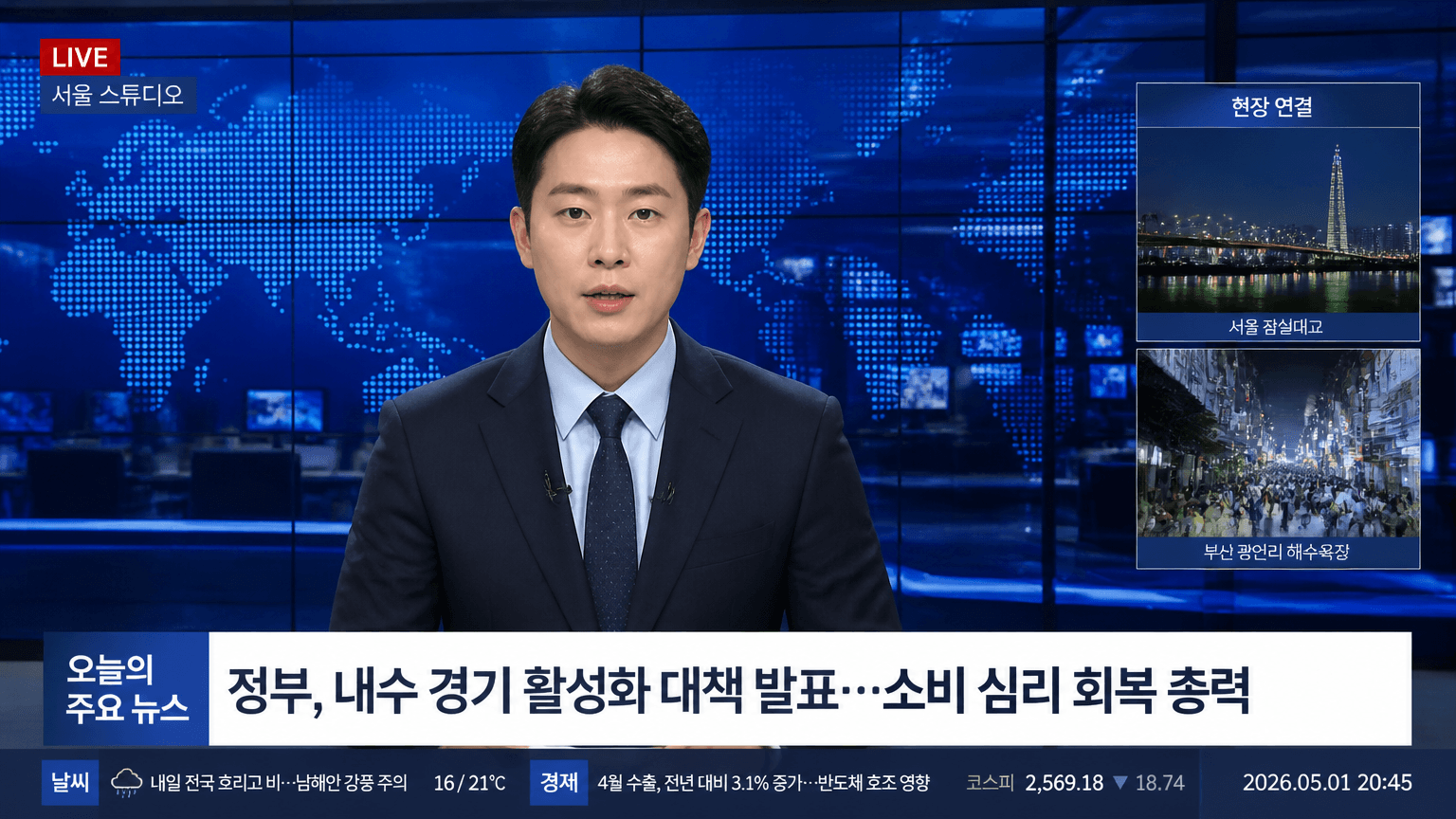
뉴스 앵커 인터뷰 화면
GPT 이미지 2· 이미지
Create a realistic 16:9 Korean prime-time TV news still. A fictional news anchor in a navy suit and pale blue shirt sits centered in a blue newsroom studio with world map LED wall, glass reflections, monitors, and lower-third graphics. Add readable Korean broadcast text: '오늘의 주요 뉴스', 'LIVE', '서울 스튜디오', '현장 연결', '날씨', '경제', '2026.05.01 20:45'. Professional broadcast UI, cool blue grade, credible newsroom lighting, no real channel logo, no watermark.
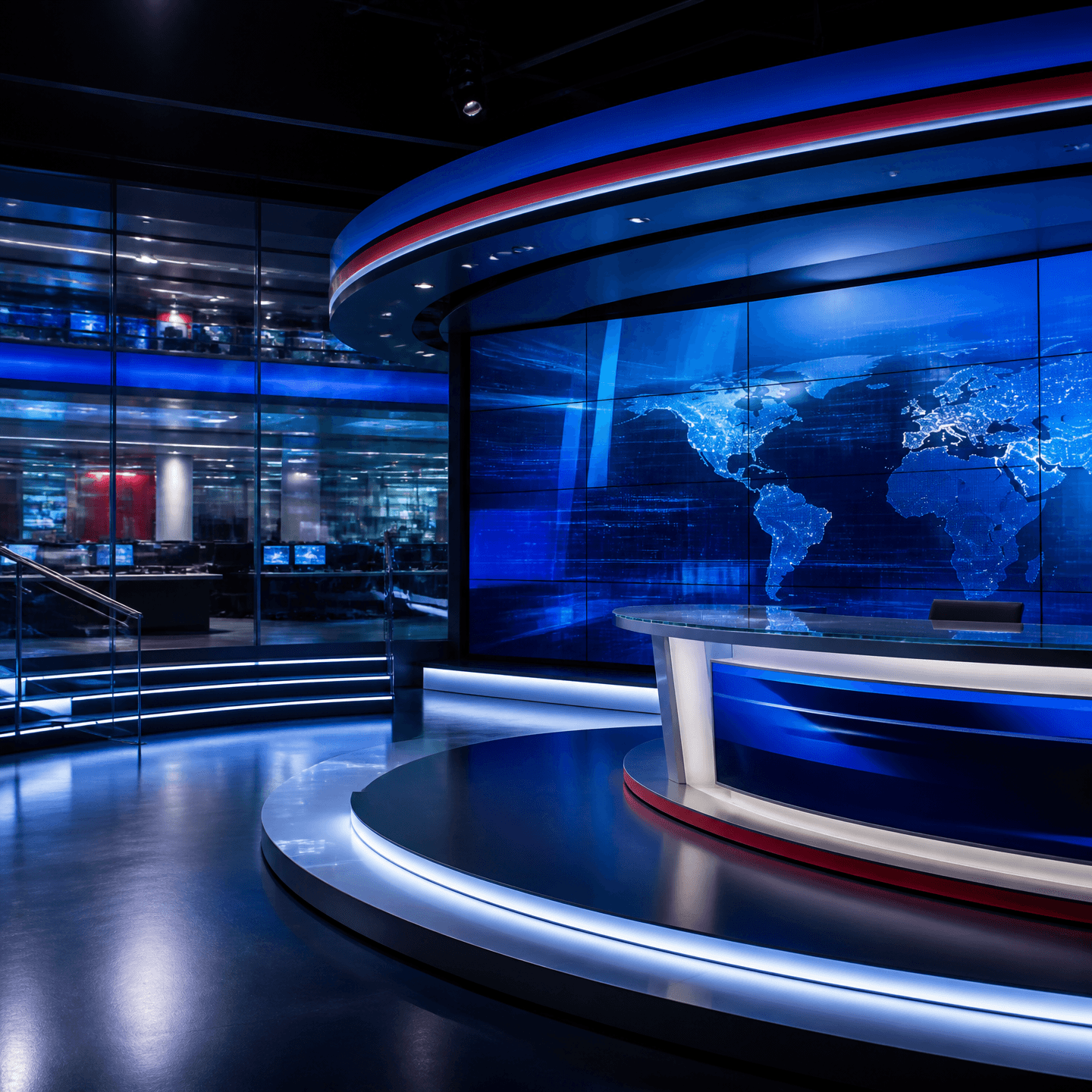
뉴스룸 배경화면
GPT 이미지 2· 이미지
A polished square newsroom background visual for a broadcast design, modern glass-walled studio, large curved video wall, cool navy and cobalt blue lighting with subtle red accents, clean professional depth, uncluttered composition, no people, no readable text, no logos, no watermark.
가상 뉴스 스튜디오 프롬프트란?
가상 뉴스 스튜디오 이미지를 생성하기 위한 AI 프롬프트 모음입니다. 캐럿에서 제공하는 가상 뉴스 스튜디오 프롬프트를 복사하여 AI 이미지 생성 도구에 붙여넣으면 전문가 수준의 결과물을 얻을 수 있습니다.
가상 뉴스 스튜디오 프롬프트 활용 방법
- 원하는 프롬프트를 선택하여 복사합니다.
- 캐럿 에이전트에 붙여넣습니다.
- 필요에 따라 색상, 스타일, 구도를 수정합니다.
- 생성된 이미지를 다운로드하여 활용합니다.
가상 뉴스 스튜디오 프롬프트 작성 팁
조명(Lighting), 질감(Texture), 구도(Composition), 렌즈(Lens) 정보를 구체적으로 명시하면 더 정밀한 결과를 얻을 수 있습니다. "No text, no watermark"를 추가하면 불필요한 텍스트를 방지할 수 있습니다.
가상 뉴스 스튜디오 프롬프트 적용 사례
가상 뉴스 스튜디오 프롬프트는 콘텐츠 제작, 마케팅, 디자인, 교육 자료 등 다양한 분야에서 활용됩니다. AI 이미지를 활용하면 제작 시간을 단축하면서도 전문적인 퀄리티를 유지할 수 있습니다.
가상 뉴스 스튜디오 프롬프트 최적화 가이드
이미지 비율은 용도에 맞게 선택하세요. SNS용은 세로형(9:16), 웹 배너는 가로형(16:9), 제품 이미지는 정사각형(1:1)이 적합합니다.