Icon Set
AI prompts for icon sets you can drop straight into apps, web, and slides. Build a cohesive, themed batch of icons in one go.
2026.06.30
Make “Icon Set” exactly the way you wantCreate your own “Icon Set”
Just ask in plain language — Carat generates optimized images and videos for you.

Start now with 100 free credits daily
아이콘 세트

Monthly Icon Set
What Are Icon Set AI Prompts?
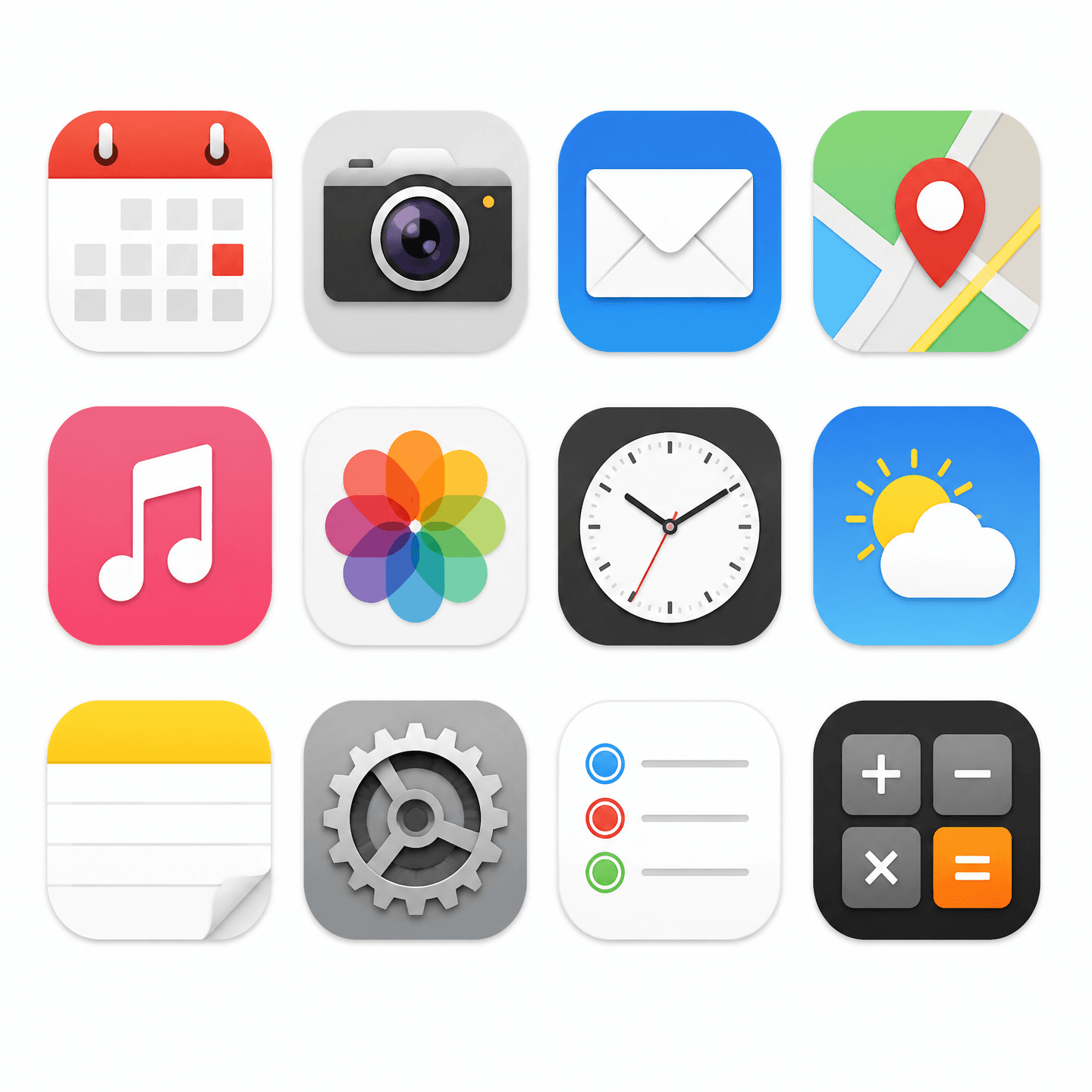
Icon set AI prompts let you generate several icons under a single theme in one consistent style at once. Icons used as a group—monthly themes, categories, menu functions—look polished only when their colors, line weights, and detail levels match. Give a model like GPT Image 2 a theme, a style, and a clean white background, and you get a cohesive batch of icons built from objects, symbols, and moods right away.
Where You'll Use It
- Unified icon sets for app and website menus and function buttons
- Theme-based pictograms for slide decks and keynote presentations
- Monthly or seasonal theme icons for Notion, blogs, and social media
- Category icon sets aligned to a brand style guide
- Icon drafts for goods, stickers, and emoticon production
Why This Tag Is Useful
When icons are made one at a time, their styles drift apart and look mismatched on a single screen. An icon set prompt bakes in "one cohesive theme" from the start, aligning color, shape, and spacing—so even without design tools, you get a unified batch. Generating on a white background means you can place the icons straight onto slides or screens without removing the background, which makes them highly practical.
Explore Related Prompts
Prompt Tips
- Pin down the theme. Naming one unifying keyword first—"March," "weather," "fitness"—keeps the icons from drifting apart.
- Lock the style in one sentence. Specifying line weight, color palette, and flat-versus-3D ties the whole batch together.
- Set the background and layout. Adding "pure white background" and "even grid" gives you a ready-to-use sheet.
- State the count and spacing. Noting "12 icons" and "equal spacing between icons" yields a tidy, organized result.
Add a word or two for the mood you want and regenerate; you'll land on an icon set that fits your brand and screen perfectly.