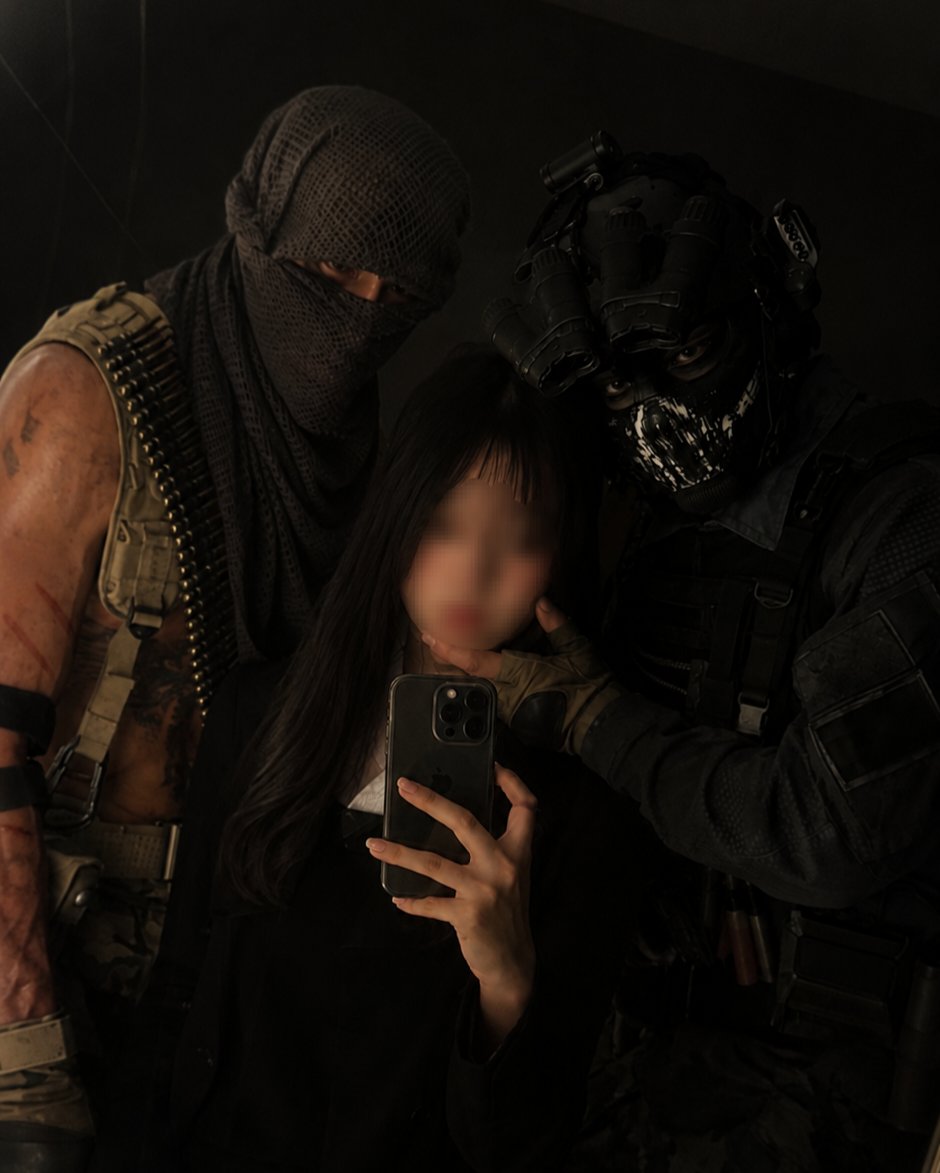
Phone Illustration
Create stunning smartphone and mobile device illustrations using our curated collection of AI prompts, from sleek modern designs to retro classics.
2026.07.04
Make “Phone Illustration” exactly the way you wantCreate your own “Phone Illustration”
Just ask in plain language — Carat generates optimized images and videos for you.

Start now with 100 free credits daily

Full-Body Flag Cheering Shot

Supermarket Couple Selfie Prompt

Rose Wall Portrait

City Street Rose Bouquet Snap

Rose Arch Full-Body Snap

City Bus Window Commute
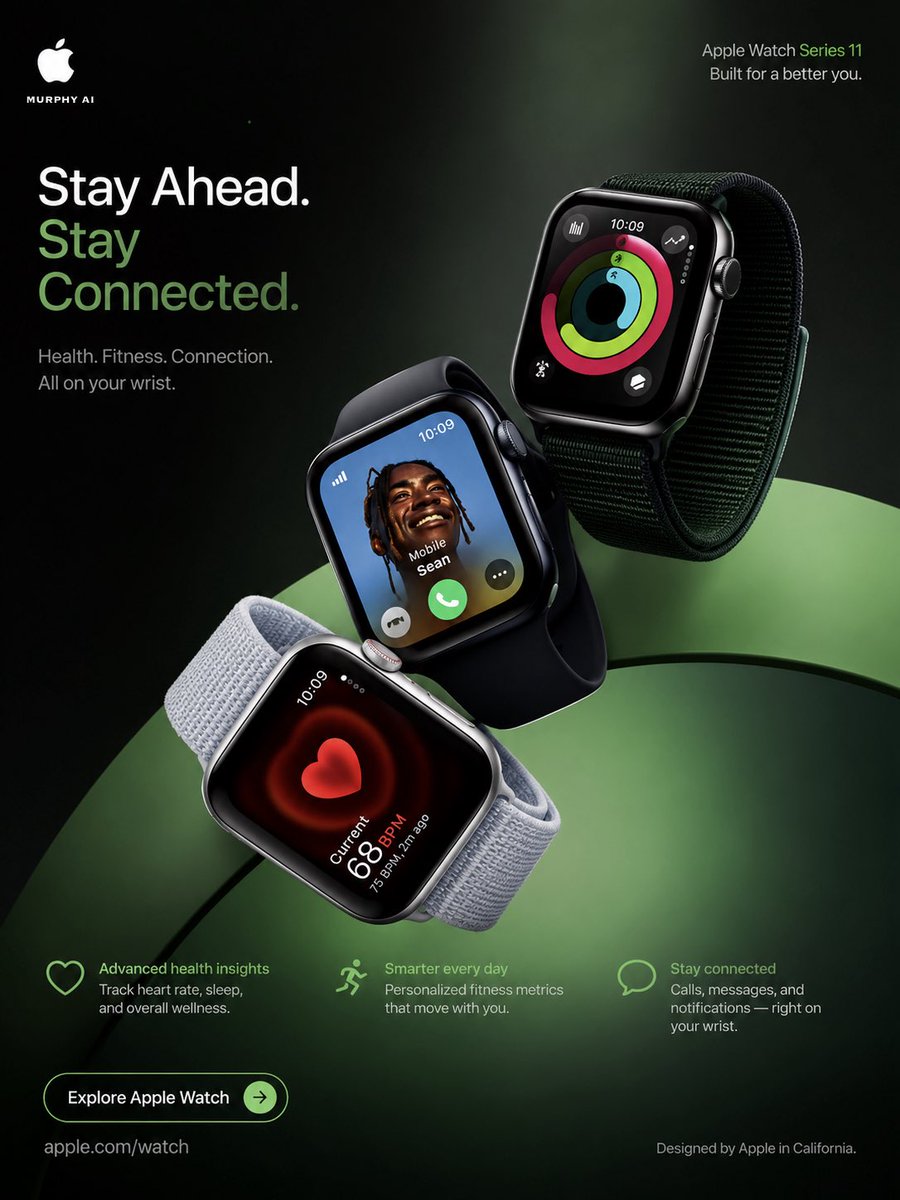
Apple Watch Series 11 Luxury Poster
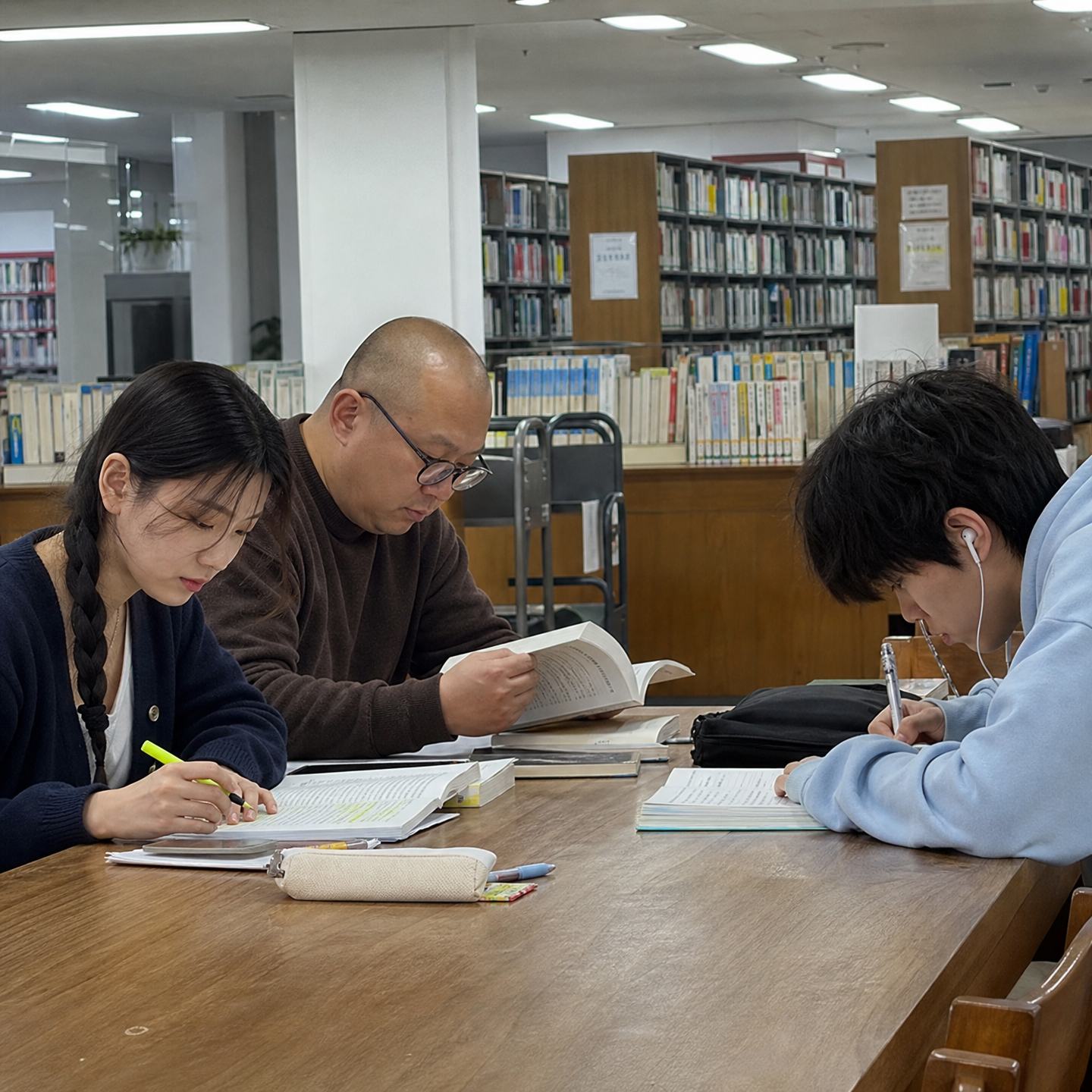
Library Study Table

Recycling Day Candid Snap

Geoje Gyaru Vlog Screenshot
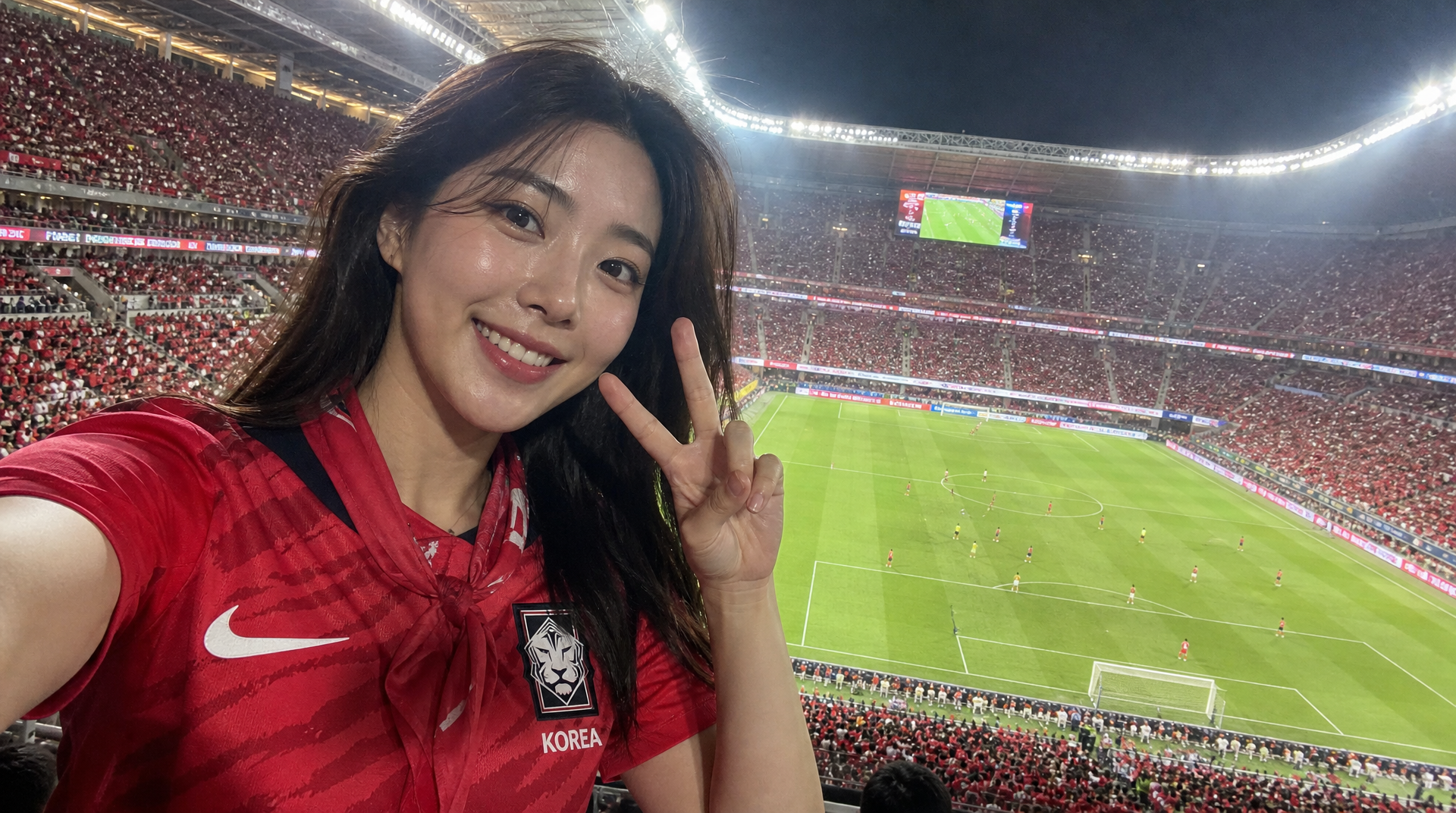
World Cup Broadcast Camera Reaction
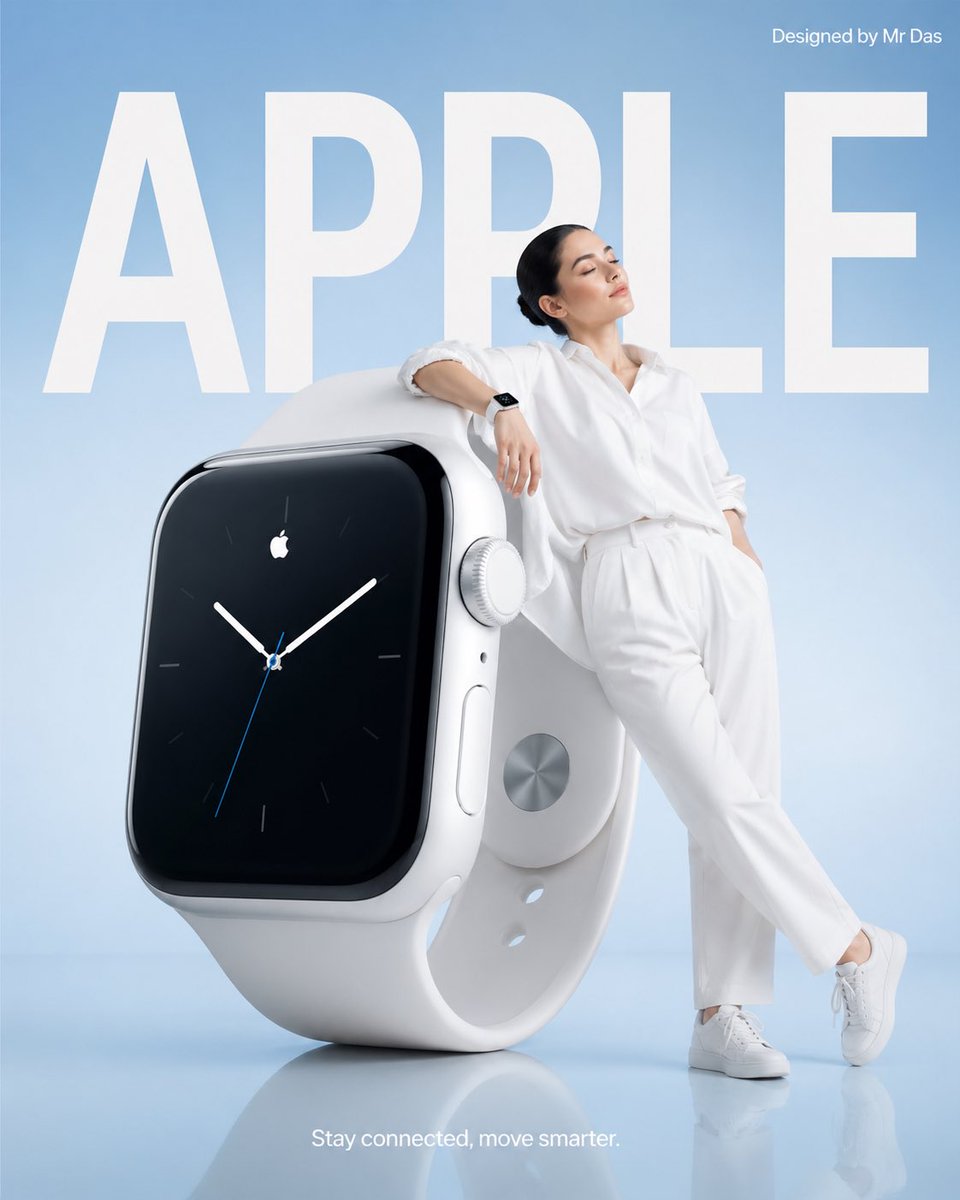
Oversized Apple Watch Minimal Ad
What Are Phone Illustration AI Prompts?
Phone Illustration AI Prompts are specialized descriptive strings that act as creative blueprints for generative artificial intelligence. These prompts empower users to transform conceptual ideas into high-quality visual representations of mobile communication devices. In the contemporary digital landscape, a 'phone' can range from a minimalist glass rectangle to a complex, futuristic foldable device or even a nostalgic 1990s brick phone. These AI prompts are engineered to capture the specific aesthetic qualities of these objects: the way light refracts off a curved screen edge, the tactile appearance of a brushed metal frame, and the vibrant glow emitted by an OLED display. By leveraging Carat's advanced prompt library, designers and enthusiasts can generate assets that would traditionally require hours of 3D modeling or professional photography. The prompts handle everything from composition and lighting to the specific UI elements shown on the screen, providing a comprehensive toolkit for anyone looking to incorporate mobile technology into their visual storytelling.
Best Use Cases
The applications for phone illustrations are vast and varied, touching nearly every aspect of modern digital design. One of the most common uses is in UI/UX design mockups, where a stylized phone illustration provides a beautiful frame for displaying a new mobile app's interface. Marketing teams frequently use these illustrations for social media ads, website headers, and promotional banners to showcase mobile accessibility. For tech bloggers and content creators, AI-generated phone images serve as perfect thumbnails for YouTube videos or hero images for articles about mobile trends. Beyond commercial use, these illustrations are popular in the world of digital art and lifestyle content-think of a cozy desk setup illustration featuring a smartphone playing a lo-fi playlist, or a futuristic sci-fi scene where holographic phones are used by cyberpunk characters. The ability to customize the phone's color, model, and environment makes it an incredibly flexible asset for branding, allowing a company to align the device's look perfectly with its corporate identity.
Why This Tag Works
The Phone Illustration tag on Carat is uniquely effective because it simplifies the process of generating sleek, modern technology while maintaining high artistic standards. While a smartphone might seem like a simple object to render, achieving a 'premium' look-characterized by perfect reflections, clean lines, and balanced lighting-is notoriously difficult in AI generation without the right guidance. Our prompts include specific parameters that ensure the AI understands the material science of modern devices, such as the difference between matte finishes and high-gloss glass. Furthermore, this tag encourages artistic experimentation. Users can easily take a standard phone subject and apply a 'Retro 8-bit' style, a 'Vibrant Neon' palette, or a 'Soft Pastel Watercolor' aesthetic, creating something far more unique than a standard stock photo. The tag also ensures structural integrity, preventing the common AI issue of distorted proportions or nonsensical button placements. Whether you need a hyper-realistic render for a corporate presentation or a whimsical illustration for a children's book, this tag provides the reliable foundation needed for high-quality outputs every time.
Explore Related Prompts
Dive deeper into the world of digital art with these related tags that pair perfectly with phone illustrations.
Prompt Building Tips
To achieve professional-level phone illustrations, it's important to focus on the 'atmosphere' and 'interaction' of the device. Instead of just prompting for a 'smartphone', try describing the context: 'A smartphone resting on a marble nightstand, soft morning sunlight casting long shadows'. Mentioning specific screen contents can also add life to the image-use phrases like 'the screen displays a vibrant music player' or 'a futuristic map interface glowing in the dark'. To get a specific material feel, use terms like 'titanium frame', 'frosted glass back', or 'carbon fiber texture'. Lighting is another crucial element; 'cinematic rim lighting' can make a device pop against a dark background, while 'diffused studio lighting' is better for clean product shots. If you're going for a retro vibe, don't forget to include era-specific details like 'coiled telephone cord' or 'physical antenna'. Lastly, consider the camera angle: 'isobaric top-down view' is great for clean layouts, while a 'low-angle hero shot' makes the device look powerful and impressive. By layering these details, you can transform a basic prompt into a truly bespoke piece of digital art.