Fence Illustration
Find detailed prompts for creating garden fences, rustic walls, and picket fence illustrations in multiple artistic styles.
2026.07.04
Make “Fence Illustration” exactly the way you wantCreate your own “Fence Illustration”
Just ask in plain language — Carat generates optimized images and videos for you.

Start now with 100 free credits daily
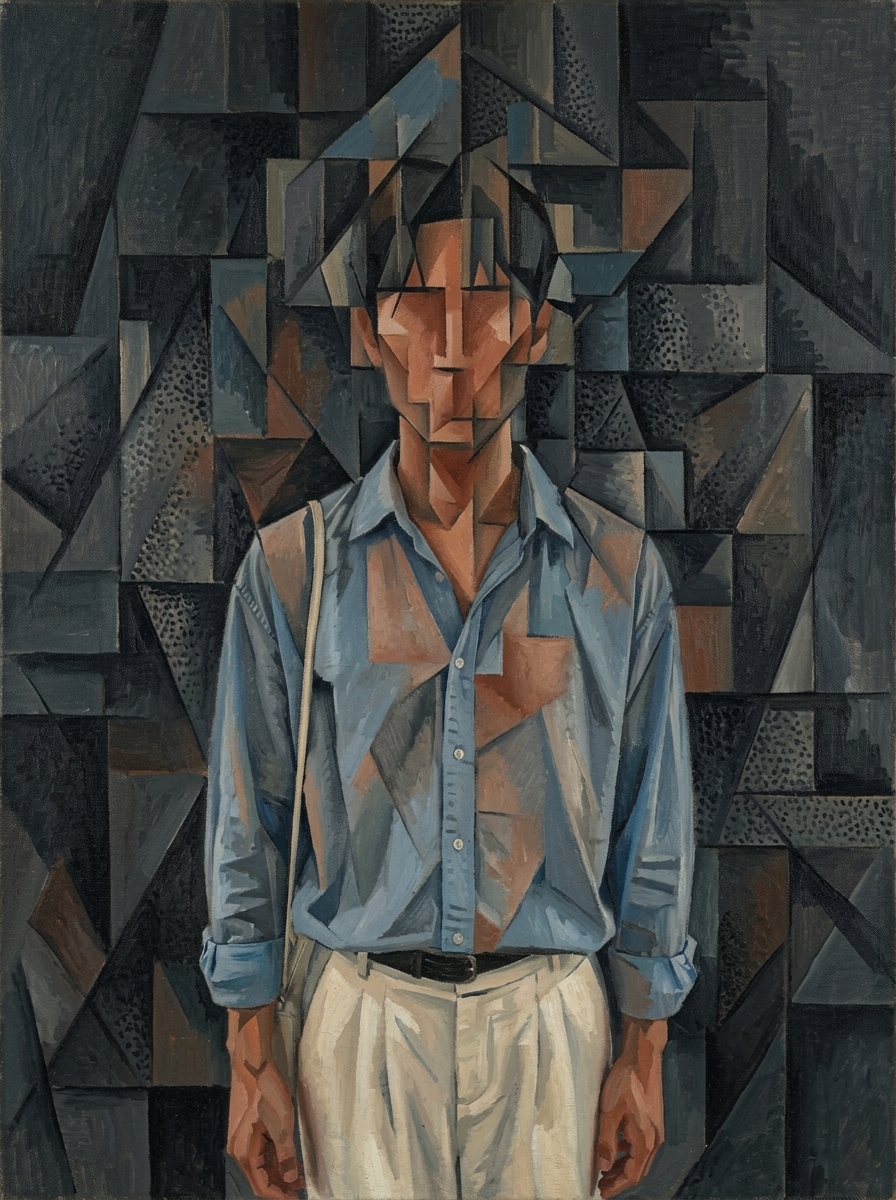
Braque-Inspired Analytical Cubist Figure
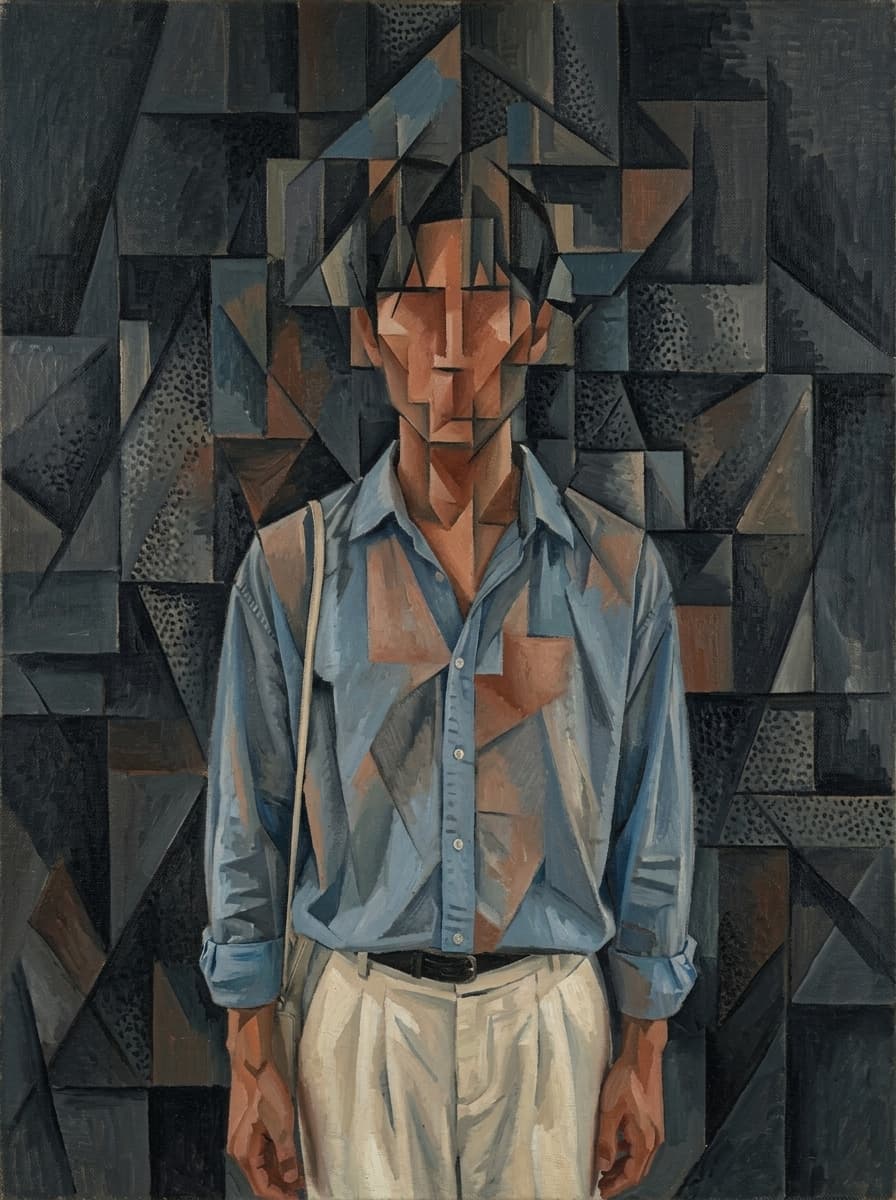
Warm Geometric Cubist Figure

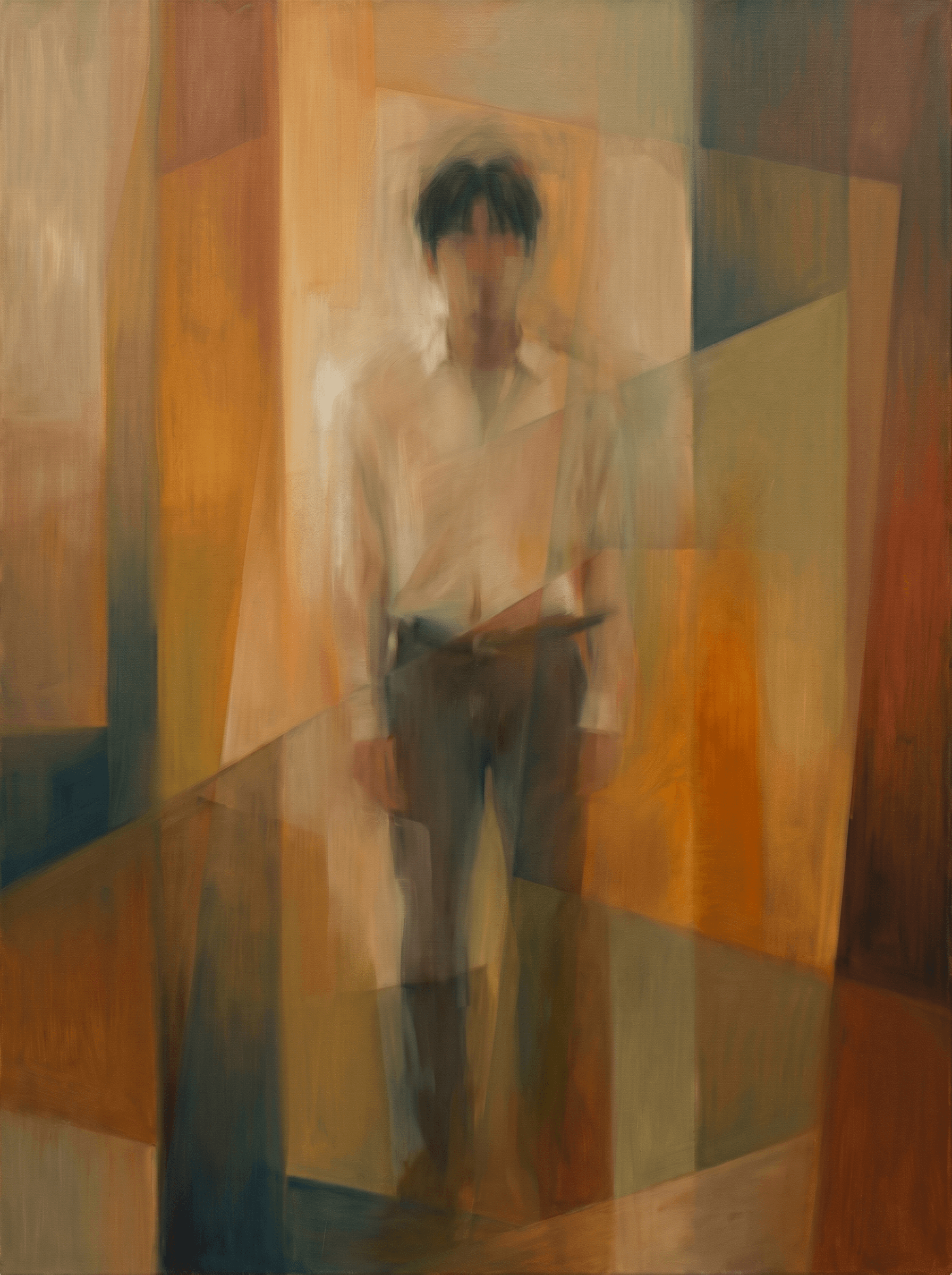
Orphism Circular Color Abstraction
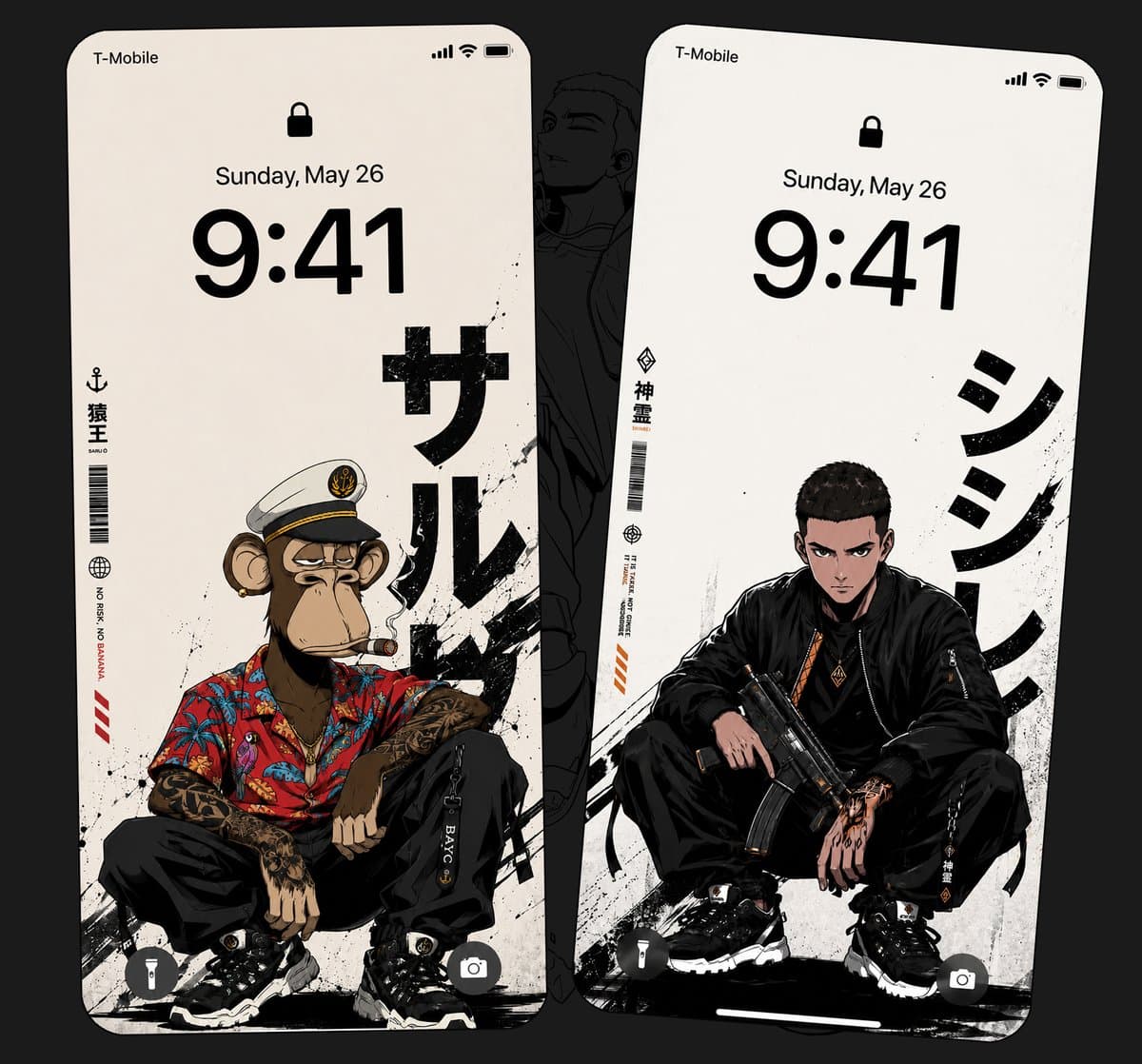
Anime Streetwear Lock Screen Wallpaper

감성 맥북 배경화면
What Are Fence Illustration AI Prompts?
Fence Illustration AI prompts are specific textual instructions designed to guide artificial intelligence in generating high-quality illustrations of fences, walls, and boundary structures. Whether you envision a classic white picket fence surrounding a sun-drenched garden, a rustic stone wall in the countryside, or an ornate wrought-iron gate guarding a mysterious estate, these prompts provide the necessary linguistic framework to bring those visions to life. On the Carat platform, our Fence Illustration tag focuses on capturing the essential details that define these structures-such as the grain of the wood, the weathered texture of stone, the intricate patterns of metalwork, and the way climbing plants like ivy or roses intertwine with the fence. These AI prompts act as a bridge between your creative imagination and the digital output, allowing you to control not just the type of fence, but also its scale, perspective, and overall artistic style. For artists, designers, and hobbyists alike, these prompts offer a fast and reliable way to create background elements or focal points for a variety of digital projects, ensuring that every generated boundary structure adds meaning and aesthetic value to the scene.
Best Use Cases
The utility of Fence Illustration spans several creative and professional fields. In the realm of landscape and architectural visualization, these illustrations are perfect for creating conceptual mood boards and initial design drafts that show how a boundary structure will fit into a larger environment. Graphic designers frequently use these assets in the creation of website headers, social media graphics, and promotional materials for home-related services like gardening, real estate, or interior design. For digital storytellers and children's book illustrators, Fence Illustration provide a consistent way to build cozy and familiar settings that evoke a sense of home and safety. They are also highly popular in the digital journaling community as decorative stickers or background frames for layout designs. Additionally, these illustrations can be used as environmental assets in 2D game design, helping to define play areas or set the mood for different levels. By adjusting the season-such as adding frost for winter or fallen leaves for autumn-these prompts can be used to create timely marketing visuals throughout the year.
Why This Tag Works
Fences can be deceptively difficult for AI to generate correctly because they involve repetitive geometric patterns and precise spatial alignment. Without specific guidance, AI models might produce fences with uneven gaps or distorted planks. The Fence Illustration tag on Carat works because our prompts include technical modifiers that emphasize "structural symmetry," "even spacing," and "consistent perspective." These "guardrail" keywords help the AI maintain the integrity of the fence's design while allowing for creative flourishes. Moreover, the tag is designed to be highly contextual; it encourages the inclusion of surrounding elements like grass, flowers, or specific lighting conditions, which helps the AI understand the relationship between the fence and its environment. This results in more integrated and believable illustrations. By using our pre-optimized prompts, users can skip the frustration of poor-quality generations and immediately get results that are ready for professional use. The ability to switch between styles like minimalist vector, lush oil painting, or delicate watercolor further adds to the tag's versatility and value.
Explore Related Prompts
Enhance your environmental designs by exploring these related prompt categories. Combining different boundary styles with diverse artistic filters will help you create a truly unique and atmospheric illustration.
Prompt Building Tips
When building your Fence Illustration AI prompts, think about the story you want the fence to tell. Is it a "brand new white wooden fence" that looks pristine and welcoming, or an "old, leaning stone wall covered in thick moss" that feels ancient and forgotten? Start with the material and its condition, then move on to the artistic style. For example: "A rustic split-rail wooden fence in a foggy meadow, cinematic lighting, soft focus background, digital painting style." To improve the composition, specify the camera's relationship to the fence-using terms like "eye-level view," "low angle to make the fence look imposing," or "side profile to show the fence receding into the distance" can drastically change the final image. Don't forget to describe the lighting; "dappled sunlight through trees" or "the golden hour glow" can transform a simple fence into a breathtaking scene. Finally, if you need the illustration to be part of a larger series, mention specific colors or plant types to maintain consistency. Carat's prompt library is a goldmine for these kinds of specific descriptors, so use them to refine your vision and create the perfect fence illustration for your needs. Iteration is key, so try combining contrasting elements to see what unique boundaries the AI can build for you.