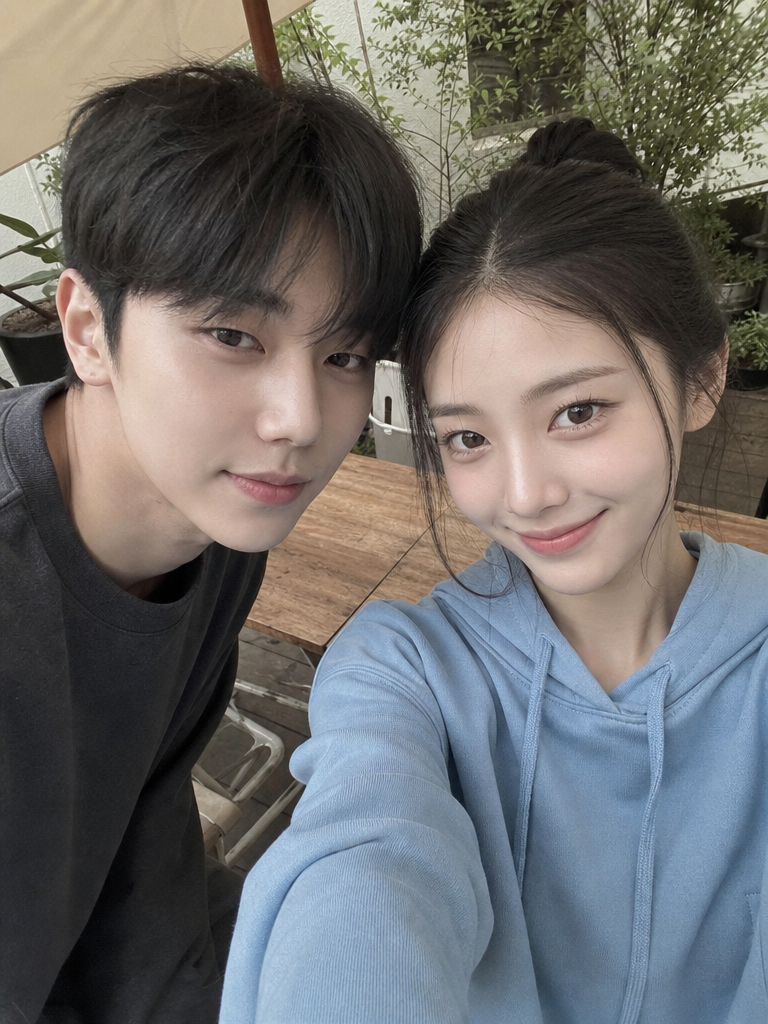
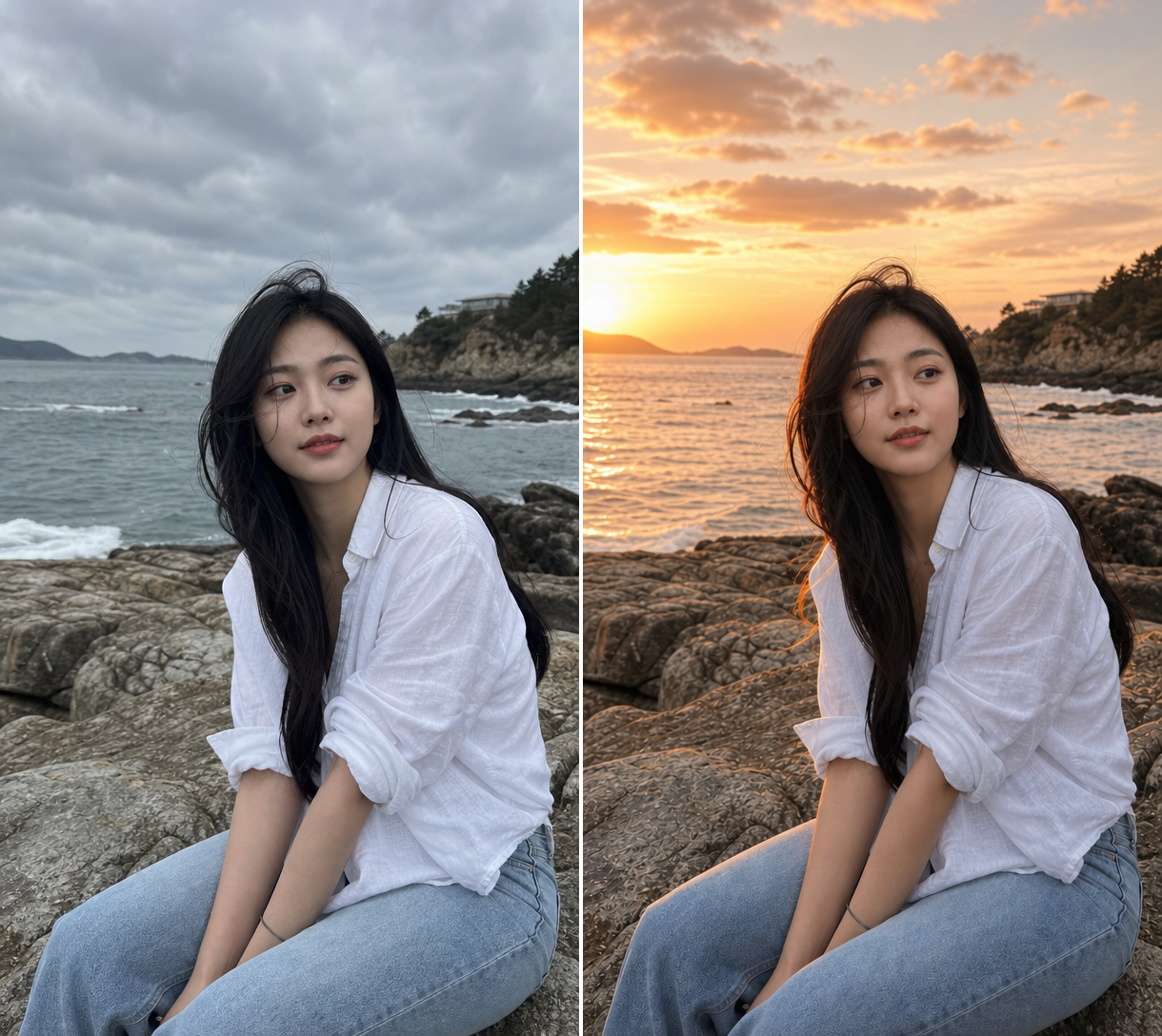
ID Photo Enhance
Retouch ID photos, fix skin, and restore photos with AI prompt templates.
2026.07.08
Make “ID Photo Enhance” exactly the way you wantCreate your own “ID Photo Enhance”
Just ask in plain language — Carat generates optimized images and videos for you.

Start now with 100 free credits daily
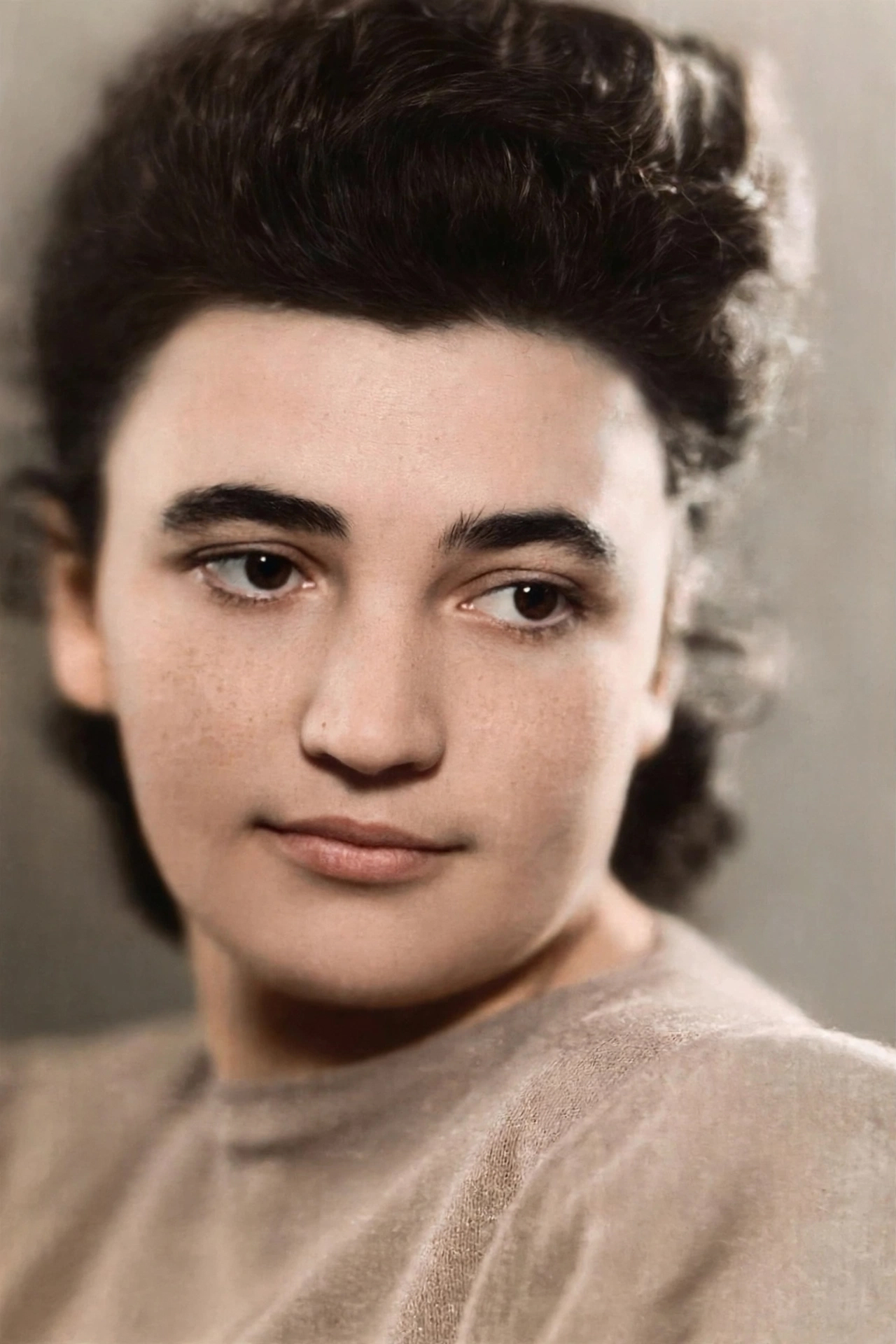
Old Photo Restored to Modern Quality
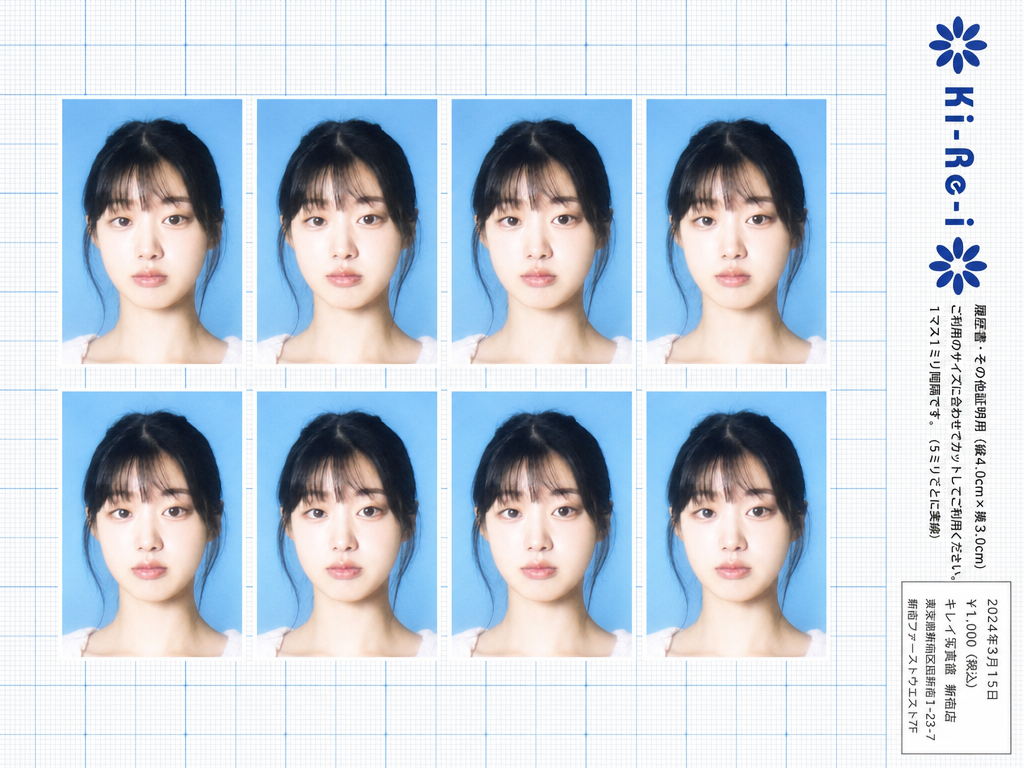
Ki-Re-i ID Photo Sheet
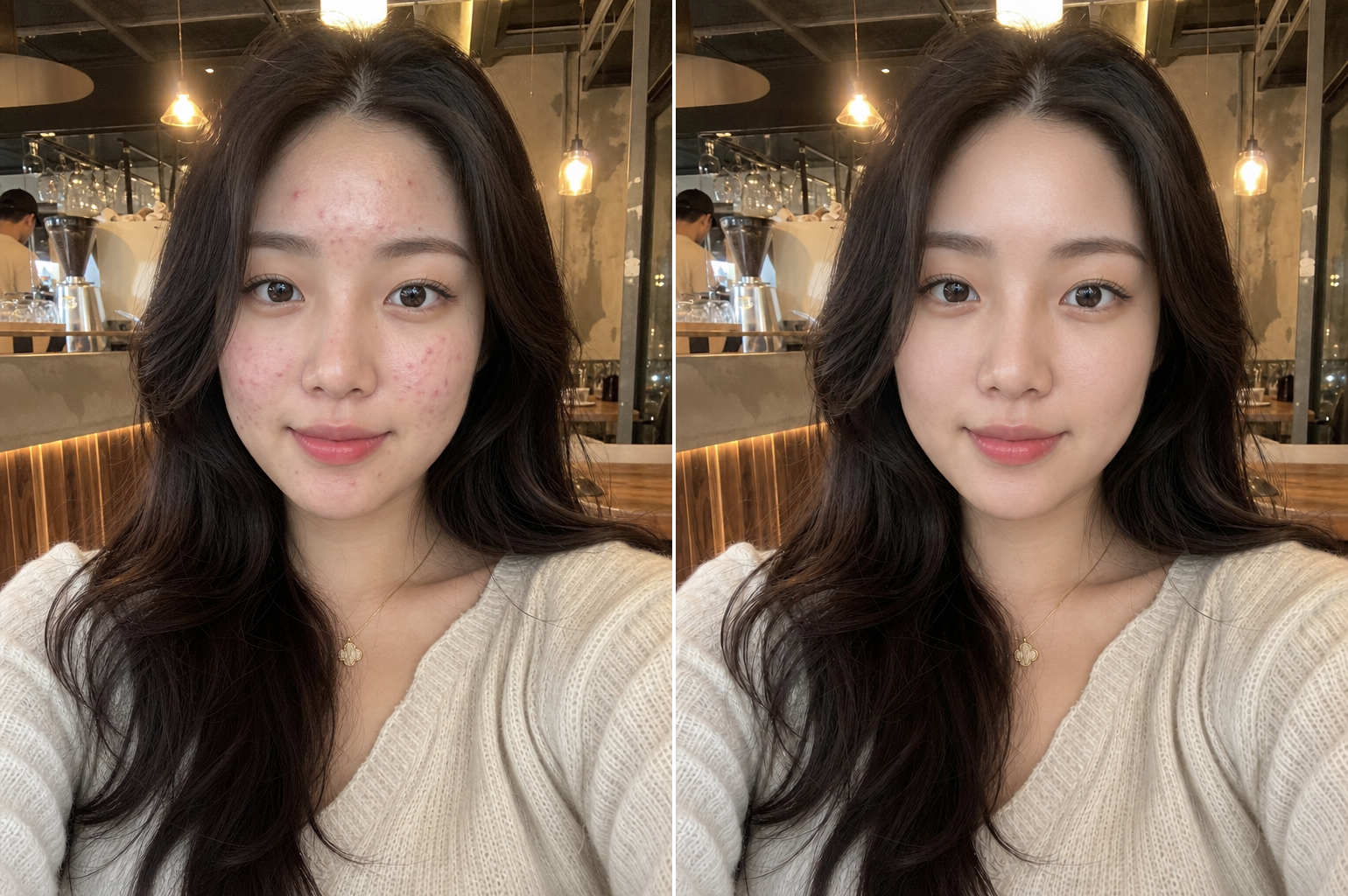
Natural Skin Retouching
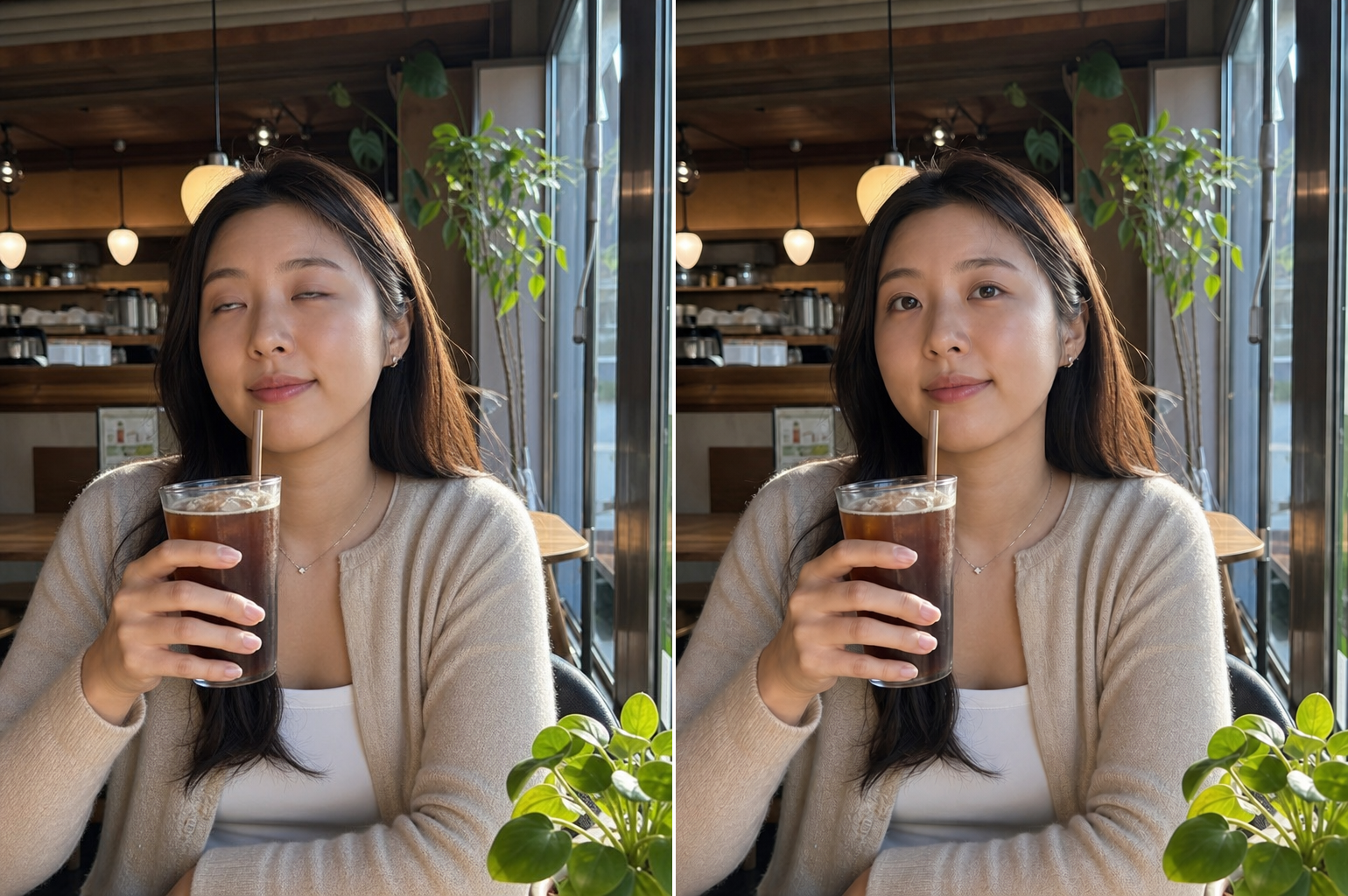
Closed Eyes Fix
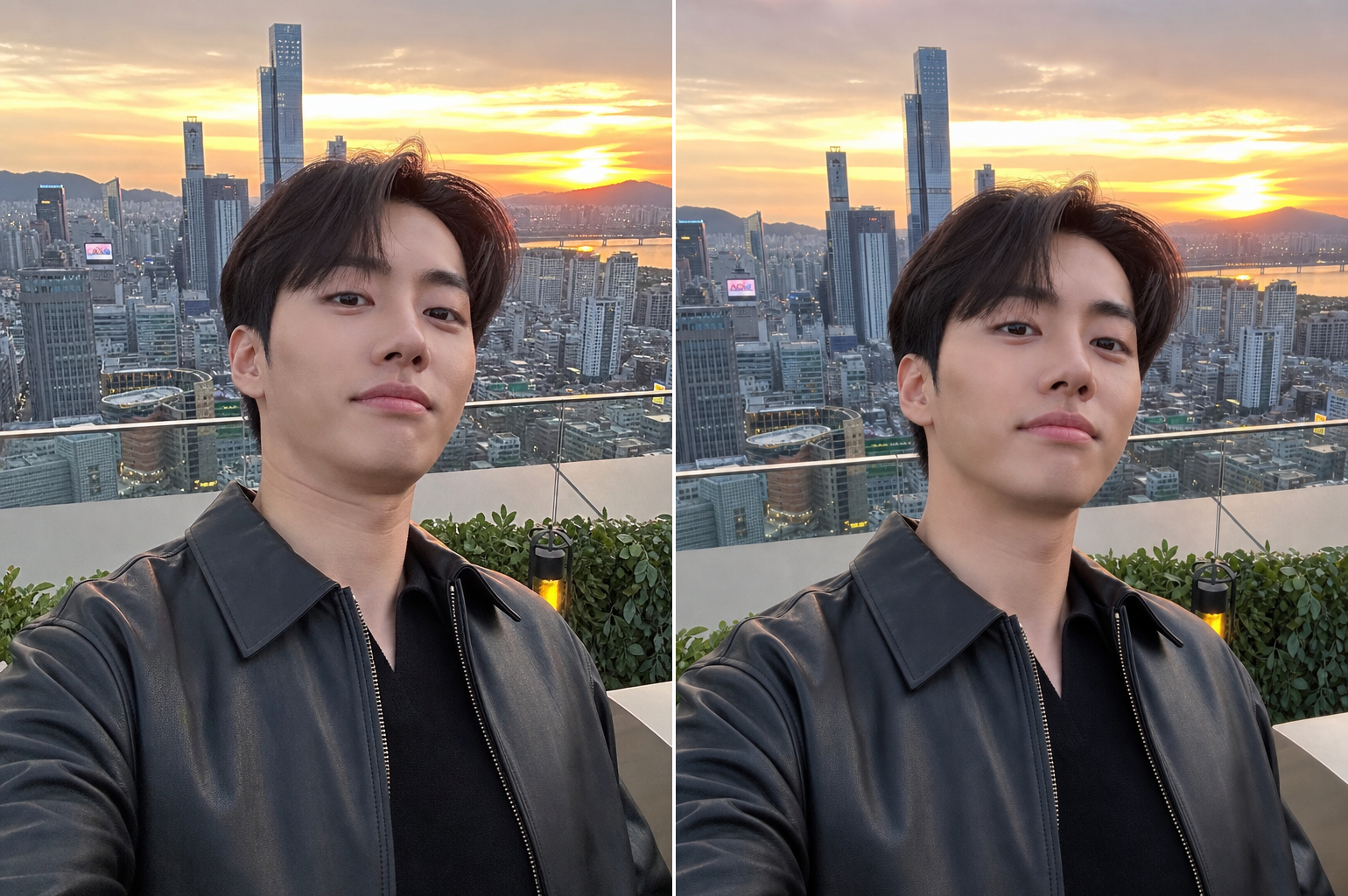
Unflattering Angle Fix
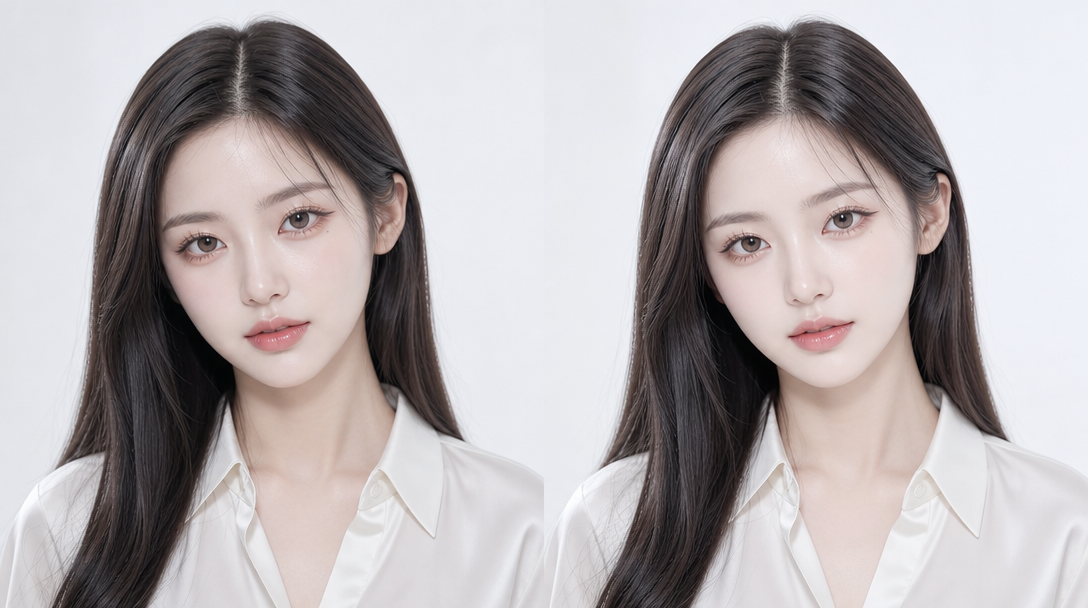
사진 보정
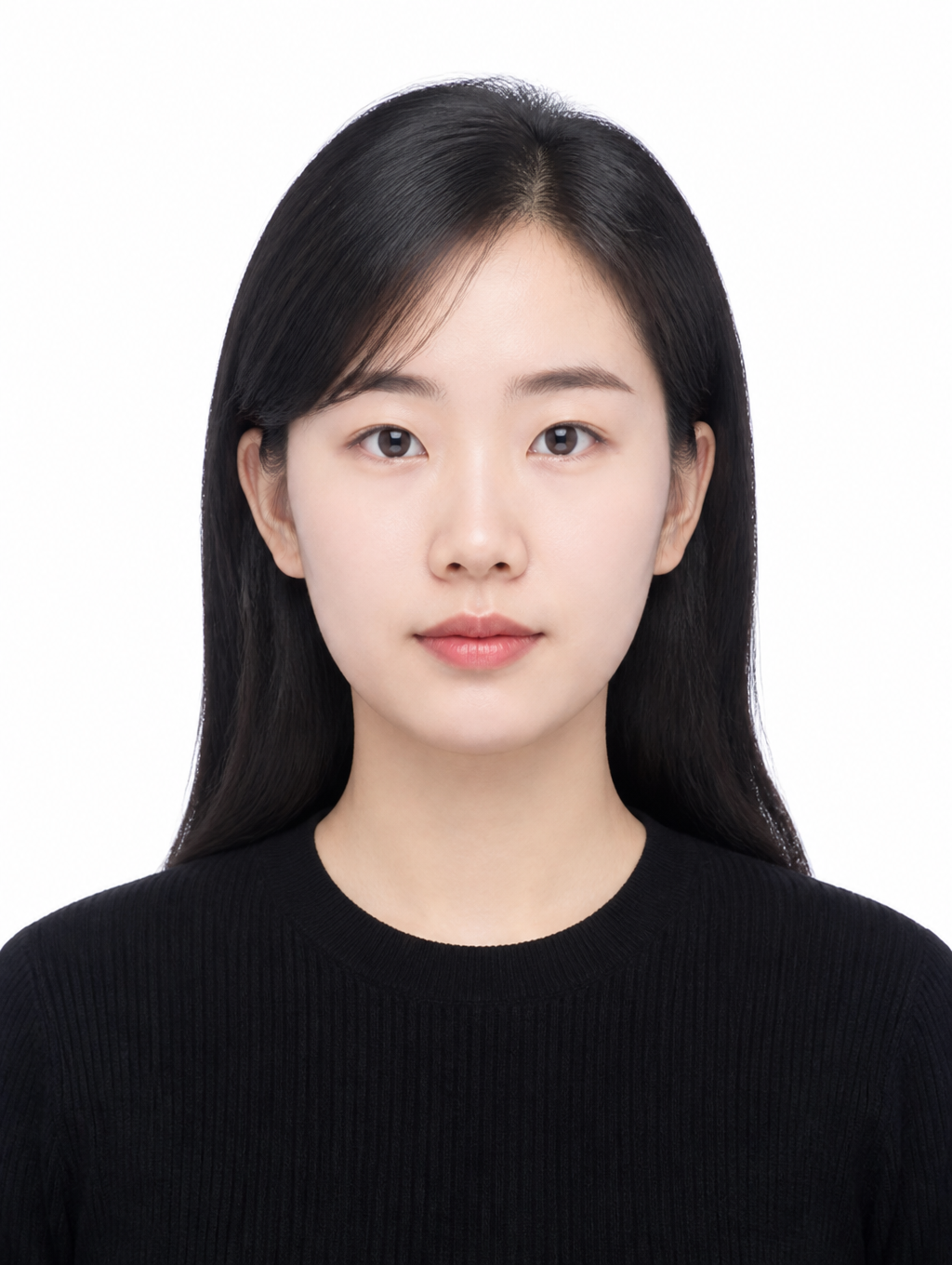
Clean Basic ID Photo
What Is ID Photo Enhancement?
ID photo enhancement is the process of improving the quality, appearance, and professionalism of identification photographs through digital retouching and correction techniques. ID photos serve official purposes such as job applications, civil service exams, passports, and visas, making a clean and presentable appearance essential for creating a positive first impression. The enhancement process encompasses skin retouching to smooth blemishes and even out skin tone, lighting correction to eliminate harsh shadows, angle correction for poorly composed shots, eye correction for photos where the subject blinked, and background standardization to meet official specifications. With AI image generation tools, these enhancement tasks can now be performed quickly and naturally without professional photo editing skills, enabling anyone to transform ordinary photos into polished, professional-quality ID photographs from home without expensive studio visits or complex software.
How to Write AI ID Photo Enhancement Prompts
When enhancing ID photos with AI, specify the enhancement type, natural appearance, skin tone, lighting, and background as key elements. Include prompt phrases like "skin retouching," "natural skin tone," "soft lighting," "white background," and "ID photo specification." Emphasize natural finish over excessive editing, and maintain the ID photo specification background and composition. The most critical aspect is preserving the subject's likeness, ensuring the enhanced photo still looks like the same person, as overly aggressive retouching can produce results that look nothing like the actual individual. For official ID photos, specify the appropriate background color, typically white for most official documents, and ensure the composition meets the required specifications for the intended use case.
ID Photo Enhancement Prompt Examples
A photo retouching prompt improves overall image quality and skin appearance naturally, creating a polished look without obvious editing. A skin retouching prompt focuses specifically on skin texture, smoothing blemishes while maintaining natural skin glow and pore detail. A closed-eye photo restoration prompt converts a photo where the subject blinked into a normal, open-eyed photo. A bad angle correction prompt fixes poorly composed angles and converts them to proper front-facing ID photo composition. A kirei ID photo prompt creates a Japanese photo studio-style refined ID photo with polished lighting and professional quality. A clean basic ID photo prompt generates a neat, formal ID photo with proper attire and white background.
Tips for Using AI ID Photo Enhancement
Enhanced ID photos can be used for job applications, exam registrations, passports, visas, professional profiles, and other official purposes. Maintain natural retouching while improving skin texture and lighting to create a trustworthy, professional ID photo that presents the subject at their best. Avoid excessive retouching that could make the photo look significantly different from the actual person, as this can cause issues during identity verification. AI tools enable home-based ID photo enhancement without studio visits, making it possible to improve self-taken photos to professional ID photo standards quickly and cost-effectively. For job seekers and exam applicants, generating multiple enhanced versions with different retouching levels provides options to choose the most natural and flattering result. Always specify the intended use case in the prompt, as different applications may require different levels of formality and specific background colors.
Frequently Asked Questions About ID Photo Enhancement Prompts
Common questions include whether AI retouching looks natural, whether skin retouching can be done separately, whether closed-eye photos can be restored, whether bad angles can be fixed, and whether the subject's likeness is preserved. With precise prompting, AI tools produce natural, polished ID photos with full control over the enhancement type and intensity. The key is emphasizing natural retouching and likeness preservation in the prompt to achieve results that look professional while remaining recognizable as the actual person.