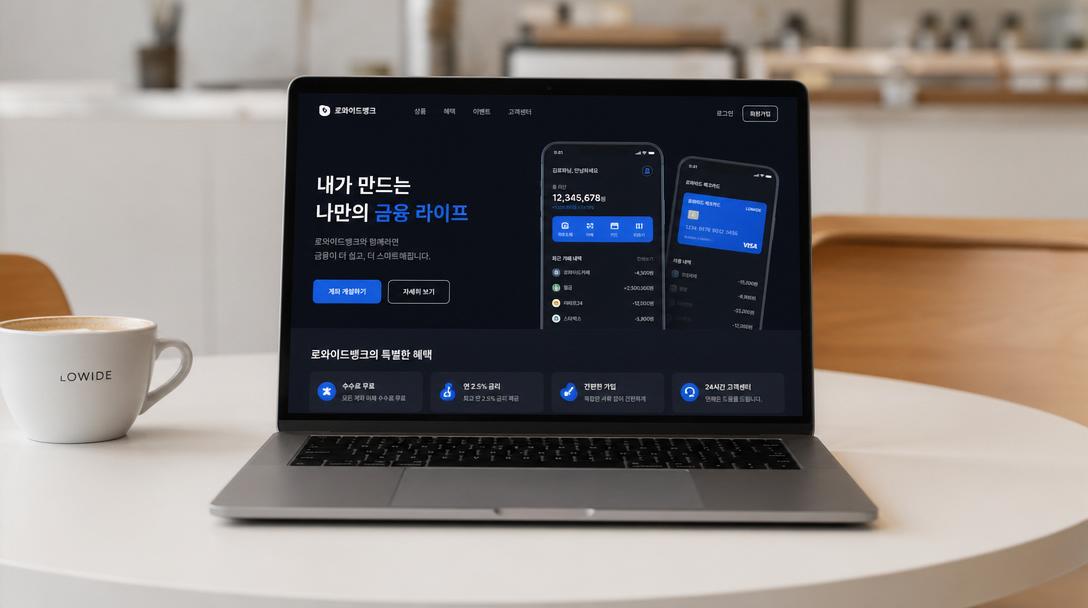
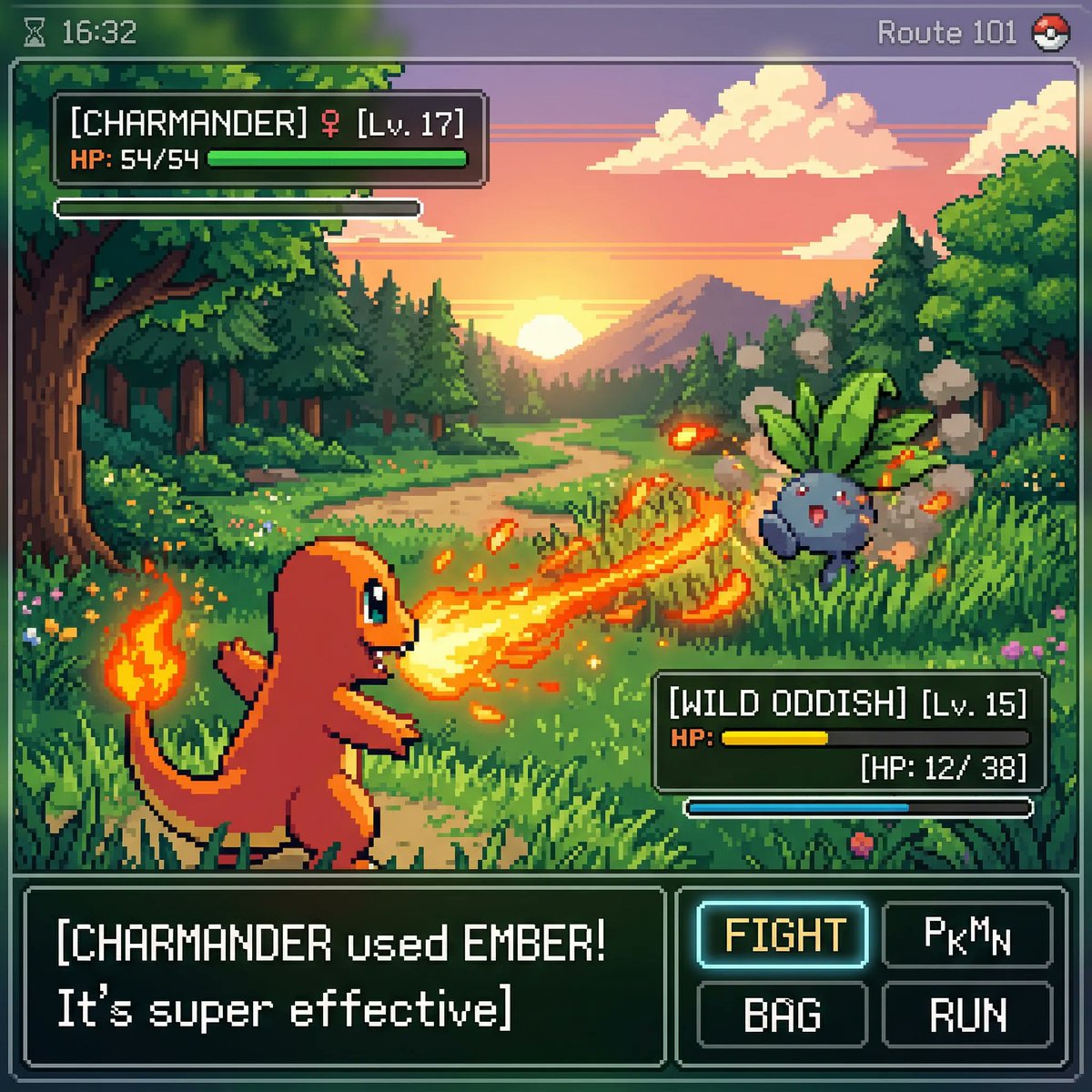
Screenshot Mockup
게임, 웹툰, 앱, 실사화 콘셉트를 실제 화면 캡처처럼 보이는 스크린샷형 이미지로 만드는 태그입니다.
2026.07.02
「Screenshot Mockup」を思いどおりに作りましょう自分だけの「Screenshot Mockup」を作る
ふだんの言葉で伝えるだけで、Caratが最適な画像や動画を生成します。

毎日100クレジット無料で今すぐ始められます
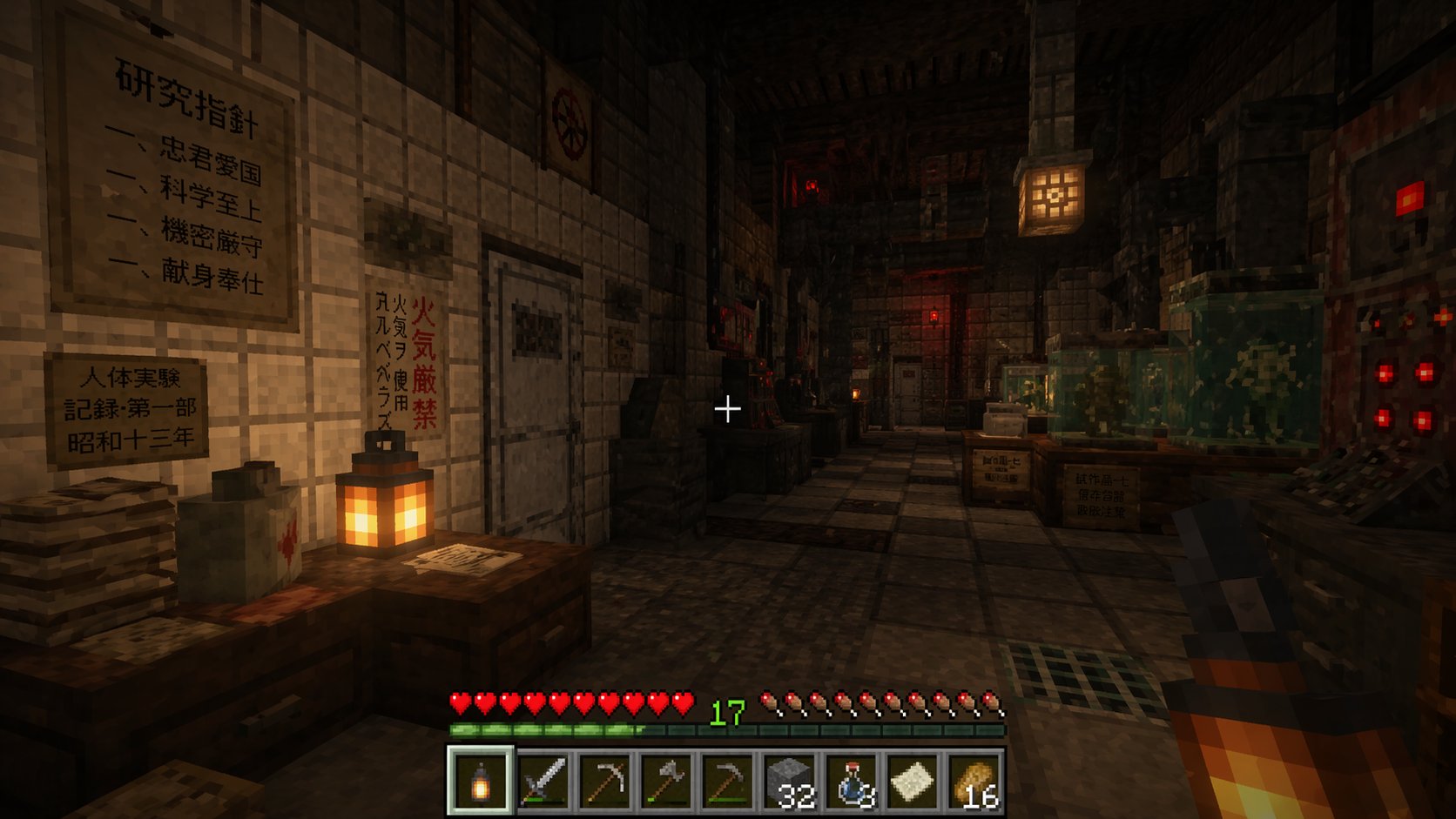
Minecraft Screenshot Image of Exploring a Mysterious Pre-war Japanese Research Laboratory
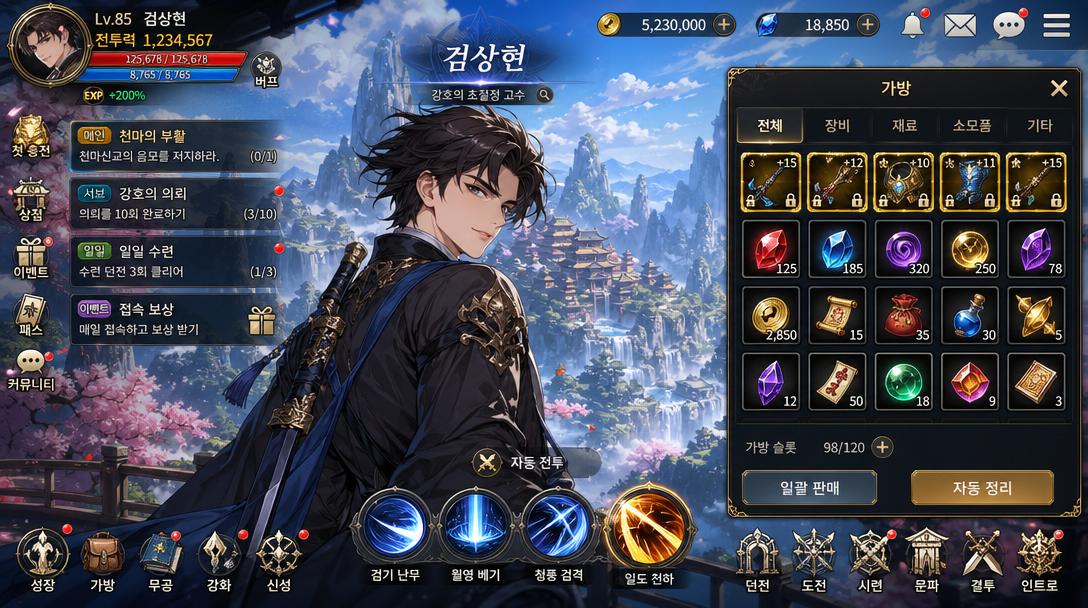
Korean Mobile RPG Game Screenshot Featuring a Korean Webtoon-style Character
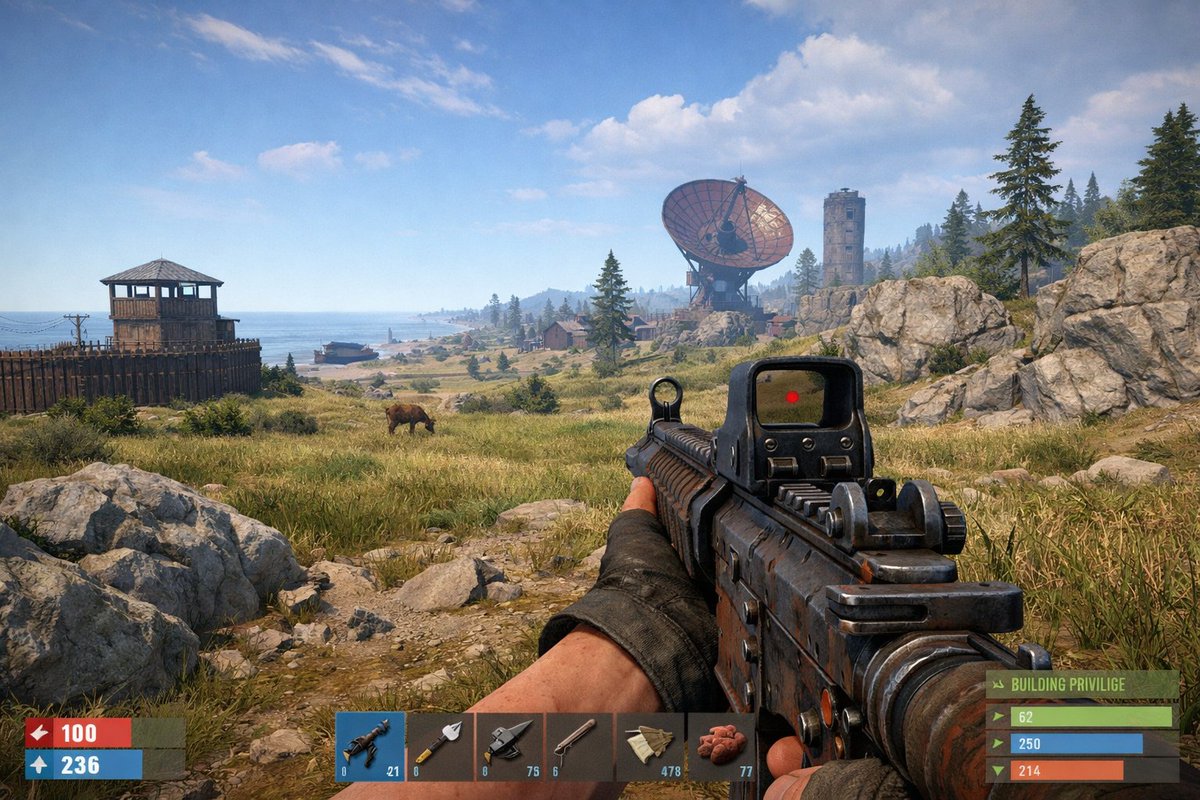
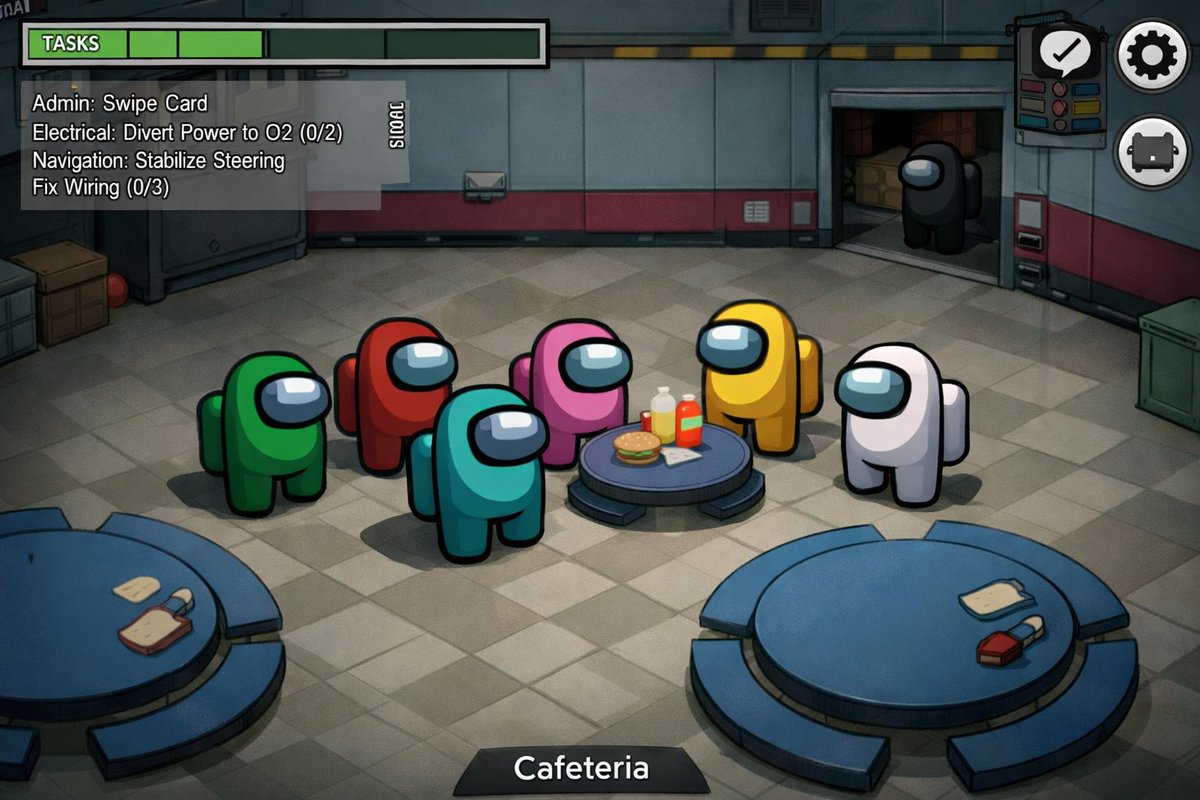
Precise, Realistic Actual Gameplay Screenshot of Among Us
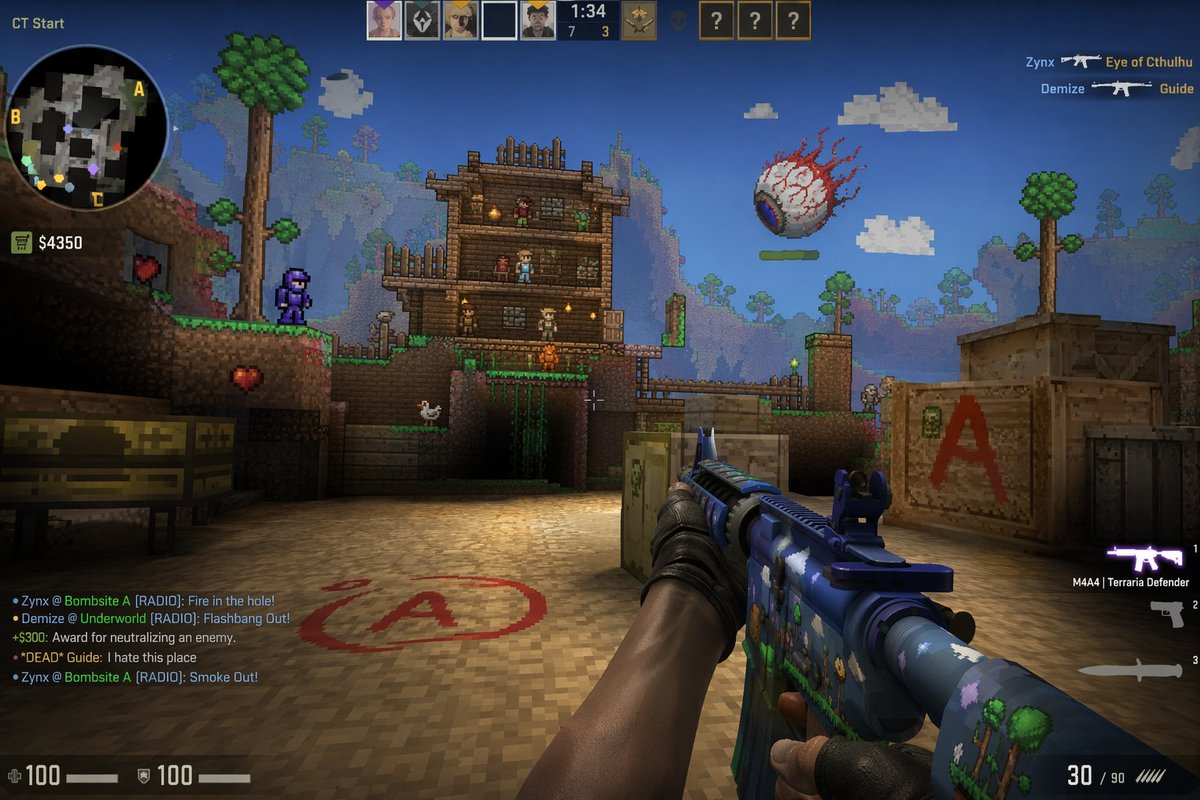
Counter Strike in Game Screenshot, Mixed with Terraria
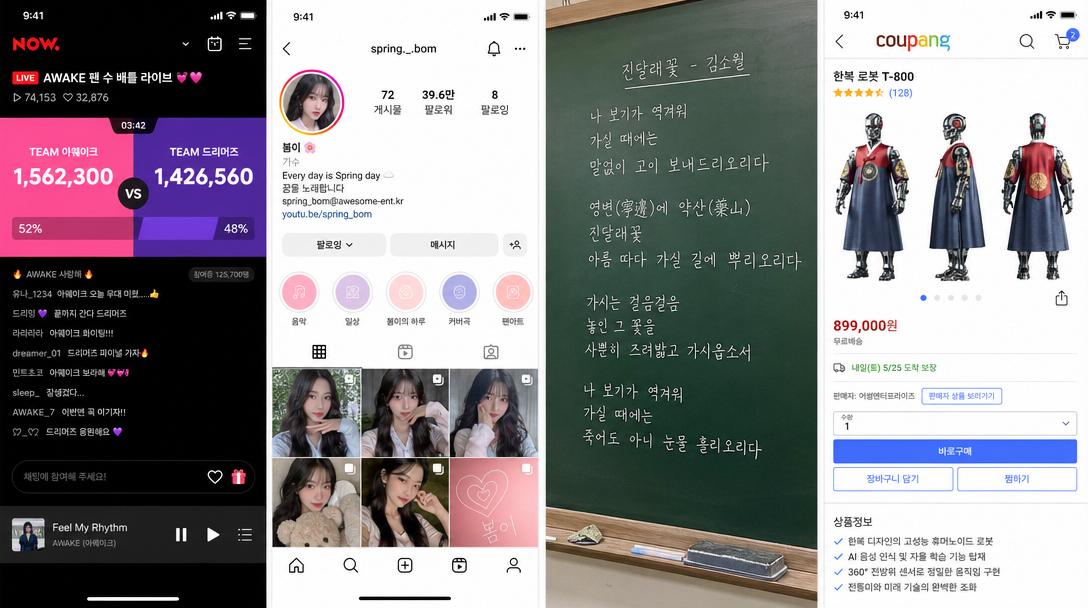
Korean Idol Group Fan Count Battle in a Naver Now Live Stream Screenshot
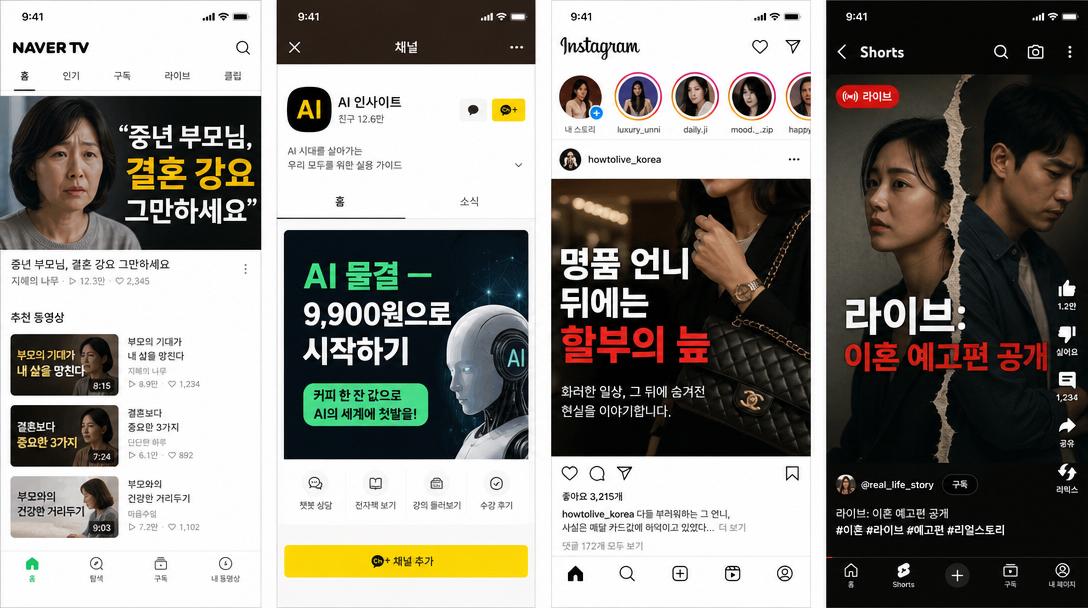
Naver TV Content Screenshot, Topic: , IPhone Size
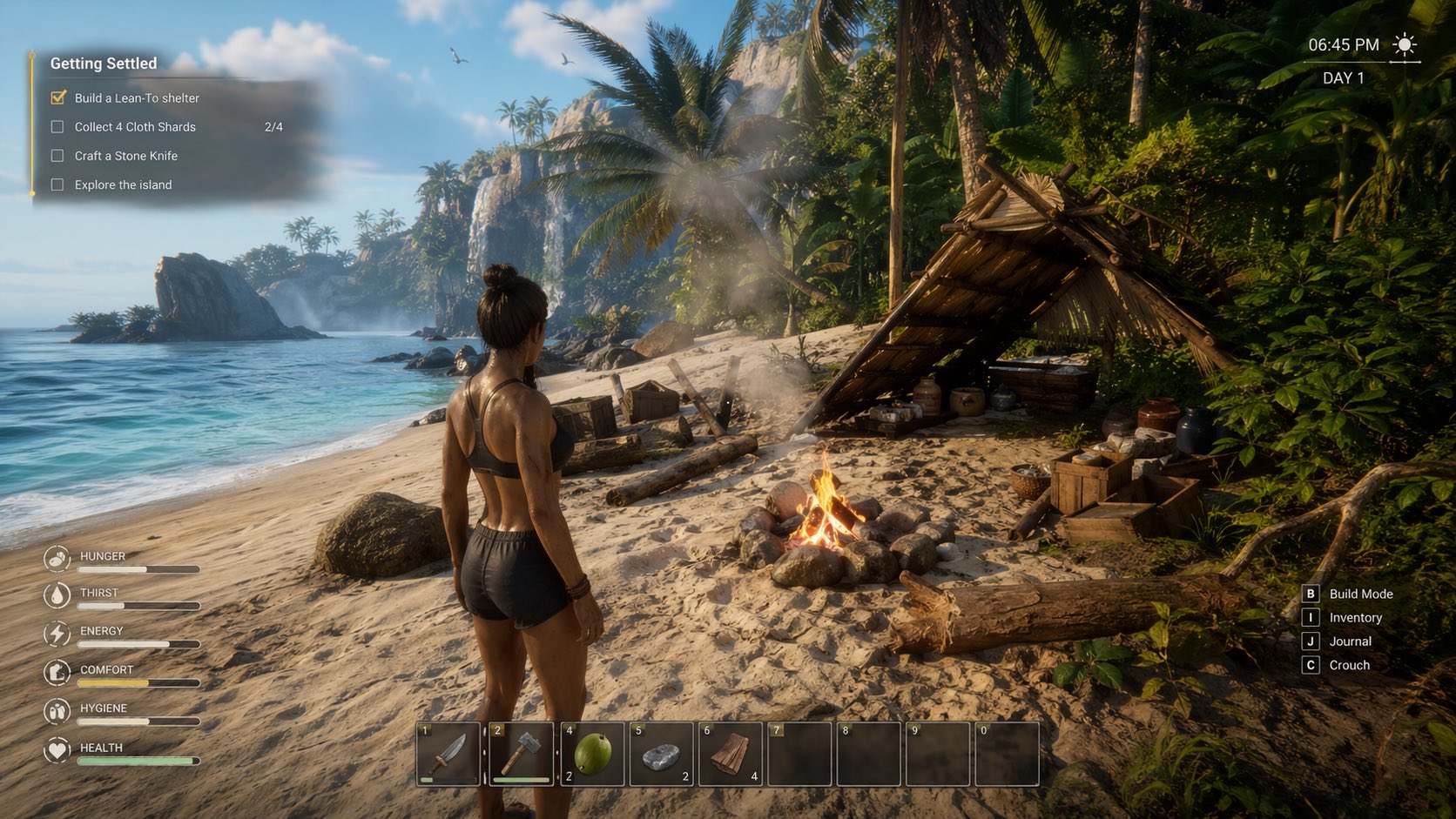
Screenshots from a AAA Video Game Based Off What the Sims Castaways Sequel Could Look Like
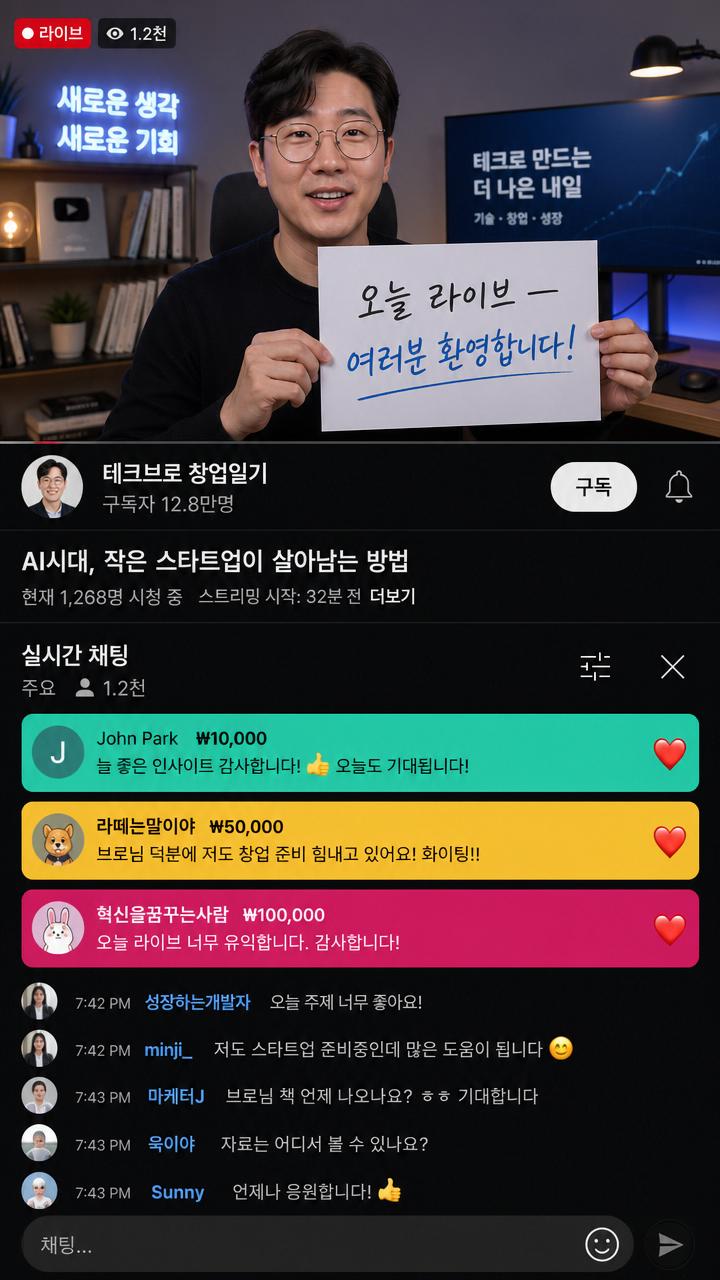
Korean Celebrity YouTube Live Screenshot
What are Screenshot Mockup AI prompts?
Screenshot Mockup prompts help you create a focused image direction with a clear subject, environment, visual hierarchy, lighting, camera language, texture, and delivery format. The goal is not to ask for a vague style sample but to give the model enough production context to make deliberate choices. This tag is useful when you need prompts that can be adapted for campaigns, thumbnails, product visuals, cinematic shots, shortform scenes, or concept boards without rebuilding the structure from scratch. A strong prompt defines what should be seen first, what mood the viewer should feel, and which details must remain consistent across variations.
Main use cases
- 게임 콘셉트 스크린샷
- 웹툰 게임화 시안
- 앱 화면 목업
- 실사화 장면
- 인터페이스 프리뷰
Why this tag is useful
Screenshot Mockup outputs can easily become generic if the prompt only names a theme. Add the subject, environment, composition, lens or motion, lighting, color palette, texture, and post production treatment. This creates a repeatable framework for testing variations while keeping the creative direction stable. For commercial work, it also helps separate exploratory ideas from usable deliverables. You can generate one version for a hero visual, another for a close crop, and another for a social layout while keeping the same core identity.
When adapting a prompt, change one variable at a time. Test background first, then camera distance, then color temperature, then styling details. This makes the review process easier because you can identify which change improved the result. For video prompts, include the first action beat, camera movement, transition rhythm, and ending frame so the generated clip has a clear beginning and finish. Clear constraints usually produce more polished results than long lists of unrelated adjectives.
Related prompts to explore
Prompt building tips
- Start with the final channel and aspect ratio so the composition is generated for the right surface.
- Describe the subject in one compact sentence, then add environment, lighting, camera, material, and mood.
- Include negative guidance for unwanted artifacts such as messy text, extra limbs, distorted logos, unstable motion, or irrelevant props.
- After the first result, keep the core prompt and revise only one variable per test. This creates a reliable iteration path for Screenshot Mockup assets and helps you move from concept to publishable output faster.