

1
Planning
First, plan the ad concept through conversation with Carat AI.
2
Generate model image
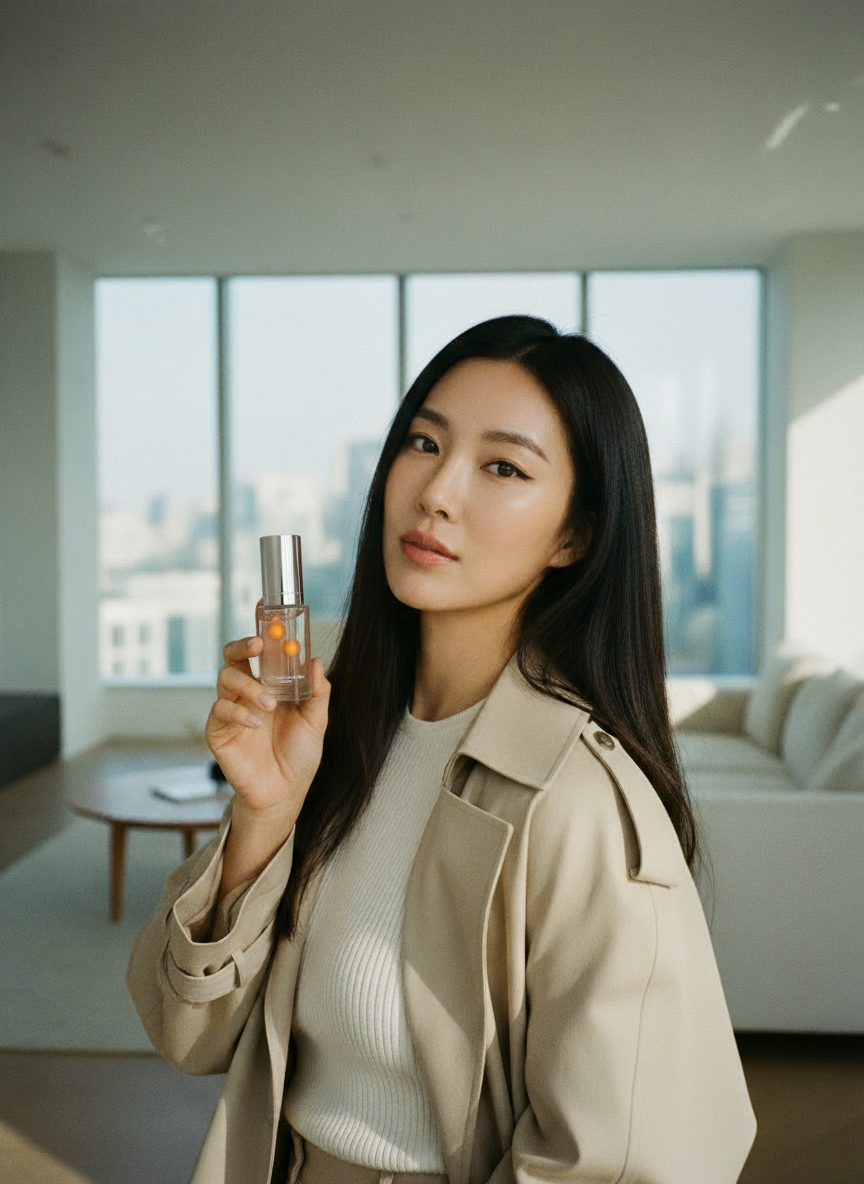
Generate the ‘model’ image that will hold the product.
3
Composite product
Composite the ‘model image’ you created with your prepared ‘product cutout’.
- Upload the cutout image of the product to advertise.
- Clearly request to composite the two images via text.
4
Edit and complete
Check the details of the composited image and make edits if needed.Edit example:Video example:
Looking for an easier way?If this workflow is complex, try the ‘Virtual Model Creation’ or ‘AI Influencer’ features in Mini Agent.