

1
Prepare high-quality cutout
First, create a high-quality product cutout to use for compositing.
2
Plan concept
Plan background concepts for placing the product with Carat AI.
3
Composite product
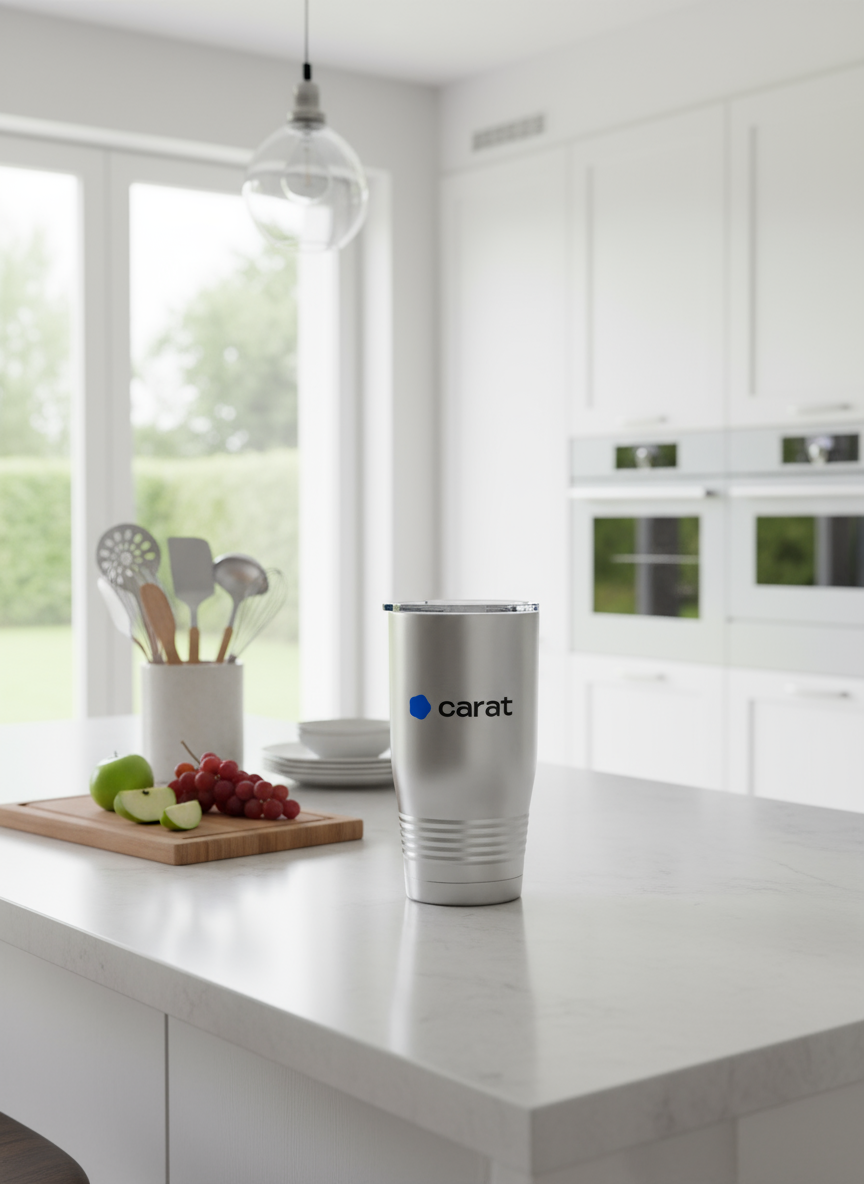
Combine the cutout with the planned concept to generate the final product shot.
4
Expand and create video (optional)
You can change the completed product shot to different ratios or create simple videos.Change ratio:Create video:
Looking for an easier way?Try the ‘Create Product Mockup Image’ feature in the Mini Agent menu.