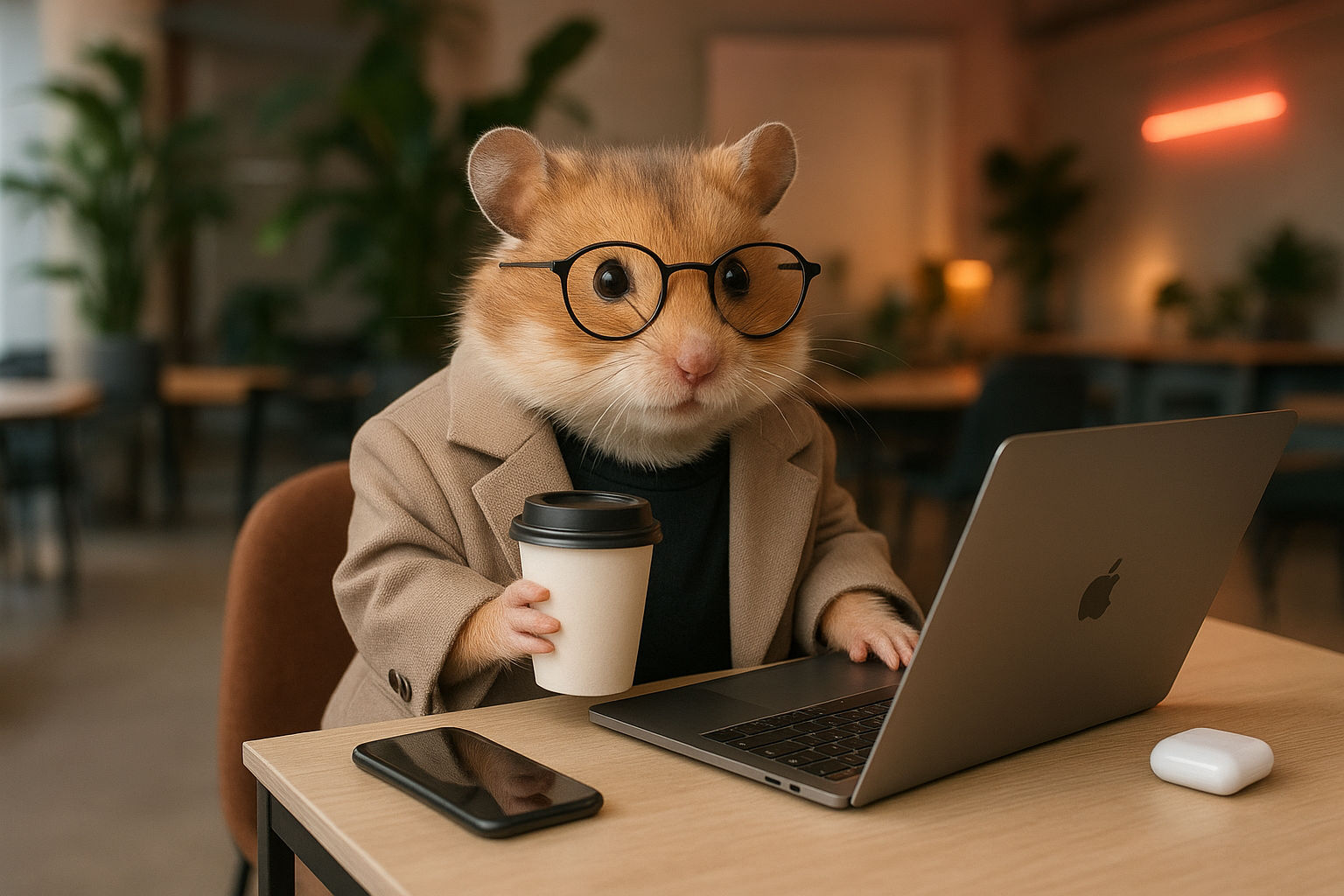
This guide walks you through planning a character with Carat AI, generating consistent scene images, and combining voice and music to complete a short-form video. Viral animal shorts example
1

Plan character and episode

First, chat with AI to plan your short-form protagonist and story.Character planning:
Recommend an animal character for relatable short-form content.
Generate base image:
Create a base image of the 'Ham Manager' character in 9:16 realistic style.
Episode planning:
Create a 4-panel storyboard for Ham Manager's 'Monday Blues' episode.
2

Generate scene images

Reference the ‘base image’ from step 1 to generate scene images that maintain consistent character appearance.
Reference the 'Ham Manager' base image from step 1 and create all 4 scene images at once. Use the Nanobanana image model.
3

Create video and final edit

Convert the generated images to video and add audio to complete.Create video:
Convert all 4 scene images into 5-second videos.
Add voice (TTS):
Add the line 'Monday... is this real...' to video 1 with a tired voice.
Merge videos:
Merge all the videos created so far.
Speed up:
Speed up the merged video to 1.5x.
Add background music:
Finally, add fitting background music to the video.
Looking for an easier way?Try the ‘Animal Shorts Creator’ template in the Mini Agent menu.