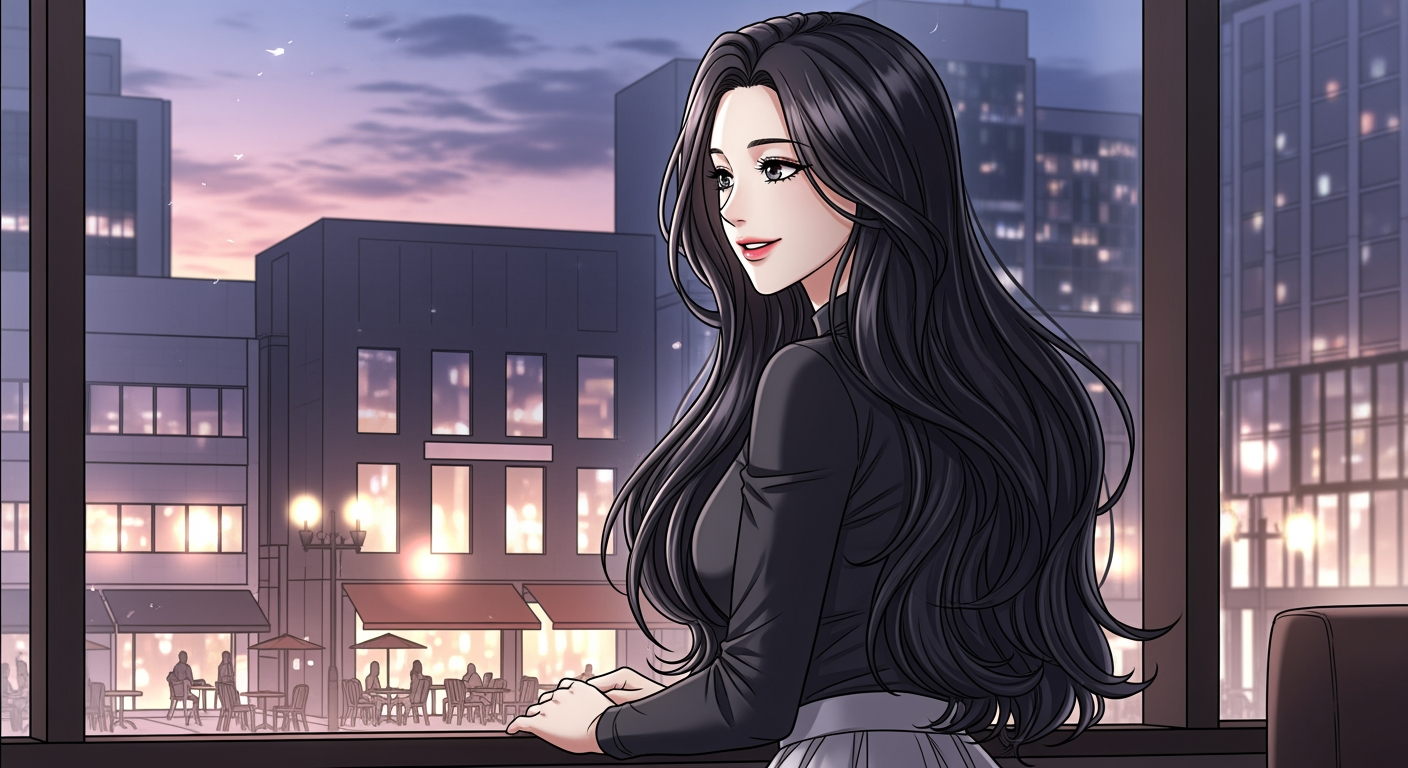
This guide focuses on creating ‘illustration assets’ needed for webtoon production, not ‘completing’ a webtoon. With Carat AI, you can plan characters, create storyboards, and generate consistent illustrations.
Planning (worldview and characters)
Plan the settings and character designs that form the backbone of your webtoon with AI.Request ideas: I want to create a romance fantasy webtoon. Suggest 3 worldviews, plot summaries, and characters.
Generate character: Great. Design the female protagonist character in 'Korean webtoon style', 9:16 ratio using worldview #1.
Plan storyboard
Plan detailed panel composition for episode 1 as text (script). Create a 6-panel storyboard for episode 1 using the character just created. Specify scene description, composition, and character placement for each panel in detail.
Generate illustrations
Generate illustrations consistently based on the planned content. Generate all 6 planned panels at once. Apply the character appearance description planned earlier exactly. Also, use the character image generated earlier as a reference image to maintain character consistency. Use the Nanobanana image model. Never include text or speech bubbles.
Generate dialogue/sound effect text
Receive dialogue and sound effects to overlay on the generated panel images as separate text. Analyze the 6 panel illustrations just created and write fitting dialogue and sound effects as text only, matched to panel numbers.
Post-editing
Take the ‘illustration assets’ and ‘text’ generated with Carat AI to a separate editing tool like Photoshop or Clip Studio, where you arrange panels and insert speech bubbles to complete the final webtoon.
Text generation limitationsCurrently, AI cannot perfectly draw text or speech bubbles within images. This guide focuses on creating ‘illustration assets’, and we recommend post-editing with separate editing tools for text work.