

1
Prepare product cutout
First, prepare a clean ‘cutout’ to use for compositing.
2
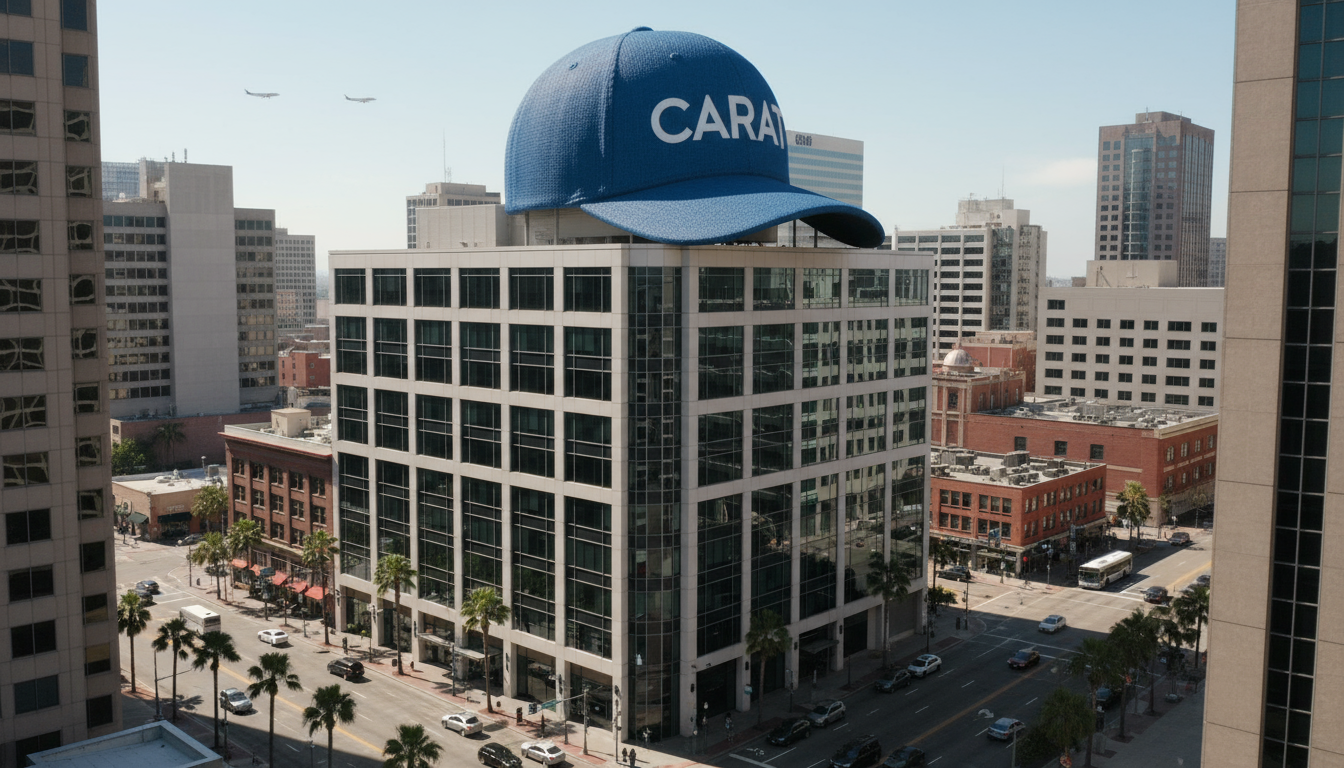
Generate FOOH composite image
Composite the prepared cutout massively onto a real city landscape image.
- Upload or generate a city photo for the background (e.g., subway station entrance).
- Request to composite the two images.
3
Create video
Add movement to the static composite image to create liveliness.