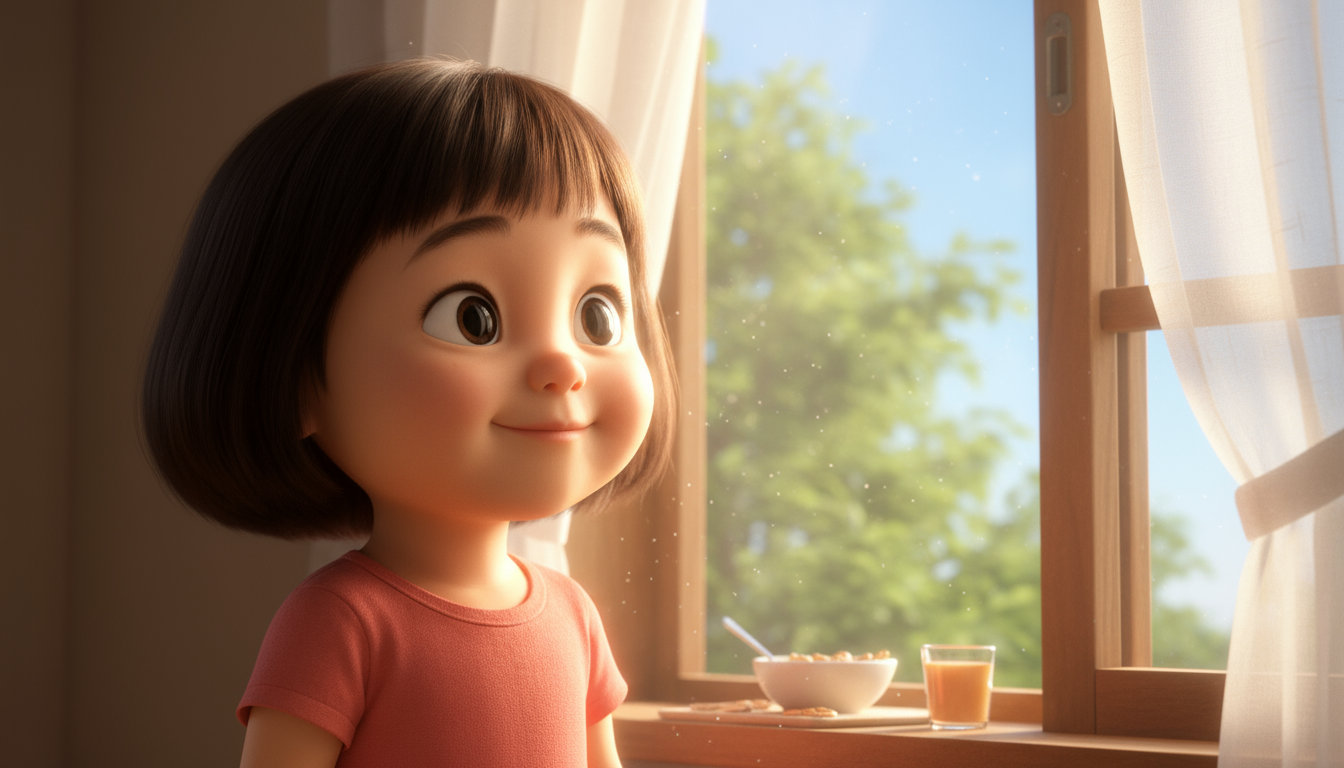
This guide walks you through creating your own original character, maintaining consistent appearance across multiple scenes, and producing animation videos. AI character animation example
1

Plan and create character

First, plan the main character for your animation and generate a base image.Request ideas:
    Suggest 3 character concepts for animation. I'd like an 'adventure-loving squirrel'.
Generate base image:
    Great. Create a base image in Pixar 3D style, 9:16 vertical ratio.
2

Plan episode

Plan the story to use with your character.
    Create a 4-panel storyboard (plan) for the squirrel character going on a 'treasure hunt adventure'.
3

Generate scene images (maintain consistency)

Reference the ‘base image’ from step 1 to generate scene images that maintain consistent character appearance.
    Create all 4 planned scene images at once. For consistency, use the squirrel base image created earlier as a reference image and use the Nanobanana image model.
This step is the most important. Using a reference image helps maintain character consistency.
4

Create video and final edit

Convert scene images to video and add audio to complete as one animation.Convert scenes to video:
    Convert each of the 4 scene images into natural 5-second videos.
Merge:
    Merge the 4 generated video clips in order.
Speed up:
    The merged video is too slow, speed it up to 1.5x.
Add audio:
    Add 'epic adventure BGM' to the merged video.
If you need dialogueInstead of video generation, you can use the Lip sync feature to create ‘talking videos’ for each scene.
Looking for an easier way?Use the ‘Create Character Video’ feature in the Mini Agent menu to make this process easier.